Trying to fix the test server of Plex I had running under ZimaOS resulted in having the application files nuked when I deleted the linux-server Plex app from the Zima OS Apps section.
That was my fault for not knowing that your store worked more like the Package Manager under Synology DSM for a package install, instead of deleting only the container under Syno DSM in their Container Manager app.
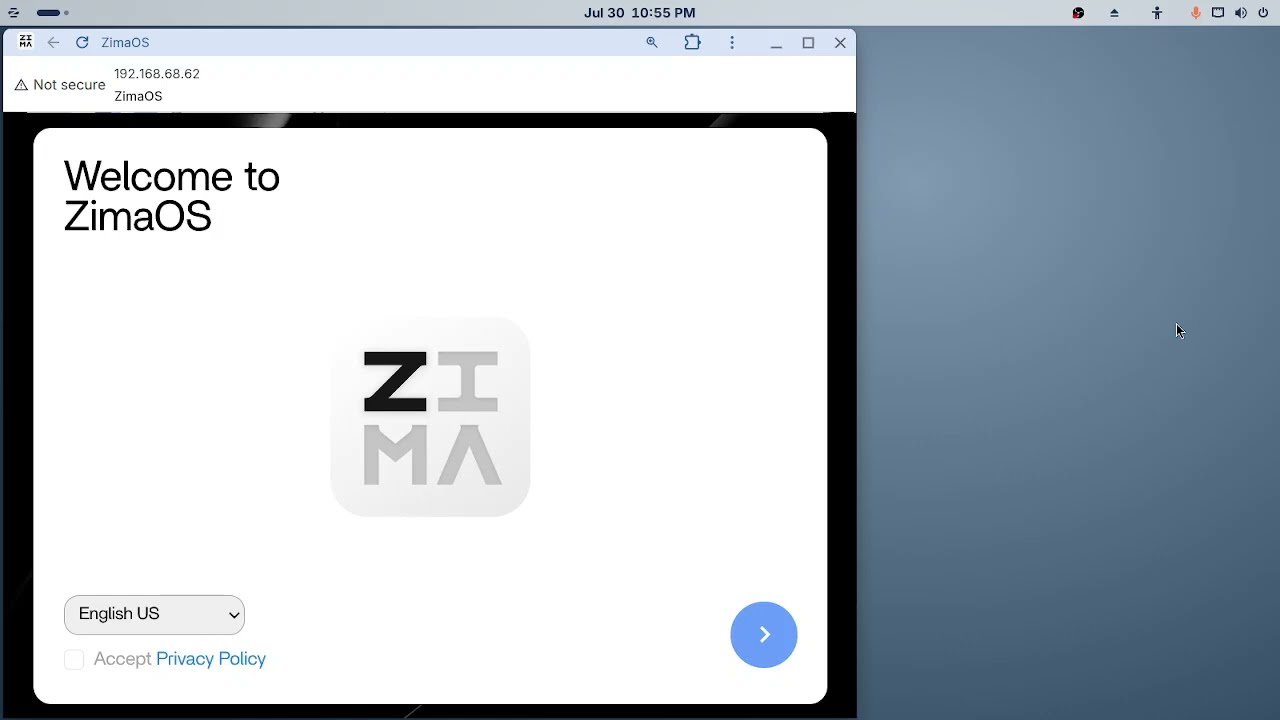
I reset this bench system to a new install of ZimaOS with my flashdrive that had the 1.4.1 version ISO on it.
I used OBS Studio to show how I installed the linux-server Plex container to point to media on two different USB portable drives on a little Intel i3 signage PC, if that 20 minute recording is of interest as an unlisted YouTube upload.
The fresh Plex container spun up under 1.4.1, and I was able to claim the server by clicking on the Plex icon under Zima and also added a Plex media library from each portable drives.
My test servers only use public domain media.
It was a different issue after the 1.7.0 upgrade this time.
With my original install that was identical to this new one, the container started and Plex was running and accessible from Plex’s app.plex.tv webapp login, and media played fine after the 1.7.0 update.
I could not click on the Plex icon in Zima OS and somewhere there was a
error and the YAML tab looked totally foreign to the Docker Compose script that I use for Plex installed through Dockhand under Syno DSM, Ugreen’s UGOS, FygoOS, and a container install under any Ubuntu 24.04 based distro.
With this new install, the Plex container will not start at all.
SSH’ing in to run docker start plex returns…
WARNING: Error loading config file: open /DATA/.docker/config.json: permission denied
permission denied while trying to connect to the Docker daemon socket at unix:///var/run/docker.sock: Post “http://%2Fvar%2Frun%2Fdocker.sock/v1.51/containers/plex/start”: dial unix /var/run/docker.sock: connect: permission denied
Error: failed to start containers: plex
There’s no way to capture the full Plex container log with a screenshot, so heres a copy and paste of it.
plex  | [migrations] started
plex  | [migrations] no migrations found
plex  | ───────────────────────────────────────
plex  |
plex  |       ██╗     ███████╗██╗ ██████╗
plex  |       ██║     ██╔════╝██║██╔═══██╗
plex  |       ██║     ███████╗██║██║   ██║
plex  |       ██║     ╚════██║██║██║   ██║
plex  |       ███████╗███████║██║╚██████╔╝
plex  |       ╚══════╝╚══════╝╚═╝ ╚═════╝
plex  |
plex  |    Brought to you by linuxserver.io
plex  | ───────────────────────────────────────
plex  |
plex  | To support LSIO projects visit:
plex  | https://www.linuxserver.io/donate/
plex  |
plex  | ───────────────────────────────────────
plex  | GID/UID
plex  | ───────────────────────────────────────
plex  |
plex  | User UID:    1000
plex  | User GID:    1000
plex  | ───────────────────────────────────────
plex  | Linuxserver.io version: 1.43.3.10828-00f62d37d-ls316
plex  | Build-date: 2026-07-27T12:31:44+00:00
plex  | ───────────────────────────────────────
plex  |
plex  | **** creating group groupfyf5 with id 28 ****
plex  | **** adding /dev/dri/card0 to group groupfyf5 with id 28 ****
plex  | **** creating group groupcflg with id 107 ****
plex  | **** adding /dev/dri/renderD128 to group groupcflg with id 107 ****
plex  | **** Server is unclaimed, but no claim token has been set ****
plex  | Docker is used for versioning skip update check
plex  | [custom-init] No custom files found, skipping...
plex  | Starting Plex Media Server. . . (you can ignore the libusb_init error)
plex  | Connection to localhost (127.0.0.1) 32400 port [tcp/*] succeeded!
plex  | [ls.io-init] done.
plex  | Critical: libusb_init failed
plex  | Dolby, Dolby Digital, Dolby Digital Plus, Dolby TrueHD and the double D symbol are trademarks of Dolby Laboratories.
I’d like to be able to help my friend update to the latest ZimaOs without breaking her production Plex Server install on an older Intel 9th gen Dell Optiplex.
My install was just a test install to support other Plex Server owners using ZimaOS for Plex based on my recommendation that it’s a great headless option for a small Plex server.
If need be, I can reset again to try the BigBear container, although I always use the linux-server container and would definitely need further instructions to help my friend and others swap containers if that image survives the new OS update.
Accidentally deleting my previous Plex application files was not expected without first receiving a warning, but it is what it is and now I’ve learned something new.
Thank you in advance.
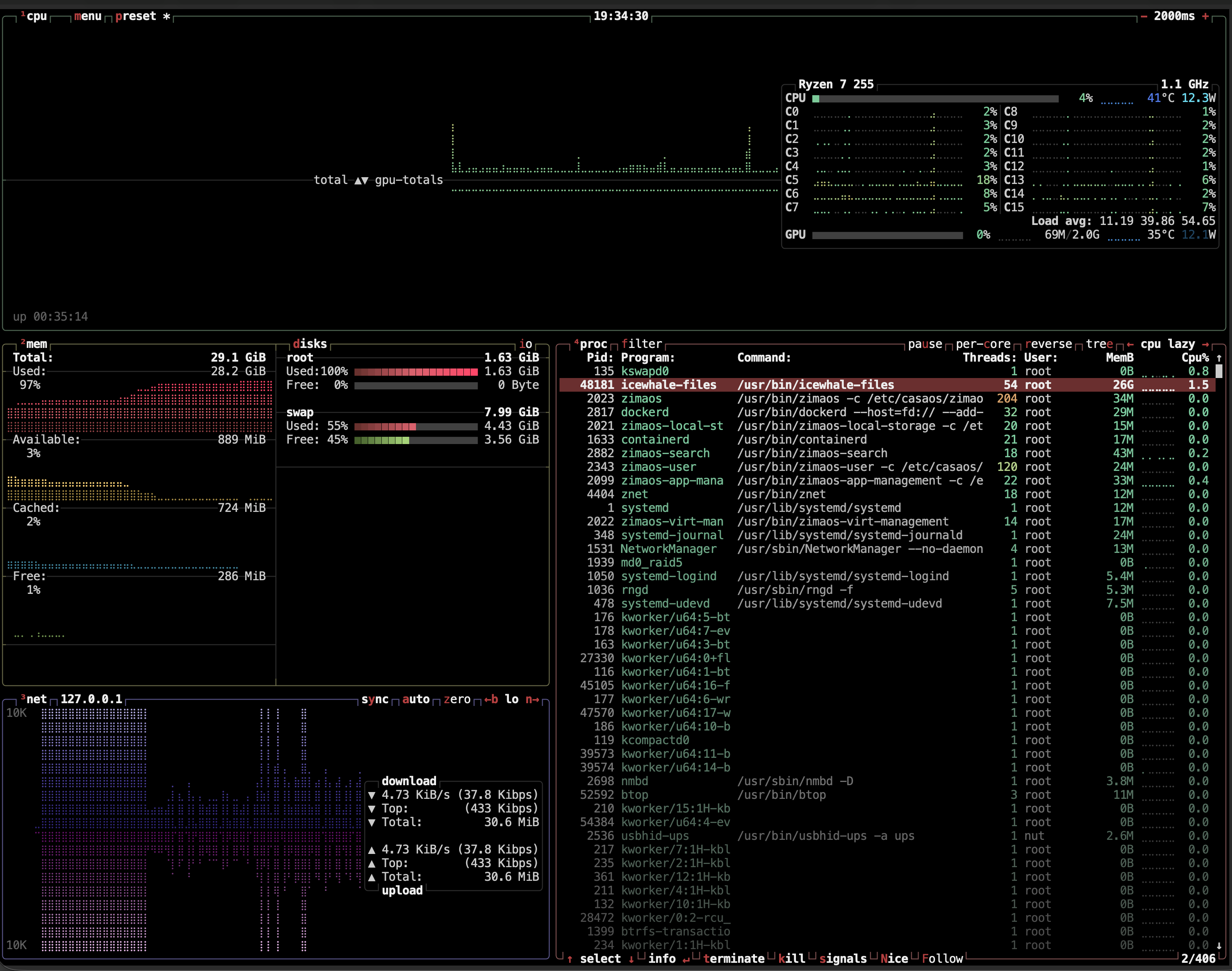
 = lots of stuff needed to be done manualy.