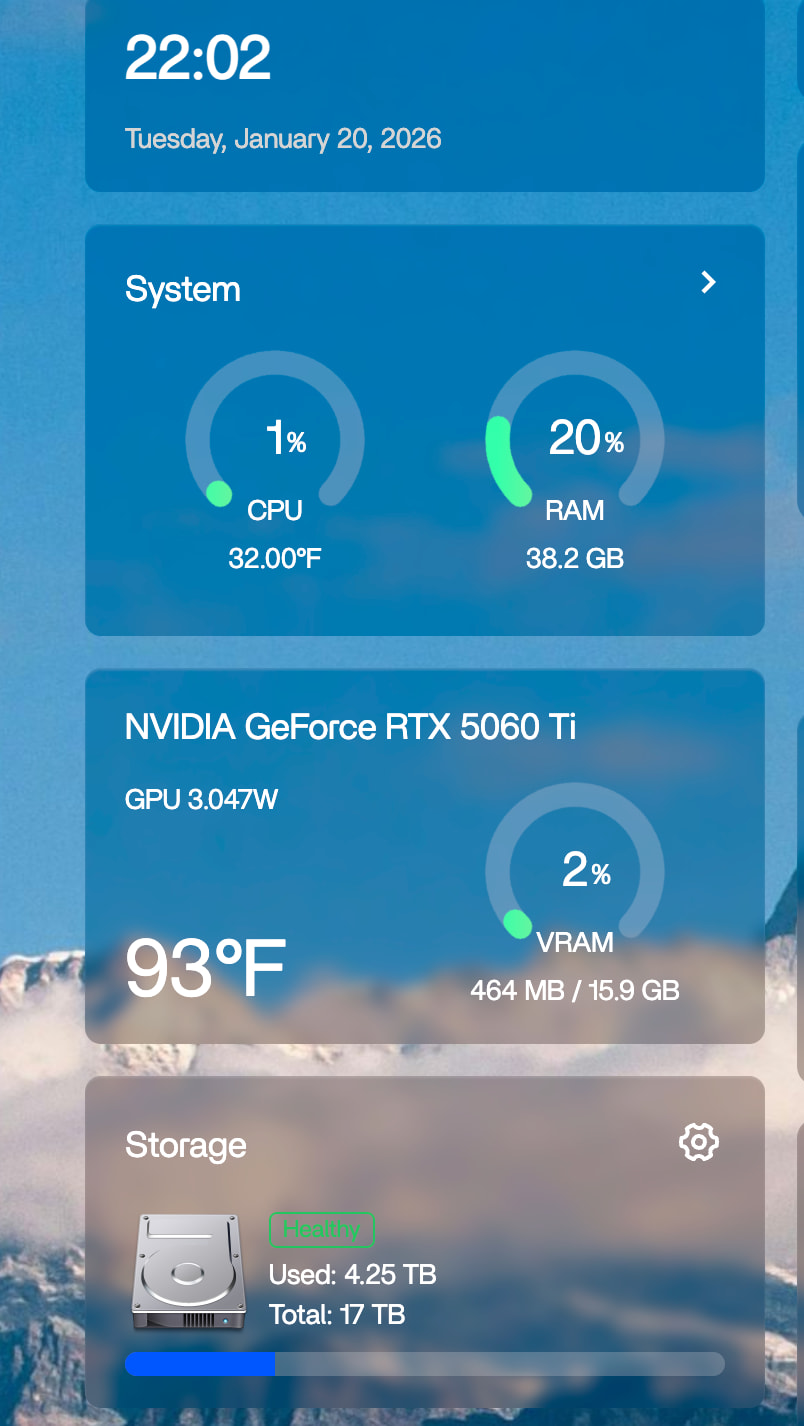
To support the latest NVIDIA RTX 50XX series graphics cards, we have built standalone GPU driver packages for ZimaOS now.
Please select the corresponding installation method based on your current system version.
To use this driver, please follow the steps below:
Enter SSH, log in and use sudo -i to switch to root user
Execute the following code:
cd /var/lib/extensions/
wget https://github.com/jerrykuku/staff/releases/download/v0.1.3/nvidia-open-kernel-580.105.08-linux-6.12.25.raw -O nvidia-open-kernel-580.105.08-linux-6.12.25.raw
systemd-sysext refresh
install-nvidia-kernel-open
If all of the above are executed correctly, you will be prompted to restart the system.
After restarting, please check whether the driver is working properly.
The above is the complete tutorial for enabling RTX 50XX series GPUs on ZimaOS. If you encounter any problems during the installation process, please include the logs or error screenshots in the comments section, and we will assist you in troubleshooting.
made this account just to say thank you
works with my 5060ti 16GB
I can now see the options to enable my GPU when i click on the container settings for each app, and explicitly allow gpu access
sure, im getting into home labbing and decided zima os was the way to go since it covers 90% of my goals built in the OS itself, which includes note taking, video storage and AI chat hosting + image generation. I was able to set up the ai chatbots yesterday with the ollama app and im currently working on getting stable diffusion working.
the stable diffusion app in zima os isnt working correctly yet with my gpu but it did work with cpu so im guessing its a configuration issue.
Regardless, happy with the progress so far. the remaining 10% of what i plan to do with my home lab is to host some game servers including minecraft and valheim but i will run those in its own vms in proxmox
Please, can you help me, I’m trying to link up my ZOTAC NVIDIA GeForce RTX 5090 SOLID OC 32GB, with ZimaBoard 2, in the web gui of ZimaOS+v1.5.4, I can see “NVIDIA Corporation Device 2b85 (rev a1)” - but when running nvidia-smi via terminal - I get no devices found
Pls help me !