Thank yo for your reply.
One combination I have tried is to connect the Oculink lead from the GPU docking station to an Oculink to M.2 drive adapter and then into a M.2 to PCIe adapter card and into the ZimaBoard2.
Again as soon as I put the Graphic Card in the docking station and then rebooted the ZimaBoard2, it refused to bring up the web interface.
Although a green light was on the M.2. to PCIe adapter card and a port scan seem to indicate it could ping the ZimaBoard2 but not bring up the web interface.
Below is some photos of my setup, could you please double check I have connected my power connector right. Also I had run the code below in a previous test, maybe that has caused a problem. If so how can I rectify it.
cd /var/lib/extensions/
wget ``https://github.com/jerrykuku/staff/releases/download/v0.1.3/nvidia-open-kernel-580.105.08-linux-6.12.25.raw`` -O nvidia-open-kernel-580.105.08-linux-6.12.25.raw
systemd-sysext refresh
install-nvidia-kernel-open
A Suggested Test
I have an PCIe to USB adapter card, that plugged into the ZimaBoard2 does show up in the lspci listing.Is it possible to plug this card into the GPU docking station and test the Docking station and connection to the ZimaBoard2. If that works then the Graphics Card is at fault.
OR I get a new GPU docking station - maybe Minisforum DEG1 with a 650W switching power supply?
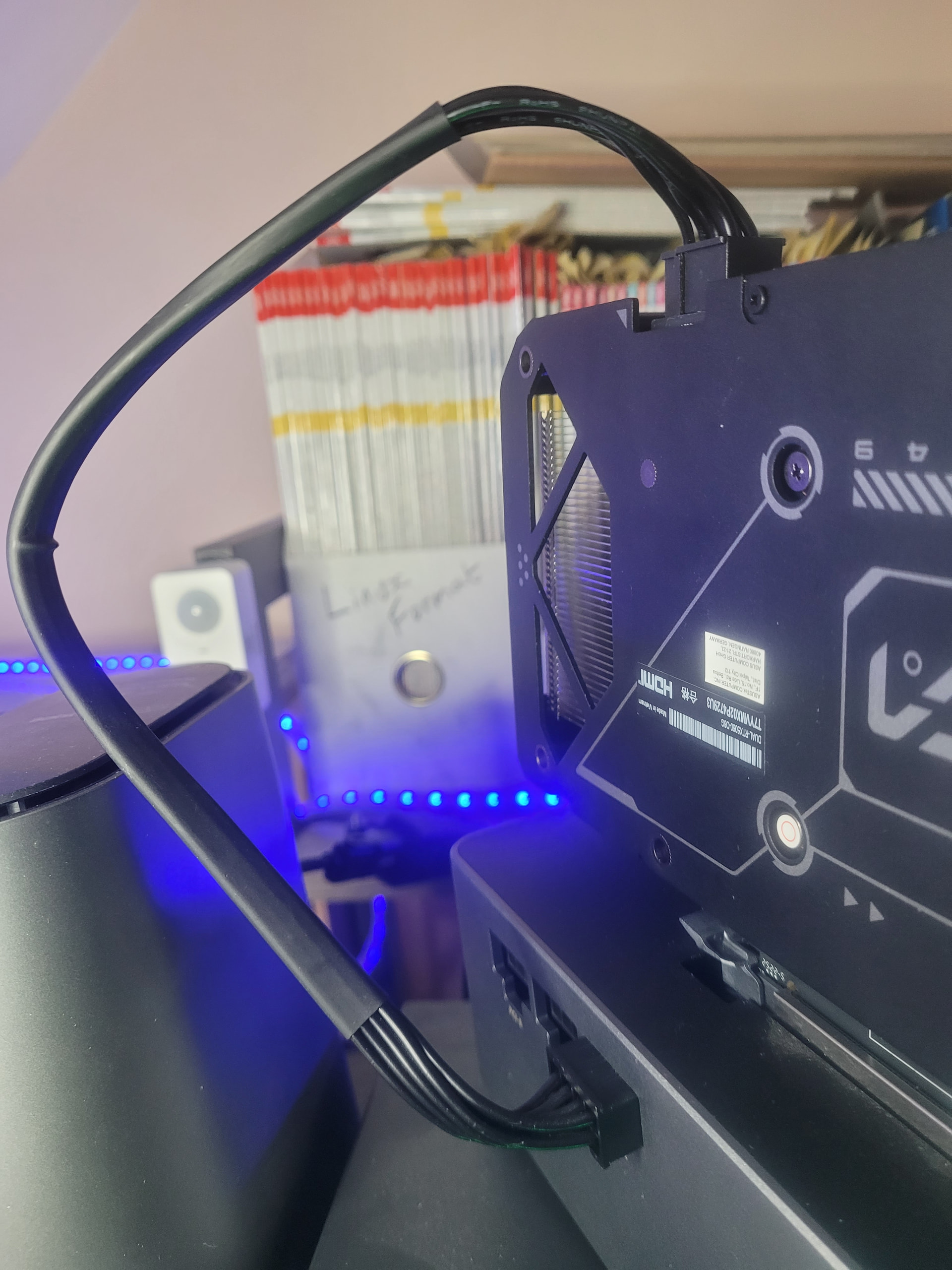
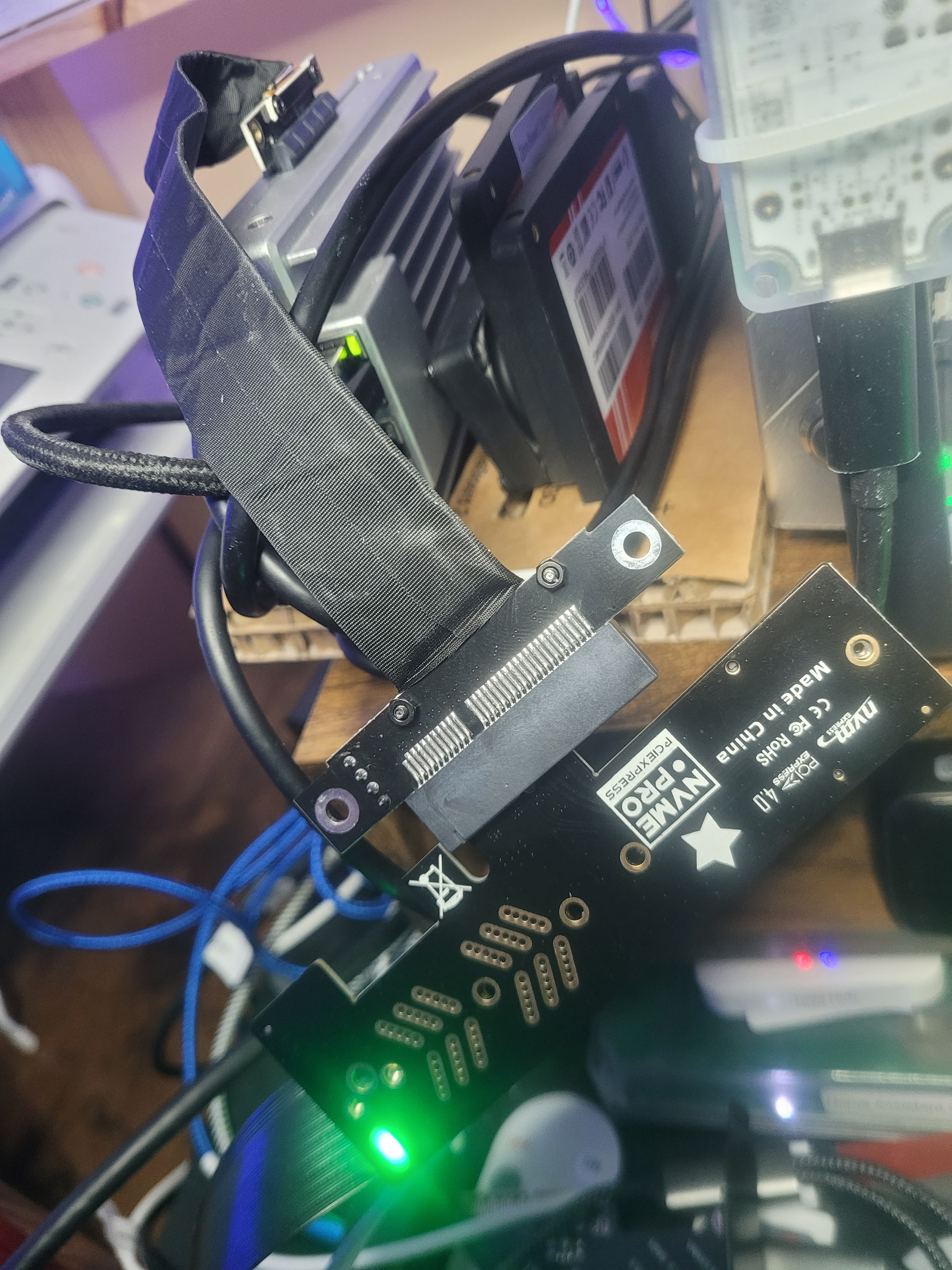
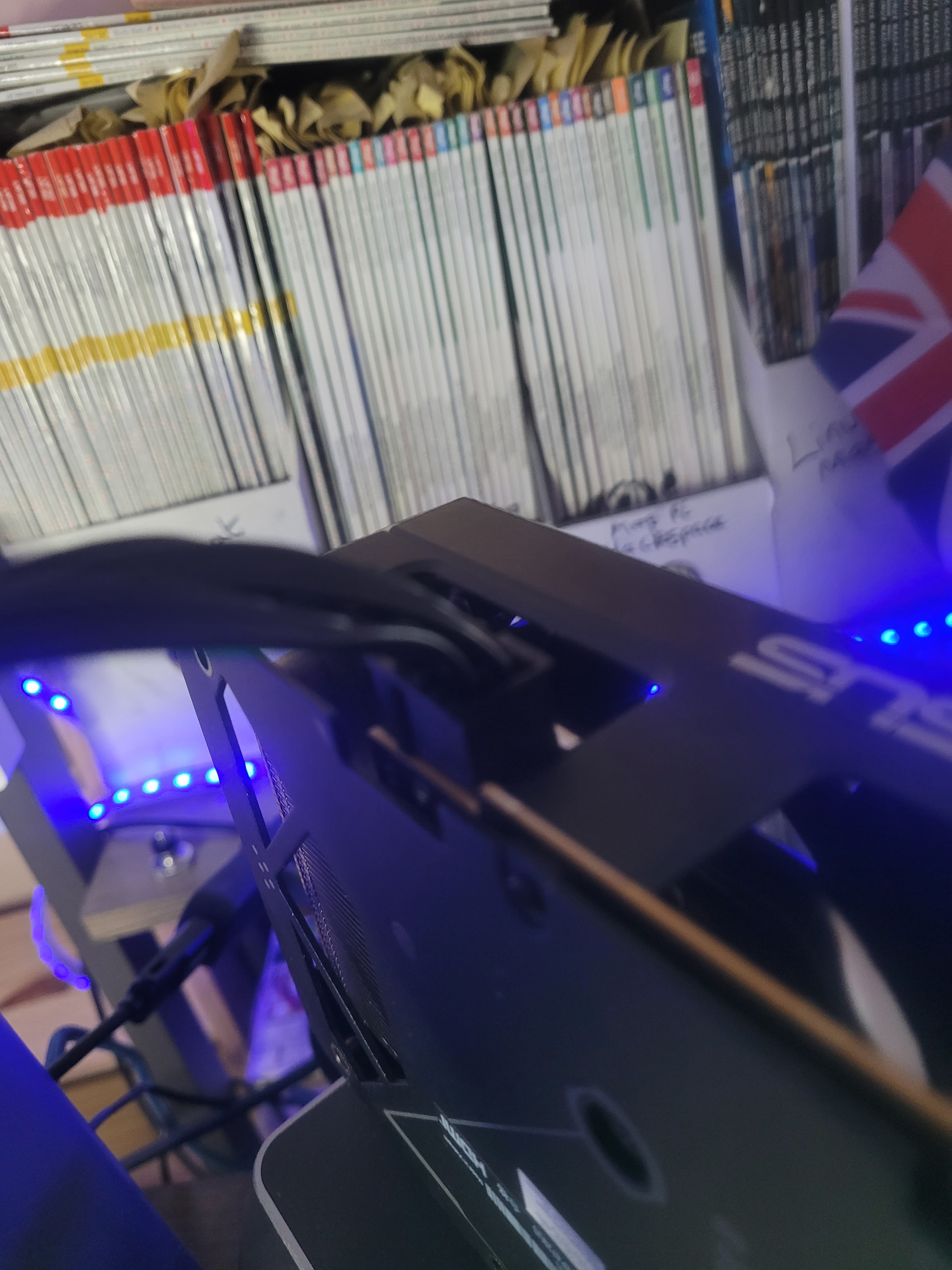
Many Thanks for all your help and advice,
Gavin Baker.