No problem, glad you got things working bar some minor details. I understand it’s more of a task translating between english and french too 
Yes, as you say.
However, I have a question:
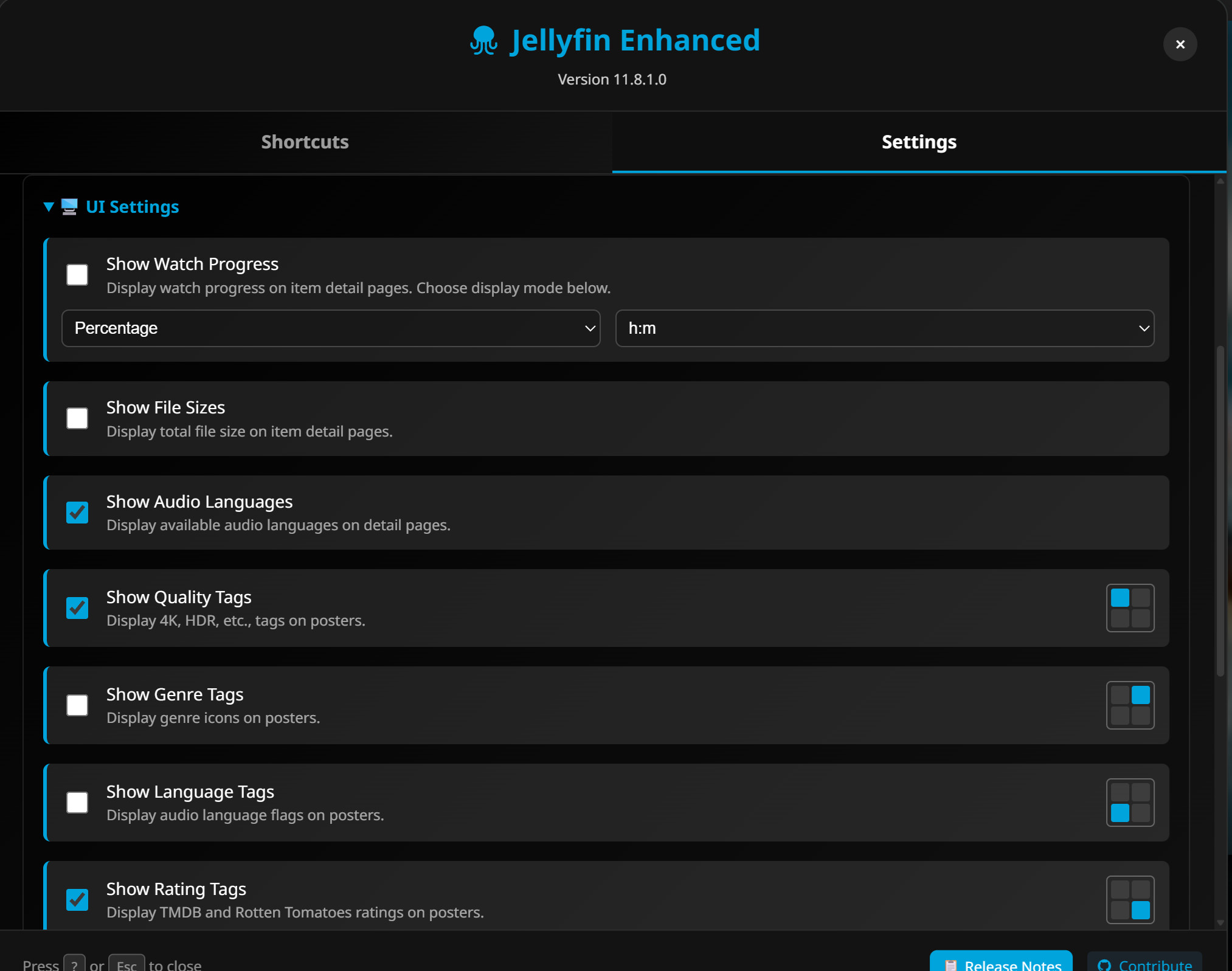
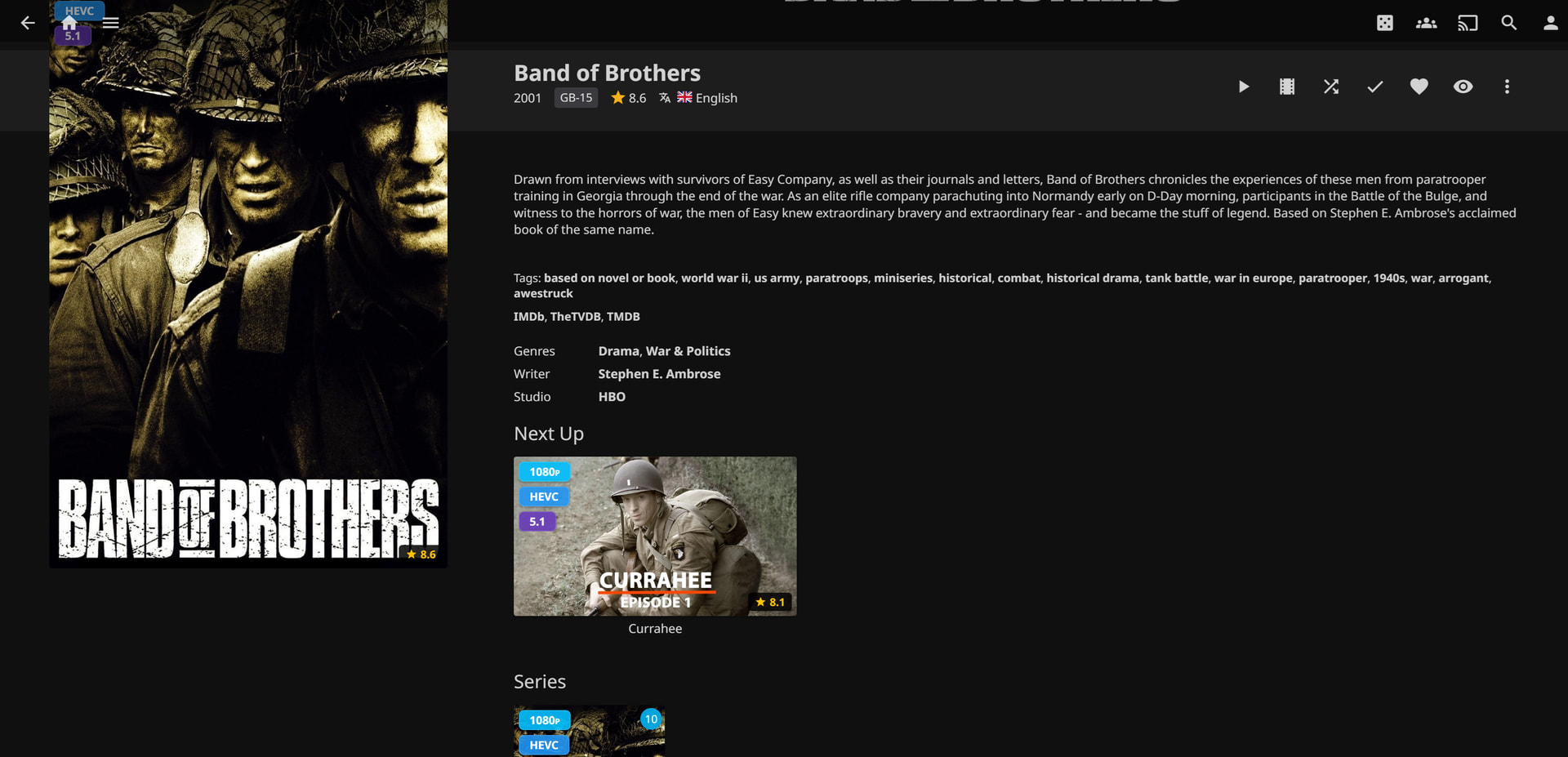
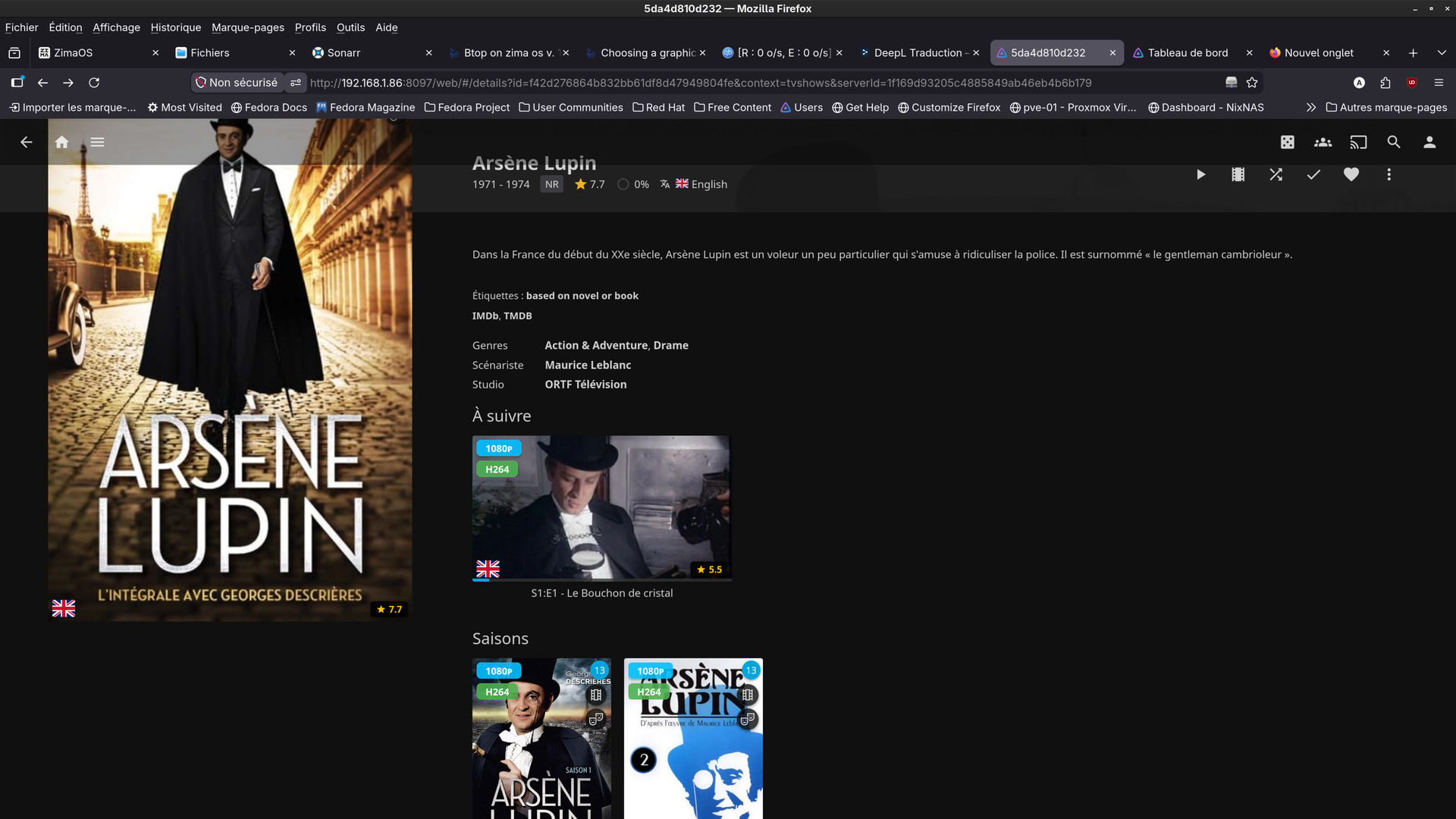
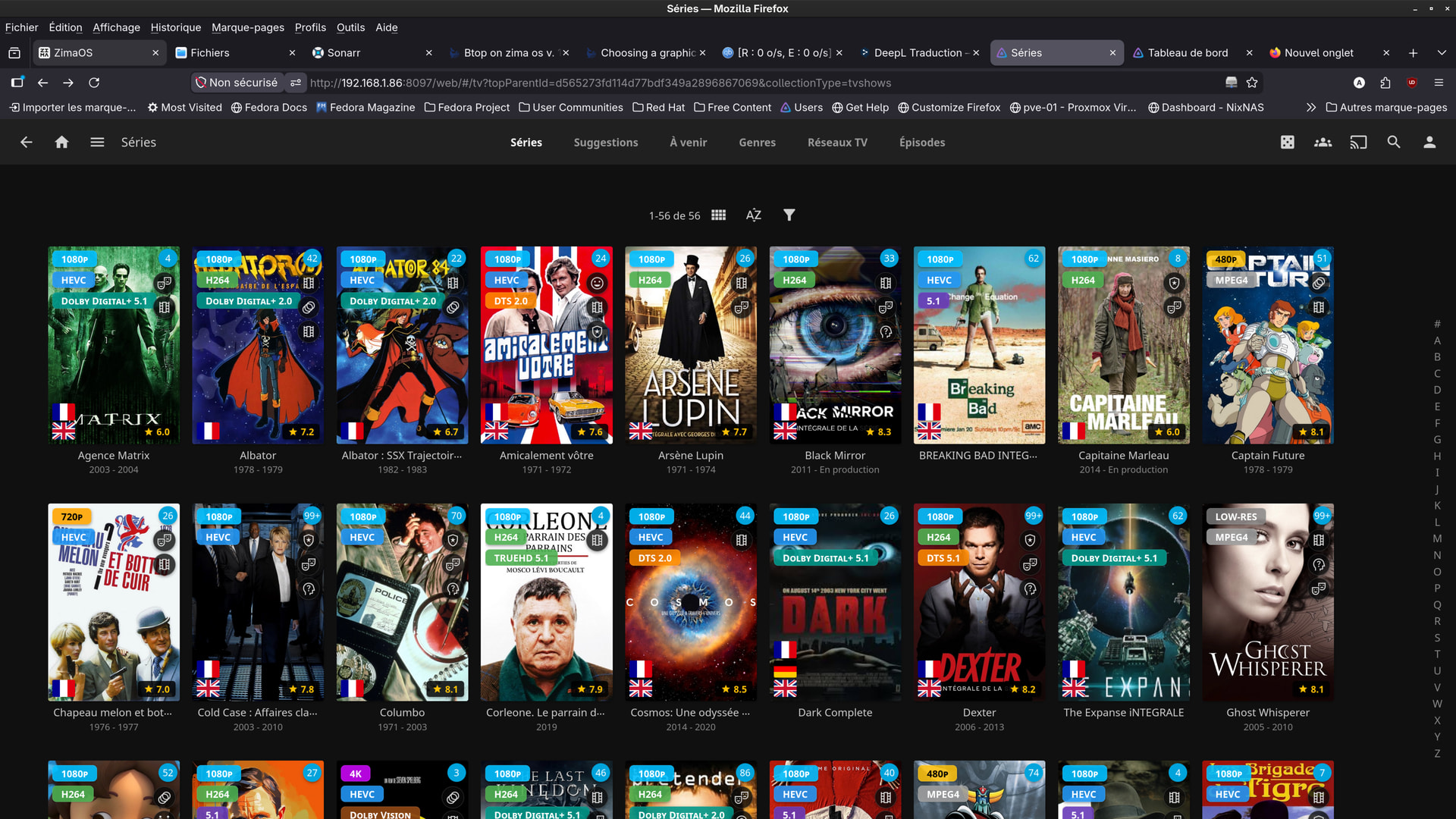
Do you know how to display the video’s specifications as thumbnails (and in each Jellyfin video’s details page)?
Specifically: resolution, video codec, audio codec, HDR/SDR, etc.
I’m not sure if I’ve made myself clear?
I asked Claude IA but he couldn’t answer me.
The only answer he gave me was ‘Jellyfin Enhancer’ (I’m not sure) with ‘file transformation’,
which didn’t work – or perhaps I just didn’t know how to set it up properly.
And ‘Jelly Easytag’ (not sure about that either) – none of them worked or could be installed.
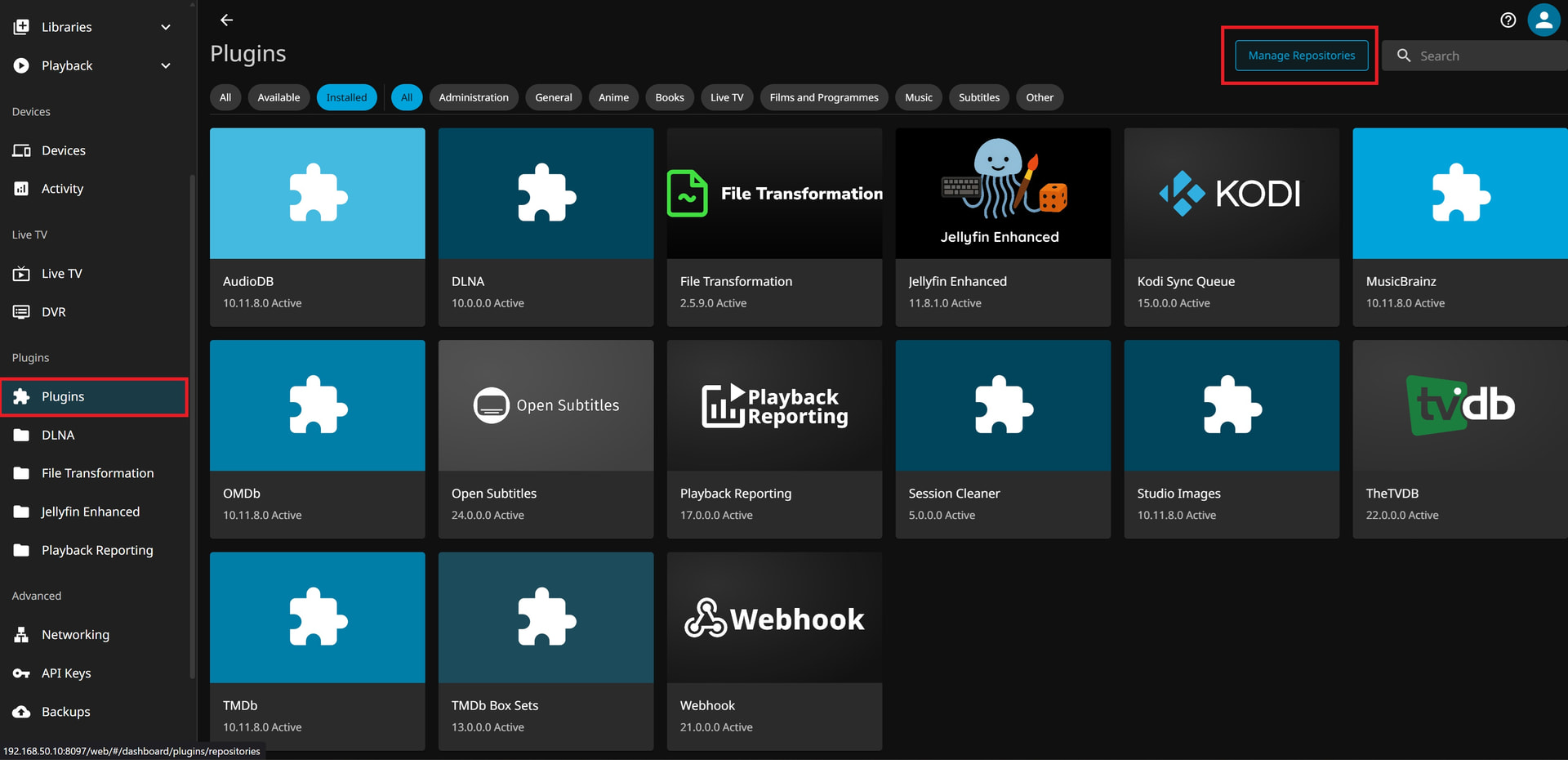
to add jellyfin enhanced you need to go to jellyfin dashboard. click plugins and then manage repositories
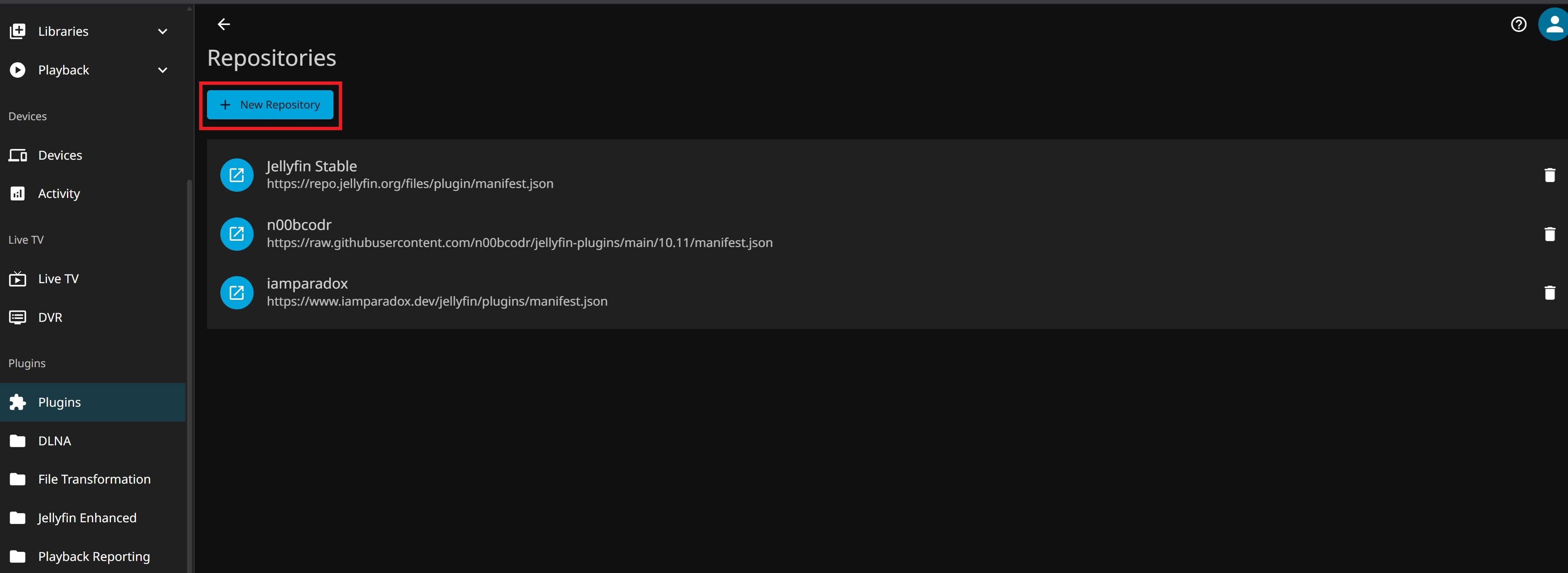
on the next page click +New Repository
and add the noobcodr repo
Name: n00bcodr repo
URL: https://raw.githubusercontent.com/n00bcodr/jellyfin-plugins/main/10.11/manifest.json
and add another repository so we can download file transform plugin
Name: iamparadox repo
URL: https://www.iamparadox.dev/jellyfin/plugins/manifest.json
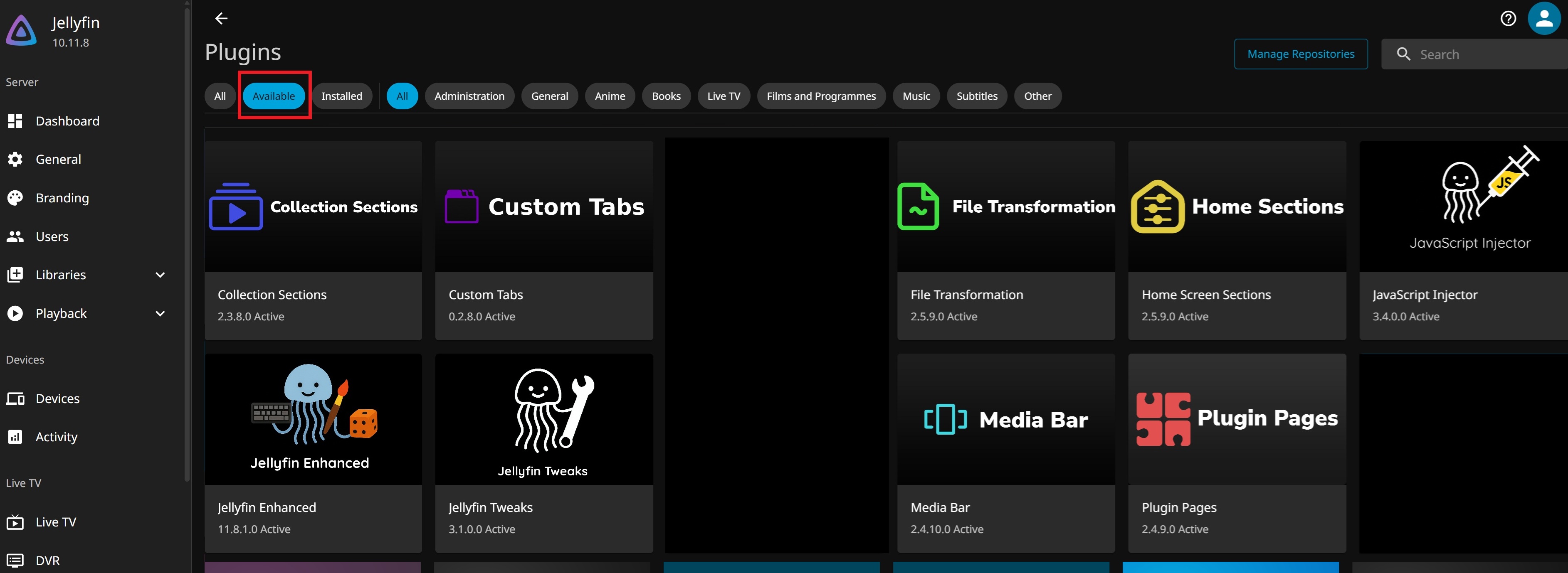
after that restart jellyfin and close and browser pages for jellyfin. wait a few seconds until restart completes and open jellyfin again. and go to plugins, click the available button and you should be able to find the jellyfin enhanced and file transfom plugins. and other dependiencies for certain features you can add to jellyfin enhanced. click on each of them and install them, then restart jellyfin when you’re done. close down your browser to jellyfin and open jellyfin again after restart.
after you open jellyfin you should be able to find jellyfin enhanced and file transformation in the dashboard settings.
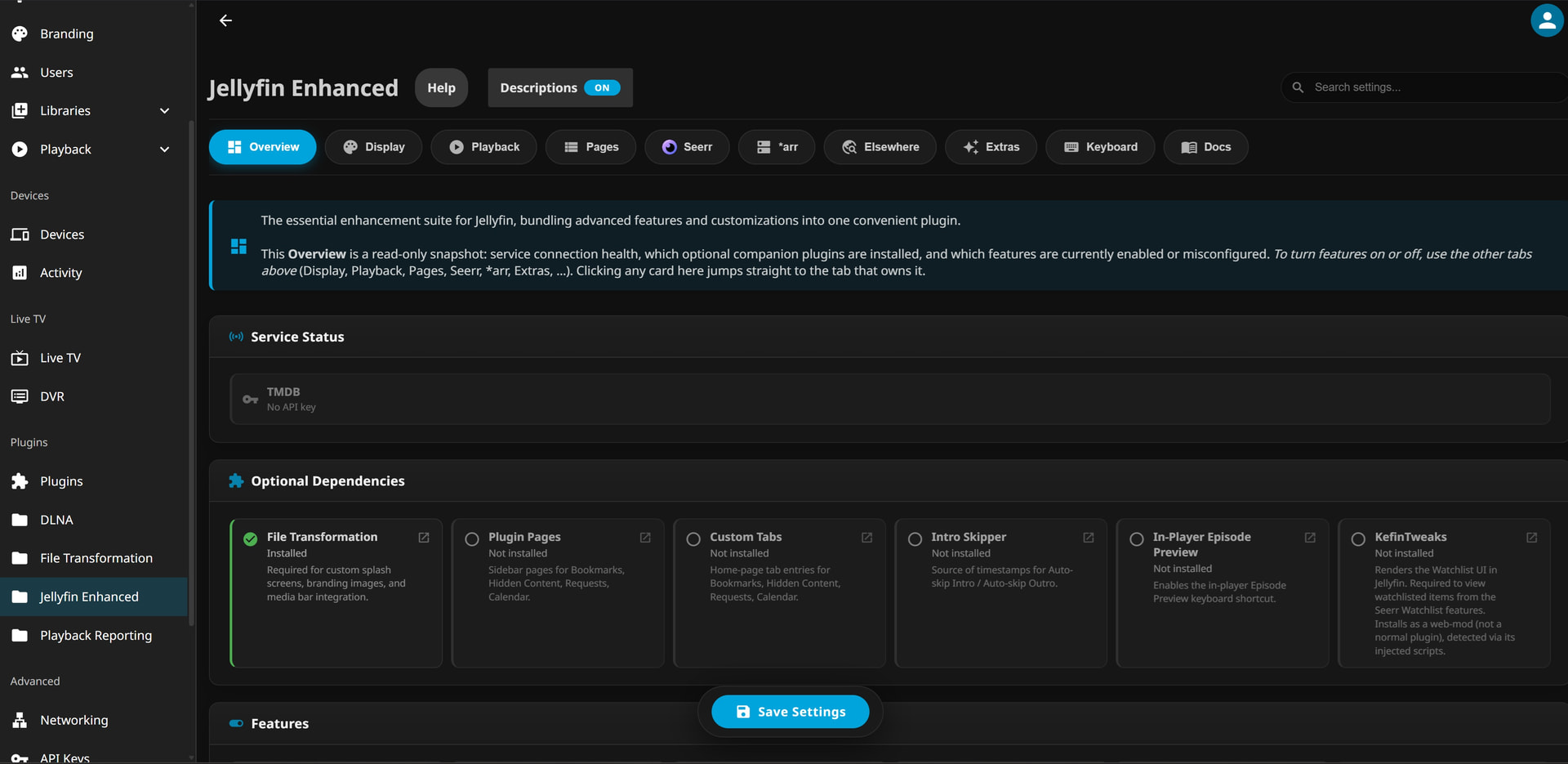
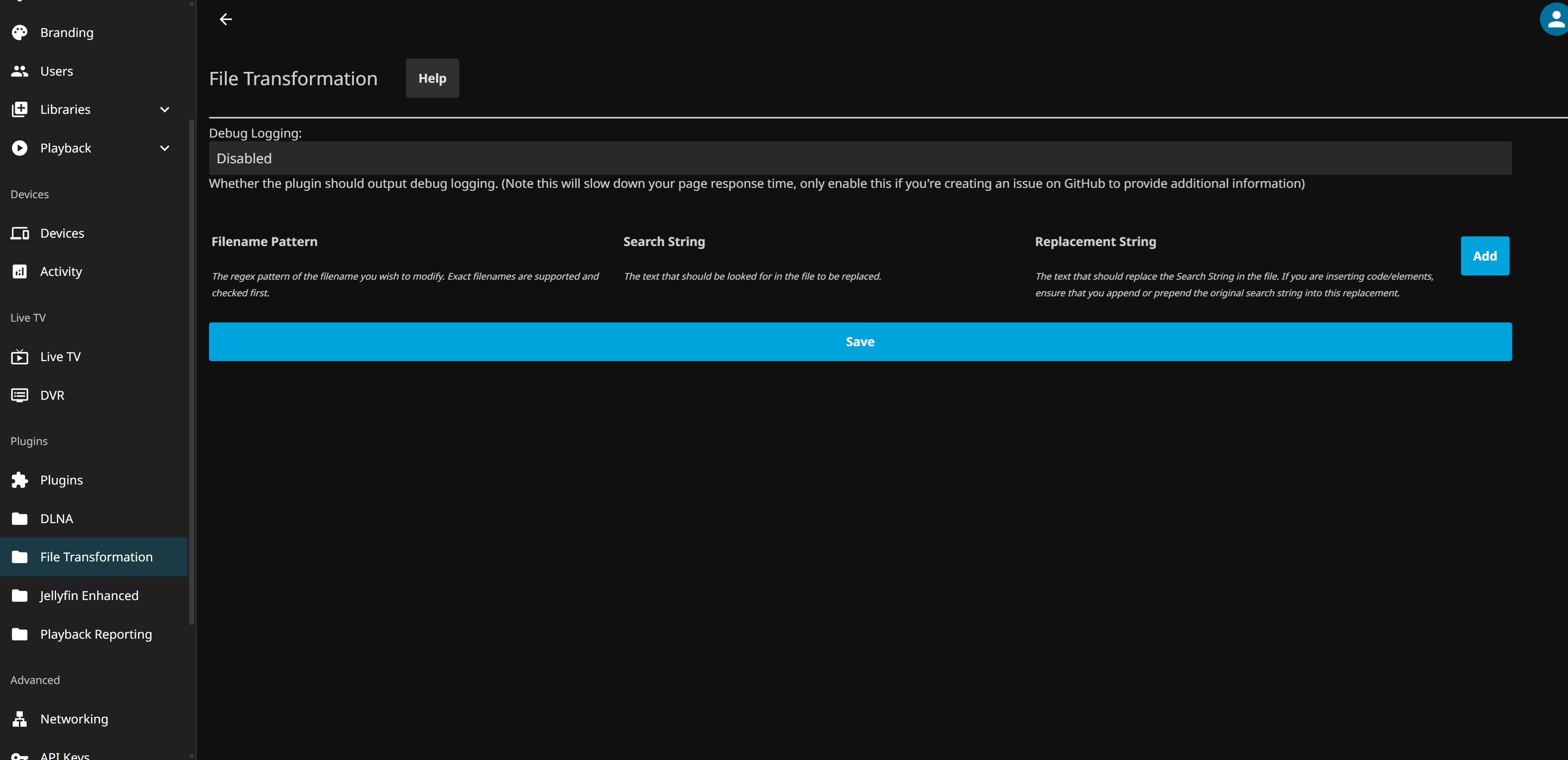
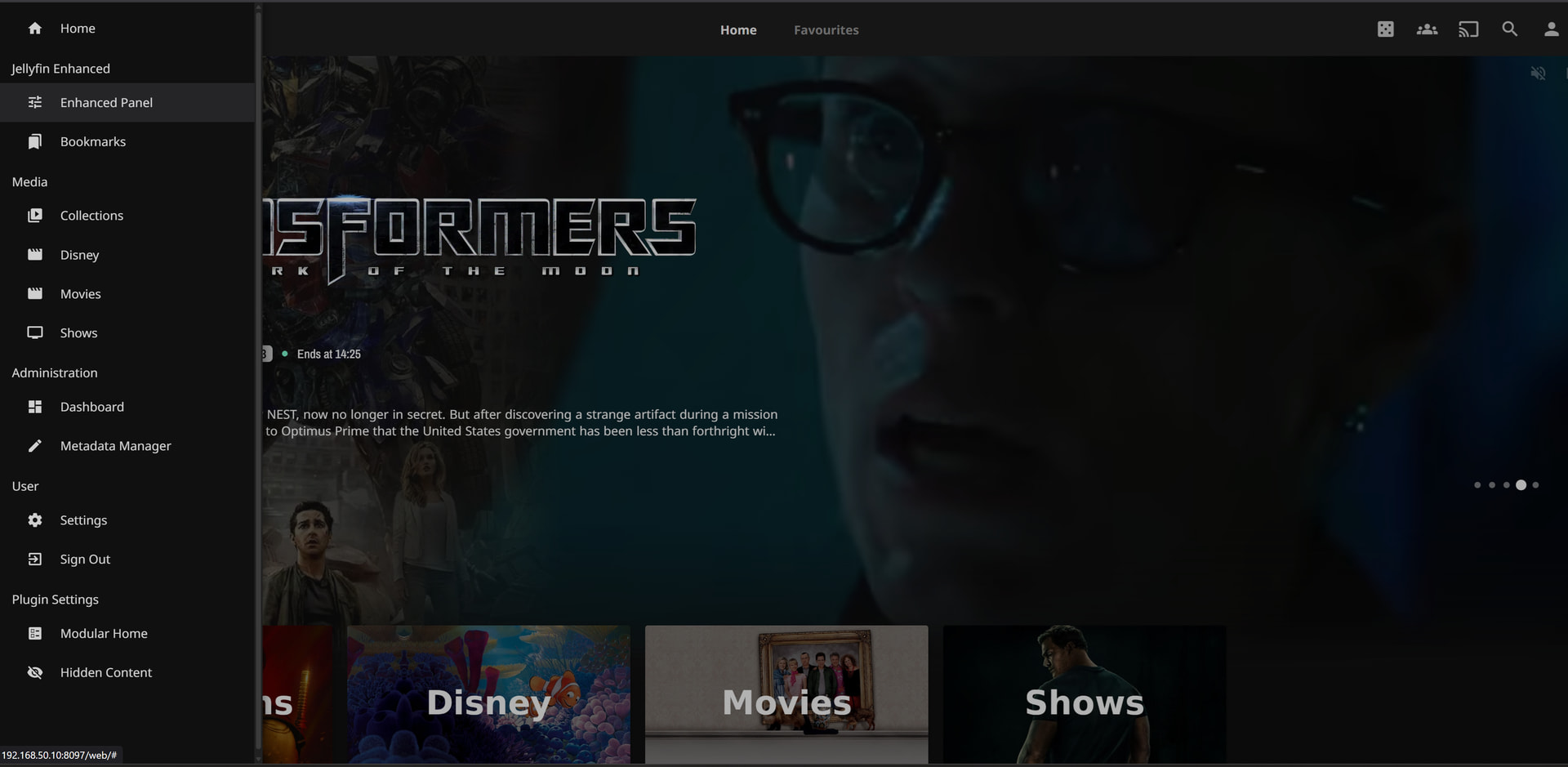
open enhanced panel and change settings to display quality tags etc.
I’ll give it a go tonight when I get home from work.
Thanks.
1 Like
Hi James.
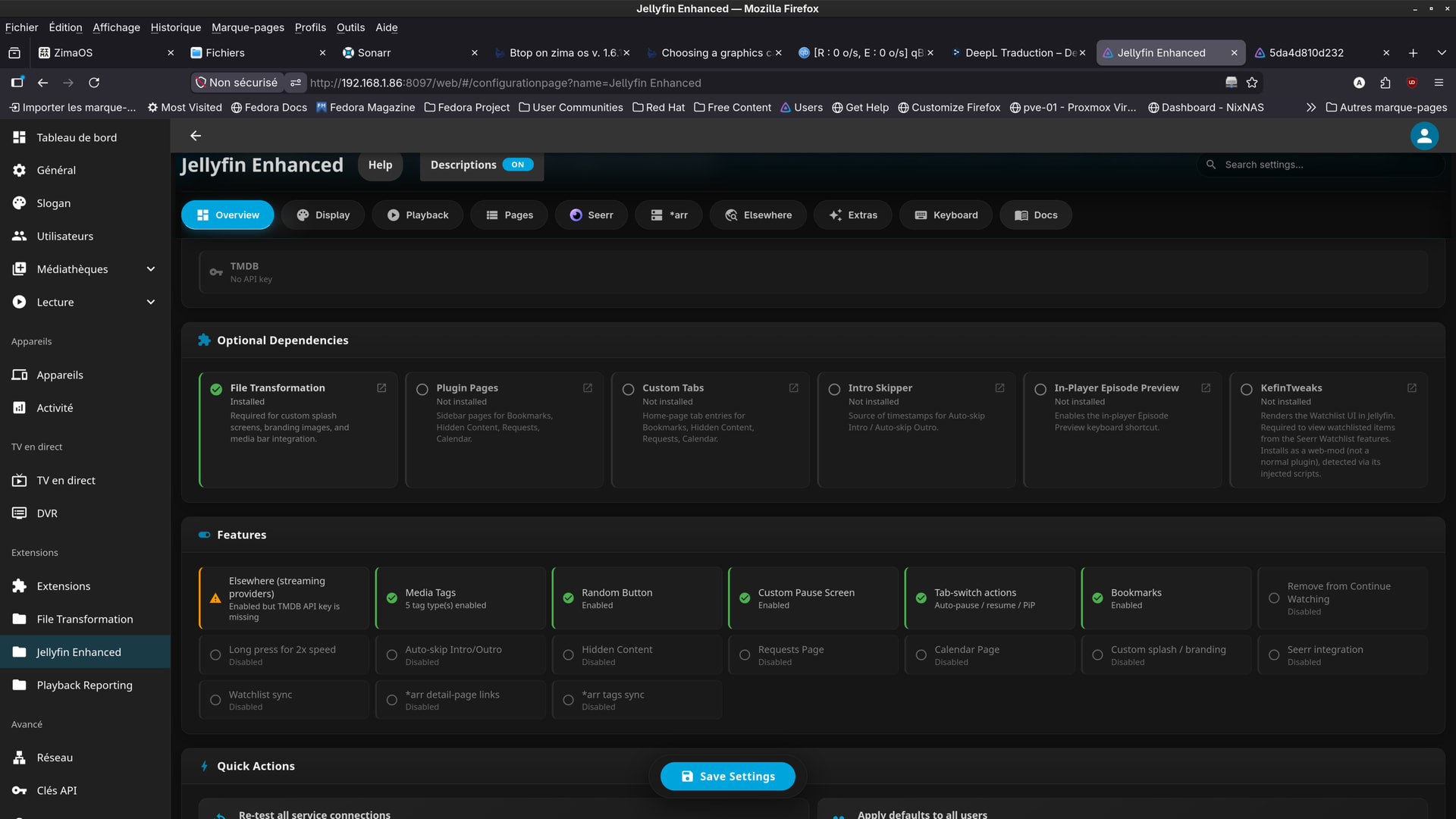
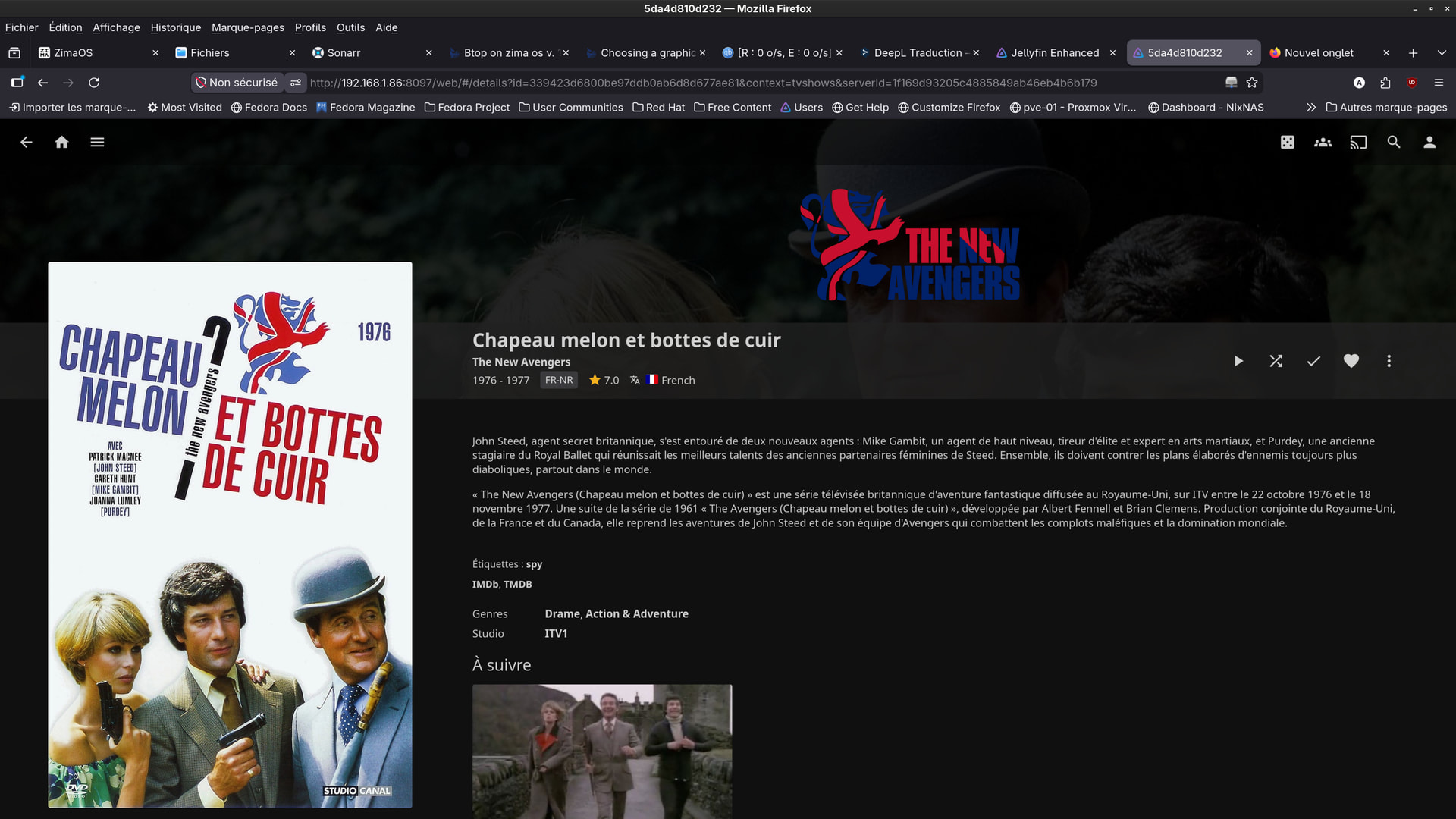
I managed to set up Jellyfin Enhanced just like you showed me.
But I have a small problem:
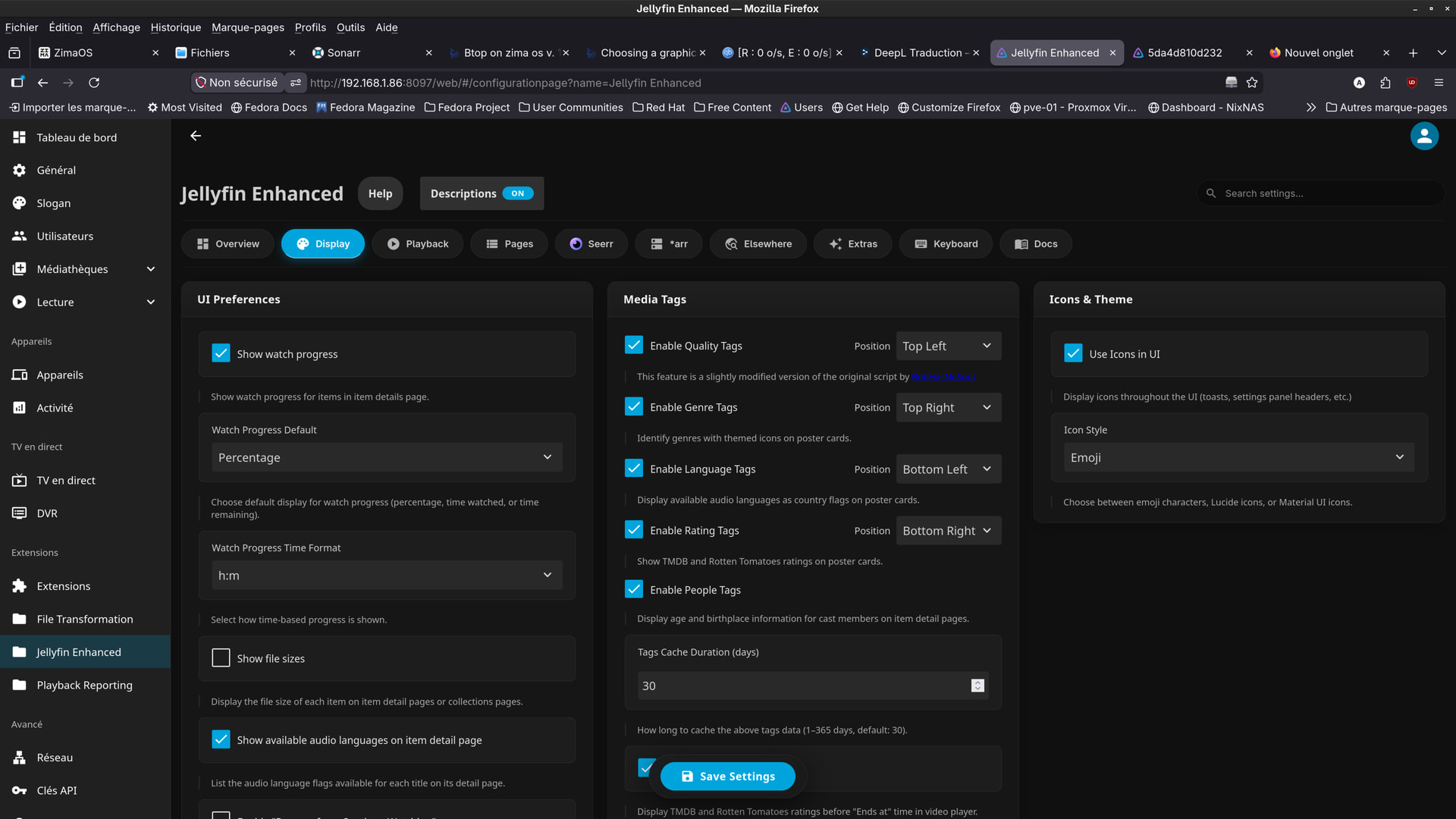
I can’t find the settings screen that you show in your photo #6.
Can you explain how to get there?
i think i’ve just found .
but i don’t understand how jellyfin works ?
is it this ?
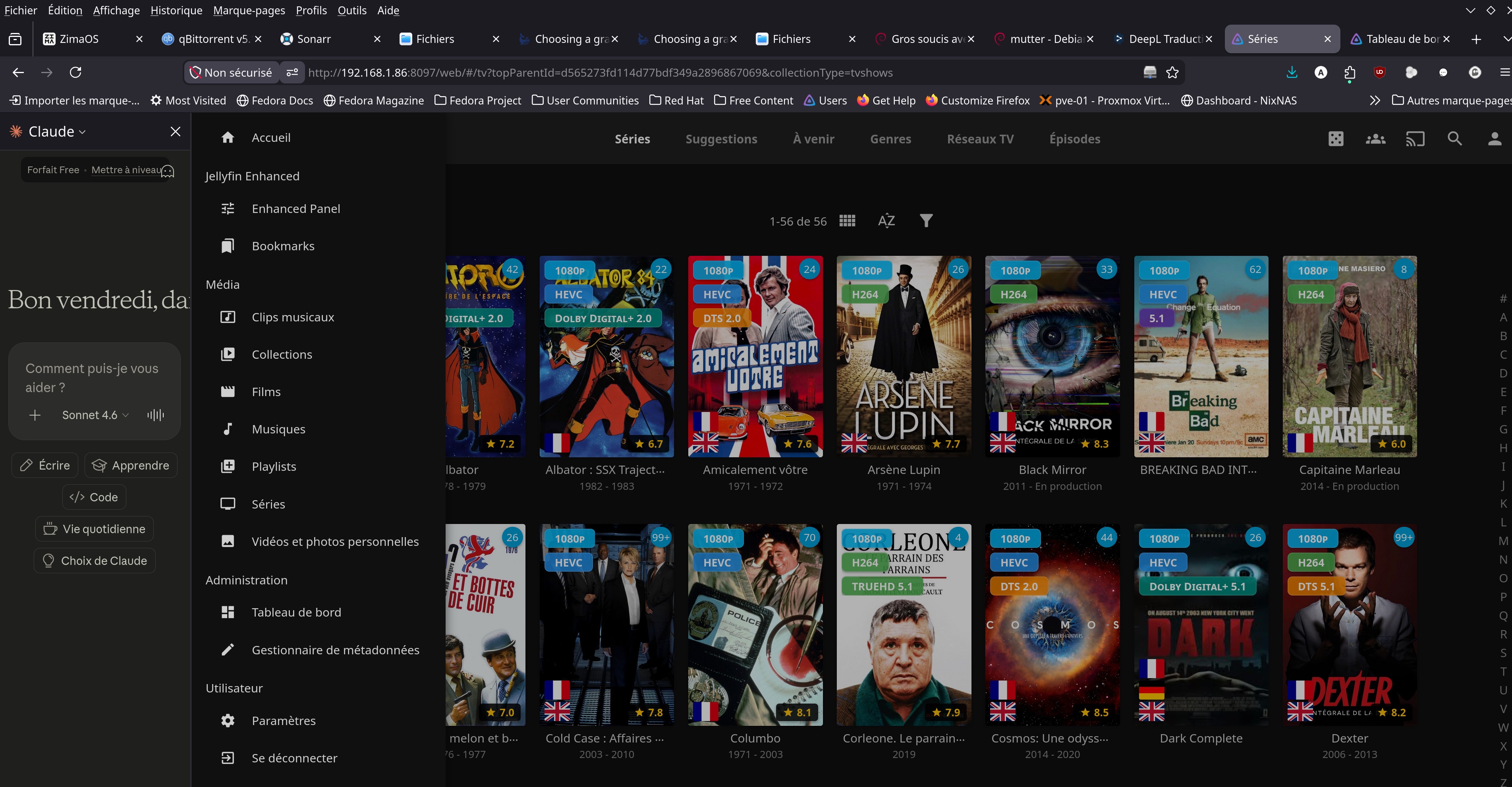
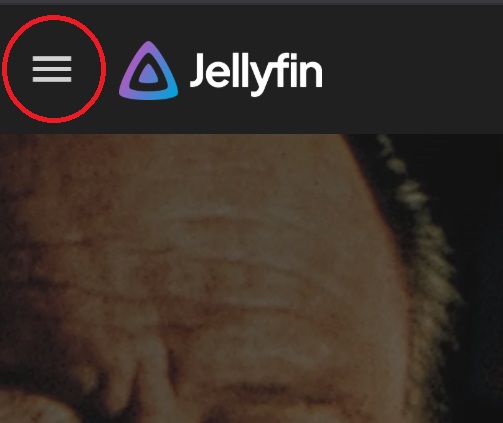
just click the menu icon on the top left of the jellyfin home screen.
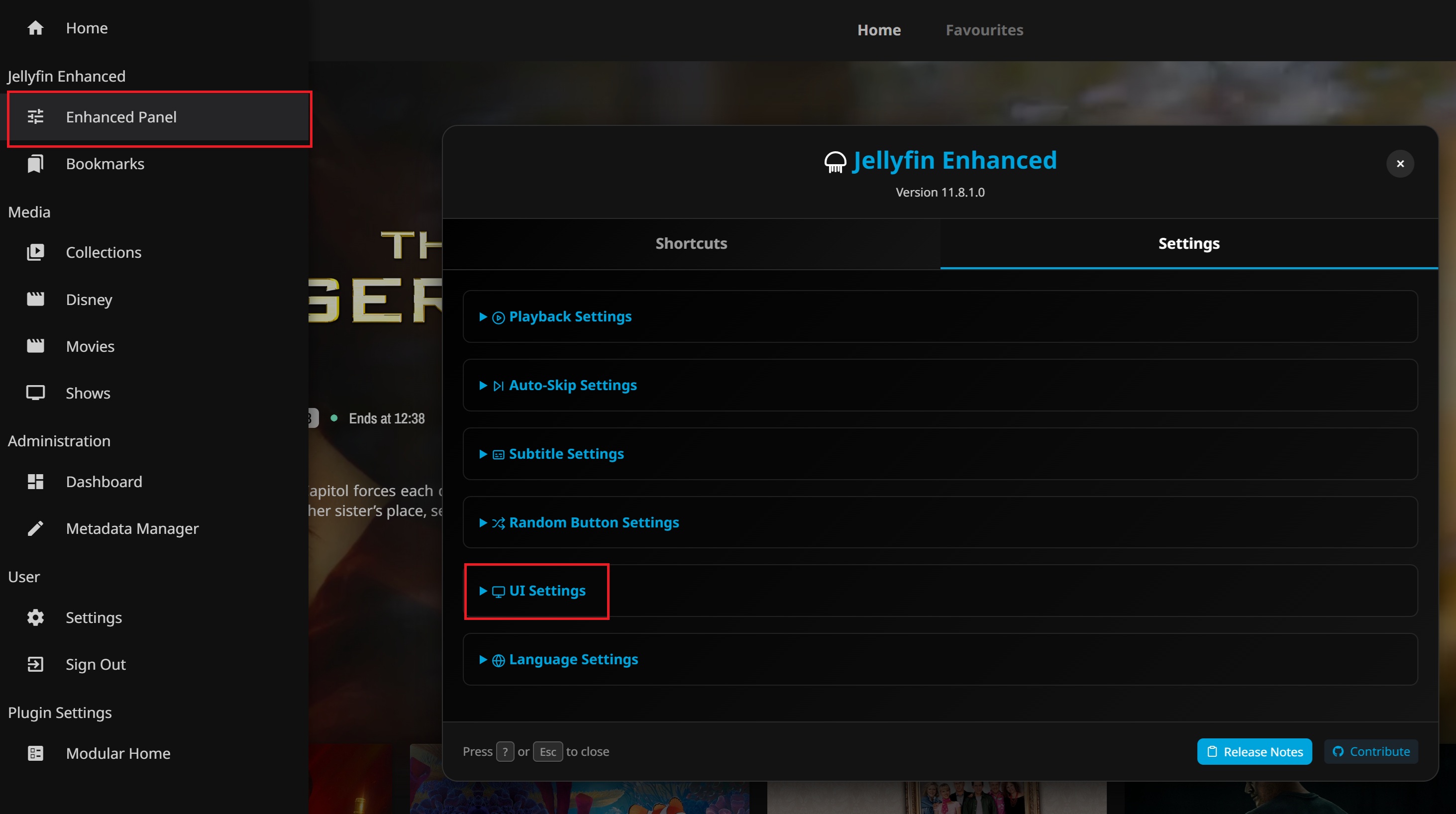
open enhanced panel from the menu and on the panel ui click UI settings.
there’s also a feature guide here: Enhanced Features - Jellyfin Enhanced
I haven’t messed around much with it myself.
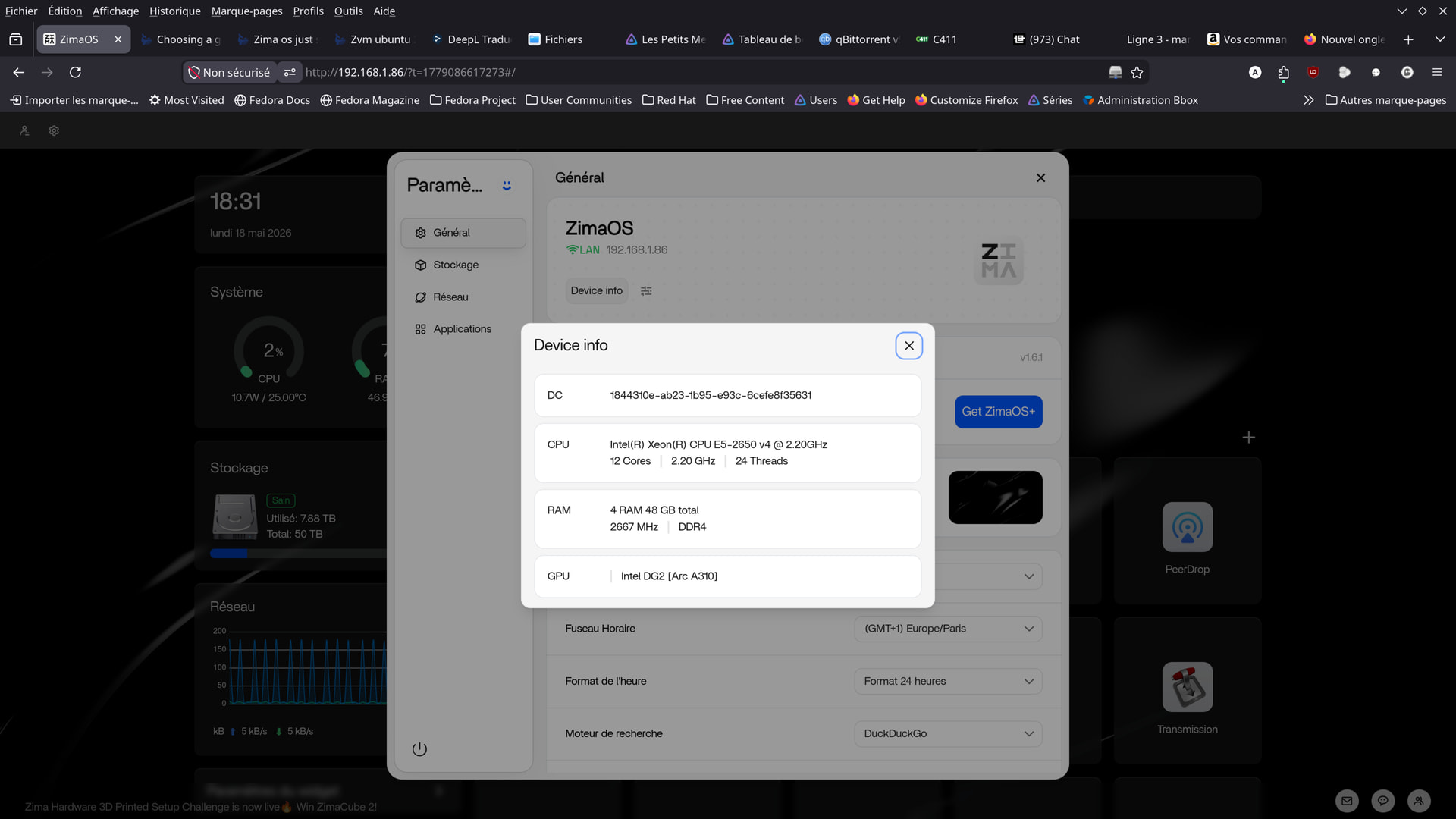
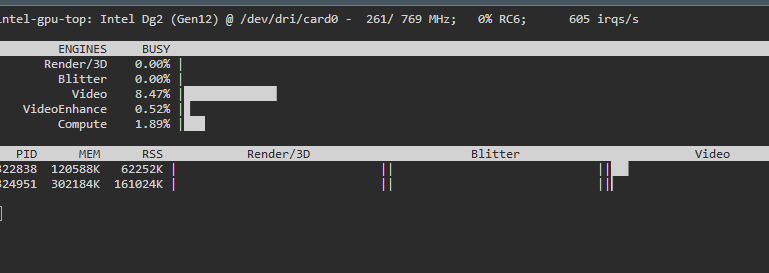
So I’m running ZimaOS+ on a AMD 4500 CPU and a Arc a310 Sparkle card. While the dashboard does not show the card. The system will utilize it or at least Plex Server sees the device and is using it to transcode media files. You can check this by opening a SSH terminal and using the command intel_gpu_top My arc a310 is visible and is transcoding 2 movies on 2 different devices currently.
So, what’s your point?
My bad I was replying to another user.
While watching “James Bond vs. Dr. No,”
I noticed this:
What does the bottom line mean?
Specifically, the “MEM” box?
Is that the amount of VRAM used by the transcoding?
(1080p / H.264 / 5.1)
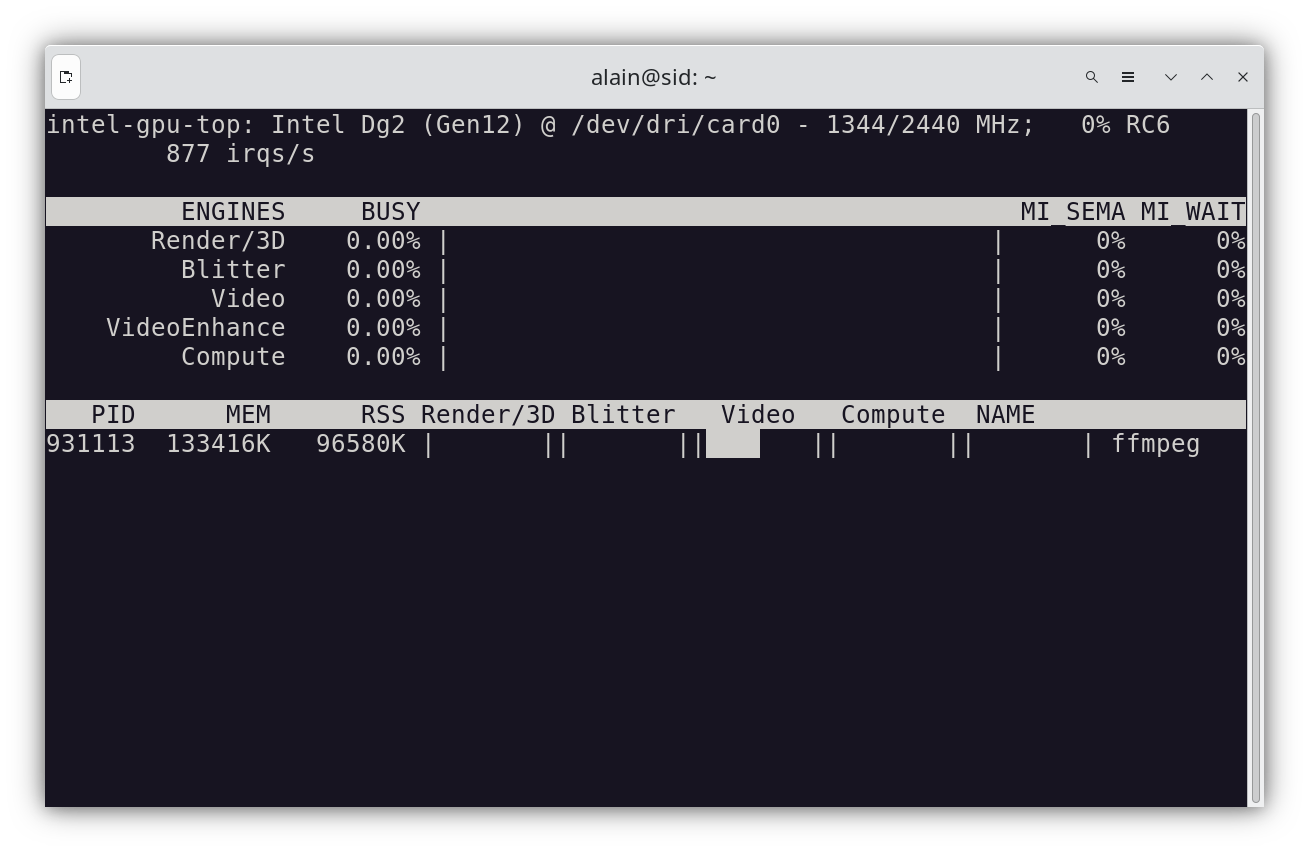
it is yes
-
PID 931113: The Process ID of the application currently interacting with the GPU.
-
MEM 133416K / RSS 96580K: The process is using approximately 130.3 MB of total GPU memory, with 94.3 MB being resident set size.
On the other hand, you see, James , setting the transcoding to QuickSync makes Jellyfin unstable.
There’s no way to play 4K HEVC.
I had to switch back to VAAPI.
And now everything works fine.
was it happening in 10.10.7 too? can’t say I have the same issue, but you’d be better off on the jellyfin community forums to get help troubleshooting jellyfin.
Recent updates to Jellyfin, specifically version 10.11.x, have introduced a critical bug where QuickSync tonemapping is broken, resulting in blocky, pixelated video output or complete playback failure when transcoding 4K HEVC HDR content. This instability is attributed to changes in FFmpeg transcoding parameters in versions 10.11.3 and later, which incorrectly handle the hardware mapping for tone mapping, whereas version 10.10.7 functions correctly.
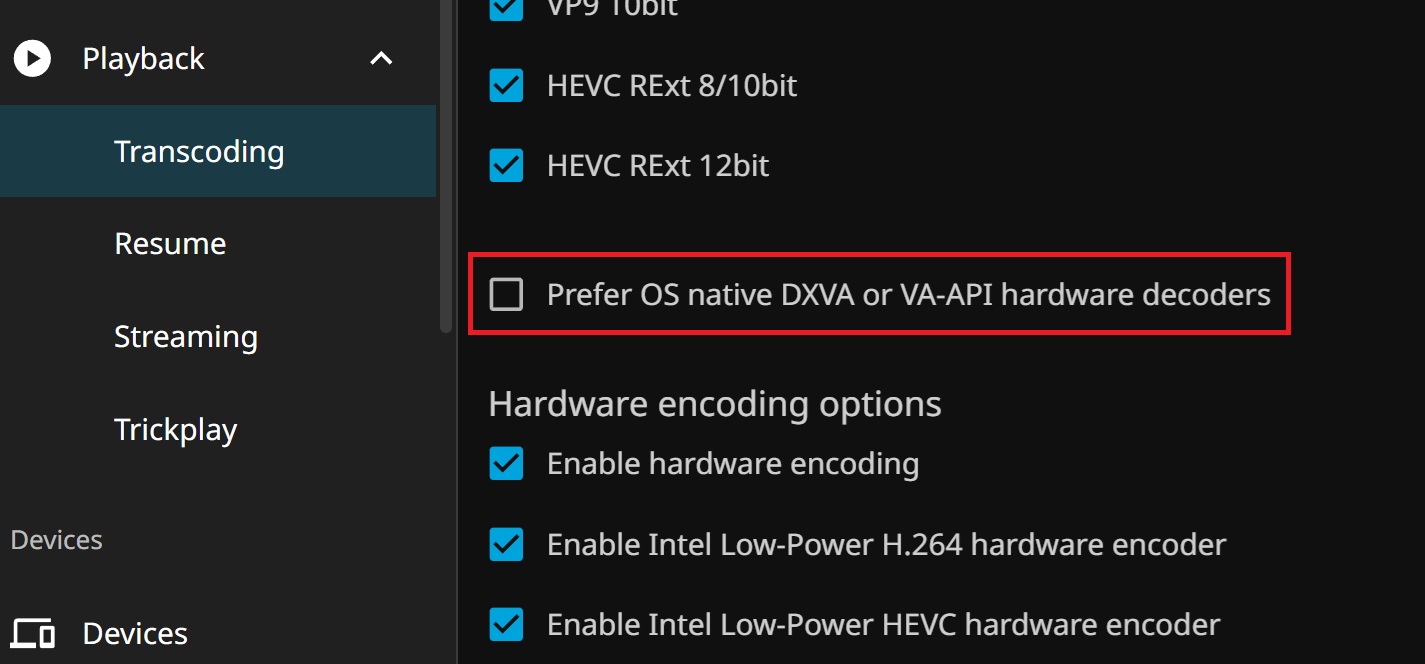
if you disable prefer os native and vaapi decoders it should work using qsv
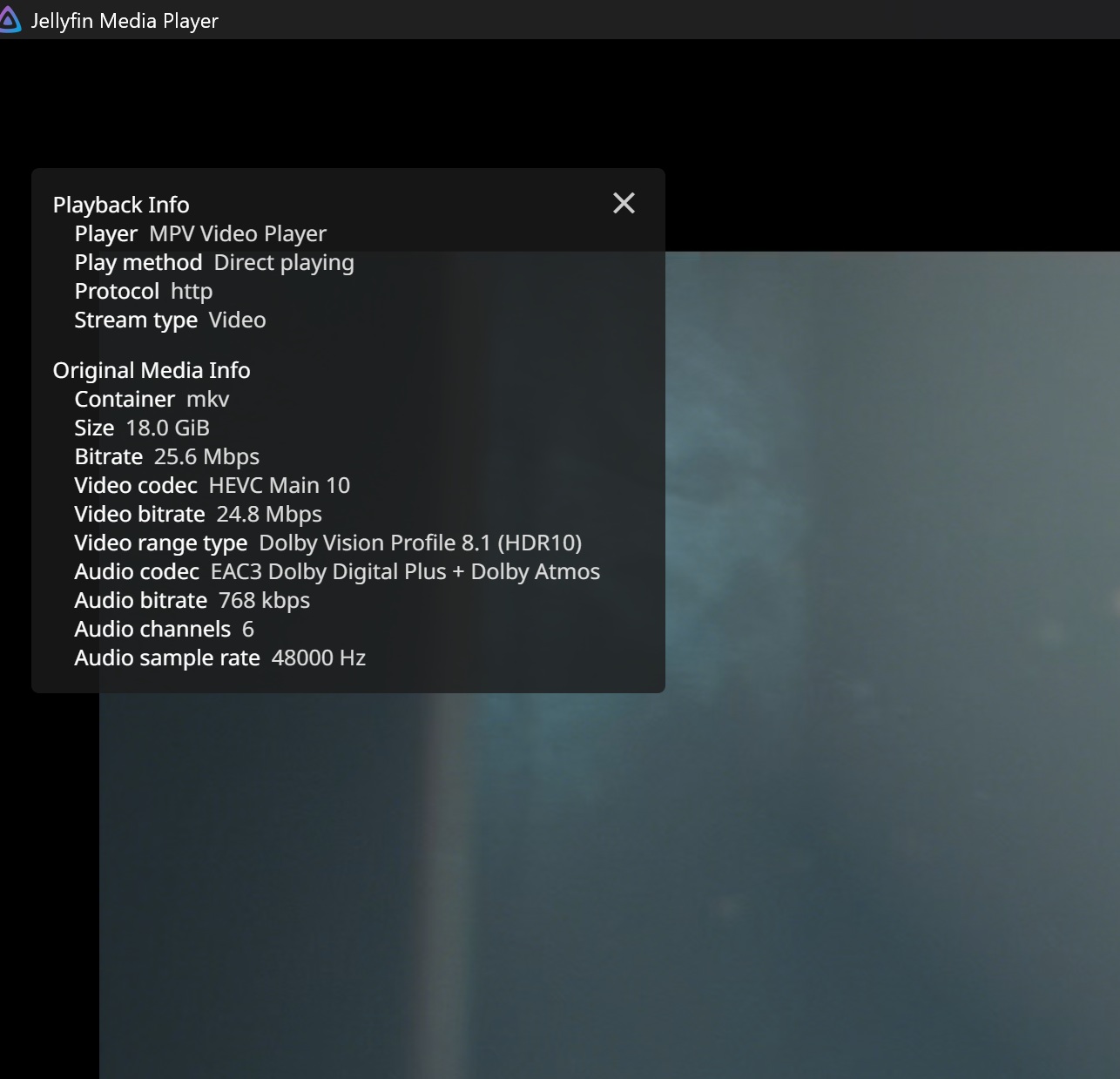
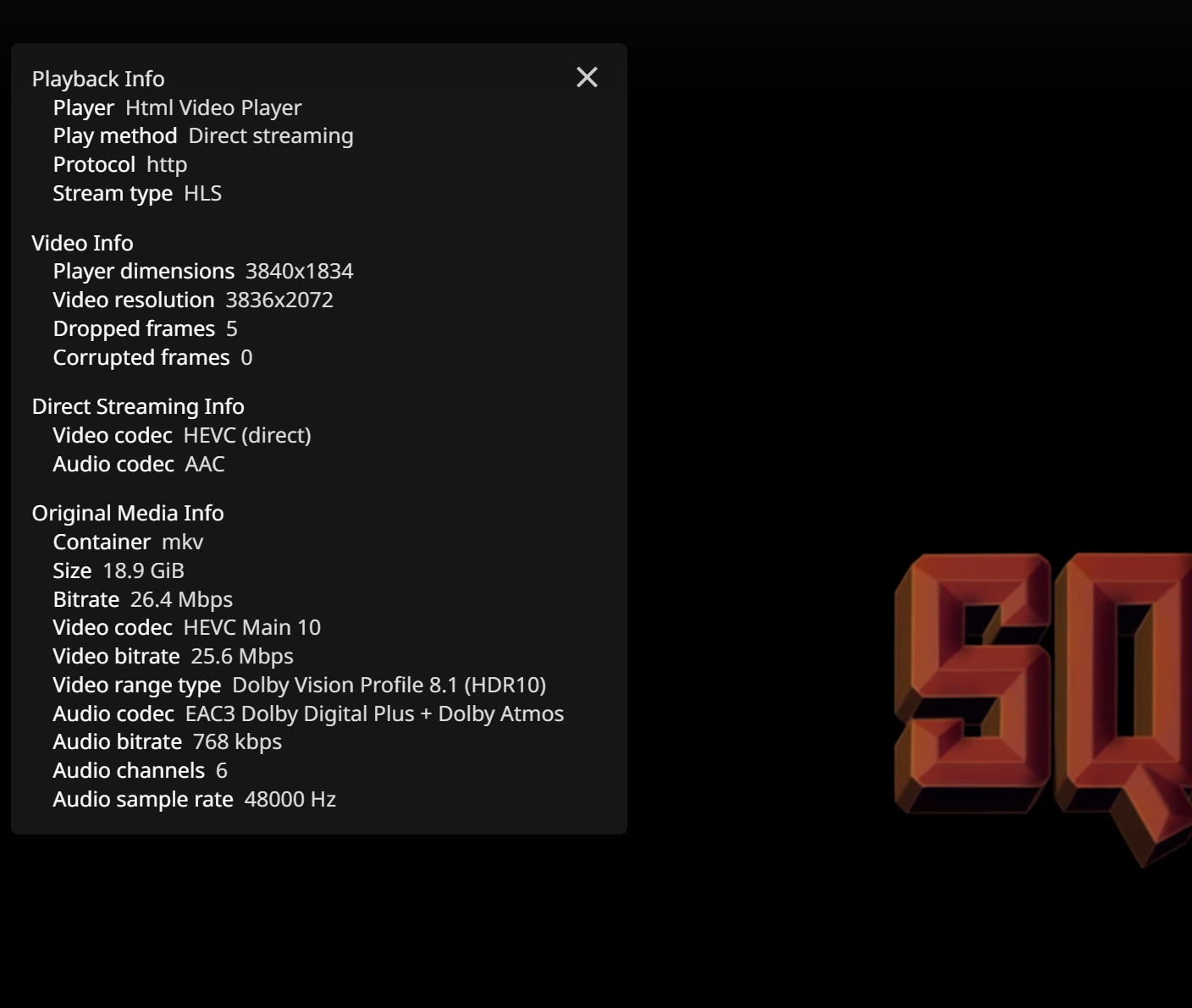
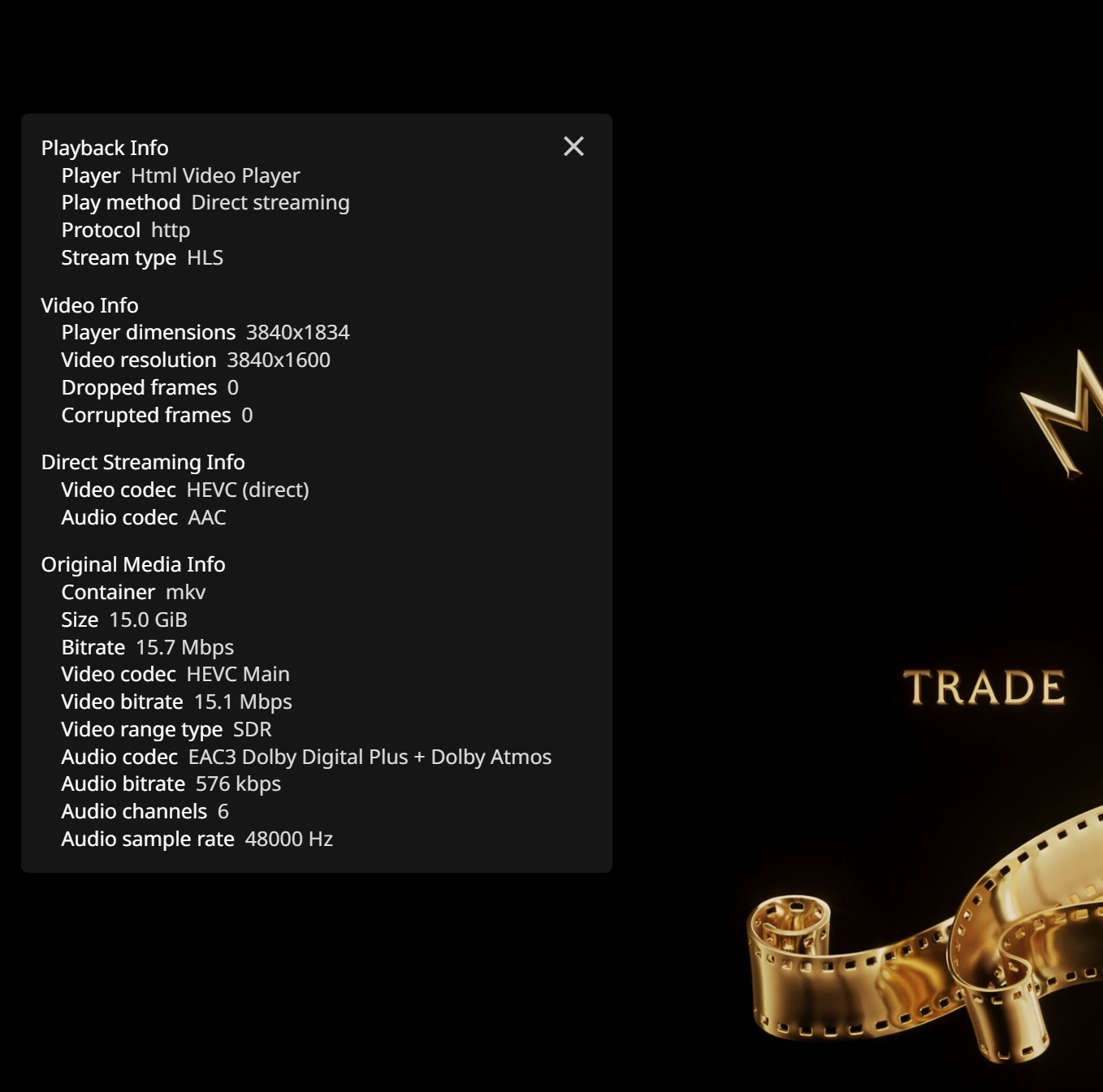
I forgot to disable again myself. was a temporary fix to getting dolby vision metadata working on an earlier version of jellyfin 10.11.x
Though i’d say if vaapi is working for you how you want everything then stick with it. jellyfin versions above 10.10.7 stable and the different content types people use is sure to show up a niggle here and there.
Hi James.
So, if I understand correctly, for Intel,
FFmpeg doesn’t fully support all hardware.
FFmpeg has significant issues playing Dolby Vision content.
The latest version of Jellyfin introduced a bug affecting HDR content, particularly in 4K and specifically on Intel graphics cards.
(A flaw in tone mapping).
Is that correct?
Hi Dany
Yes jellyfin versions 10.11.x have had a few issues particularly with 4k and tone mapping, as far as I have read on jellyfin forums the 10.11.x branch has been more focused on security issues, much to the anger of some users. and the 10.12.x branch will be when they start working on making it as stable as 10.10.7 version again.
10.10.7 is still the best stable version, but if you want to use UI mods like jellyfin enhanced etc they rely on the 10.11.x versions.
Keep an eye on the forum, it’s worthwhile and the more people that report issues and supply log files to them, the more likely it will be to get fixes.
another thing I should mention, if you don’t already know there is occasionally firmware updates released for the intel arc cards along with the drivers. Currently only Intel’s windows driver updates the cards firmware automatically when you install or update drivers.
On linux you need to manually download the firmware files and use the isgc tool, if you have another machine you can pop the graphics card into you can update the firmware for improved performance.
you likely won’t be able to download the packages and igsc tool on zimaOS, I just opted to use a windows machine as it was the simplest way, took about 10 minutes.
if you don’t have a windows machine there is a thread on jellyfin forum for linux methods : Flash Intel Arc GPU Firmware in Linux