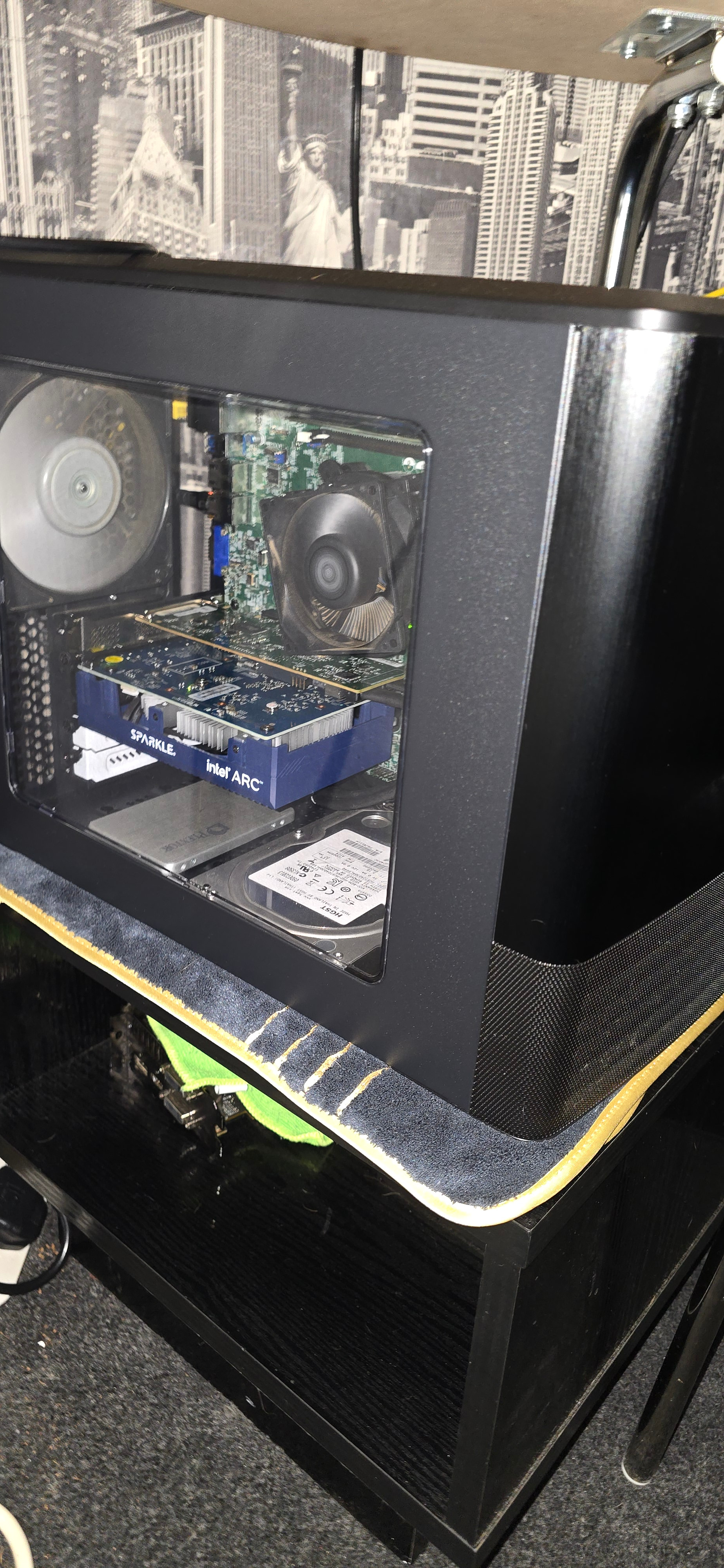
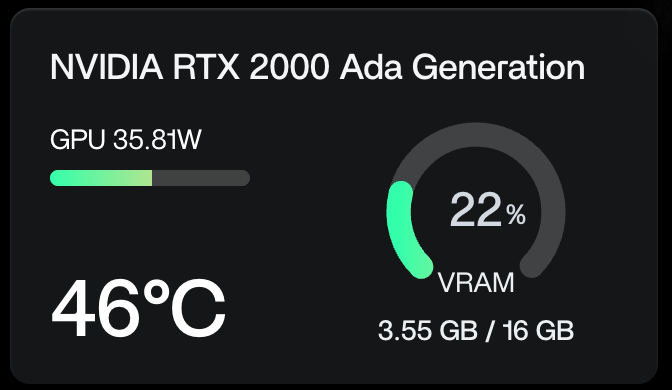
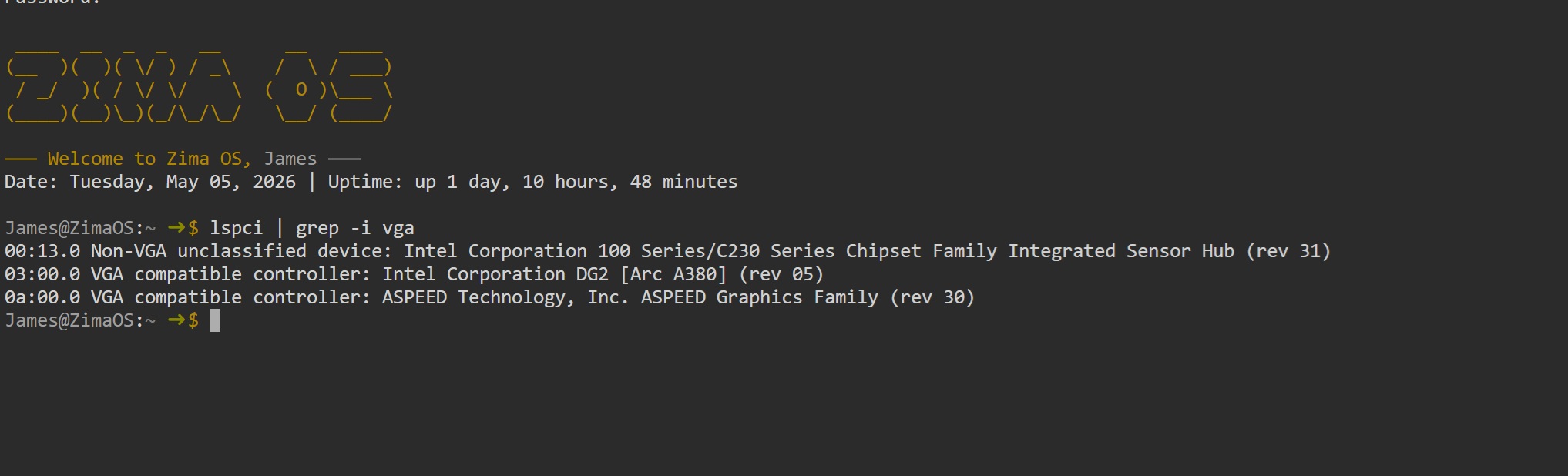
Hi Danny, If it helps I moved from an RTX 3050 to intel arc A380 for jellyfin as the Arc card supports more concurrent stream and encodes in AV1. now i use the rtx in another system for running LLM’s and light gaming. the intel arc is great choice for video hardware encoding/decoding.
Intel Arc GPUs are generally considered superior to the RTX 3050 for Jellyfin transcoding due to better codec support, higher efficiency, and no artificial limits on simultaneous streams.
Codec Support: Intel Arc cards offer native hardware AV1 encoding and decoding, whereas the RTX 3050 only supports AV1 decoding and lacks AV1 encoding, requiring the older H.265 (HEVC) or H.264 codecs.
Stream Limits: Intel Arc GPUs have no artificial restrictions on the number of simultaneous transcodes, while NVIDIA cards like the RTX 3050 are limited to eight simultaneous streams by software.
Power Efficiency: Arc GPUs typically consume significantly less power during idle and active transcoding compared to the RTX 3050, making them more cost-effective for 24/7 media servers.
Encoding Quality: According to Jellyfin’s official hardware selection guide, Intel’s encoding quality ranks higher than NVIDIA’s (Apple ≥ Intel ≥ NVIDIA), providing better visual fidelity at similar bitrates
I know you’re considering AMD or Intel but the intel card is a great choice if you’re just looking for something to run jellyfin.
As I mentioned earlier (in my reply to burndaddy), I just ordered the Intel Arc A310.
Because of its size, it barely fits in my case (Fractal Design Node 804).
ChatGPT is giving me mixed reviews, and I’ve noticed some people are concerned about whether this graphics card will work properly with my motherboard (Machinist X99 B9, AliExpress).
I hope I don’t run into any issues. The card is supposed to arrive on May 8, 2026. Wish me luck.
I’m also using fractal design node 804 with intel xeon E3 1270 and supermicro X11 motherboard.
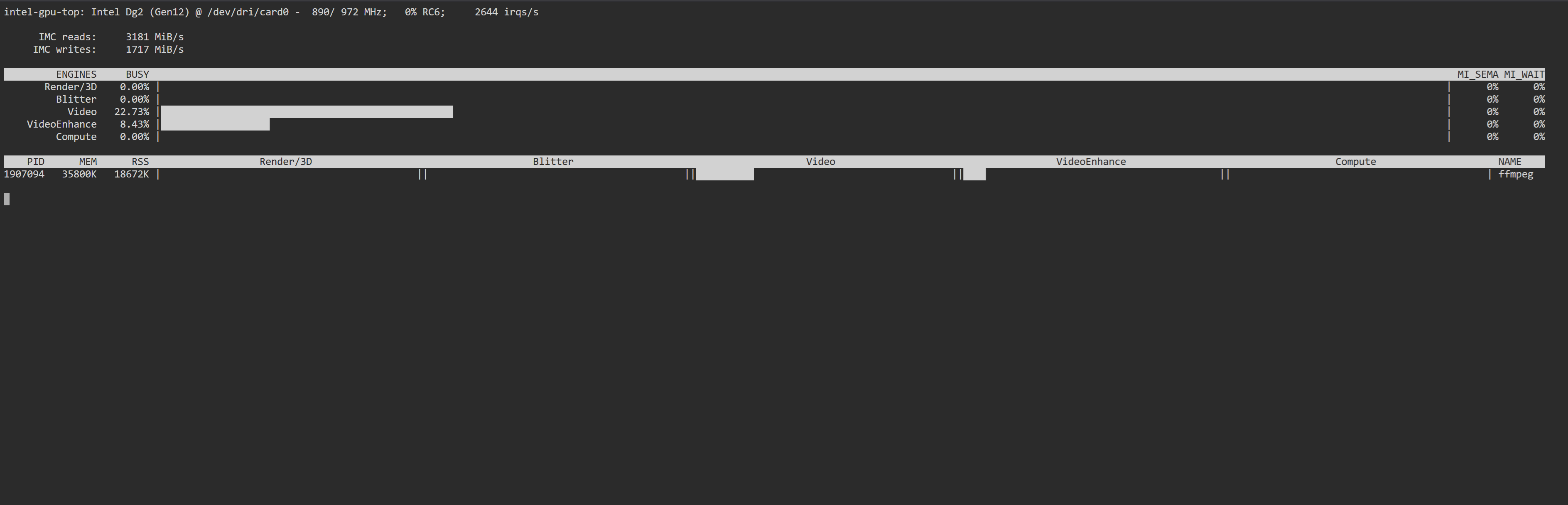
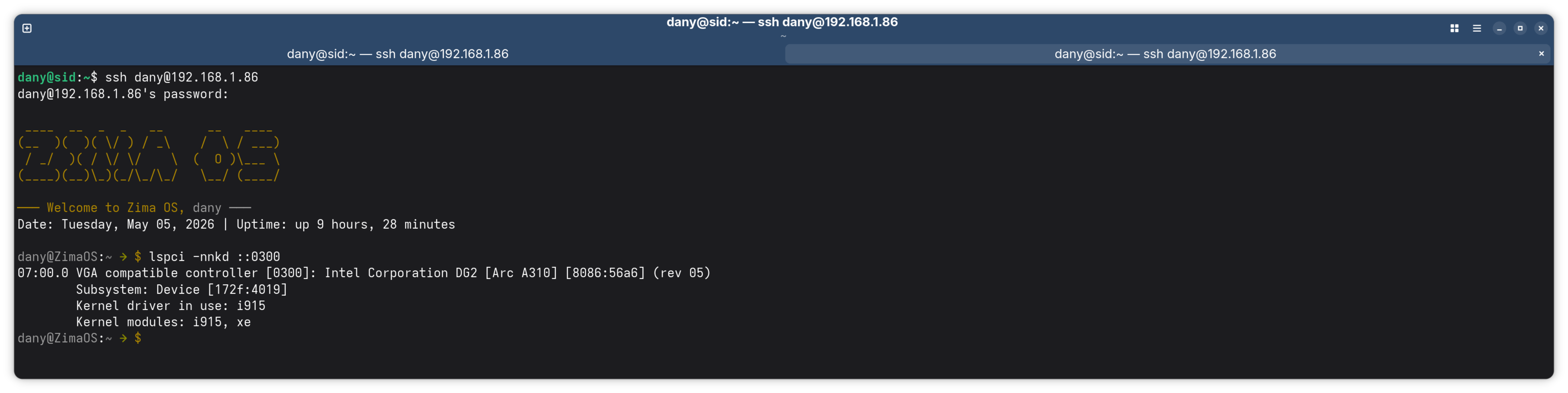
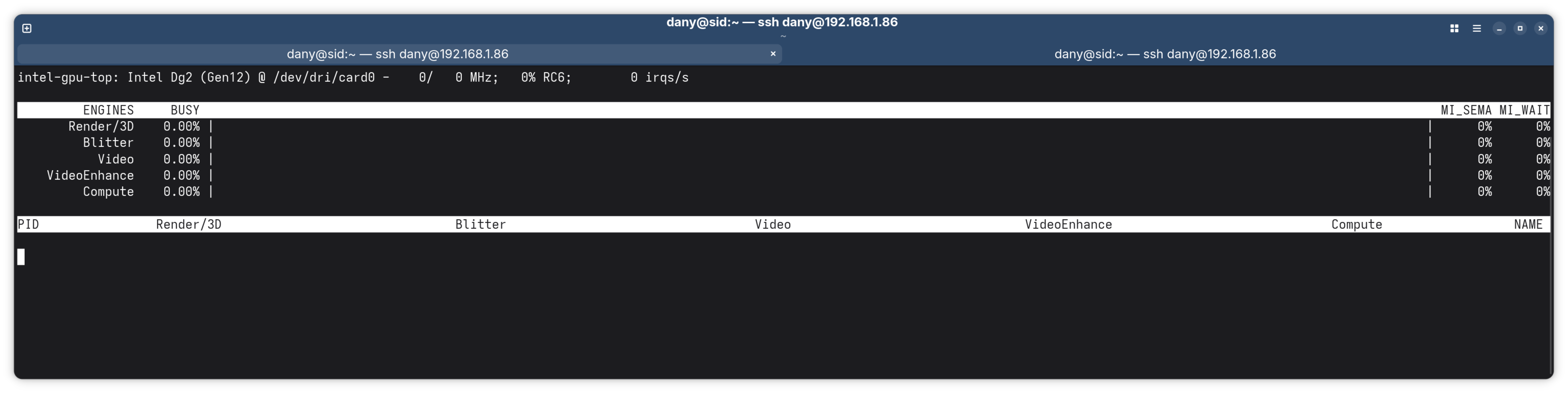
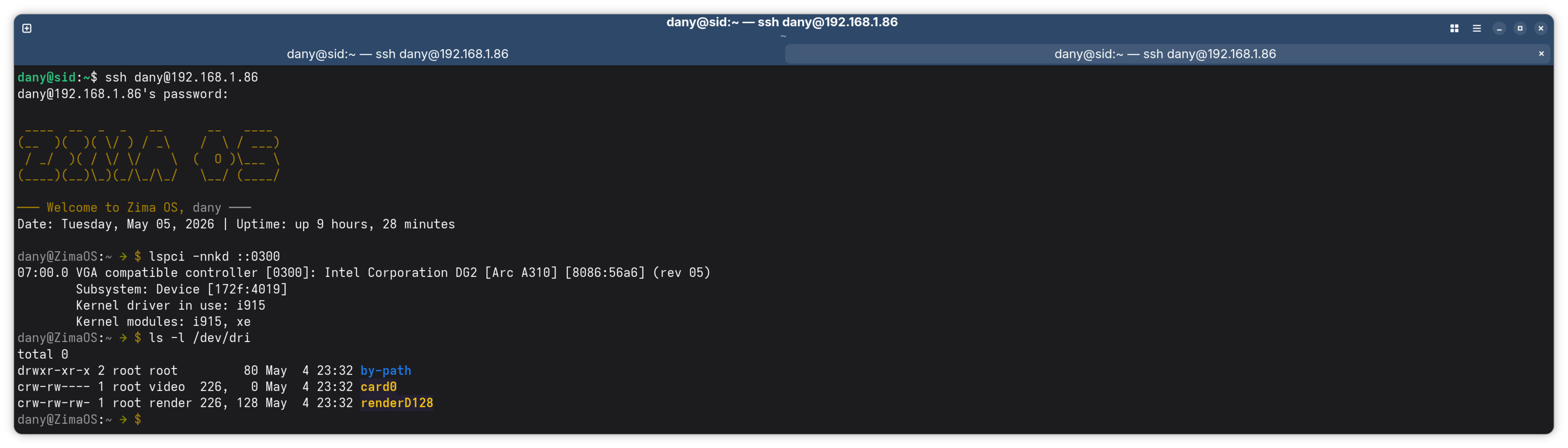
fits nicely and drivers for intel cards are built into the zima kernel. you don’t see gpu usage on dashboard as yet but it works in my system without issue. I’ve seen other folk use X99 chipset with arc cards I doubt you will encounter issues.
Best of Luck Dany, but I’m sure you will be fine to be honest.
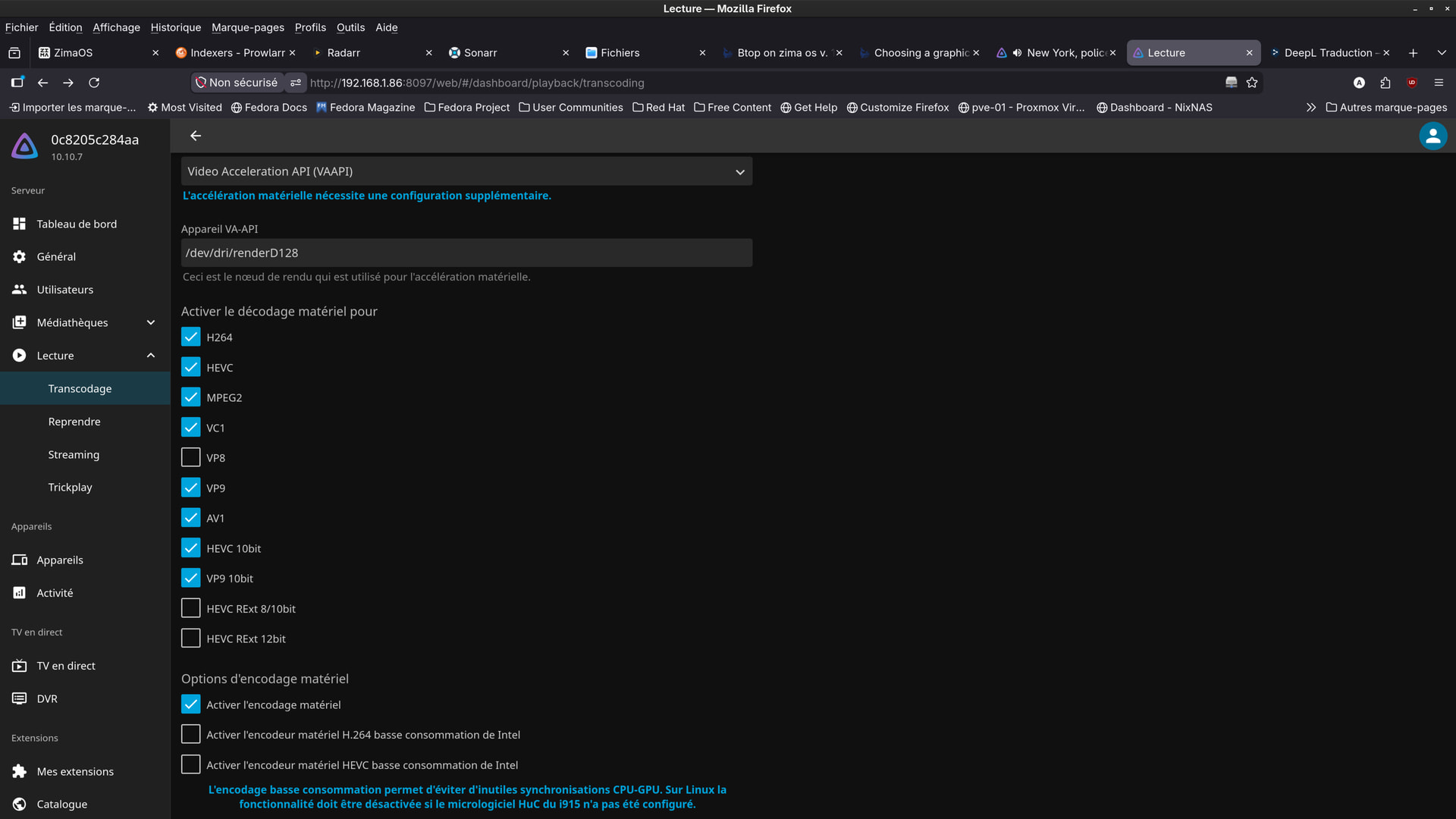
Transcoding and anything that uses the gpu is working and there’s no need to worry, Just waiting on the icewhale team fixing the gpu graph on dashboard.
overclockers.co.uk do shipping to France might be able to save some euros if you can order from UK when you’re looking for something else in the future.