Hi everyone, I’m running into an issue with ZimaOS and could really use some help.
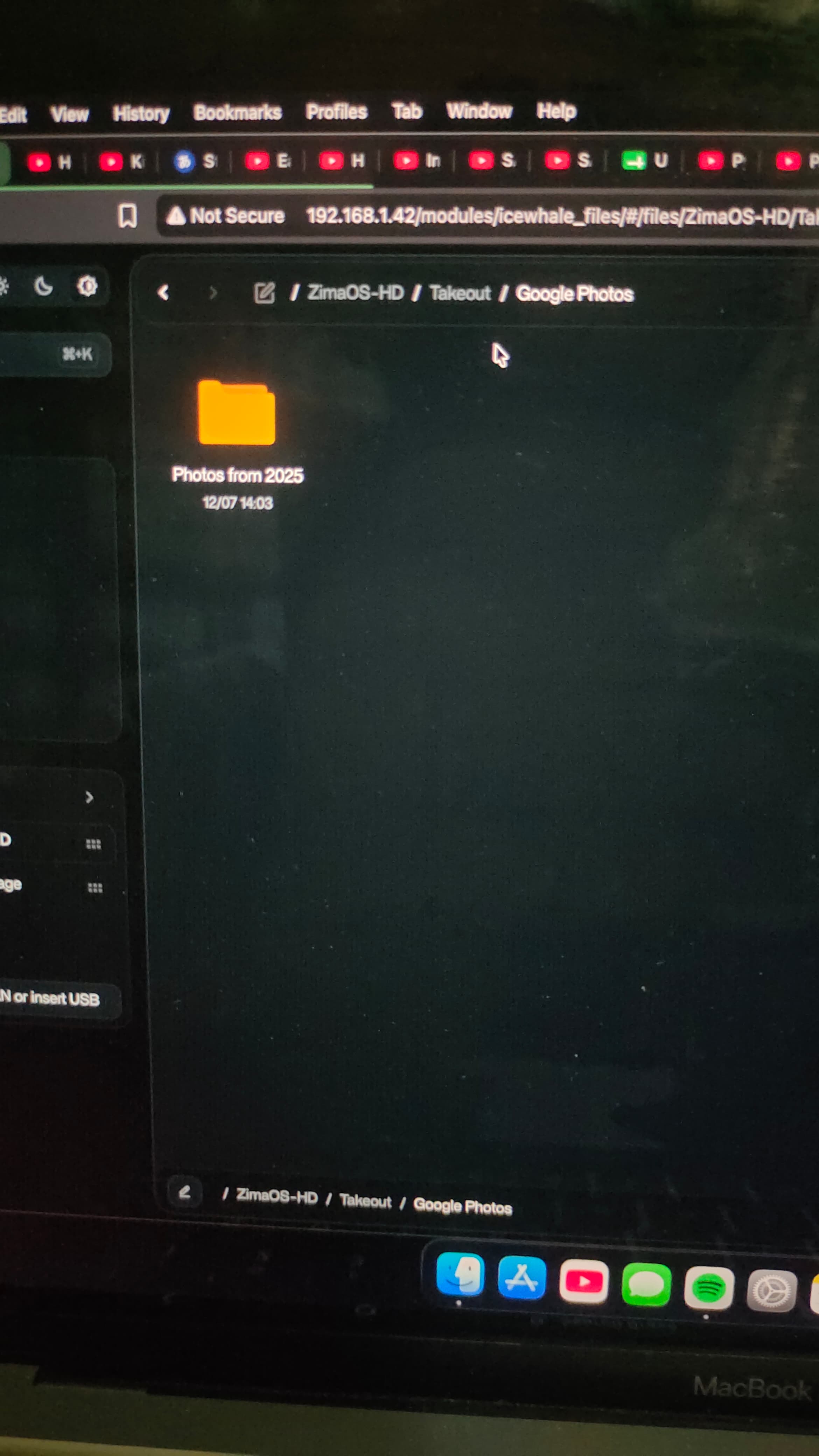
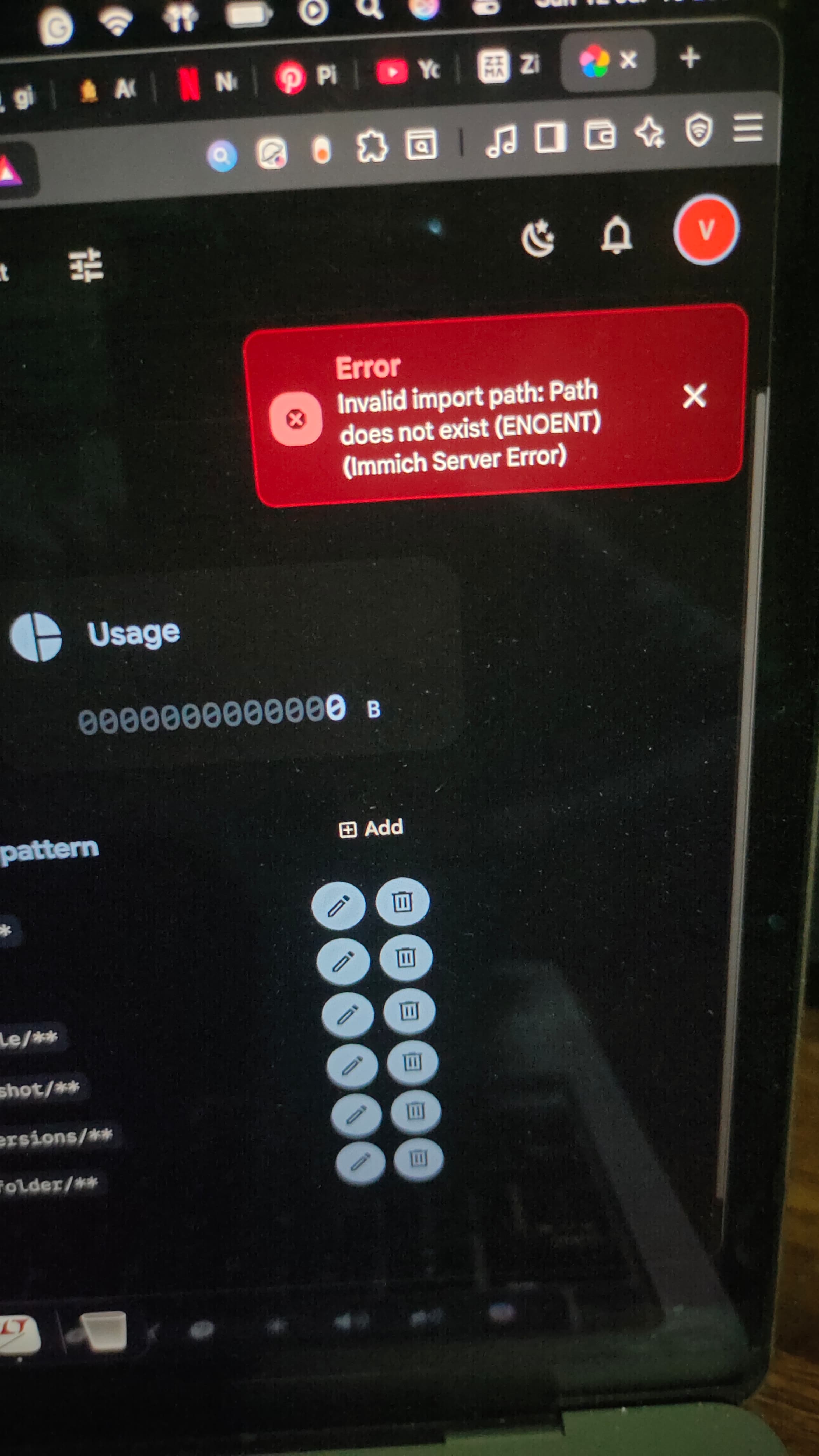
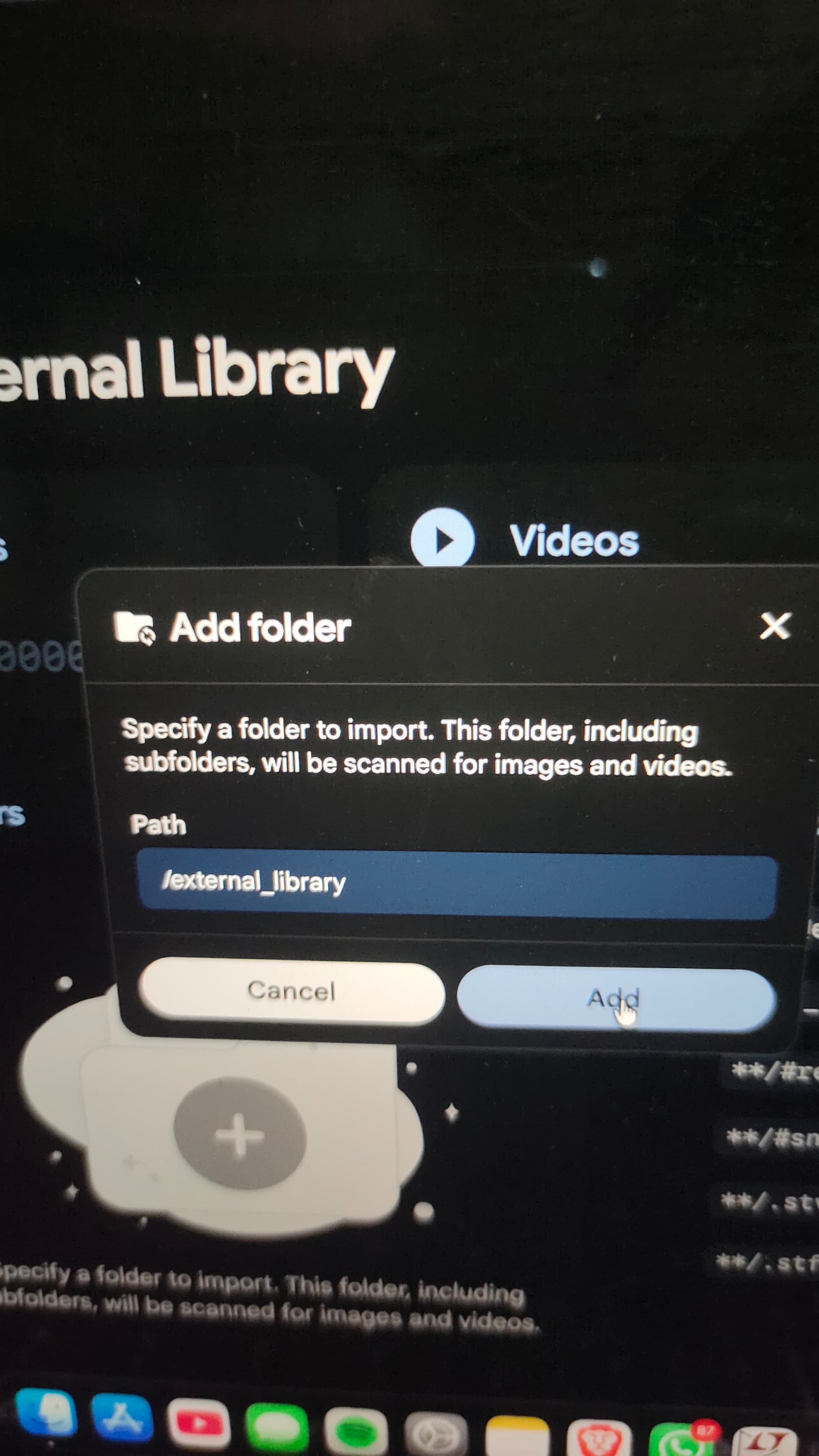
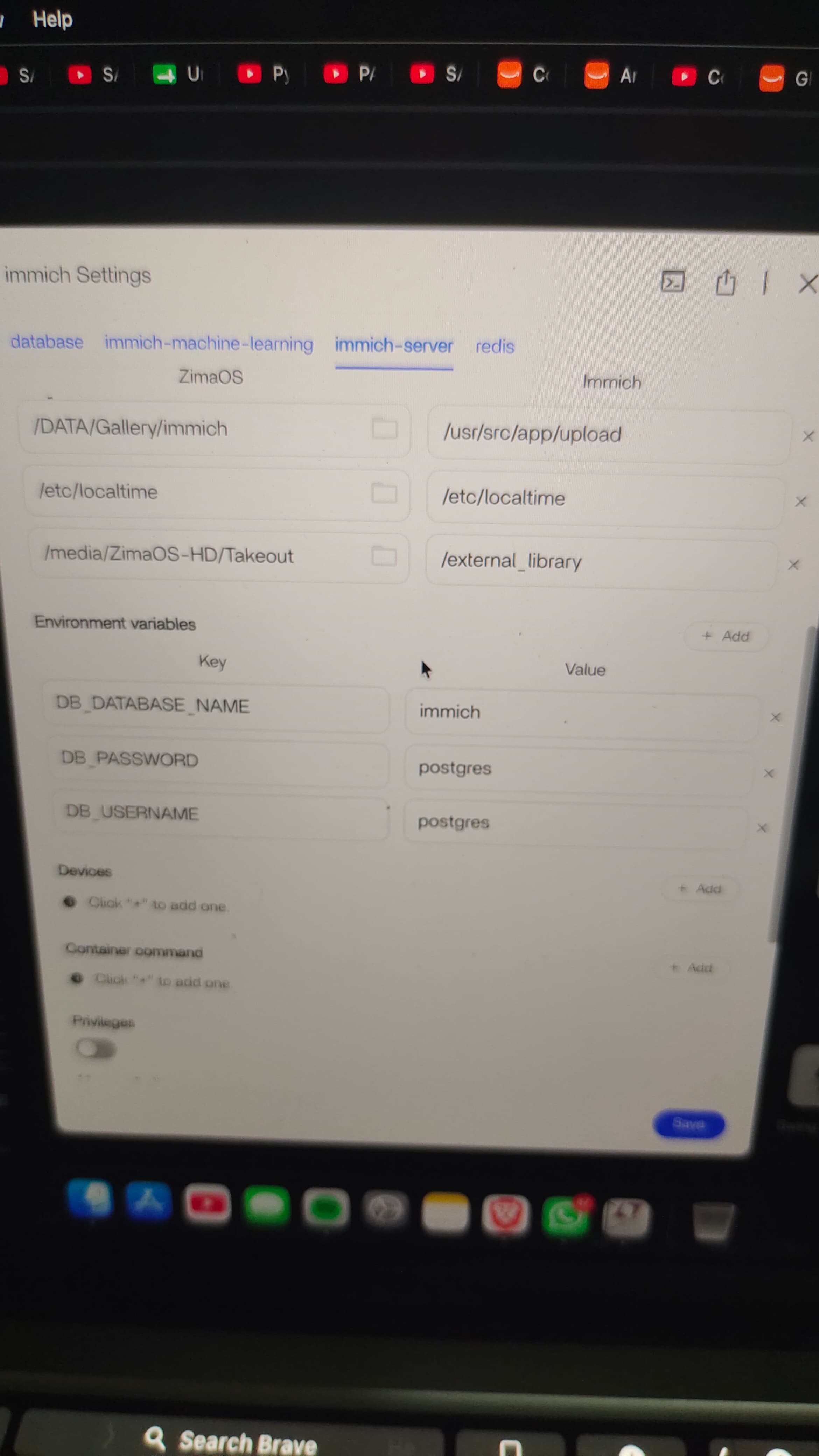
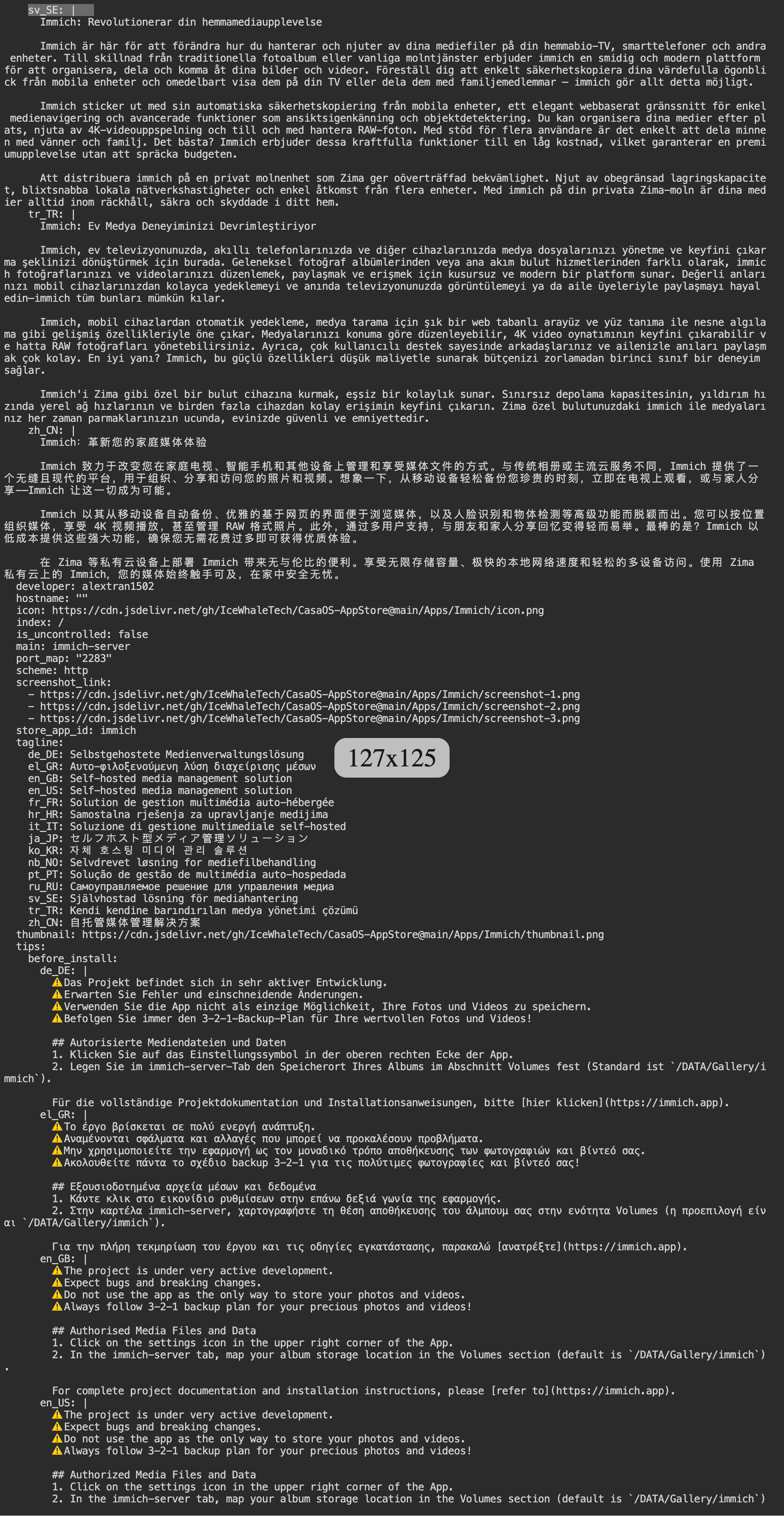
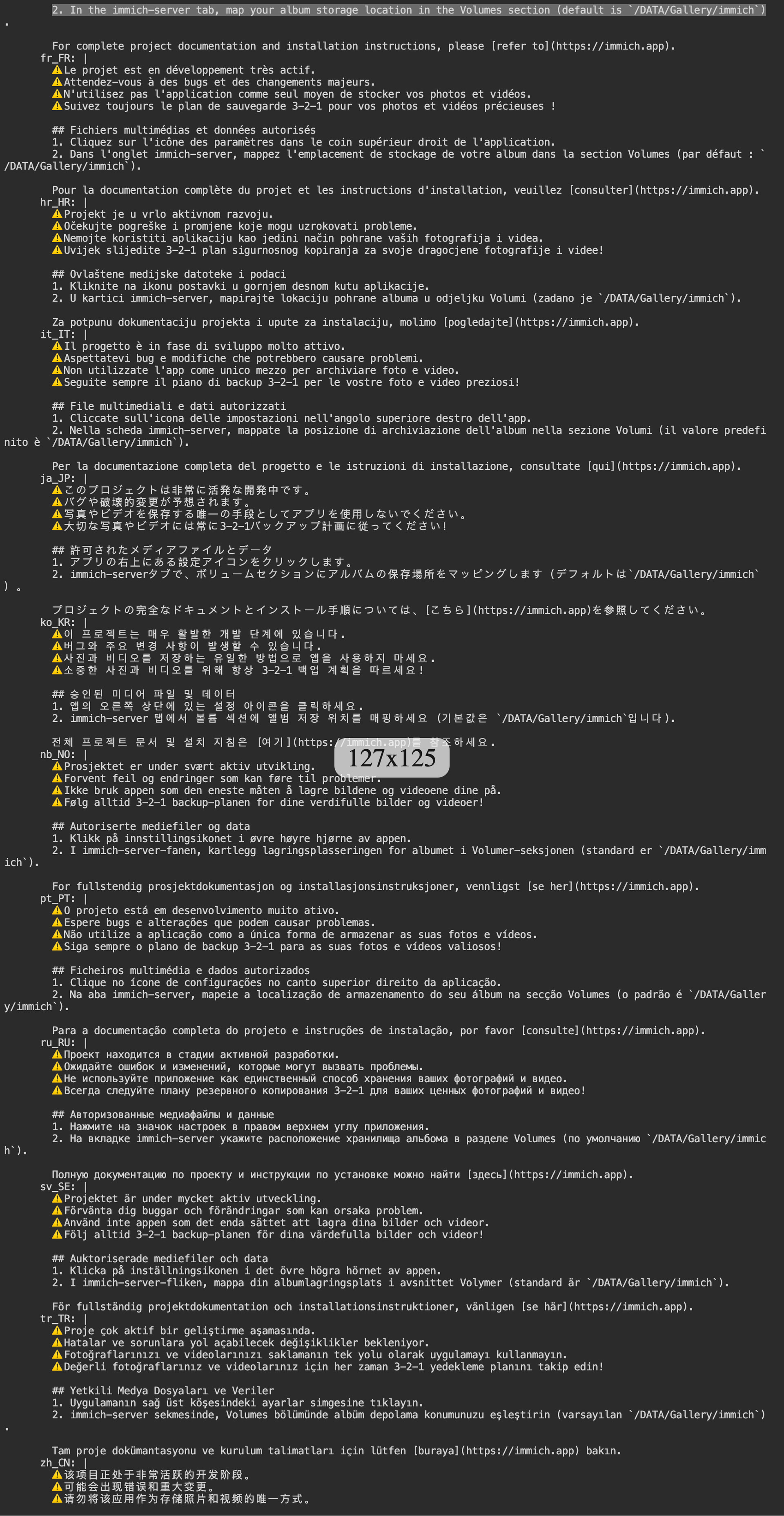
I’m trying to mount a drive in my image server using a Google Takeout folder that I transferred onto my ZimaOS hard disk. I’ve added the screenshots, configured the container, and restarted it, but whenever I try to fetch the library by adding it again, I keep getting the error “ENOENT: invalid path, no such file or directory.”
Please any advice or solutions would be a lifesaver!
Yes. The error indicates Immich cannot see /external_library inside the container. The saved library entry alone does not prove the Docker bind mount is active.
I suggest checking the container name and confirming the source folder still exists on the ZimaOS host:
docker ps -a --format 'table {{.Names}}\t{{.Image}}\t{{.Status}}' | grep -i immich
ls -ld "/media/ZimaOS-HD/Takeout"
Please post the complete output from both commands. Once we confirm the exact Immich container name and host path, we can inspect its active mount
Good, the host folder exists and the Immich server container is healthy. Next we need to confirm the bind mount is actually active inside immich-server.
Please run:
sudo docker inspect immich-server --format '{{range .Mounts}}{{println .Source "->" .Destination}}{{end}}'
sudo docker exec immich-server ls -ld /external_library
Post the complete output. This will show whether /media/ZimaOS-HD/Takeout is mounted to /external_library, or whether Immich is still running with the old container configuration.
Sometimes, when I save the Immich server settings—whether I make changes or not—I run into issues. This problem also happens when I try to mount directories, or even if I simply click save without making any adjustments.
That confirms the cause: /media/ZimaOS-HD/Takeout is not mounted into immich-server, so /external_library does not exist inside the container. Restarting the existing container cannot add a missing bind mount.
Before changing anything, please run:
sudo docker inspect immich-server --format '{{json .Config.Labels}}'
sudo docker inspect immich-server --format '{{json .HostConfig.Binds}}'
Post both outputs. This should identify the active Compose/App configuration and confirm whether ZimaOS saved the new bind mount but failed to recreate the container.
Good, this confirms the active Immich Compose file is:
/var/lib/casaos/apps/immich/docker-compose.yml
It also confirms the saved container still only has the upload and localtime mounts. The external library mount was not applied.
Please run:
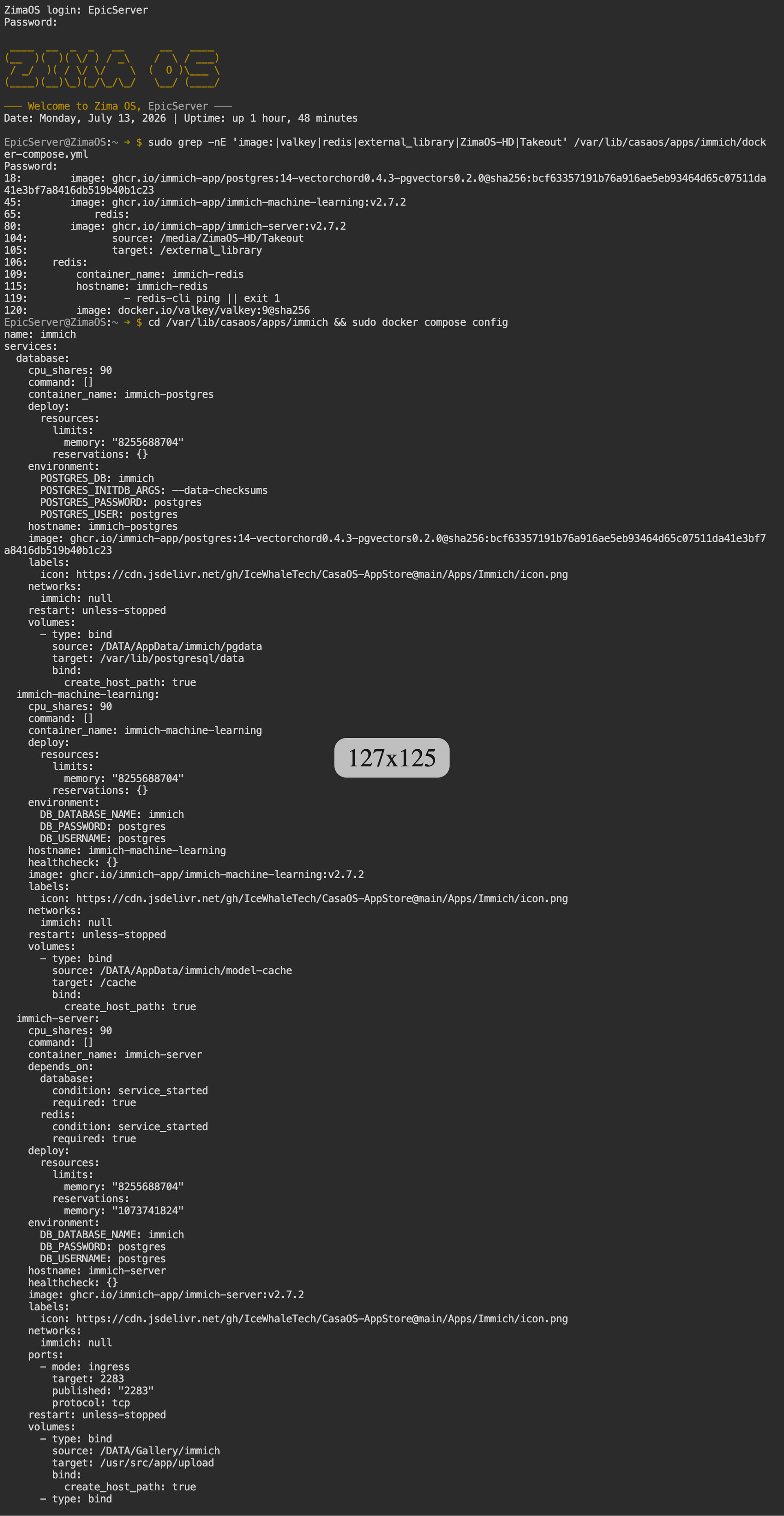
sudo grep -nE 'image:|valkey|redis|external_library|ZimaOS-HD|Takeout' /var/lib/casaos/apps/immich/docker-compose.yml
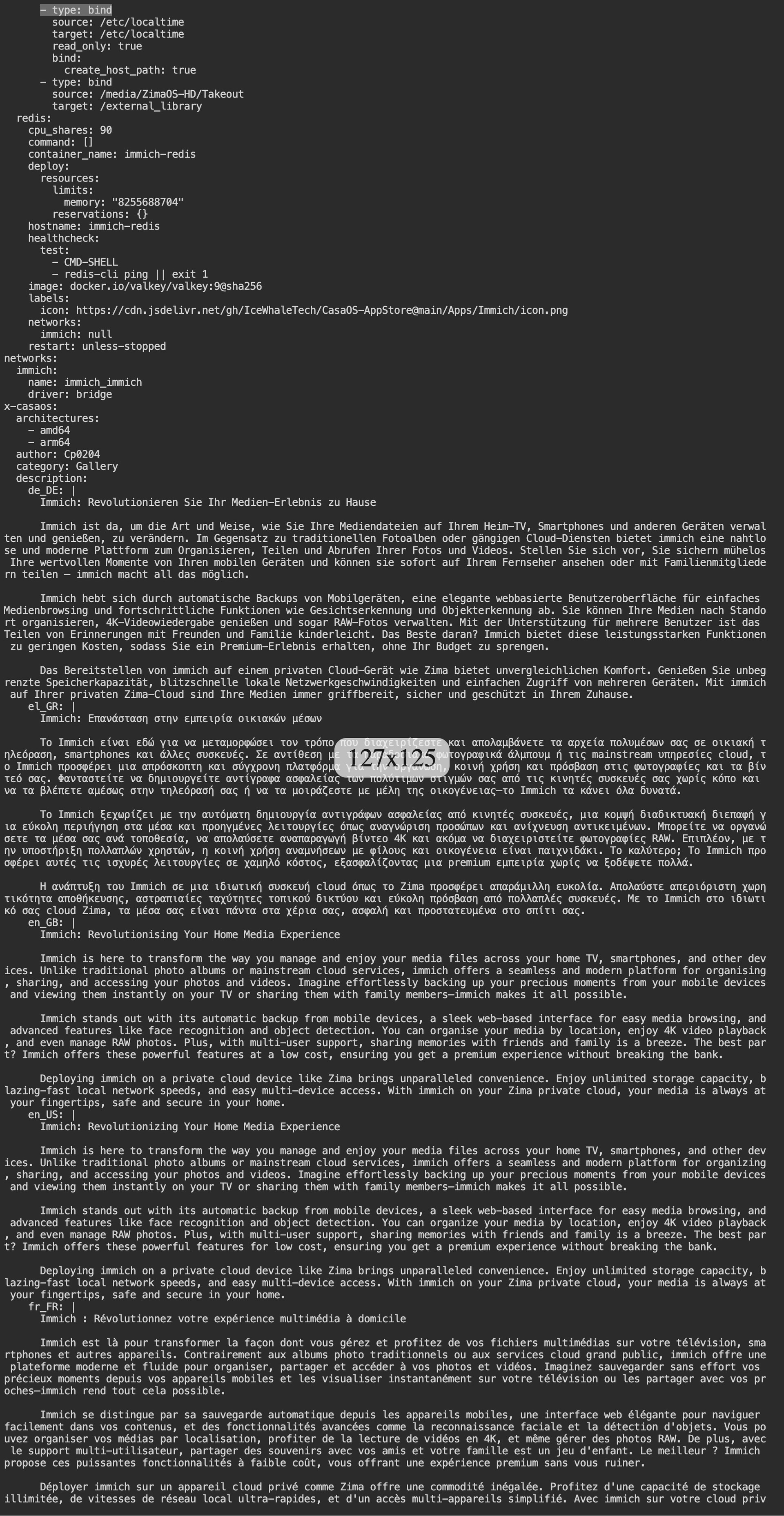
cd /var/lib/casaos/apps/immich && sudo docker compose config
Post the complete output. This will show whether the Compose file contains the malformed Valkey image reference and whether the external library mapping was saved at all.
The output confirms the external library mount was saved correctly in the Compose file:
/media/ZimaOS-HD/Takeout:/external_library
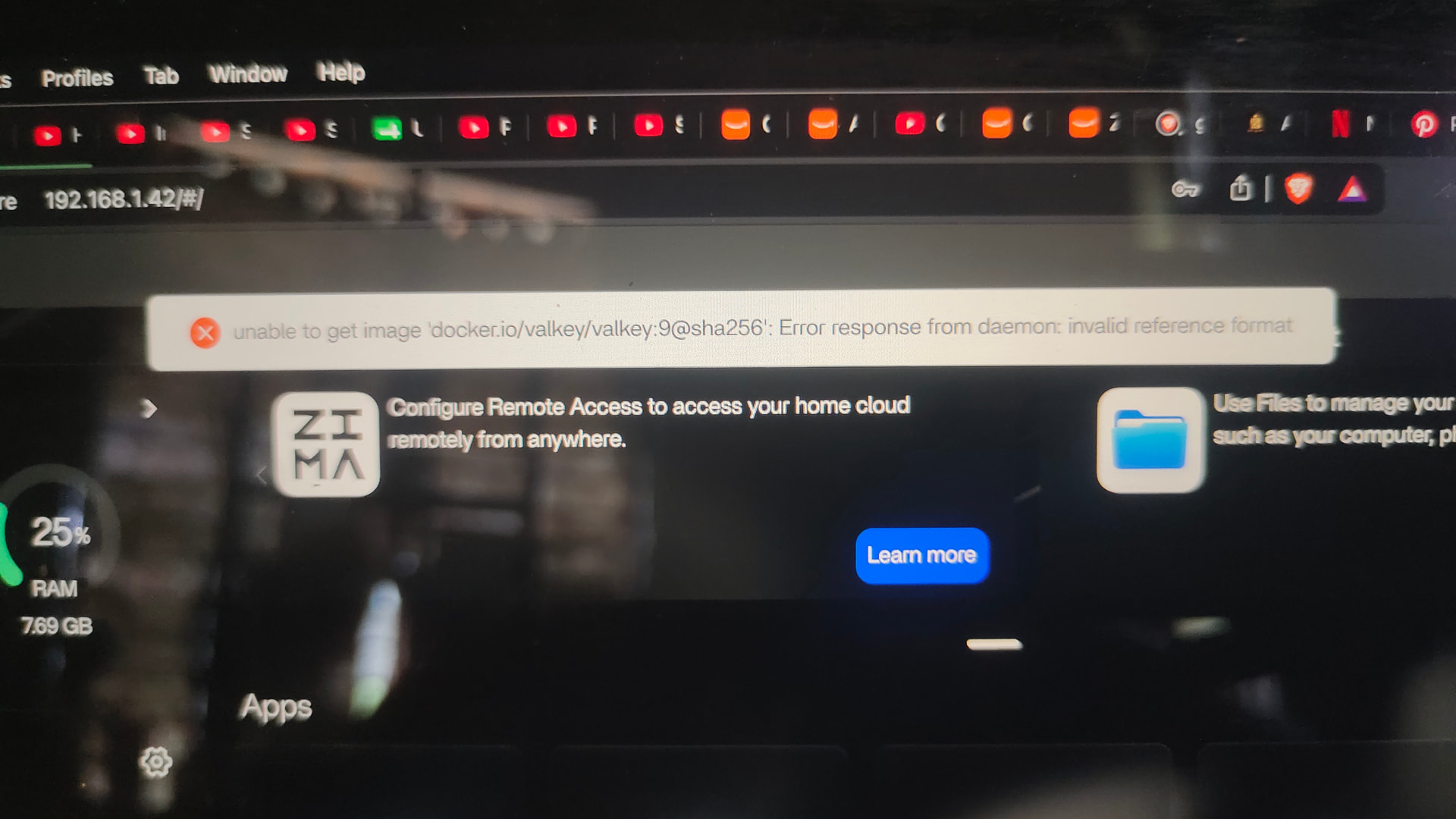
However, the Redis/Valkey image reference is invalid:
docker.io/valkey/valkey:9@sha256
Because the digest is incomplete, ZimaOS cannot recreate the Immich stack when you press Save. The existing container therefore continues running without the new mount.
Before editing anything, please run:
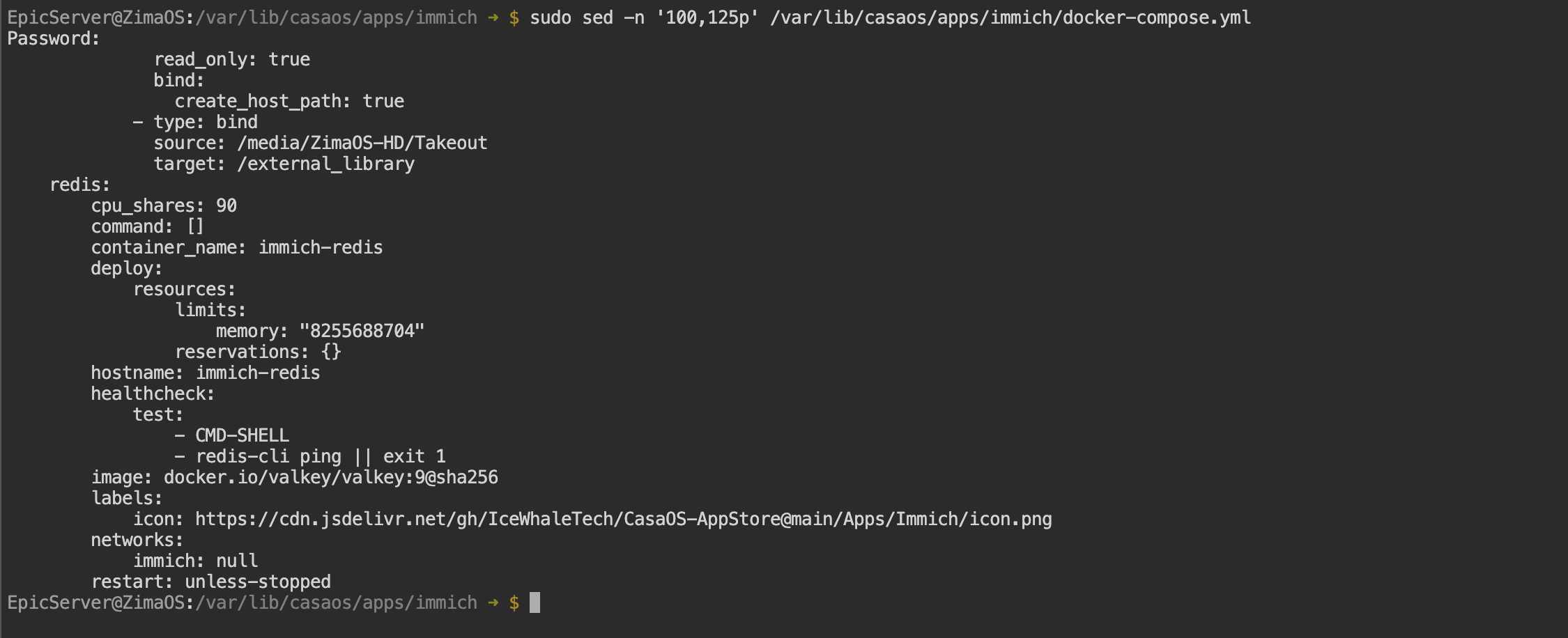
sudo sed -n '100,125p' /var/lib/casaos/apps/immich/docker-compose.yml
This will show the complete Redis section so we can correct only the broken image line.
That confirms the Compose file itself contains the broken reference:
image: docker.io/valkey/valkey:9@sha256
Before replacing it, let’s identify the exact image currently used by the healthy immich-redis container:
sudo docker inspect immich-redis --format 'Configured image: {{.Config.Image}}{{println}}Image ID: {{.Image}}'
Please post the output. We can then repair only that line using the verified working image reference.
That confirms the healthy immich-redis container is using:
docker.io/valkey/valkey:9
The extra incomplete @sha256 in the Compose file is the problem. We can now correct only that exact line after creating a backup.
sudo cp /var/lib/casaos/apps/immich/docker-compose.yml /var/lib/casaos/apps/immich/docker-compose.yml.bak-$(date +%Y%m%d-%H%M%S) && sudo sed -i 's|docker.io/valkey/valkey:9@sha256$|docker.io/valkey/valkey:9|' /var/lib/casaos/apps/immich/docker-compose.yml
Then verify the file before recreating anything:
sudo grep -n 'image: docker.io/valkey/valkey' /var/lib/casaos/apps/immich/docker-compose.yml && cd /var/lib/casaos/apps/immich && sudo docker compose config >/dev/null && echo "Compose configuration is valid"
Please post the complete output.
This is the kind of problem ZimaBrain could have identified quickly.
The folder mount was saved correctly in the Immich configuration, but the running container never received it because the broken Valkey image reference stopped ZimaOS from recreating the app.
So the Immich error was only the symptom. The real cause was the invalid Valkey image line. It links the symptom to the root cause immediately instead of checking each layer manually.
Good, the malformed Valkey reference is corrected and the Compose file now validates.
Now recreate the Immich stack so the saved /external_library mount is applied:
cd /var/lib/casaos/apps/immich && sudo docker compose up -d
Then verify the mount inside the recreated server container:
sudo docker exec immich-server ls -ld /external_library
Please post the complete output from both commands.
Perfect, the stack recreated successfully and /external_library now exists inside immich-server.
The original problem is resolved. In Immich, use:
/external_library
as the external library path, then run the library scan.