Hello, everyone.
As you can see, it’s been about 24 hours since
I found the missing screw.
So far, so good.
My Toshiba drives aren’t acting up.
Hopefully it lasts…
I’ll keep an eye on things for another week and then decide what to do.
I still don’t know if I should put the new drive into service—and where?
In my USB enclosure? (which I rarely use) Or in my NAS
(to replace a Toshiba)?
1 Like
Another disk disconnection.
What do you think of this?
https://www.amazon.fr/dp/B09YFC6FZ7?th=1
Honestly, those cables actually look like a much better option for your setup. The right-angle connectors are probably far better suited to the cramped space near the PSU in the Node 804 instead of having the SATA cables forced into tight bends.
That kind of sideways tension on SATA connectors can absolutely cause weird intermittent issues over time, especially with heavy drives vibrating away in a NAS case.
Now that you’ve mentioned:
- the missing screw
- bent Toshiba SATA cables
- cramped clearance near the PSU
the whole thing honestly makes a lot more sense to me than both Toshiba drives suddenly dying together at the same time.
Personally, I’d replace those bent cables with proper angled ones, tidy up the cable routing a bit, and monitor things for a week or two before even opening the new Exos drive.
At least that way you can properly rule out the physical connection side first instead of swapping drives and potentially chasing the wrong problem all over again.
thanks
My cables are arriving tomorrow.
I’ll probably be able to run the tests that same evening.
Cables received and replaced.
Everything seems fine.
But could you explain this to me:
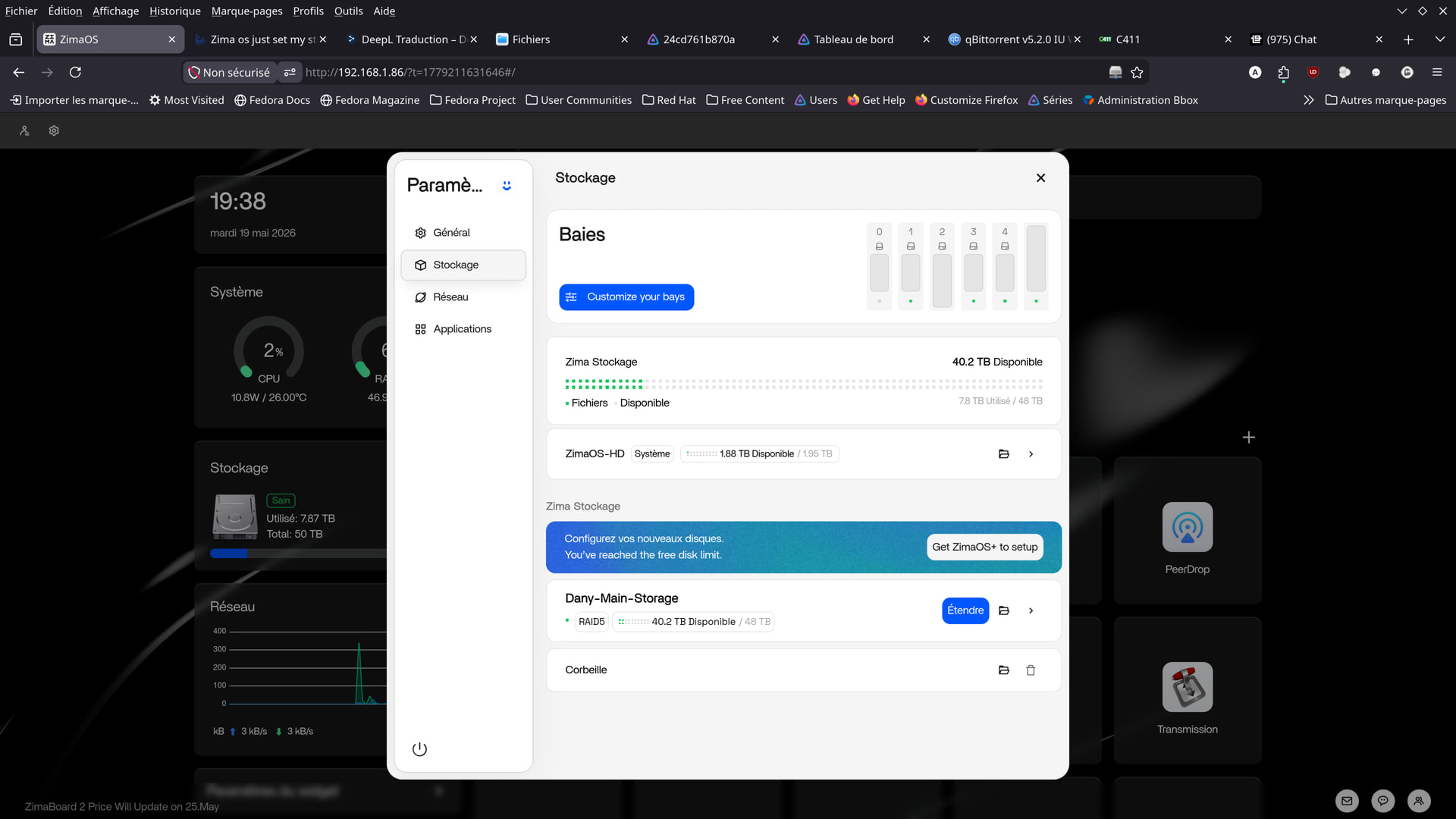
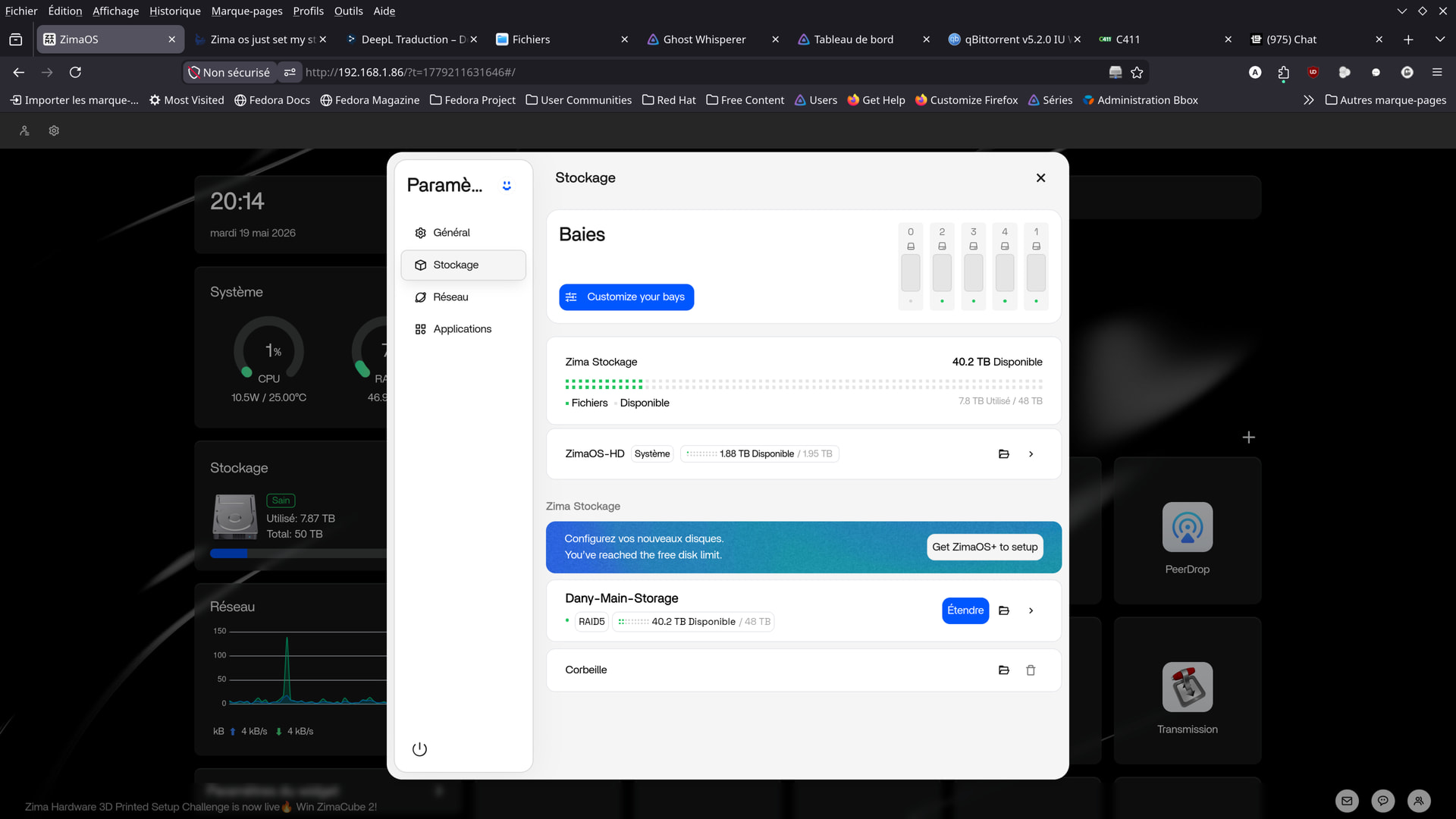
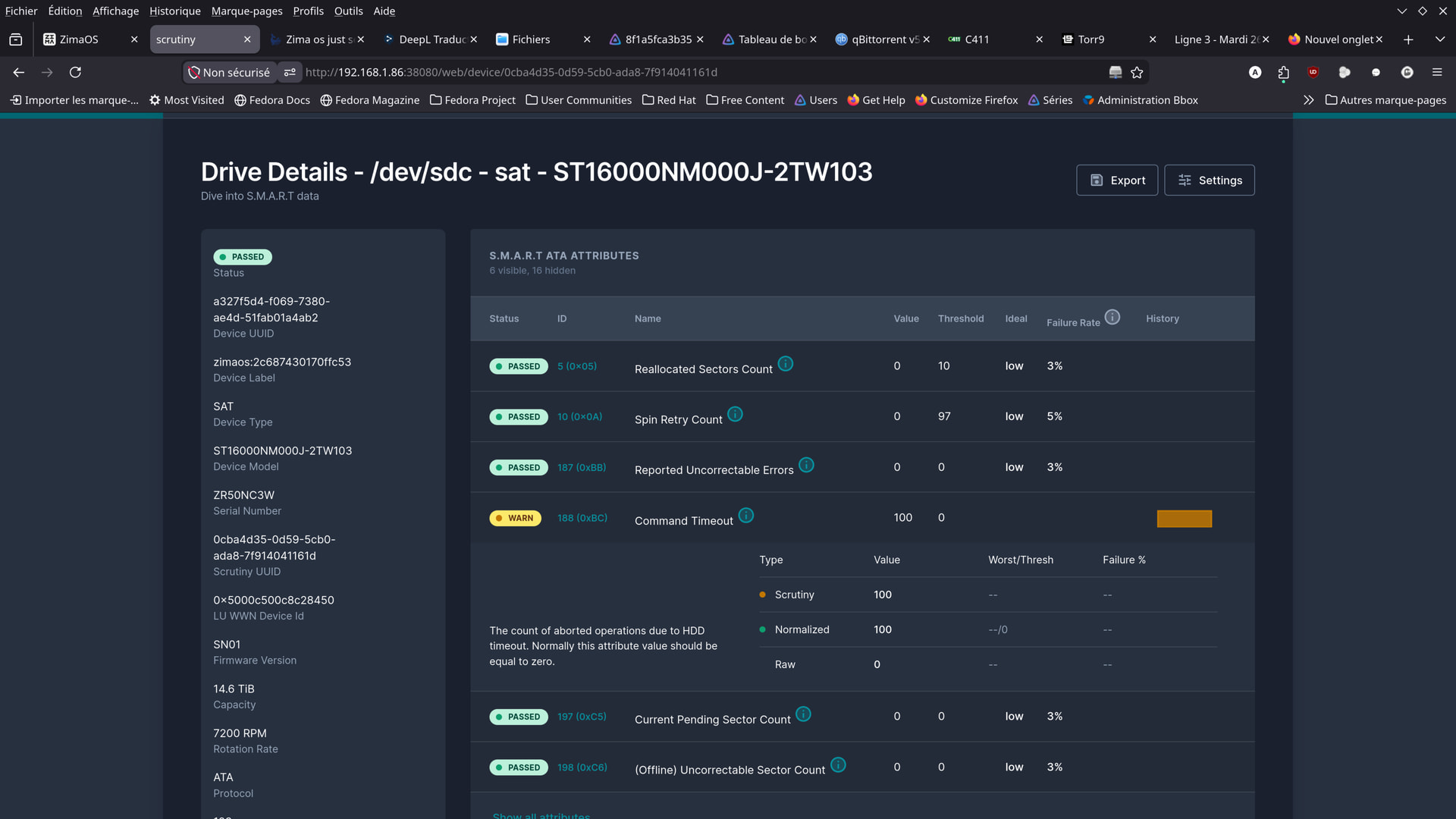
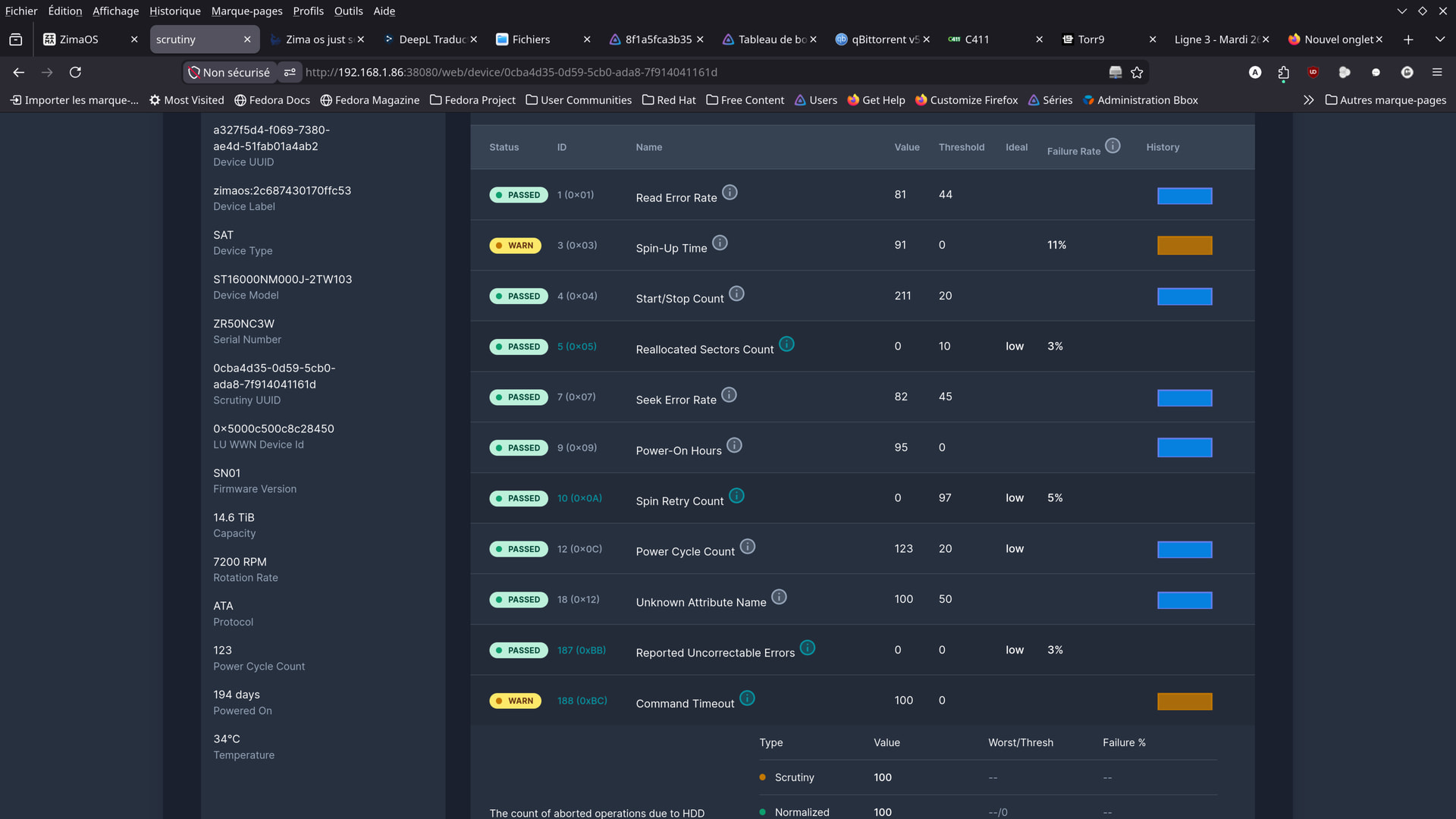
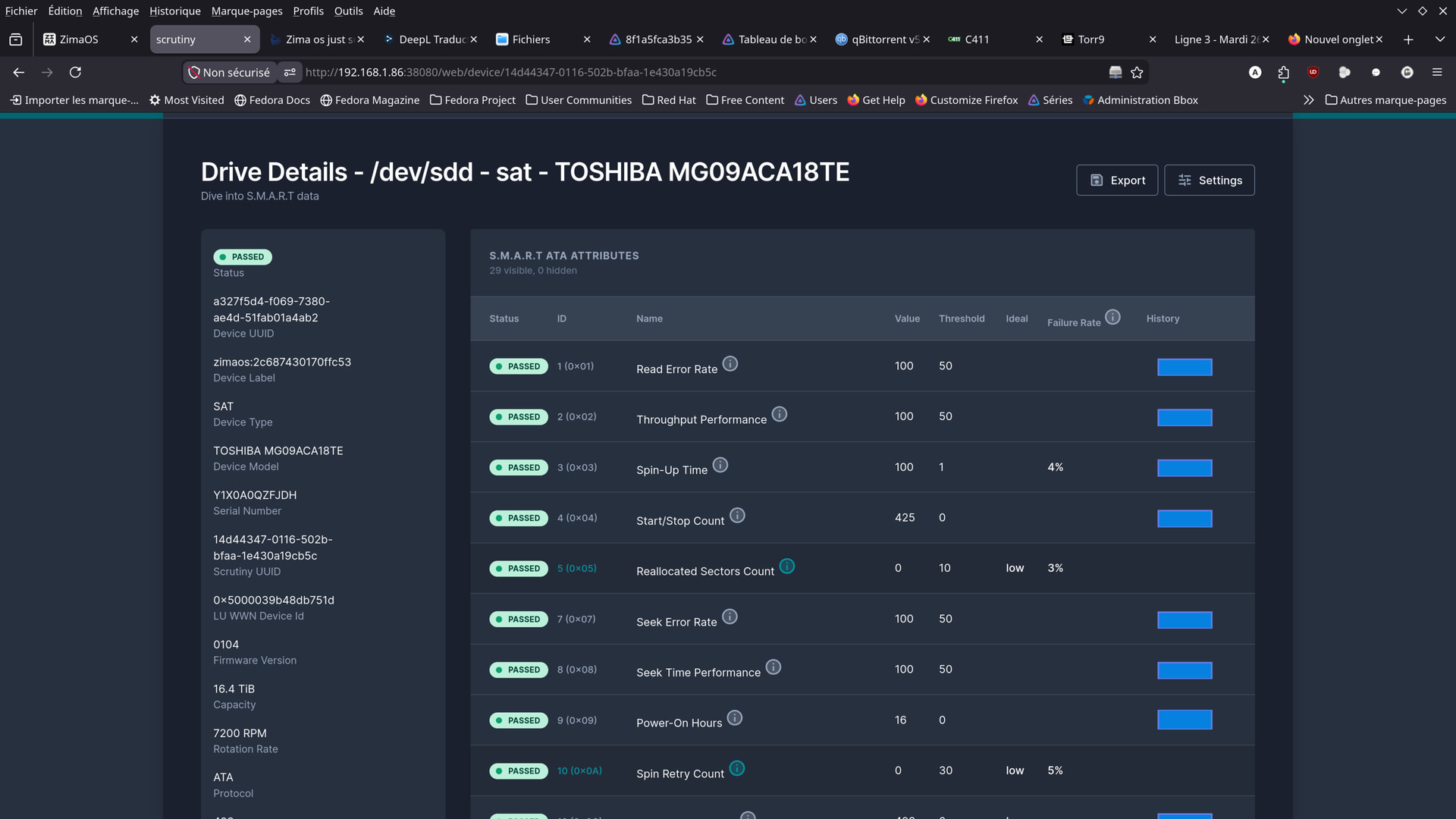
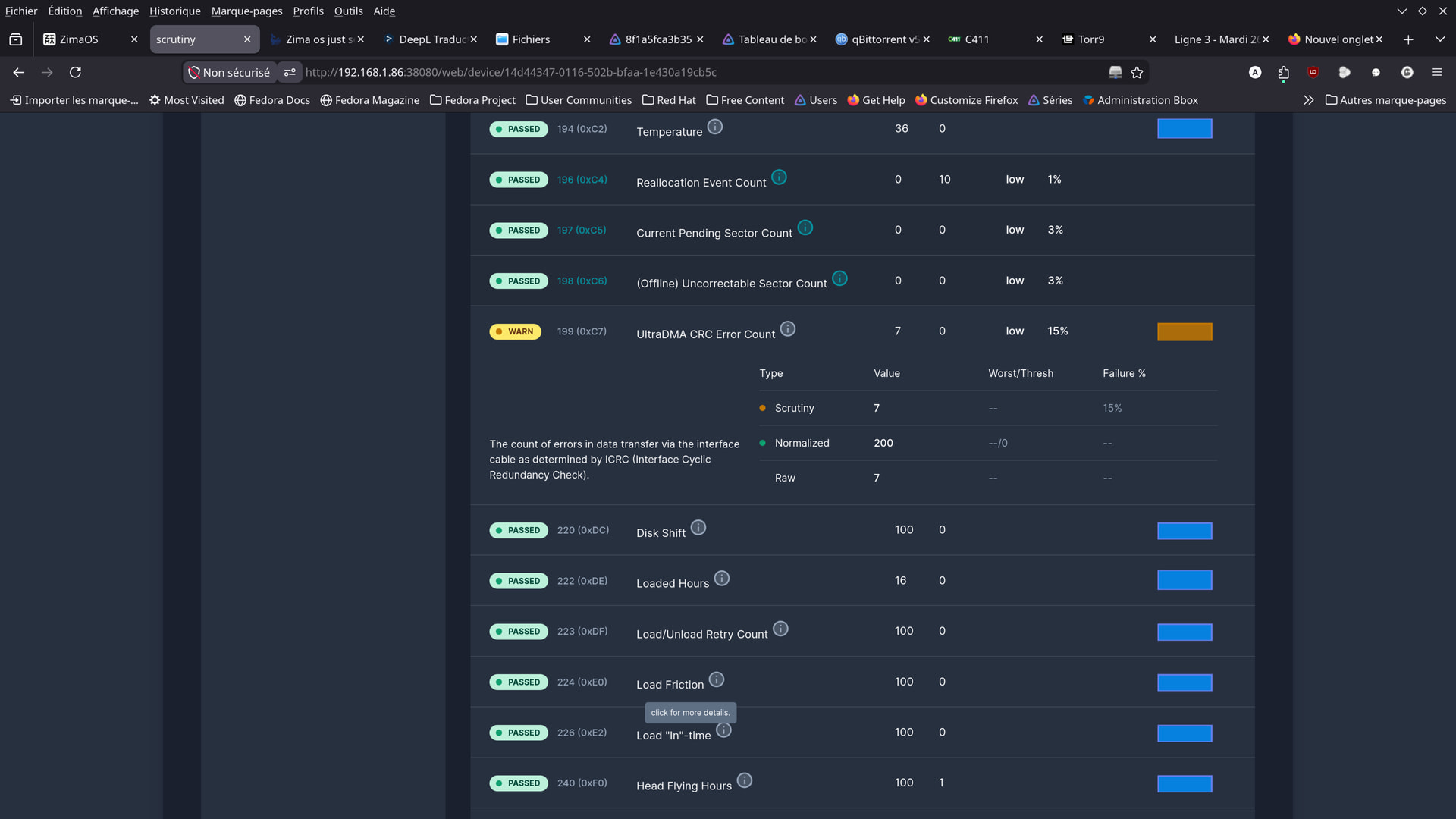
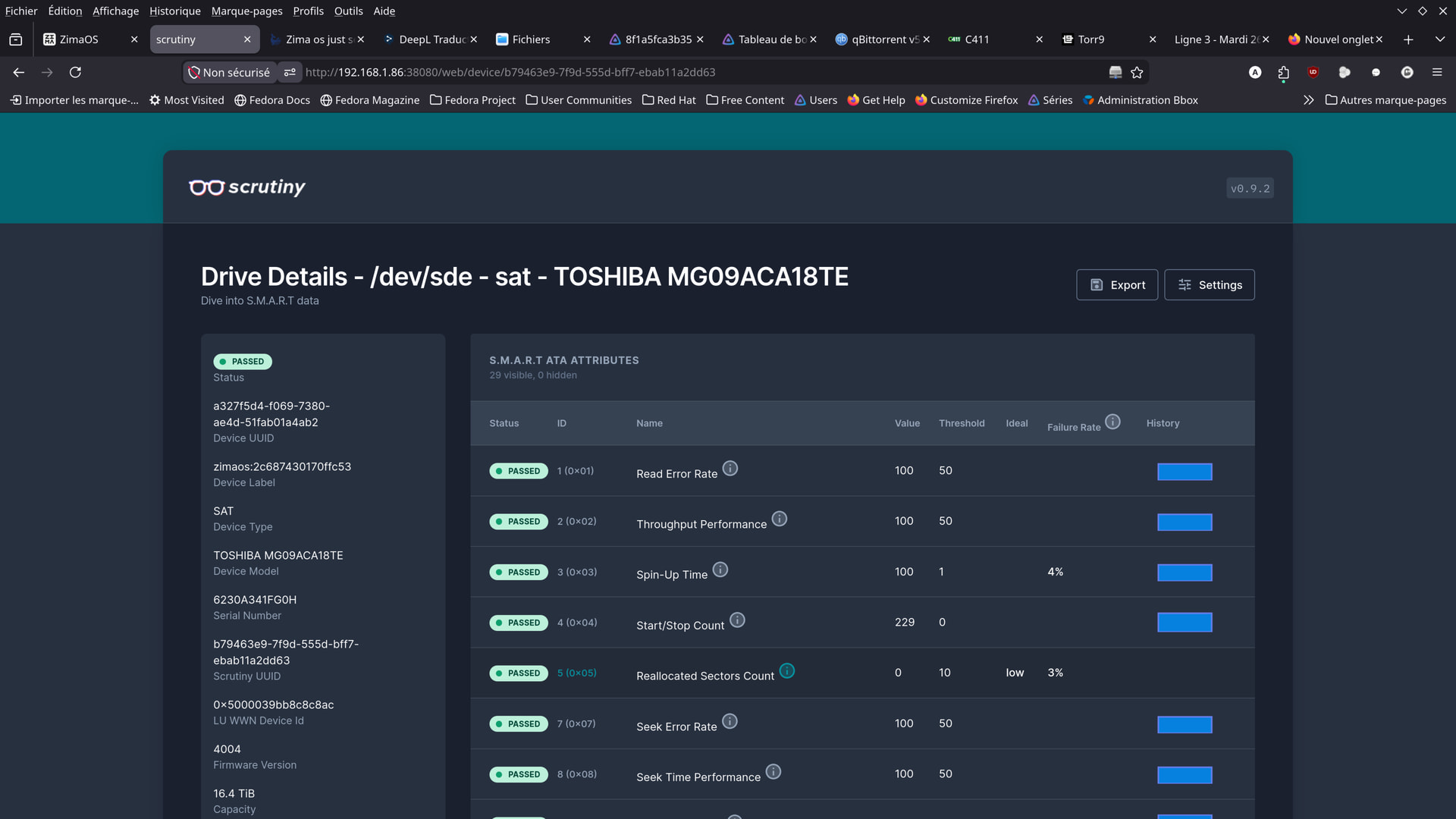
See the two photos (hard drive icons)…
I did my best to fix the display.
Here’s what I was able to come up with.
I would have preferred to display them in order, but I can’t seem to do it.
Since everything seems to be going well,
I’m going to wait a week.
So the next checkup will be on Tuesday, May 26, 2026.
I’ll be under observation until then…
Honestly, I think waiting a week and simply observing it now is the right move.
Things already make a lot more sense after finding:
- the loose screw
- the bent Toshiba SATA cables
- and the cramped space near the PSU
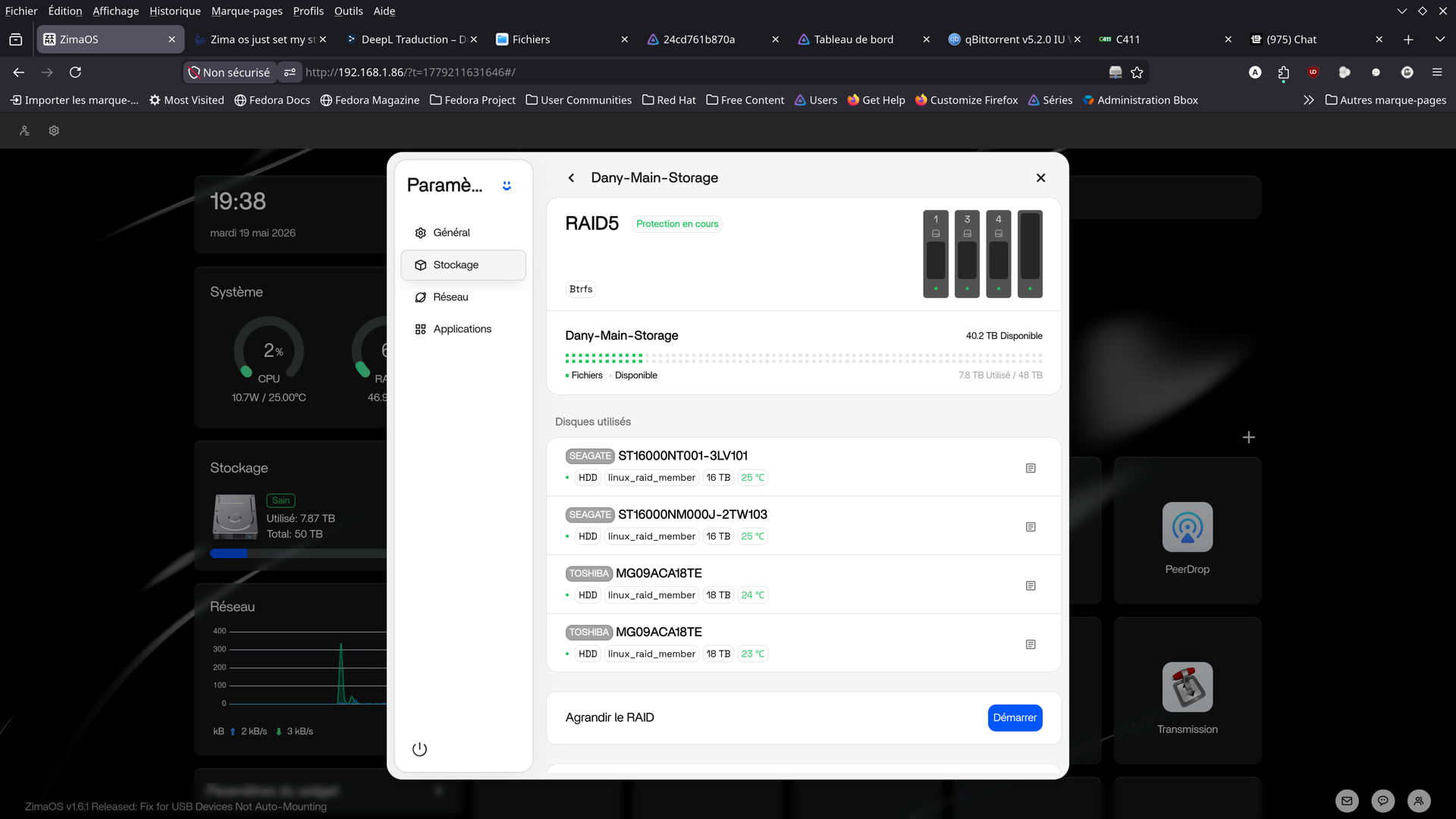
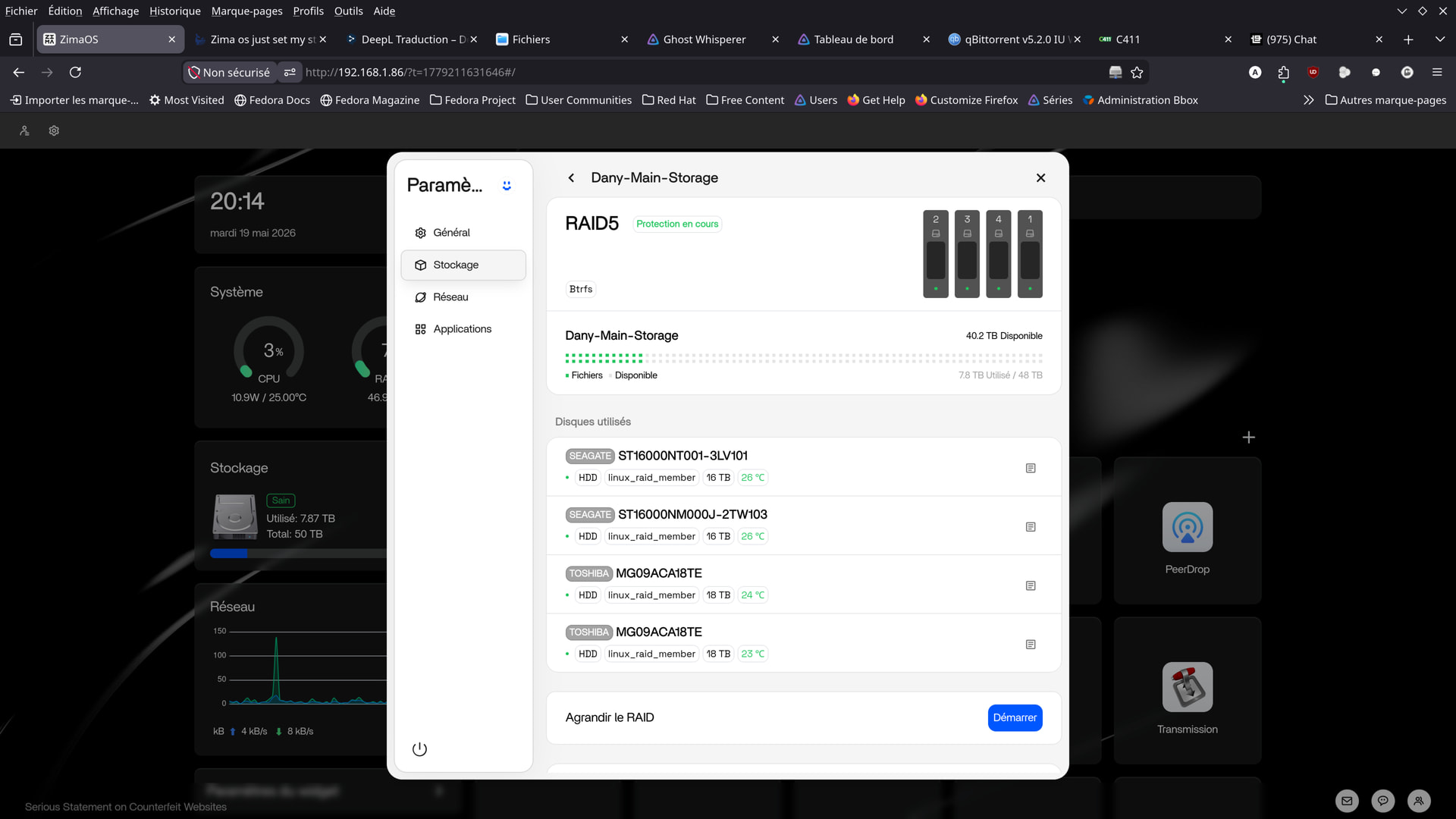
Compared to the earlier screenshots, the array actually looks much healthier and more stable now.
Personally, I still wouldn’t rush into opening the new Exos drive yet. If the system stays stable for the next week or two after fixing the physical side, then there’s a very good chance the drives themselves were never the real problem.
And those angled SATA cables honestly look like a much better fit for the Node 804 layout. Tight bends and sideways tension on SATA connectors can absolutely cause weird intermittent disconnects over time, especially in a NAS with heavy spinning drives vibrating away all day.
So for now I honestly think:
clean up the cable routing, monitor it closely, and avoid changing too many things at once.
At least this way you’ll actually know what fixed it instead of replacing half the hardware and still wondering what the original problem was lol.
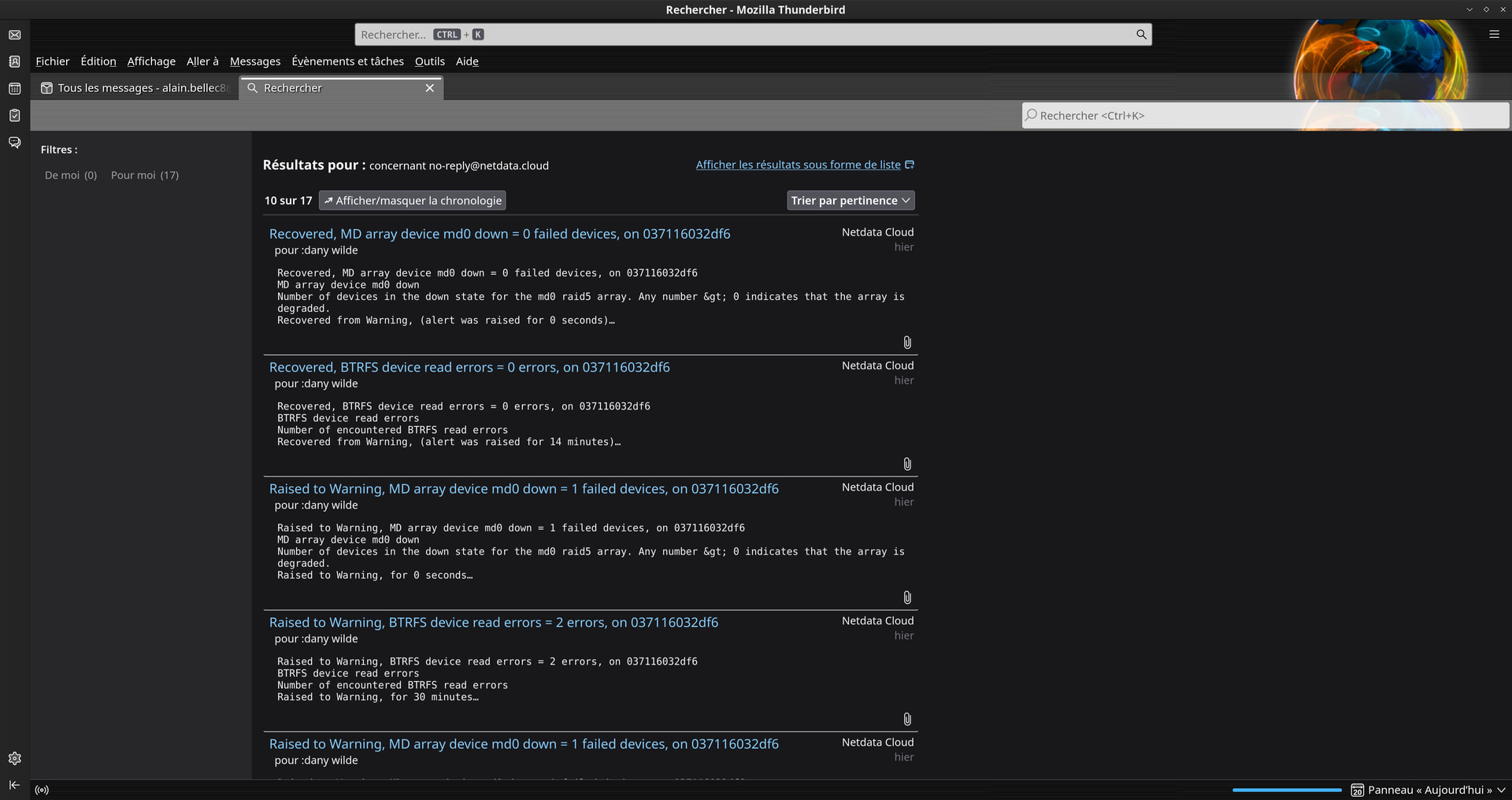
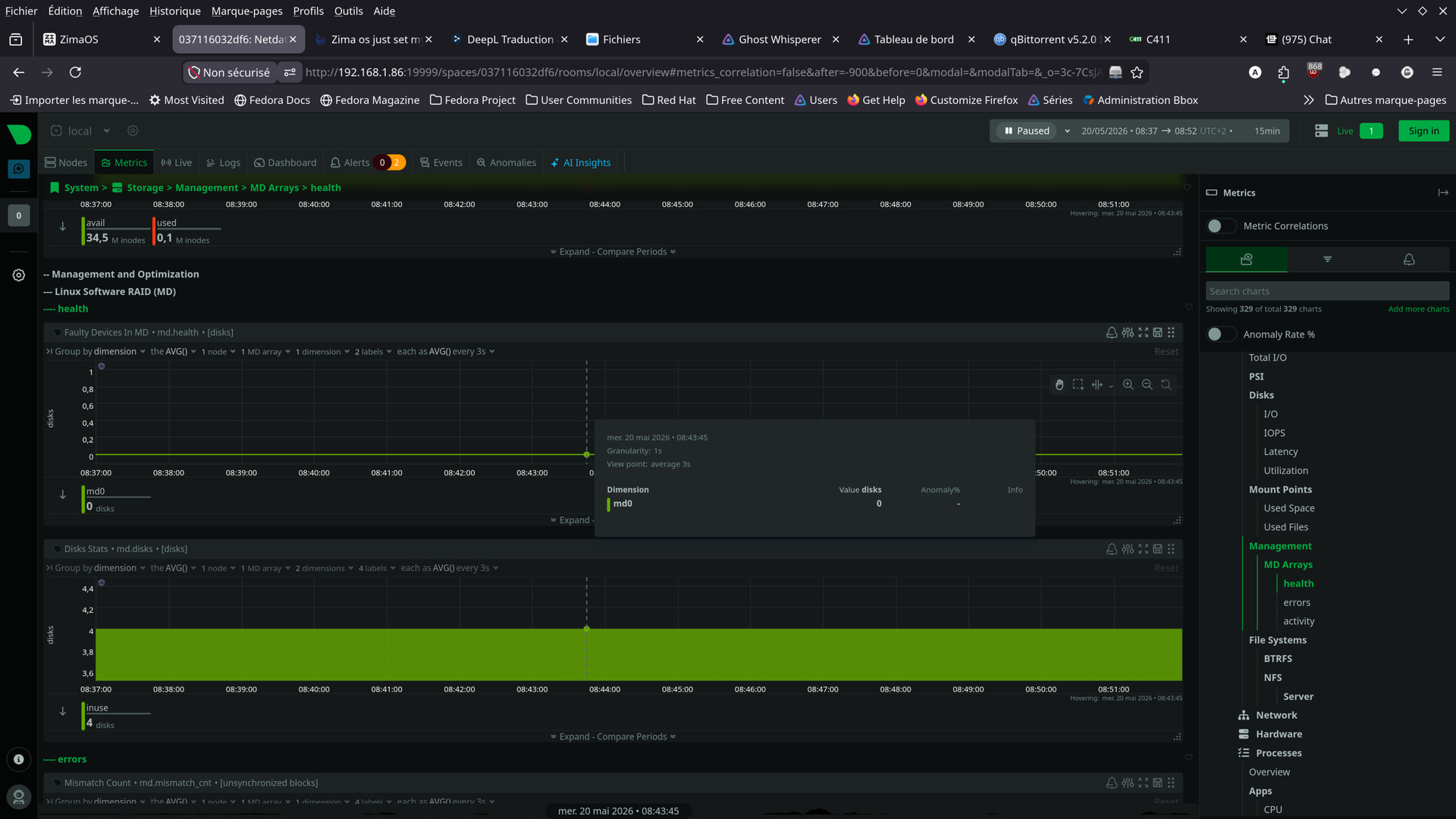
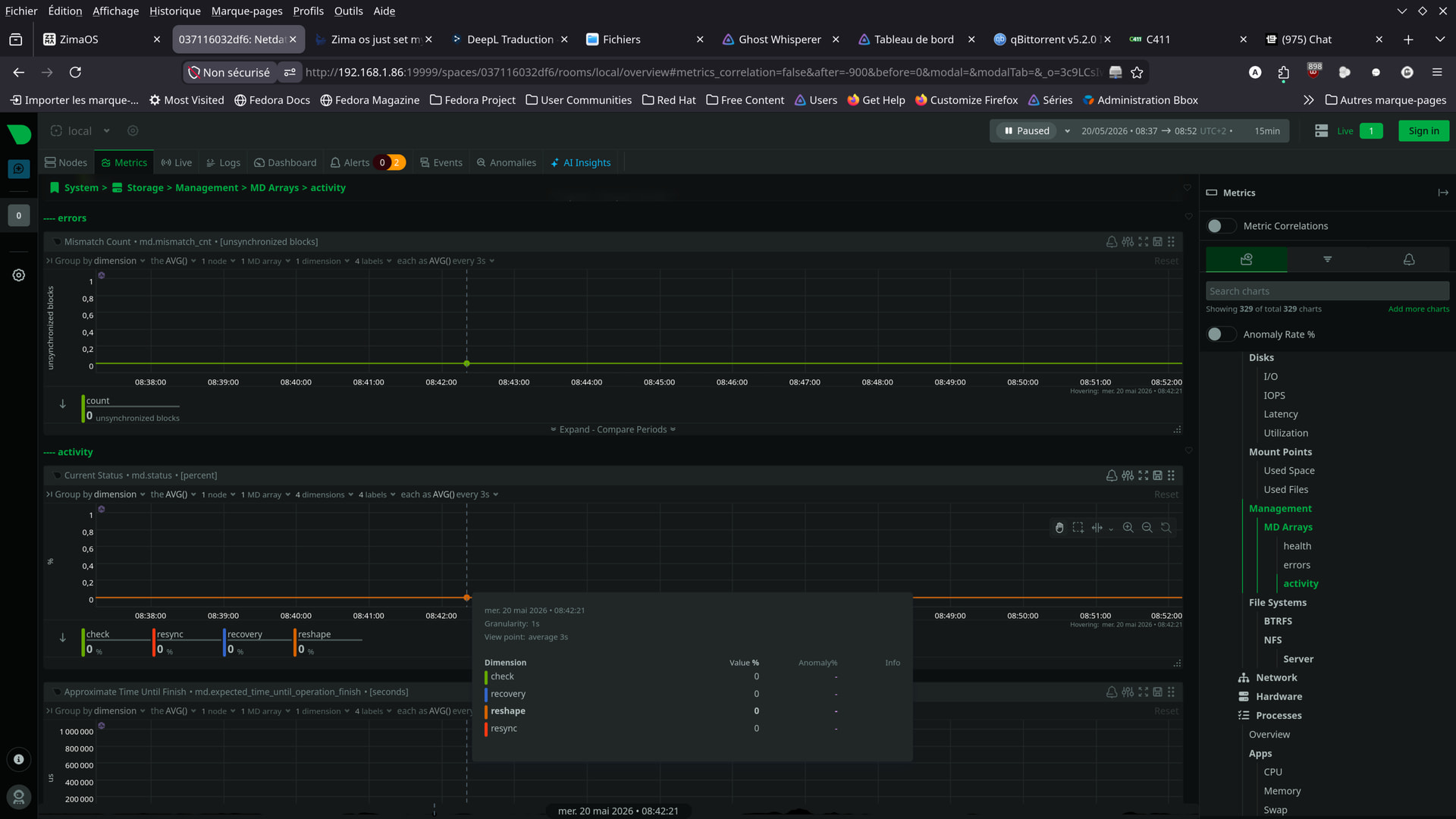
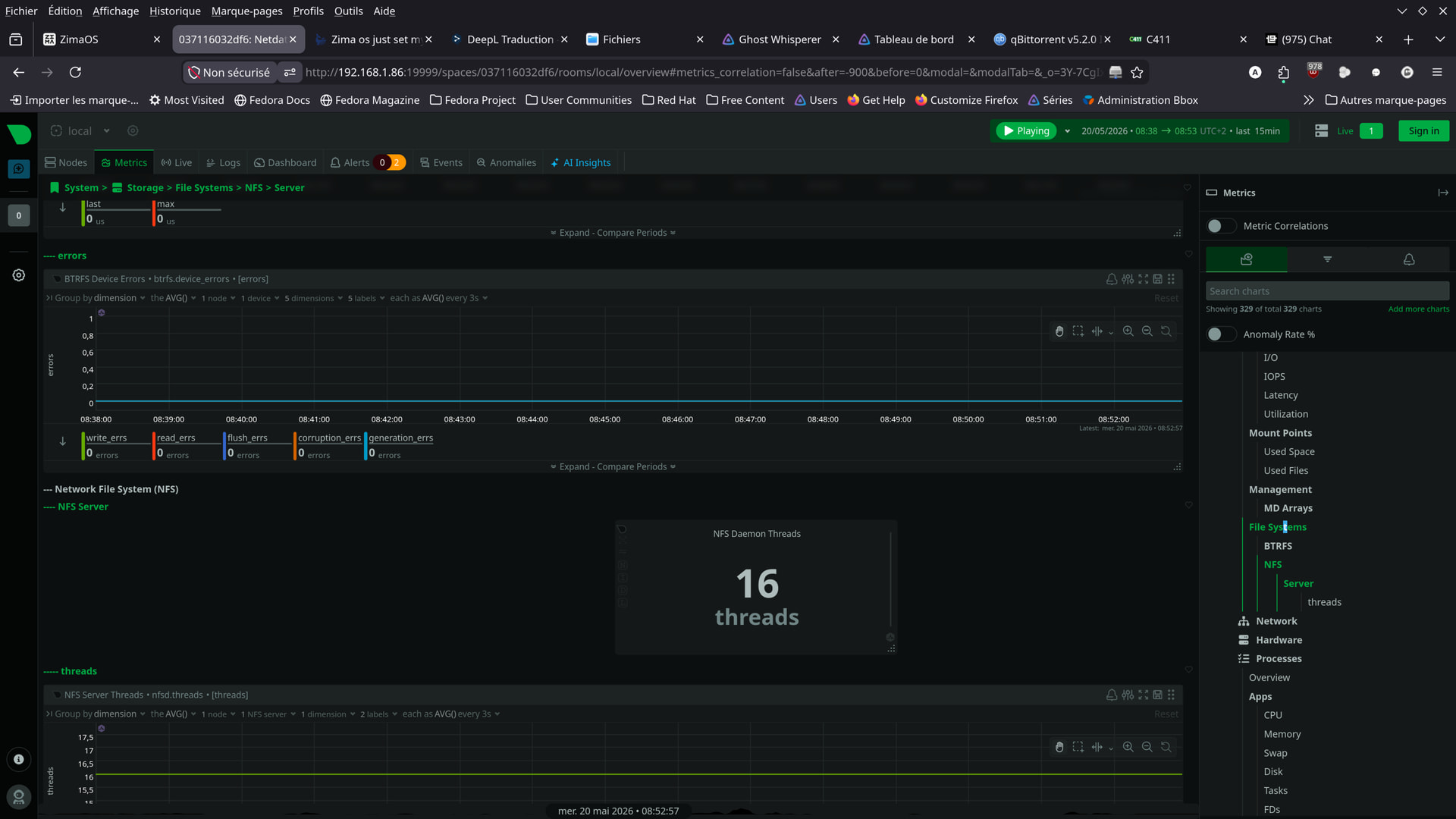
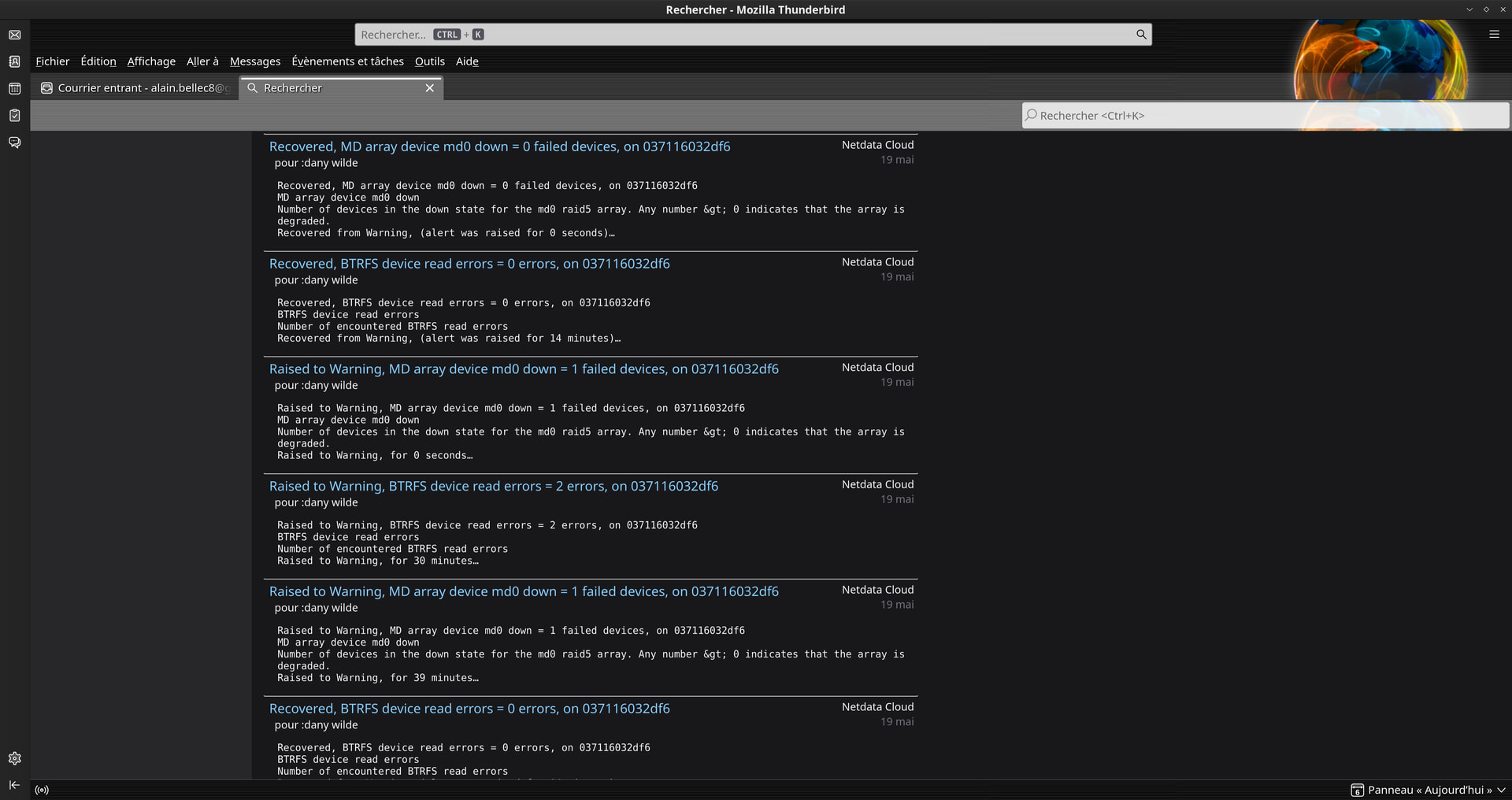
Here are a few photos taken today, at this hour.
Apparently, there haven’t been any issues since yesterday.
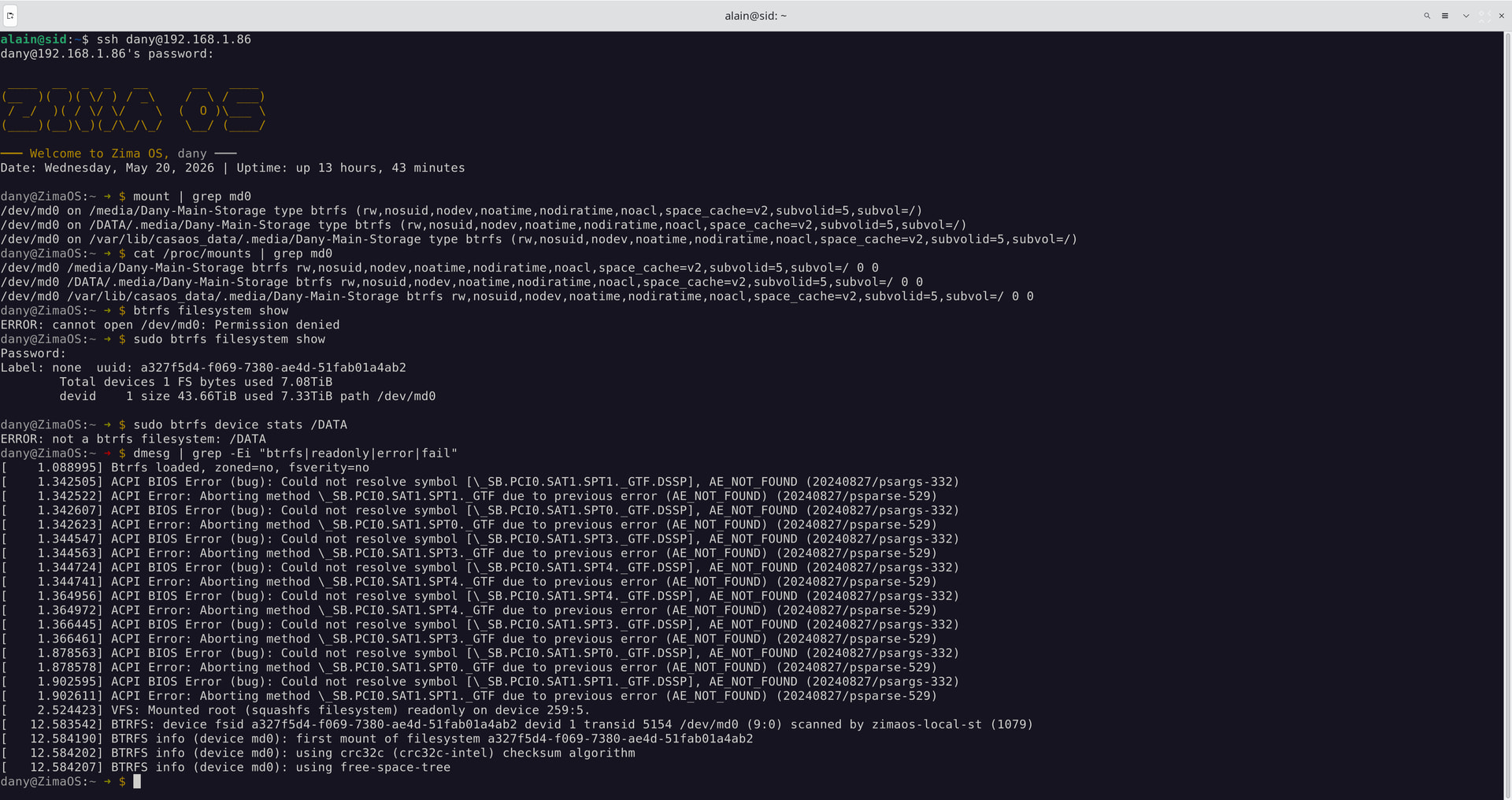
How can I check, in CLI, whether the RAID is in read/write or read-only mode?
Software used: NetData
Good sign honestly. If it’s been stable since yesterday after fixing the physical side, that’s already encouraging.
You can check whether the filesystem is mounted read-only or read/write with:
mount | grep md0
or:
cat /proc/mounts | grep md0
If you see:
rw
that means read/write.
If you see:
ro
that means read-only.
You can also check Btrfs state directly with:
btrfs filesystem show
and:
btrfs device stats /DATA
If Btrfs forced itself read-only because of errors, usually you’ll also see warnings/errors in:
dmesg | grep -Ei "btrfs|readonly|error|fail"
From your screenshots though, things honestly look much calmer now compared to earlier.
That actually looks much better now.
Your RAID and Btrfs filesystem are currently mounted:
rw
which means read/write mode, not read-only anymore.
This line confirms it:
/dev/md0 ... btrfs (rw,...
So the filesystem is writable again and appears mounted normally.
Also good sign:
- no new Btrfs read-only/remount errors
- md0 is mounted properly
- filesystem UUID looks healthy
- no obvious catastrophic disk errors in that output
The ACPI BIOS errors are still there, but those have been there from the beginning and honestly look more like noisy motherboard firmware issues than the actual cause of the RAID instability.
The only thing I’d still keep an eye on is:
BTRFS: device fsid ... scanned by zimaos-local-st
mainly because we already know ZimaOS 1.6.x changed a lot of the storage handling behaviour with the newer local-storage service.
But overall, compared to where you started, this looks far healthier now.
The good news keeps coming today.
I just shut down the Node 804 enclosure a few hours ago.
At this very moment (7:40 p.m.),
there still don’t seem to be any errors on the RAID or the file system.
Were the errors really caused by the cables?
Apparently, yes.
The array is back to read/write and seems to be staying that way.
Things are looking promising.
We’ll see how it goes between now and next Tuesday.
(Tuesday, May 26, 2026)
1 Like
No errors on the RAID since Tuesday, May 19, 2026.
That makes it 5 days now.
One workweek.
I think that by next Tuesday, there won’t be any more errors.
So, the problem was definitely with the cables.
One question remains:
What should I do with the Exos X18 I bought?
Should I send it back?
Given the price of the drives and the fact that prices keep going up,
it might be better to keep it…
What do you think?
Translated with DeepL.com (free version)
Hello, everyone.
Since last Tuesday (May 19),
there doesn’t seem to be any issues with my drives anymore,
so I’m thinking of ending the monitoring earlier than planned.
It’s Monday, May 25, so tomorrow is Tuesday.
The monitoring week is almost over.
Still no issues.
Thank you for your diagnosis.
I don’t know if the reports really helped you or if you already suspected the issue just by reading my posts…
So I’m closing the topic and the thread.
However, one question remains:
I know that on Linux, we have smartctl.
But is there a graphical utility in Docker that would do (almost) the same thing?
That would be cool.
I’d appreciate it.
Thanks.
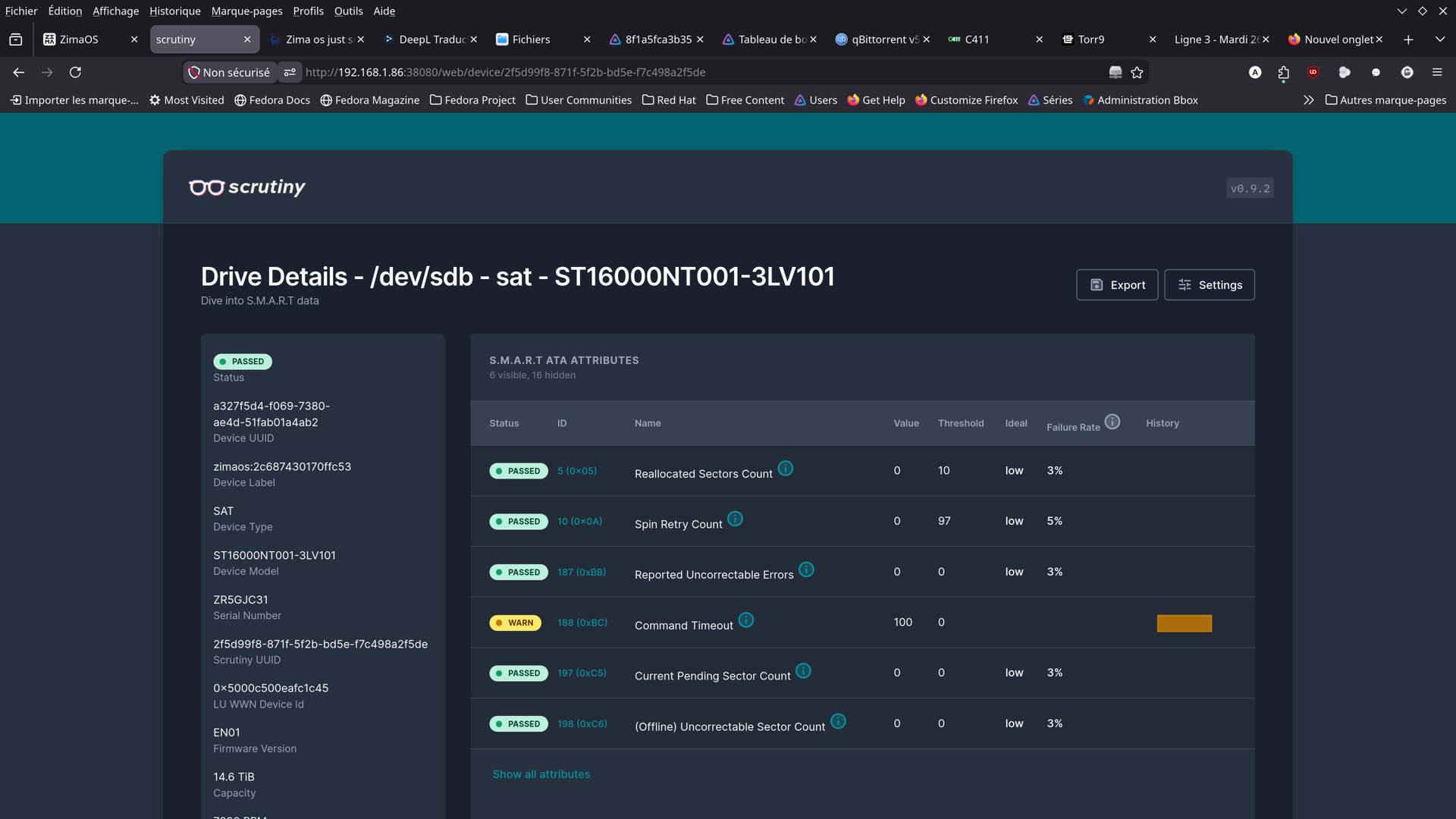
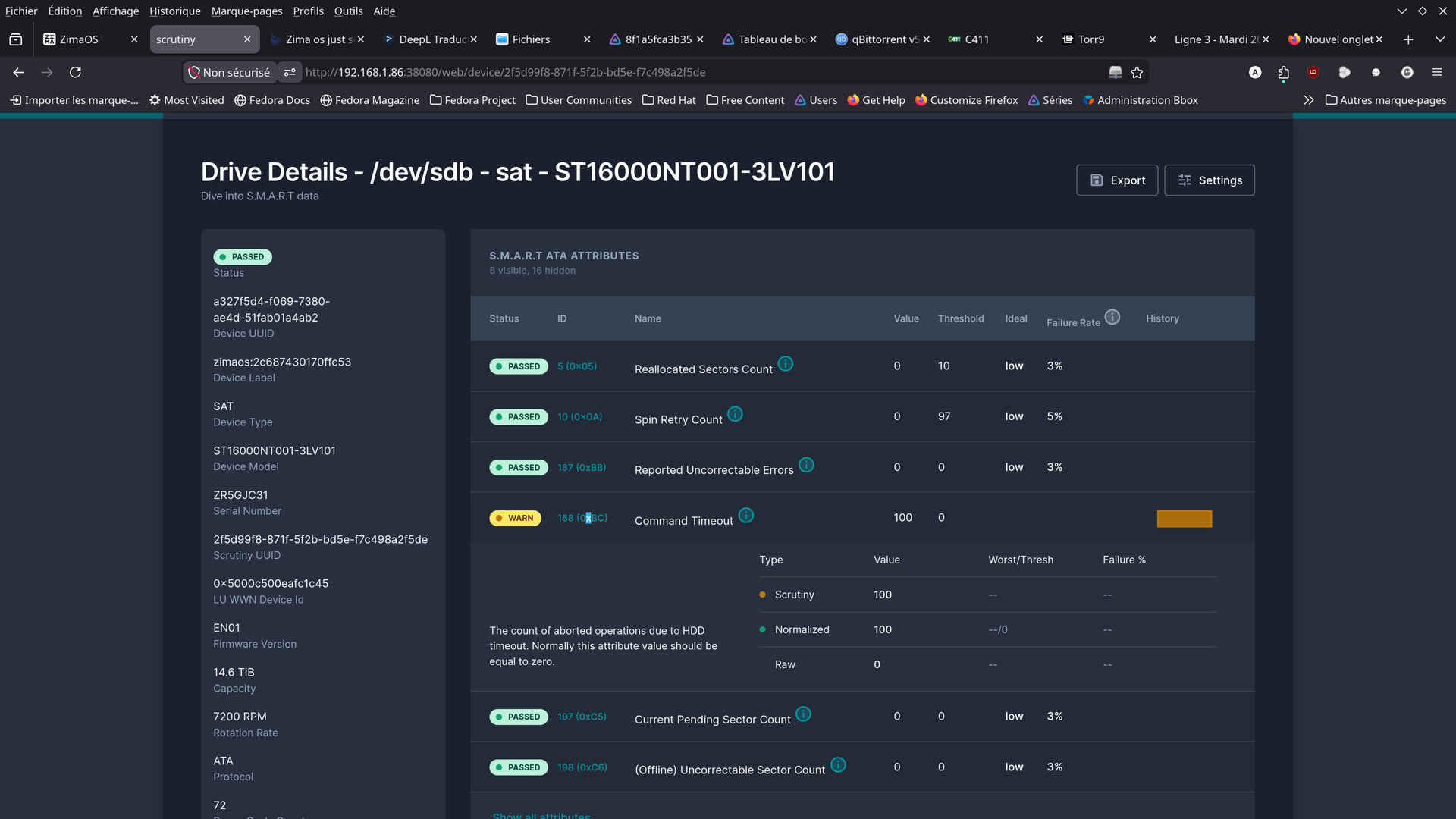
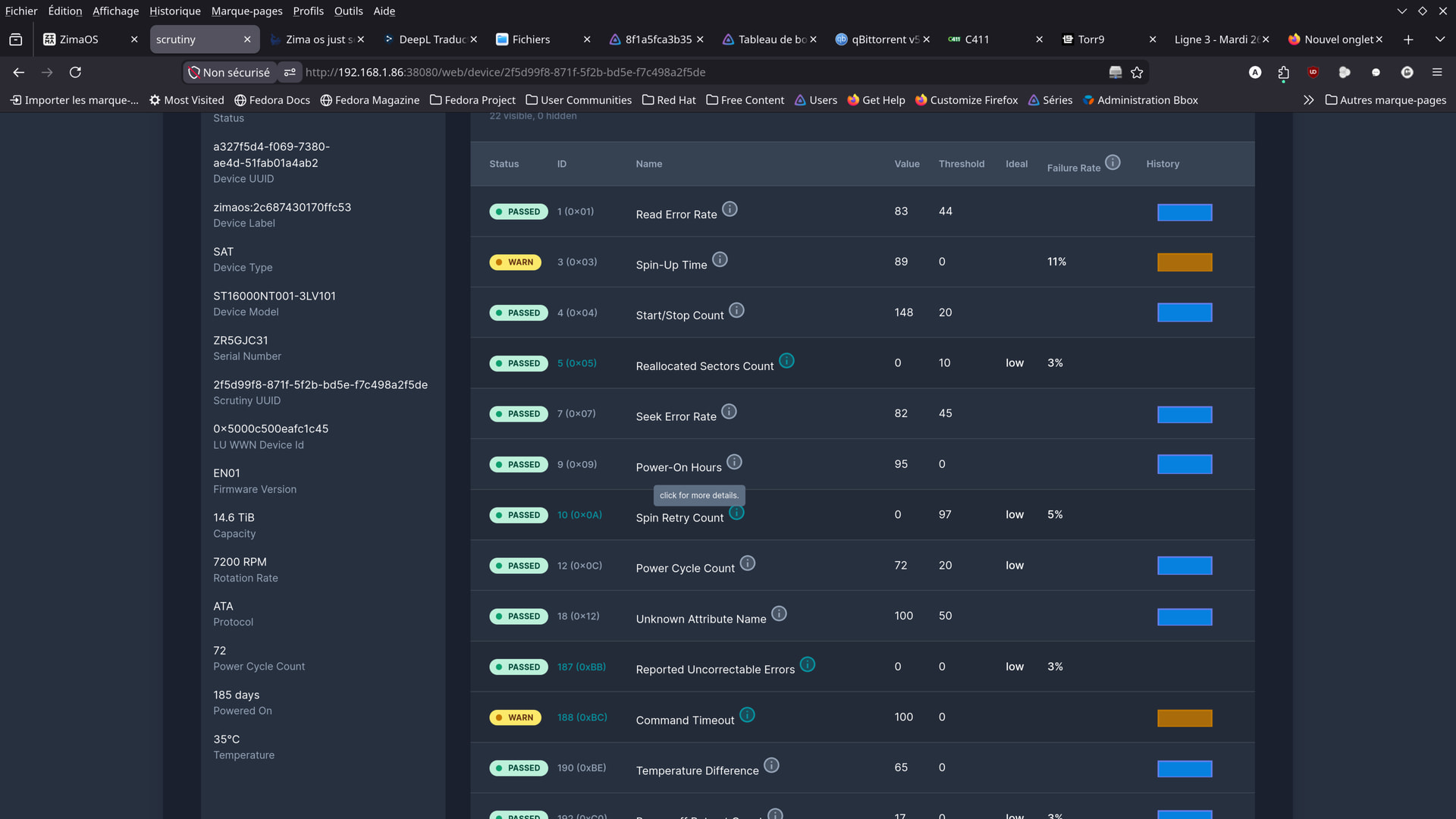
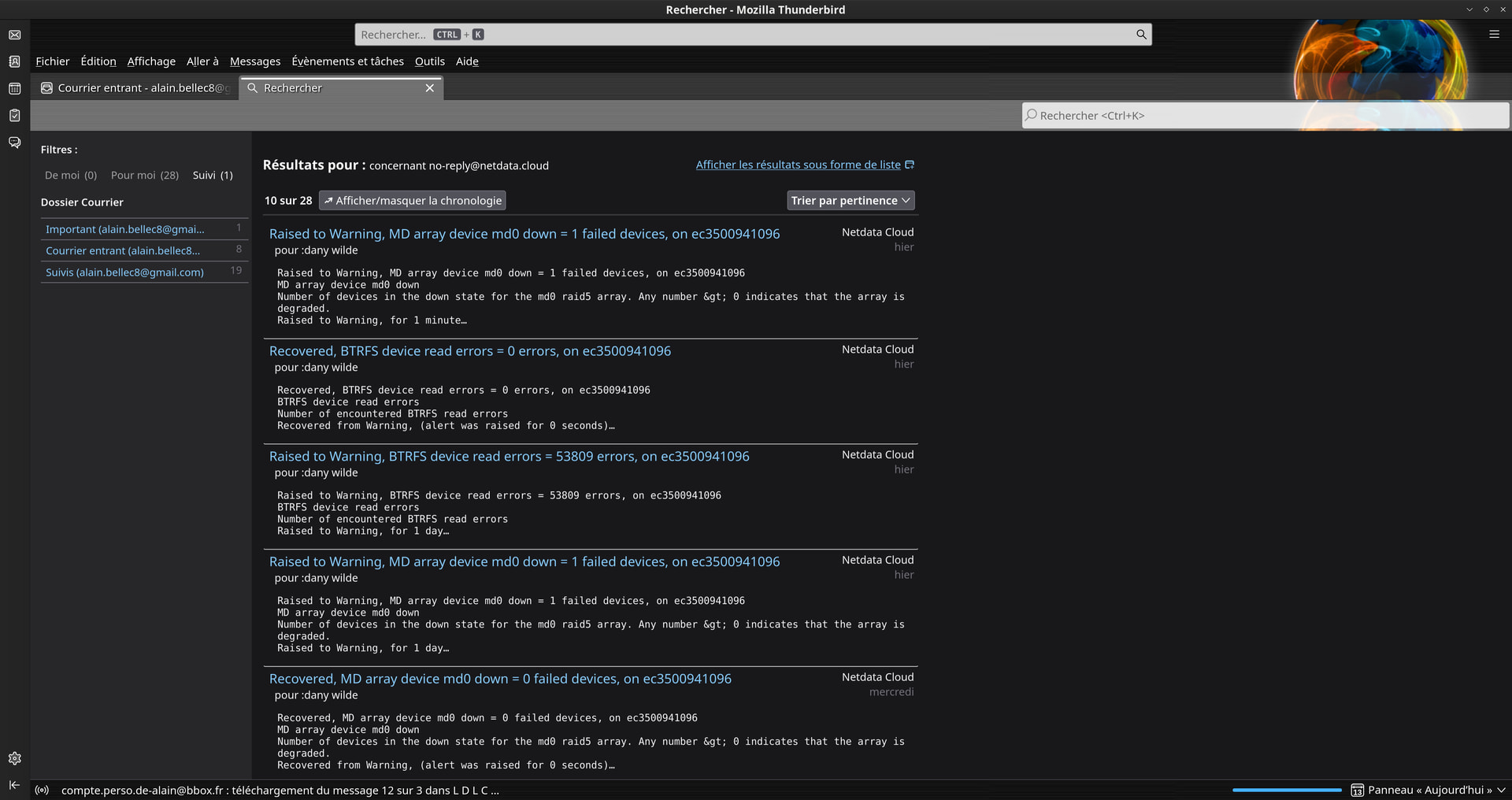
hello guys .
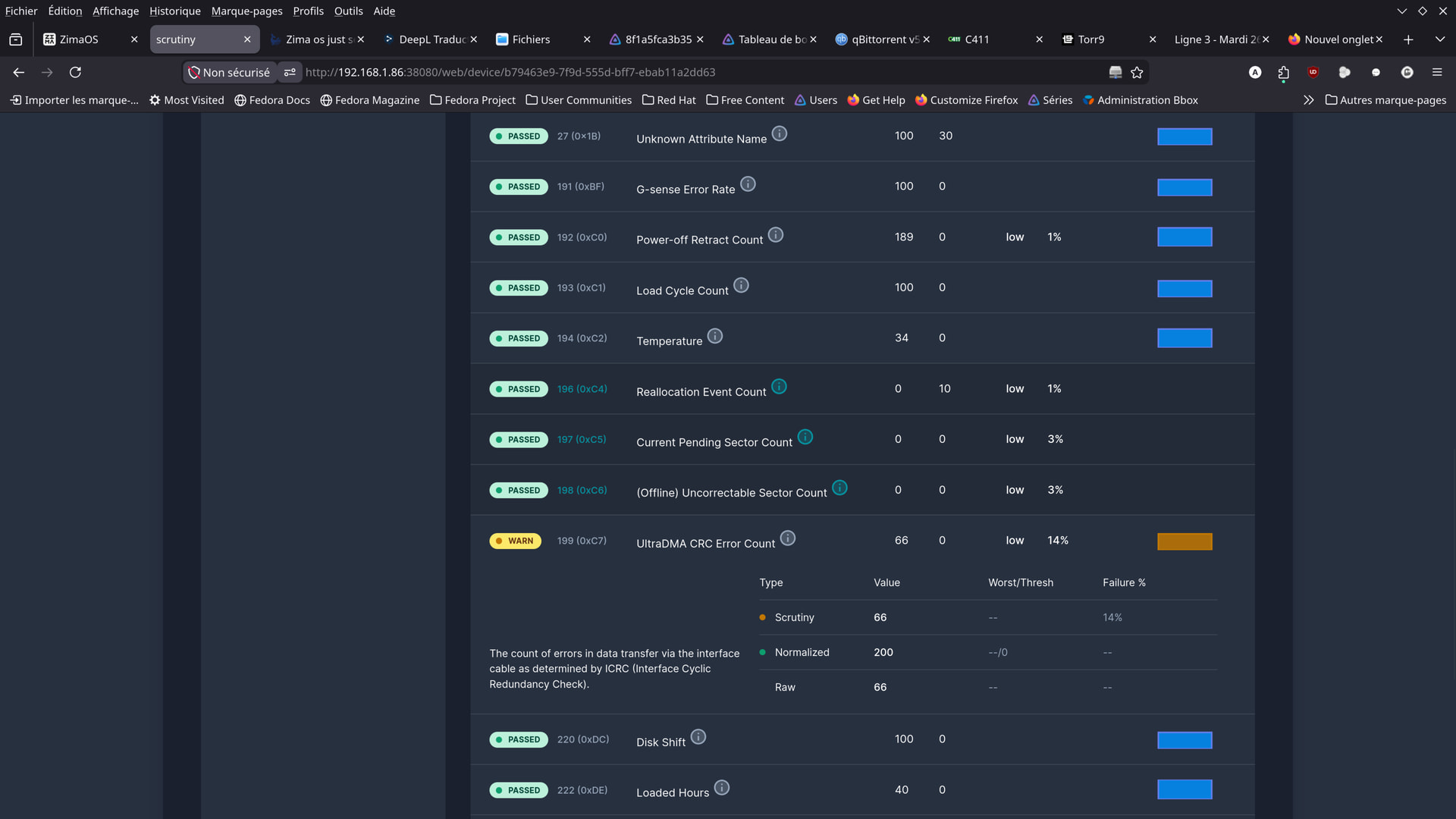
here are some screenshots from the app i found …
Should I be worried?
Although I wonder if these aren’t just old readings,
from before the cables were replaced…
No errors since Tuesday, May 19, 2026.
It will soon be three calendar weeks.
I don’t understand.
Can you explain it to me?
How do I refresh the GUI?
/dev/md0 on /media/Dany-Main-Storage type btrfs (rw,nosuid,nodev,noatime,nodiratime,noacl,space_cache=v2,subvolid=5,subvol=/)
/dev/md0 on /DATA/.media/Dany-Main-Storage type btrfs (rw,nosuid,nodev,noatime,nodiratime,noacl,space_cache=v2,subvolid=5,subvol=/)
/dev/md0 on /var/lib/casaos_data/.media/Dany-Main-Storage type btrfs (rw,nosuid,nodev,noatime,nodiratime,noacl,space_cache=v2,subvolid=5,subvol=/)
dany@ZimaOS:~ ➜ $
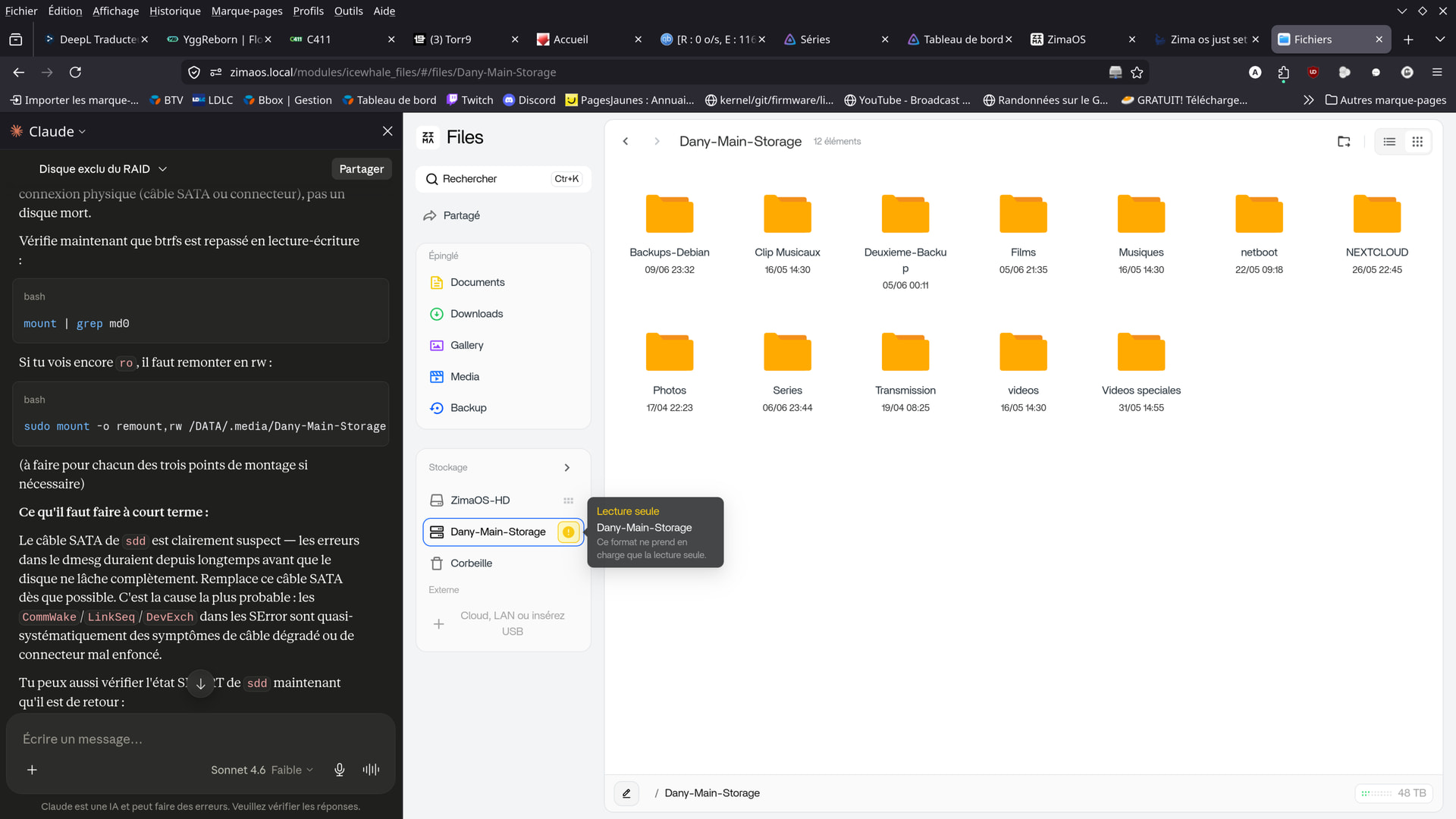
It broke down yesterday.
Still having loose connections.
And yet, I didn’t touch a thing.
Got it back up and running right away.
It lasted three weeks, after all.
Let’s hope it’s just a temporary glitch and doesn’t happen again.