Move all my Zima to HTTPS

Hello, everyone.

Thanks to you all—and a few others—I already have a great NAS.

My Zima is really feature-packed, and I’m very happy with it.

However, as you’ll notice, it’s currently running on HTTP.

And I’d like to switch it to HTTPS.

So, first of all, I don’t know if that’s a good idea?

Also, I don’t know if it’s possible without losing any programs or data?

To be honest, I’m a little afraid of messing everything up.

For now, it’s working very well on HTTP.

I need your opinions.

And, if it’s feasible without any risk, your advice.

Thanks.

you wouldn’t lose any apps or anything Dany, this has been covered by gelbuilding a few times in other threads and just requires a few changes. if you follow this thread below you will be able to find a lot of information to get you started and if you have any hassle there’s plenty folk around that will give you a hand. the thread covers a few different topics so if you scroll through you can figure out what you want to use https on with good details from gelbuilding.

Thanks so much for your very interesting response, James.

So, apparently, my original question relates to the Web UI.

But since, when connecting remotely, we’re already going through the Android app, I’m not sure if that’s really useful.

Next, the subsequent threads raise a very interesting question:

It seems that switching the apps to HTTPS can only be done through a proxy like Nginx (for example).

But I don’t know how the WebUI will handle that?

To be honest, I’m a bit lost, and the subject seems to get complicated .

It depends if you want to expose apps to the internet or just want to use https and have a certificate for the web ui and apps internally. you’re right that it can get somewhat complicated especially when you aren’t sure what you want to use https for and haven’t done it before it can seem daunting. gelbuilding is a good person to speak to on the subject. I was thinking the thread would help inform you in making a plan for what you want to achieve so others can help guide you through the process.
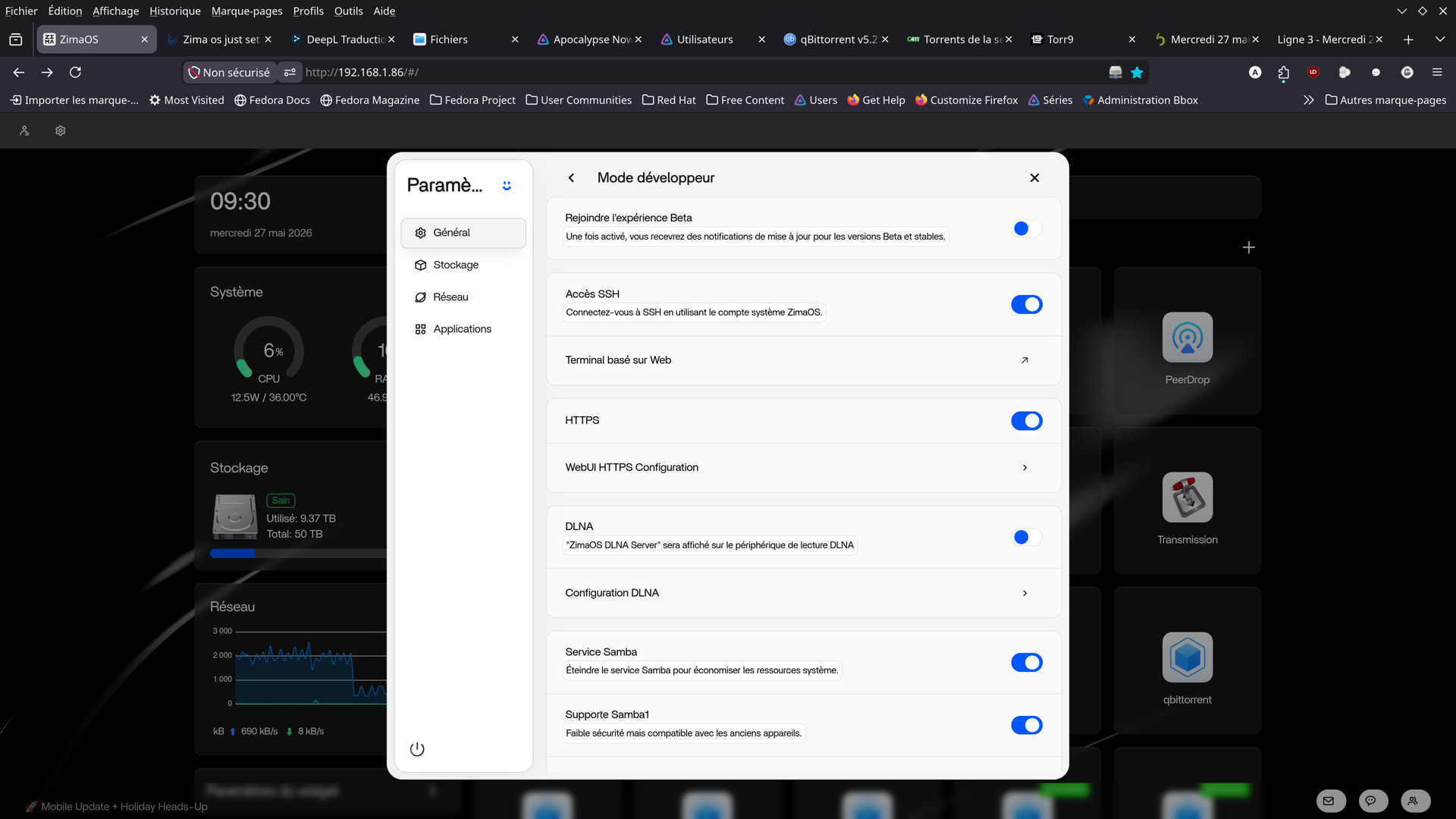
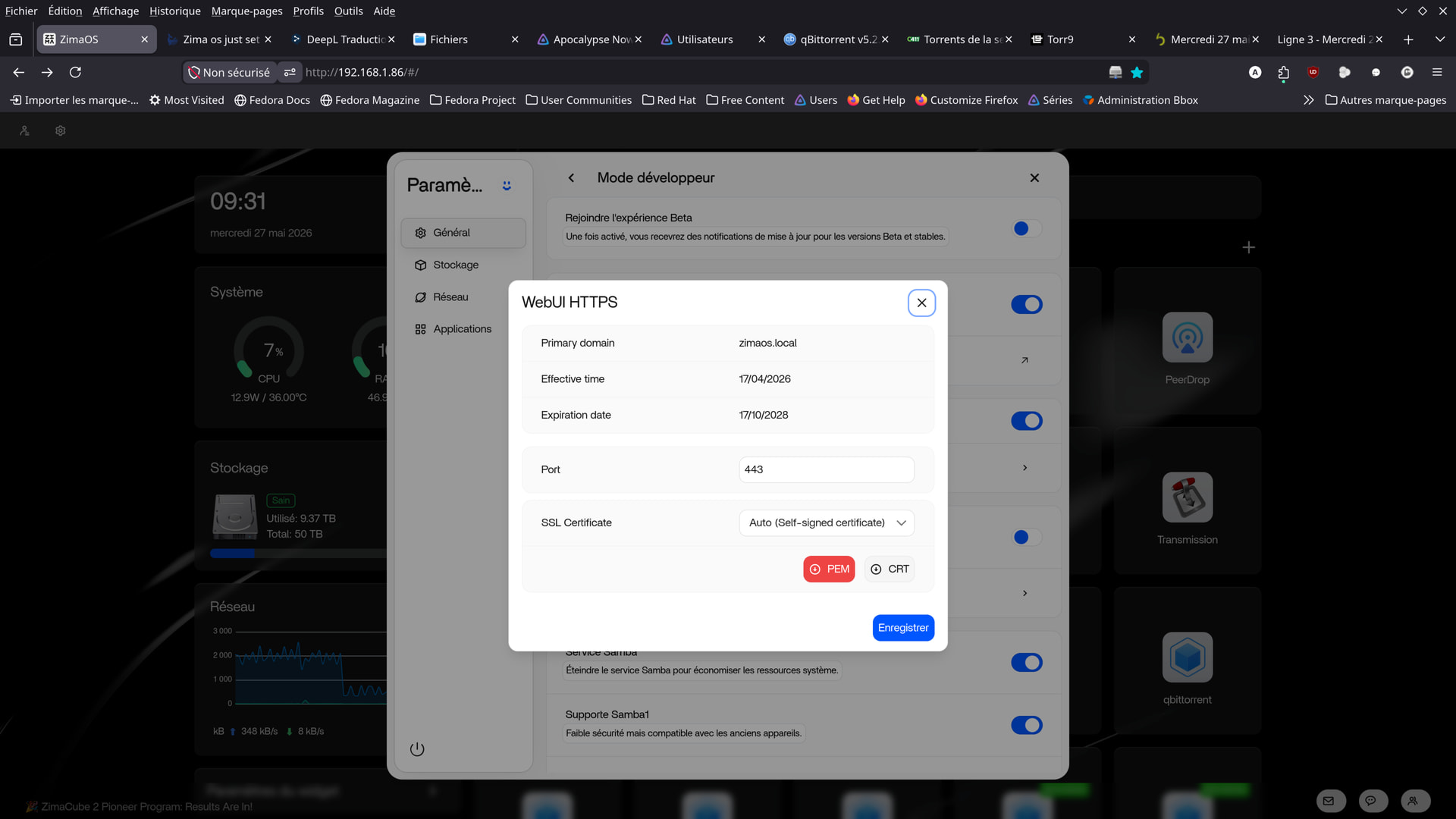
I just went through the webui in https.
Some fears but, apparently, no worries.

I set up nginx proxy manager.
I put Jellyfin on the net.
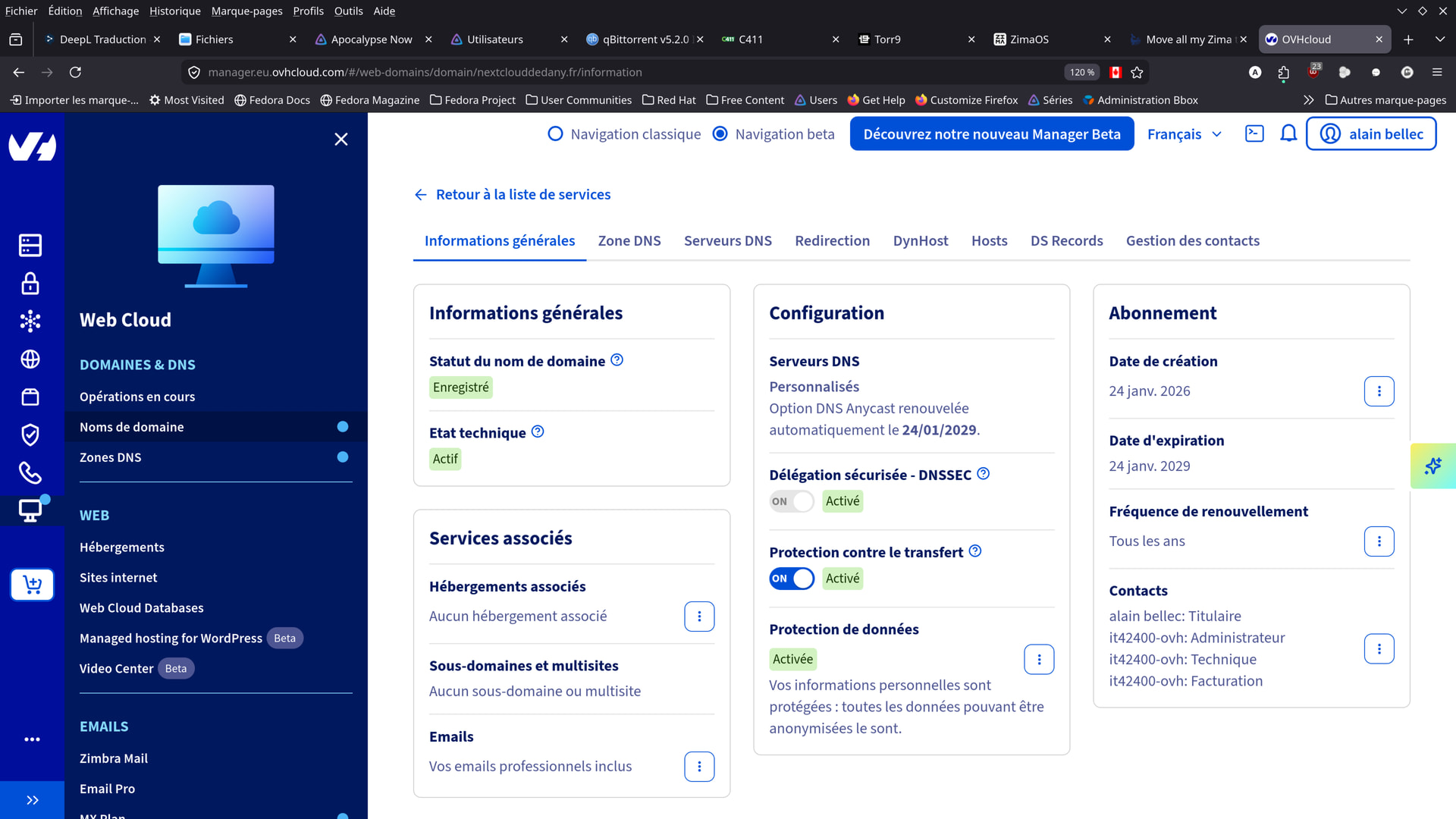
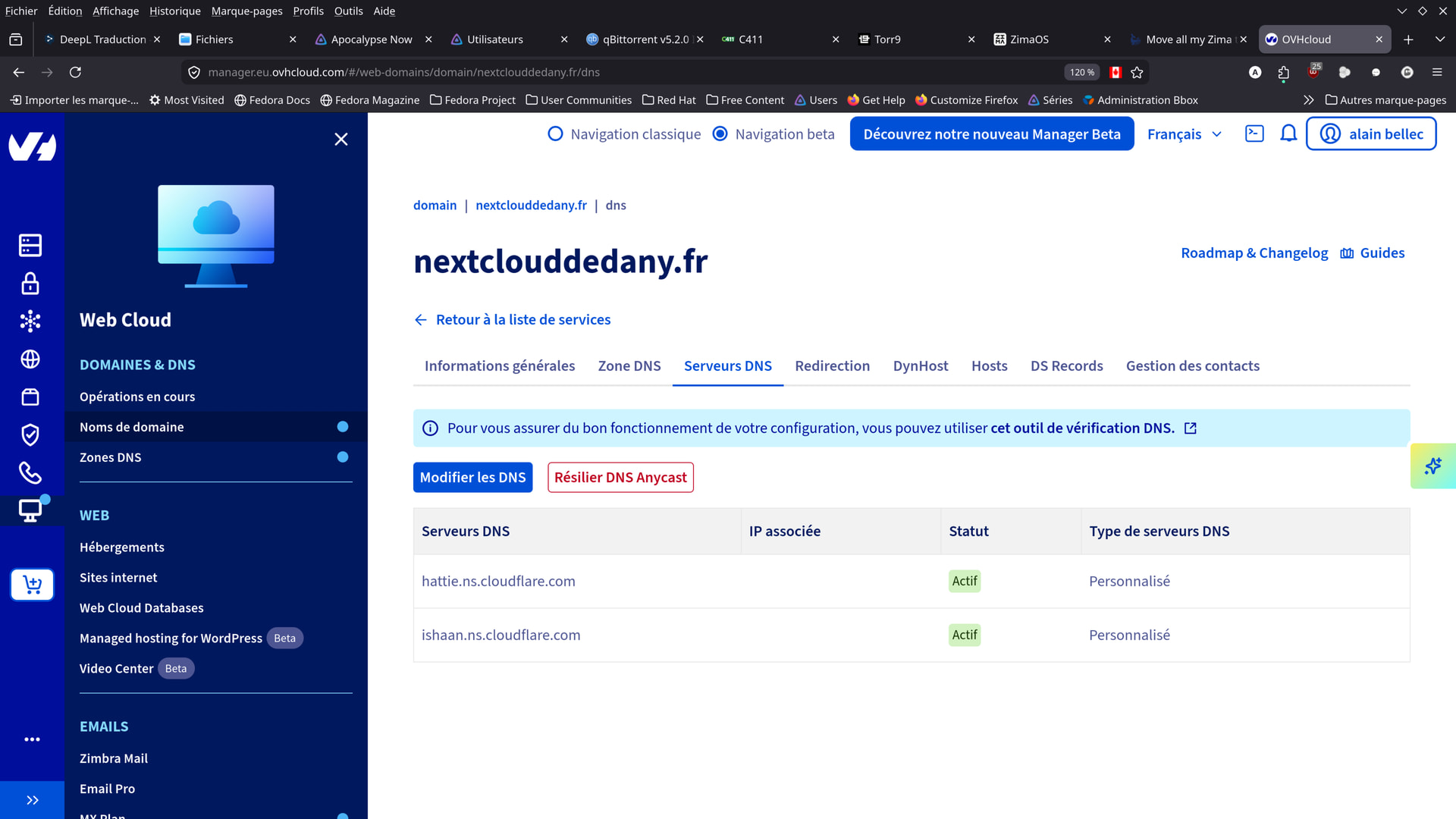
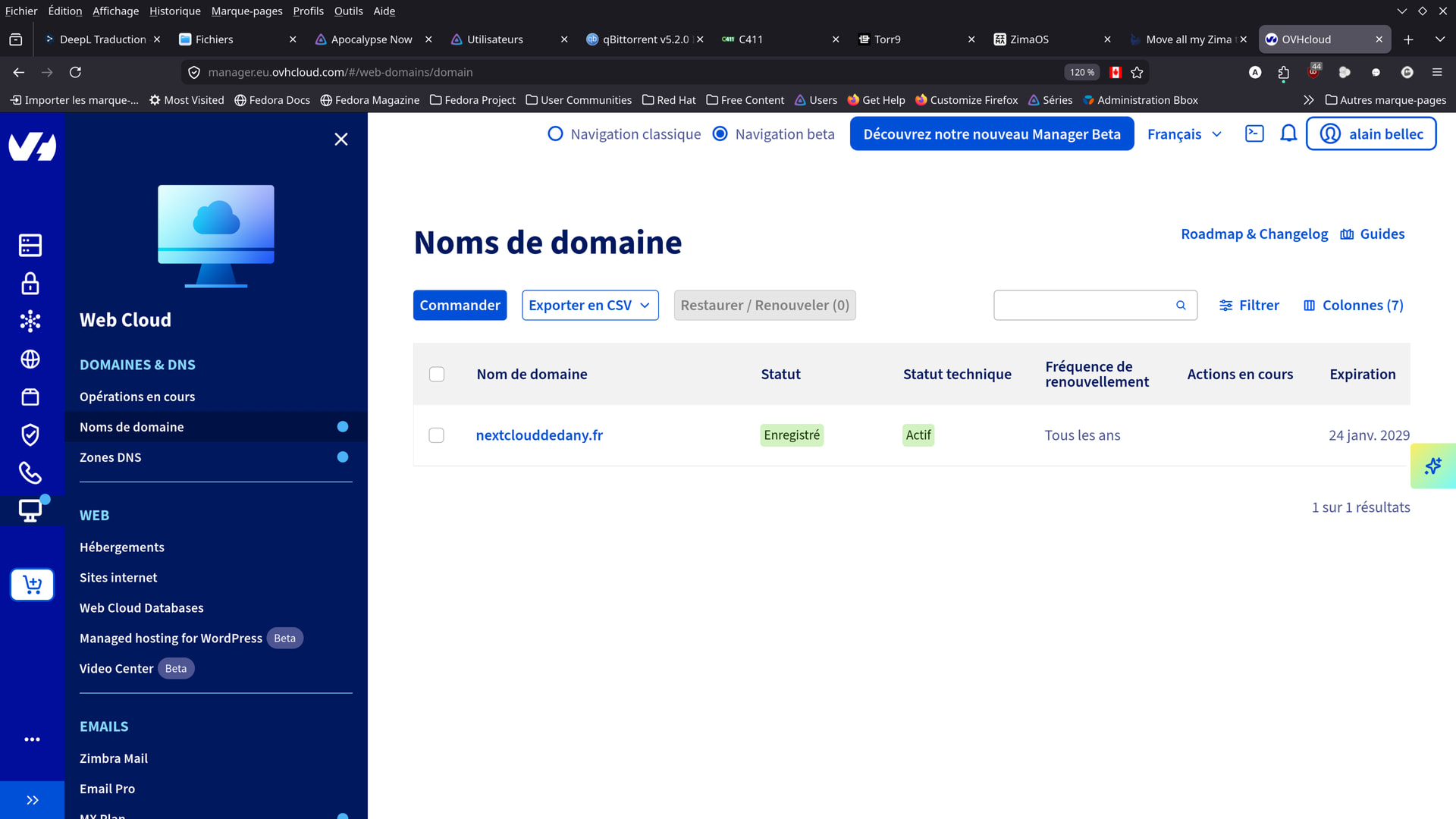
domain name at ovh and use of cloudflare to anonymize my ip.

Some network management problems (I’m really not good).
I share the webcheck link, if you think you can help me.

web-check link

There are things to correct:
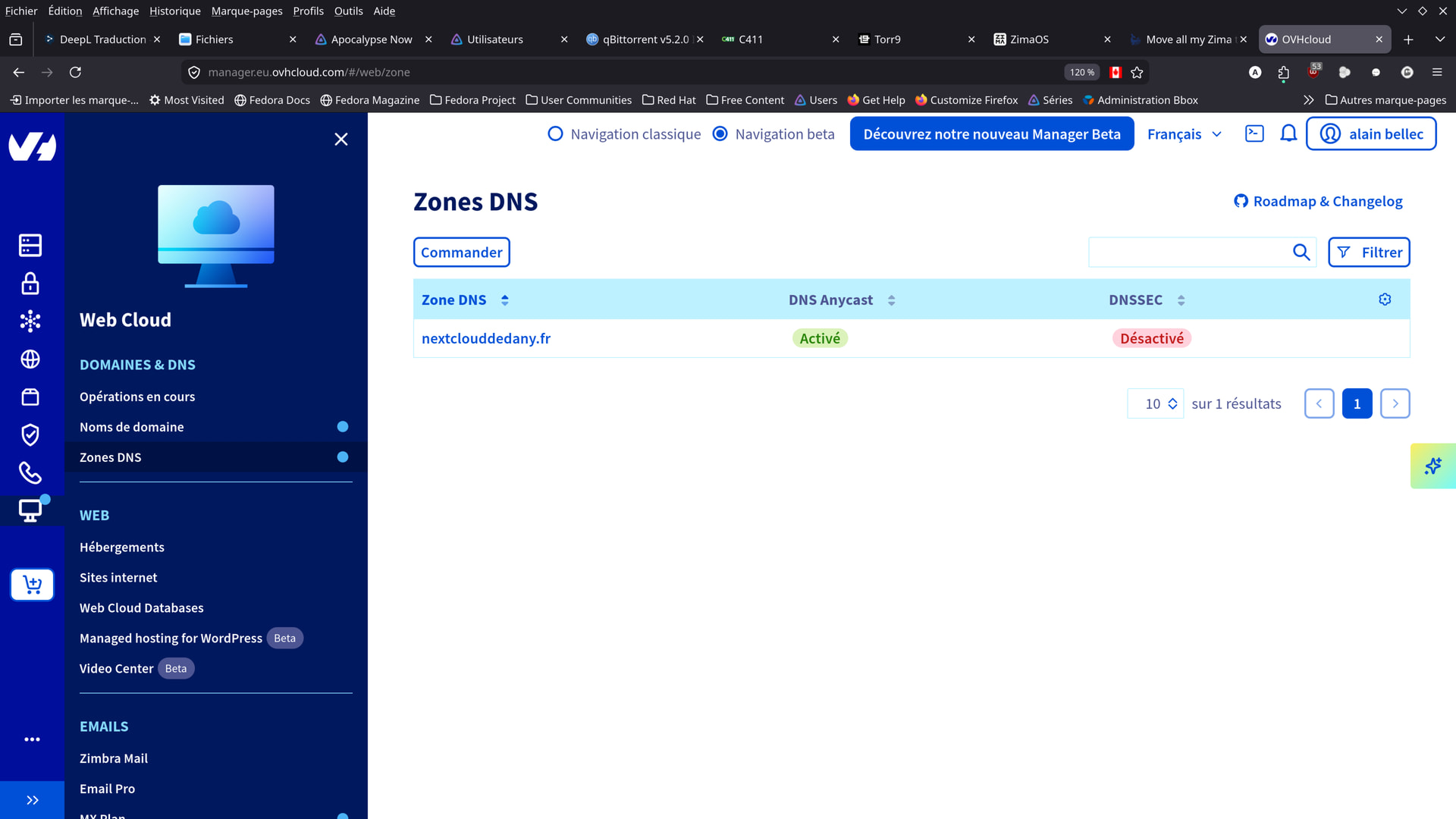
I don’t know how to activate the dnsec
I also don’t know how to put my site in https
He (it) doesn’t seem to be.

Here are some screenshots:

I did not voluntarily show the photos where my public ip appear.

That’s it—I’ve switched my zimaos.local to https://

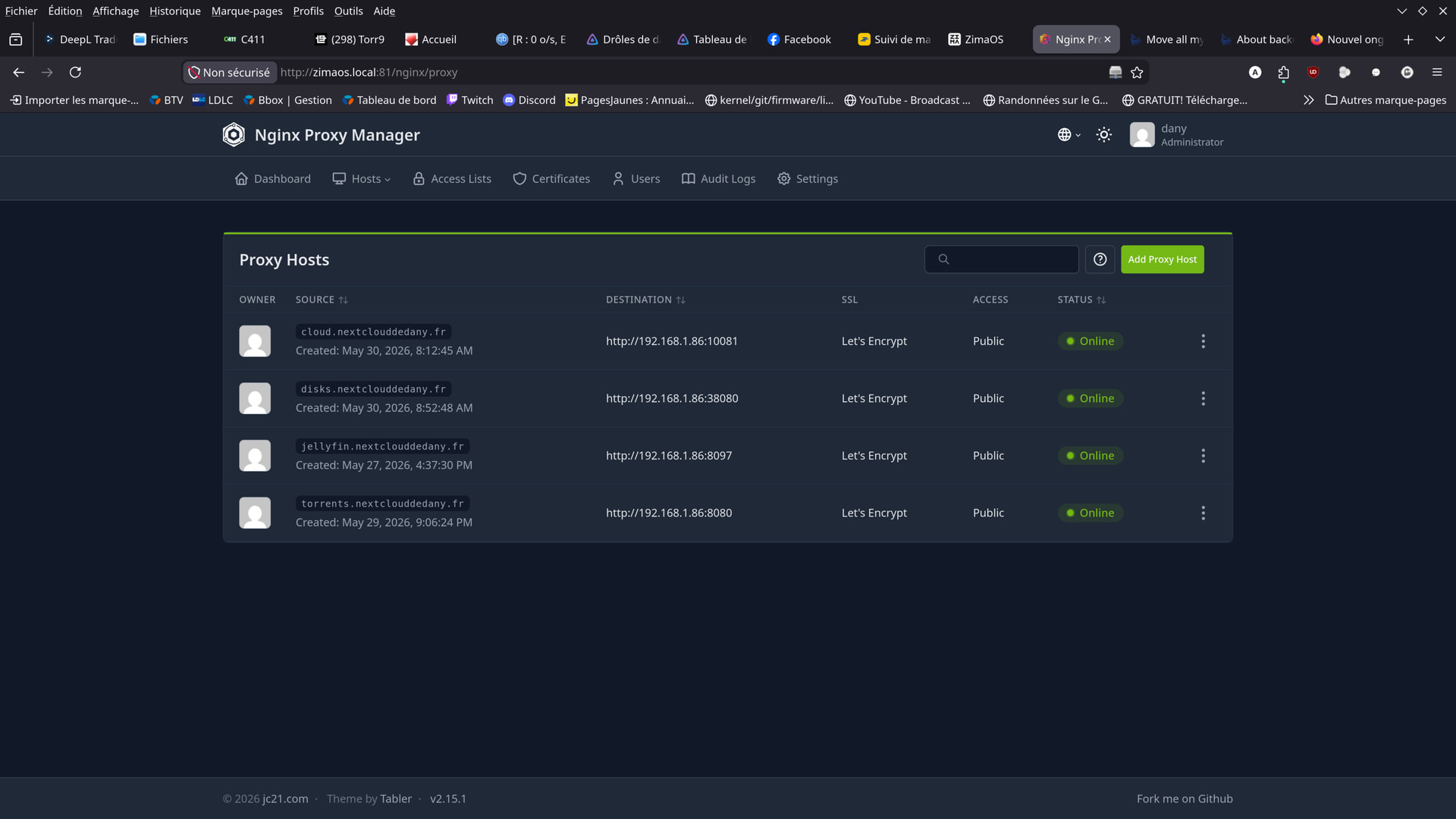
I’ve also set up my subdomains and domain name on https:// behind the Nginx Network Proxy Manager (Nginx NPM).

Now my apps (the ones I chose) are at https://
behind my OVH domain name.

My IP is hidden by Cloudflare, and I’ve set their DNS on my OVH domain.

Everything is set up and working.