IceDash
Website: icedash.hsinghhira.me
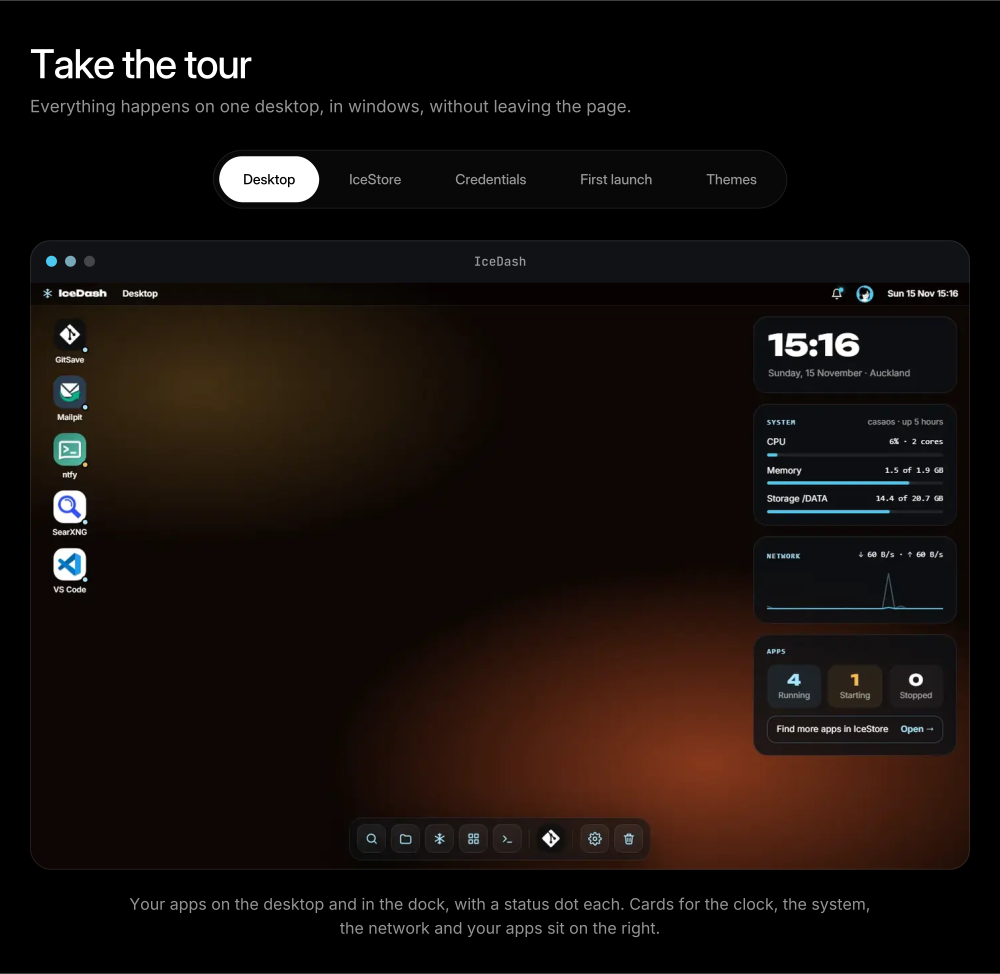
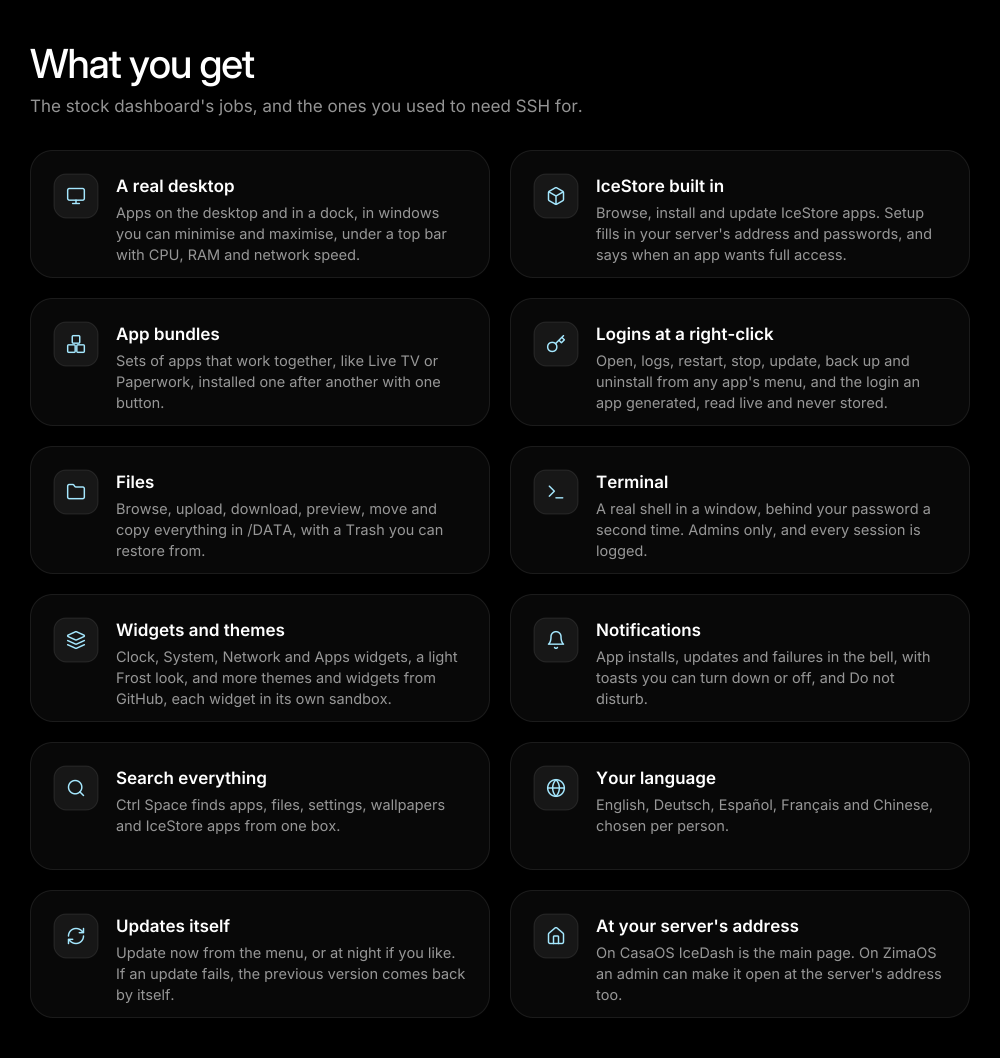
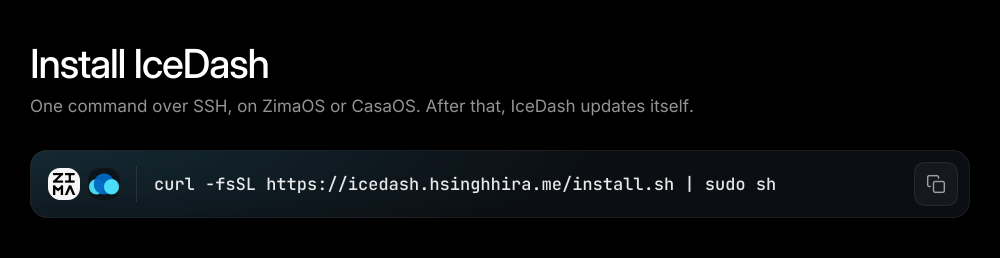
Hi, thanks for sharing IceDash!
I have one question: Does IceDash support multiple languages, especially German, or is the interface currently available only in English?
Multilingual support is an important requirement for me.
Hi,
I’m testing your dedicated IceStore desktop. Great job.
I started testing a few apps. No worries, it works great.
However, two observations
The suggestion to only modify the useful parameters is really well thought out for beginners.
I continue my tests with other applications.
Once again great job with your compiled image applications.
The interface opens in the ZimaOS language. I am French and the interface opened in my language.
@HSinghHira Will the new applications offered be instantly displayed on this dashboard?
Hi @HSinghHira, IceDash looks great, and thanks for the credit!
a heads up about lintux-modkit: in v0.1.4 (tagged today), auth.Verifier.Verify lets a session through only when its role is exactly “admin”. Other roles, and tokens with no role claim at all, are now refused (ErrNotAdmin, 403 auth_forbidden in the middleware).
IceDash pins v0.1.3, so nothing changes for you right now. But IceDash lets “user” accounts in read-only and uses the same verifier on CasaOS, where the token has no role. If you bump the pin to v0.1.4, ZimaOS sub-accounts and every CasaOS sign-in would be locked out, so please stay on v0.1.3 for now.
The details are in the changelog: lintux-modkit/CHANGELOG.md at main · chicohaager/lintux-modkit · GitHub
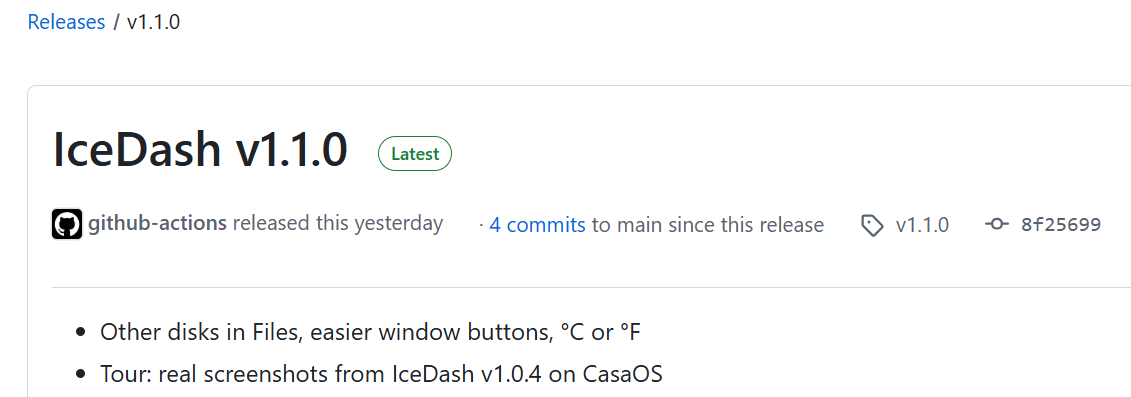
I’ve released v1.1.0 with the fixes from the forum.
/media or /mnt./modules/icedash/index.html.@Lintux Thanks for the heads-up! IceDash stays on v0.1.3 until it checks roles itself.
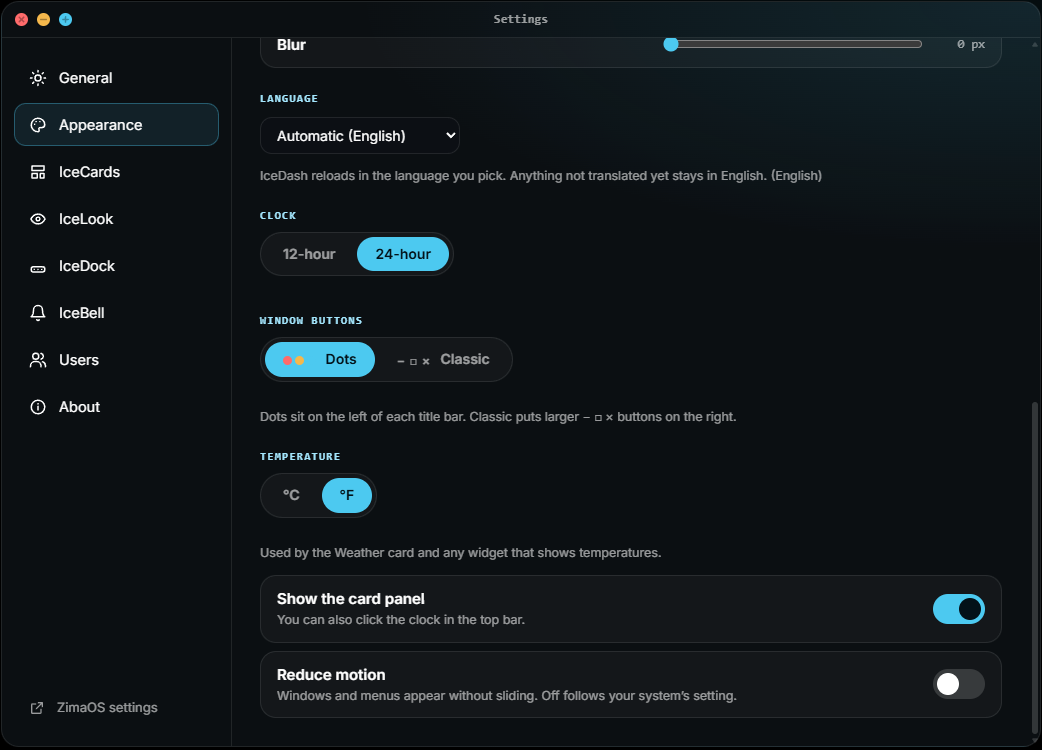
@isanto1306 Yes, IceDash comes in German, as well as English, French, Spanish and Chinese. It follows your browser’s language, and you can change it in Settings → Appearance → Language.
Hi,
Thank you for these ergonomic improvements. It’s great.
Concerning the file browser, I now view my other volumes of my ZimaOS. However, I do not view the folders mounted on my second server.
I’m testing your turnkey applications using IceDash. I just tested two media applications on this interface: K7 and BookOrbit. There is no possibility to mount media folders in the configuration window. So I deployed these apps on IceDash with no media folders attached. Then, I tried to mount these media folders from the ZimaOS interface and it is impossible.
It therefore seems to have a/user/YAML rights incompatibility between IceDash and application management with ZImaOS.
Are you eventually going to release a competing system to ZimaOS? Because just creating a dashboard to put on top of an existing dashboard makes no sense to me unless that is your aim overall.
Subsequently, and again today, I tested other applications with the IceDash. Nothing can be modified subsequently (port, folder, environment, etc.).
Sorry, I just went back to the site and saw that these features were on your roadmap, but haven’t been implemented yet.
I run Zima OS on a little mini PC at home, mostly for file storage and a couple of containers, so a dashboard layer is tempting but I’m cautious about adding another service with its own update path. The bigger question for me is whether something like this eventually gets folded into voice assistants rather than a separate web UI — I noticed Apple eyes agentlike Siri as soon as next year and wonder if that changes how people want to interact with a home server at all. Has anyone tried it on a low-power box, and does it stay light?
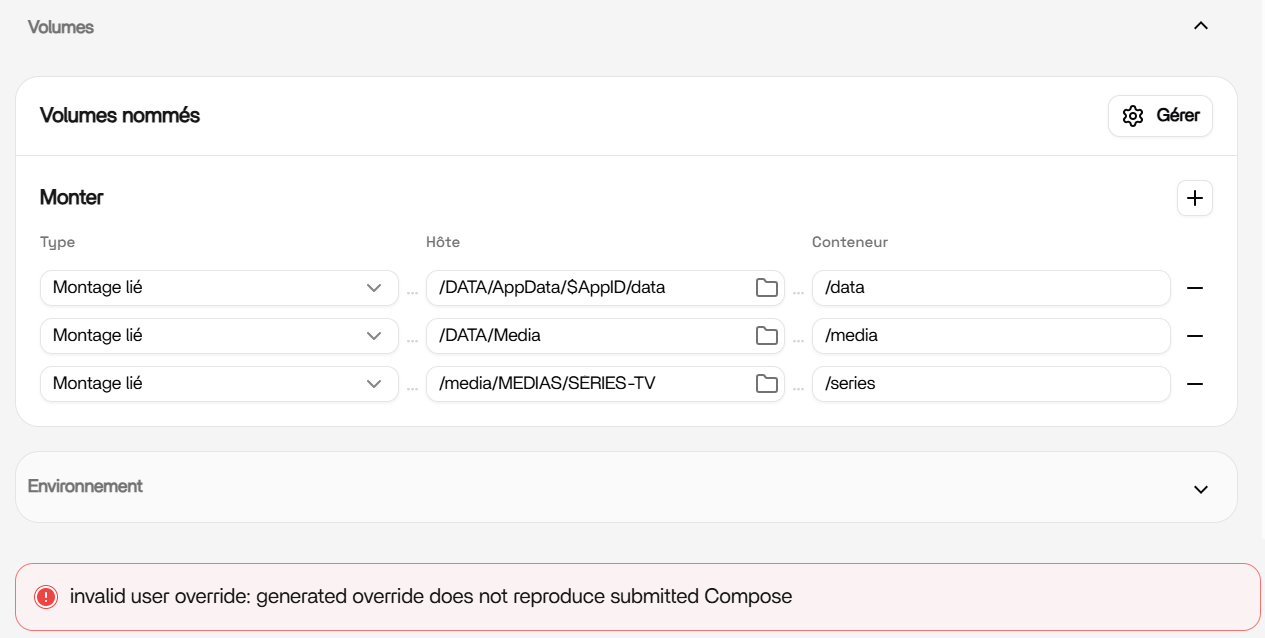
Thanks for the screenshot, it made the cause easy to find. ZimaOS saves app changes against the file the app was installed with, and it can’t handle the long folded descriptions in IceStore’s files, so every save failed with that “invalid user override” message. It wasn’t a user or rights problem.
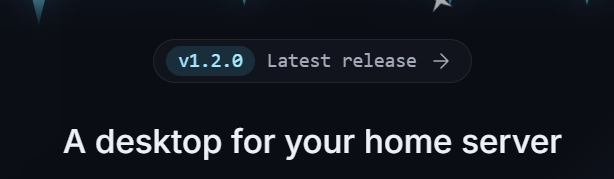
v1.2.0 fixes it:
/media/MEDIAS/SERIES-TV as /series, before installing.K7 and BookOrbit still have the old file. To fix them, uninstall each one keeping its data, then install it again from IceDash v1.2.0. Your library and settings stay in /DATA/AppData. Editing an app’s settings inside IceDash itself is still on the roadmap.
@toolg_73349_74680: No, there’s no plan for a separate OS. IceDash runs on ZimaOS (or CasaOS) and uses its apps, storage, accounts and app store. it doesn’t replace any of that. It’s a different desktop, with IceStore apps set up in one step, for people who prefer it. ZimaOS’s own dashboard stays one click away, and you can switch IceDash off whenever you like.
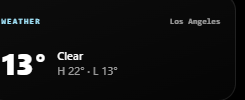
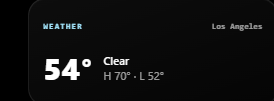
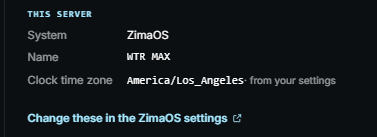
My IceDash says 1.1.0 is the latest, no option to go to 1.2.0 and automatic updates is turned on, and I even said check now. I just noticed weather is using the location of the time zone, not where I am. Weather needs to have settings so a user can say the location to use. Los Angelas is way different weather than my location north of Seattle.
Thanks so much @morgyann @SirWill for actively testing IceDash, both of you. It really helps. I’m a full-time worker and a full-time dad, so I barely get any time to test things deeply, and reports like yours catch what I miss.
You were both right about the update. v1.2.0 was tagged, but its build failed before the release step, so GitHub never got it and IceDash kept saying 1.1.0 was the latest. v1.2.1 is out now. It includes everything from 1.2.0, so Check now should find it.
v1.2.1 also fixes what you reported, SirWill:
Thanks again!
Check live demo at: https://icedash.hsinghhira.me/demo/
Hi,
I am restarting my tests with the new version of IceDash, 1.4.1.
I have just tested a media application, and I can now make adjustments and add volumes within the ZimaOS interface.
This seems to work well, and I’m going to test other applications from the store.
What’s really great about IceDash is that the new applications offered are always up to date. With an imported store, you have to perform updates every single time. Being able to get the structure and the YAML with just one click is absolutely brilliant.
I’ll now be able to quickly test your custom builds. I’ll be sure to share my feedback with you.
The concept is truly excellent, and this tool will make it easy to guide beginners so they can successfully get the apps up and running.