I purchased a Zimacube creators pack and inserted two Toshiba MG10AFA22TE. one was recognized and usable but the another was not. I sent it back to the seller to have it checked and they said there was nothing wrong with the HDD. Here is the screenshot. How can I get the HDD to work?
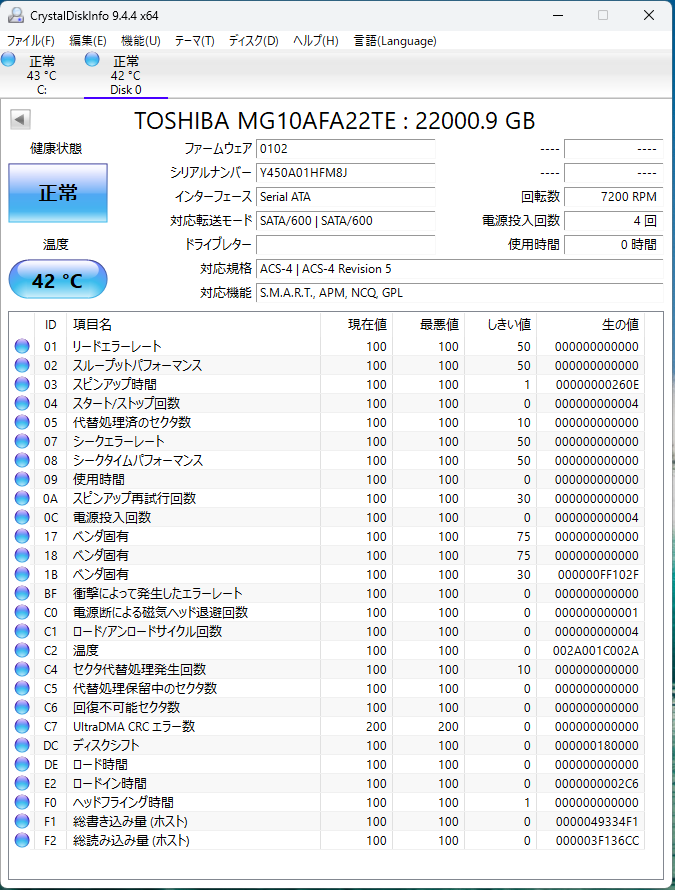
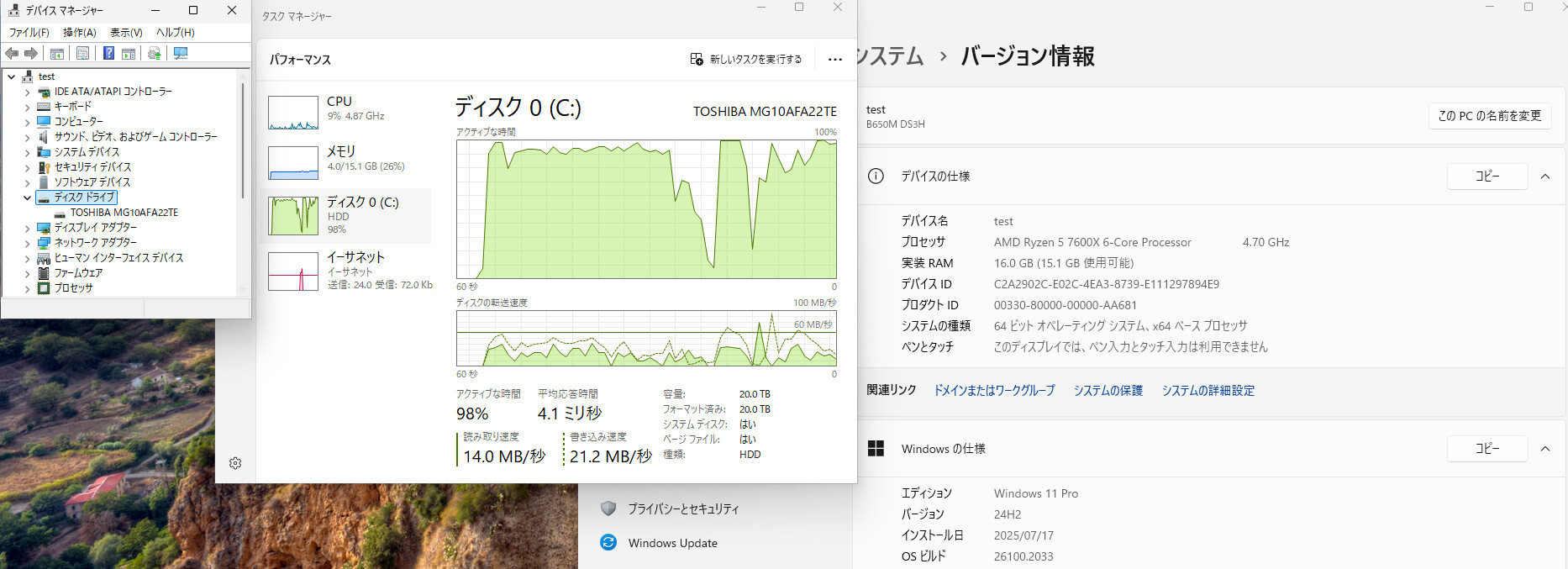
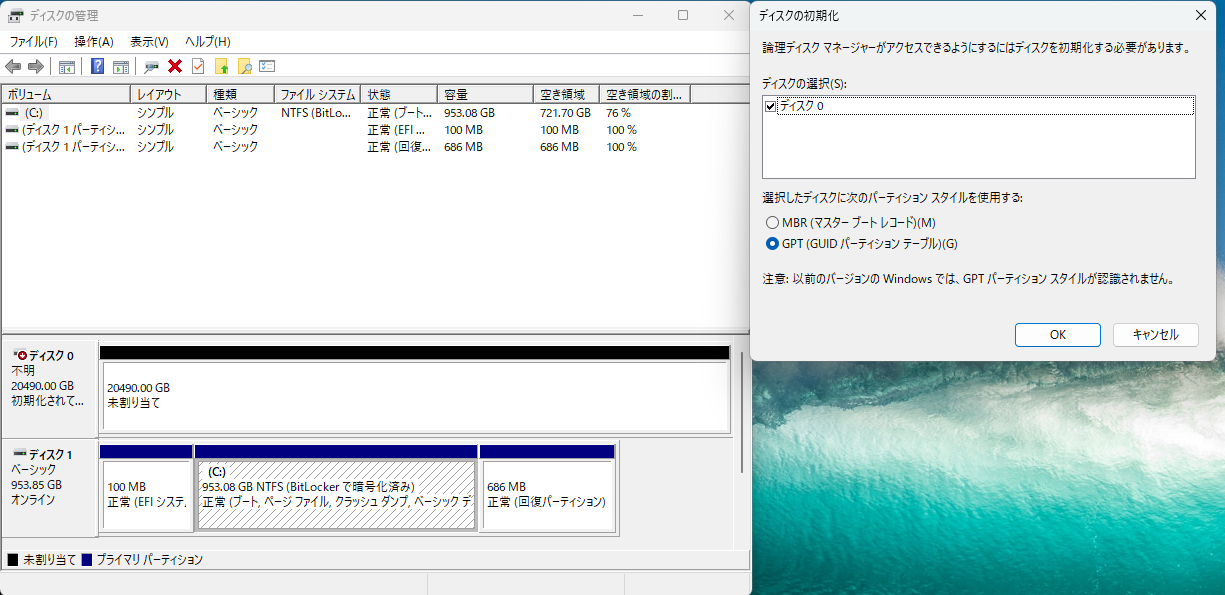
Have you switched the Slot to eliminate the possible issues?
This article provides a compatibility List of disks.
Yes, I’ve tried all of them but no luck. Does this mean one of the HDDs happened to work with incompatible HDDs and the other one didn’t?
Can you reconfirm the drive model? Are they completely equivalent? The mother series has very similar drives, but the interface is SAS.
Also, for some special disks, some DIY work is required.
This article may help.
Also refer to this: Using SAS drives in the ZimaCube
Thanks for the link but my HDD drive is SATA (from its label and SATA-3.3 according to the website). Anything else I can try? Any suggestions would be great and appreciate it.
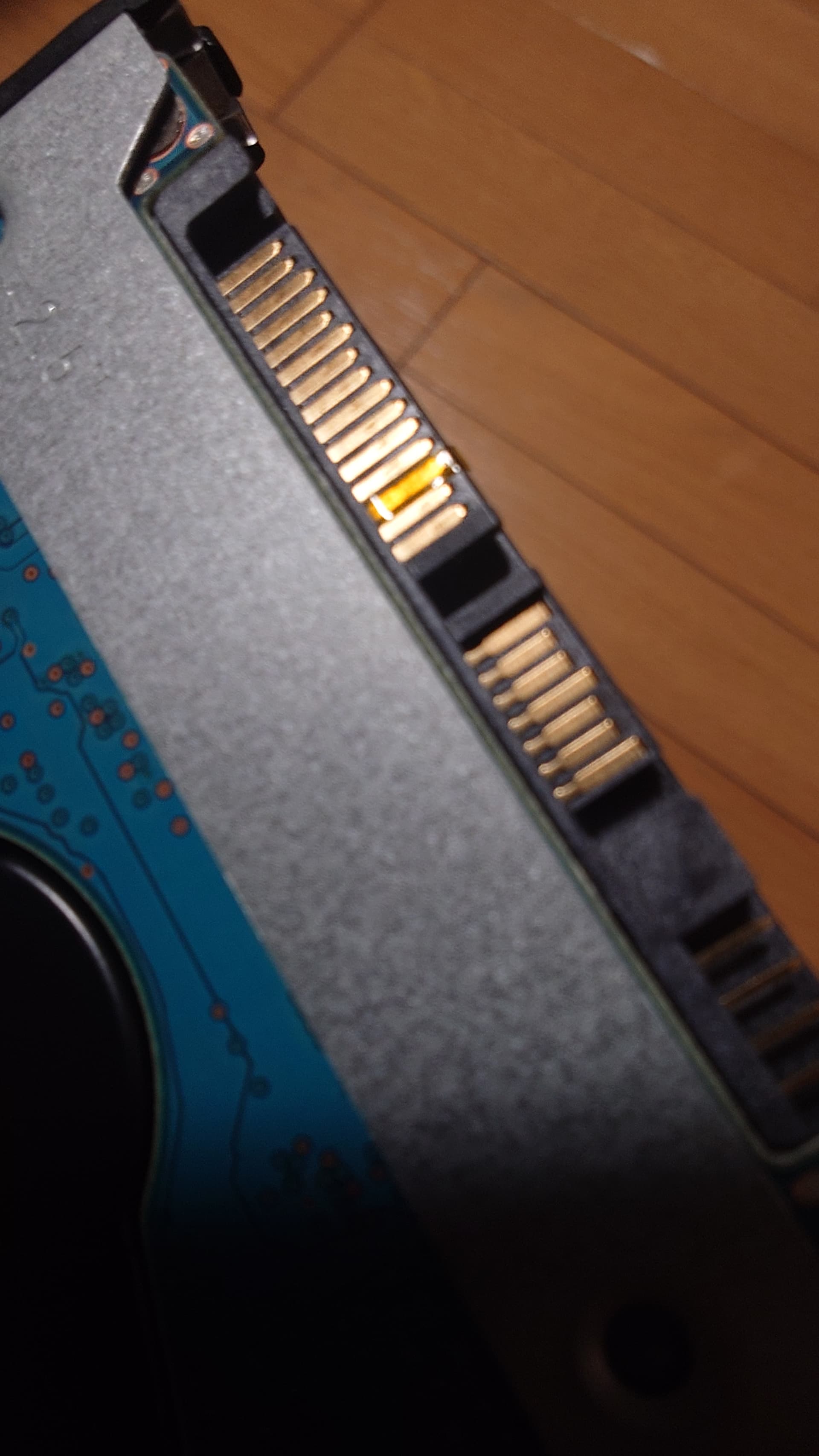
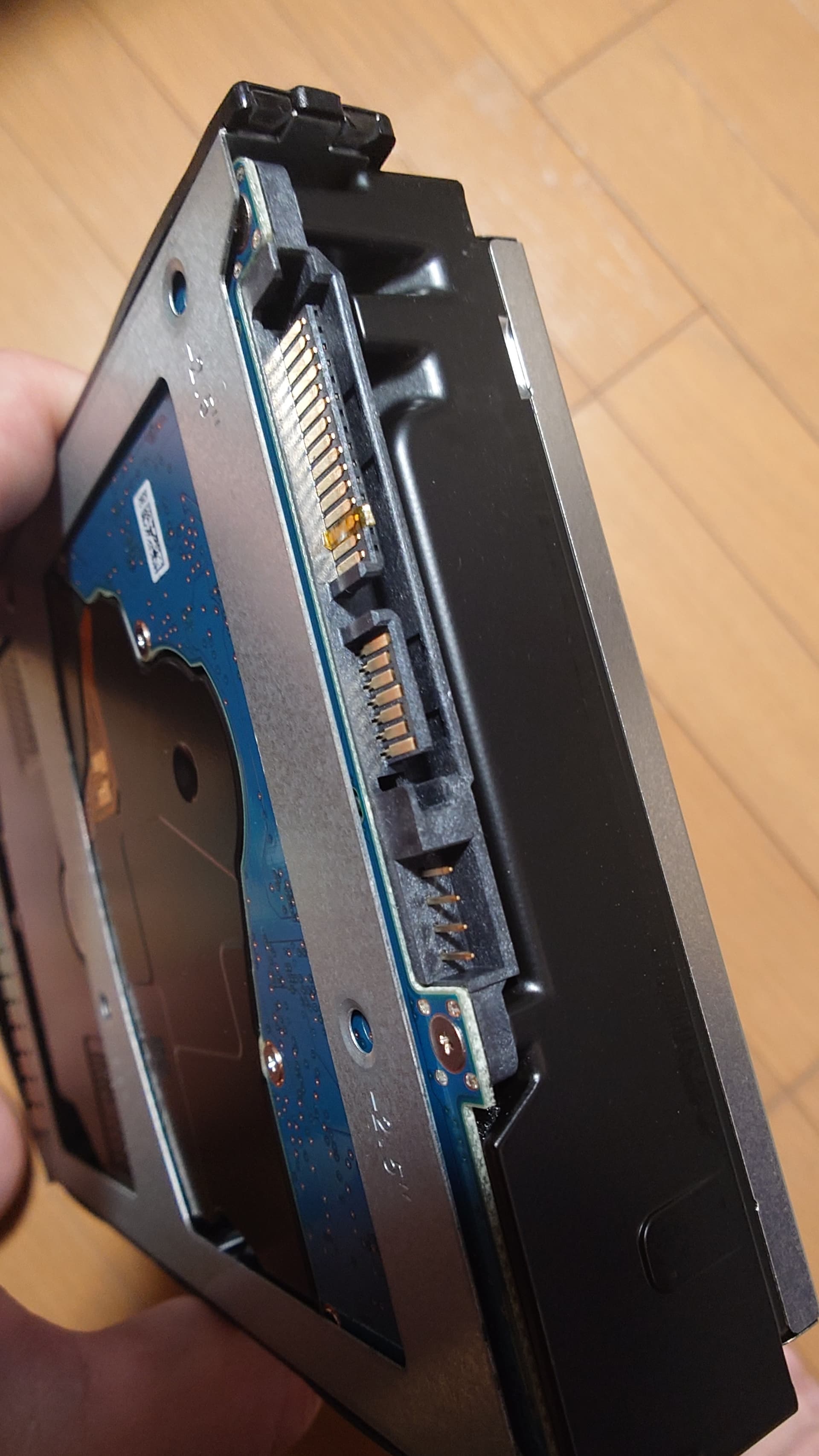
Would you please provide the photos of the pin of both your disks? I will invite our engineer to investigate. The more pics, the better.
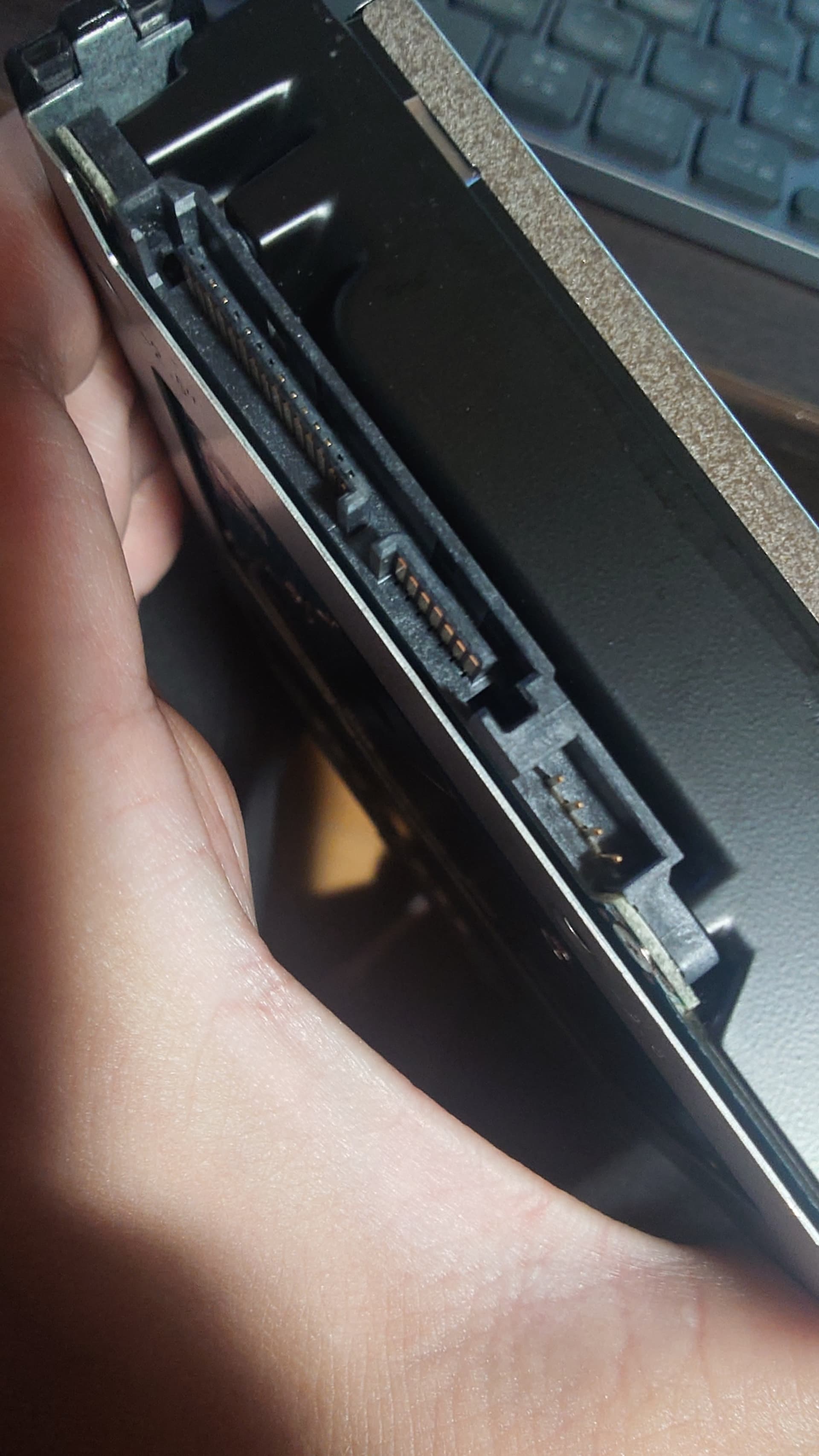
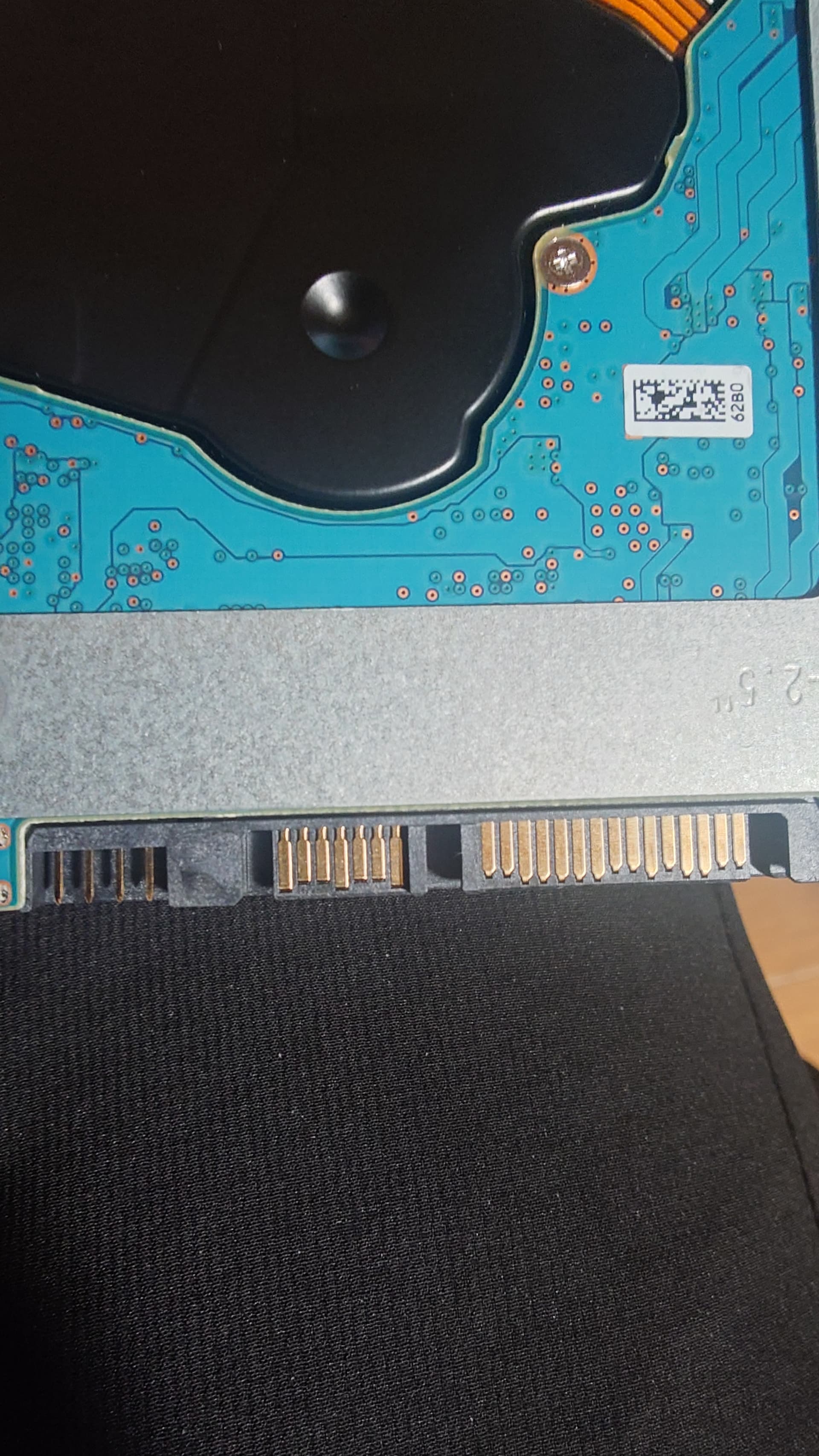
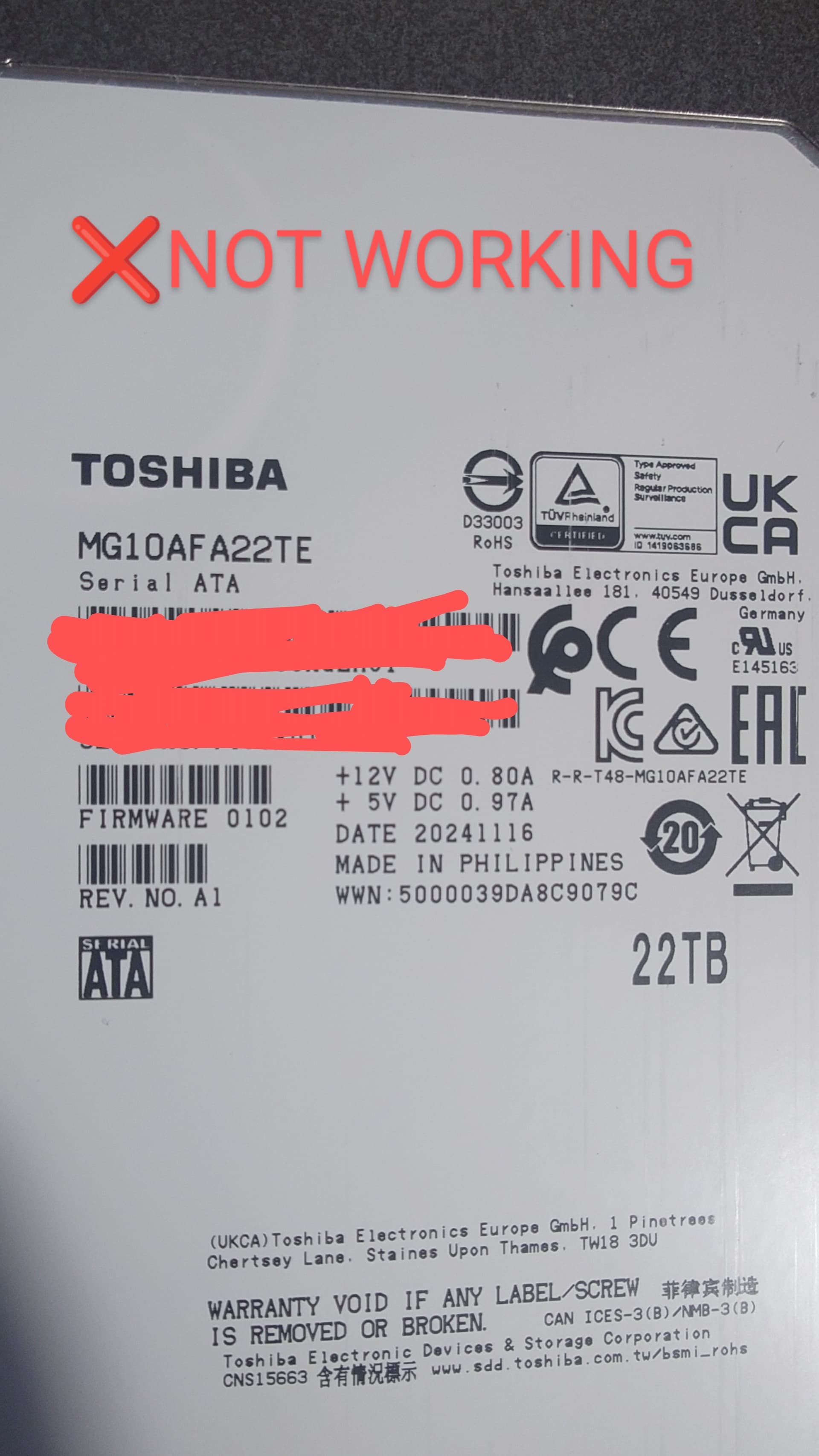
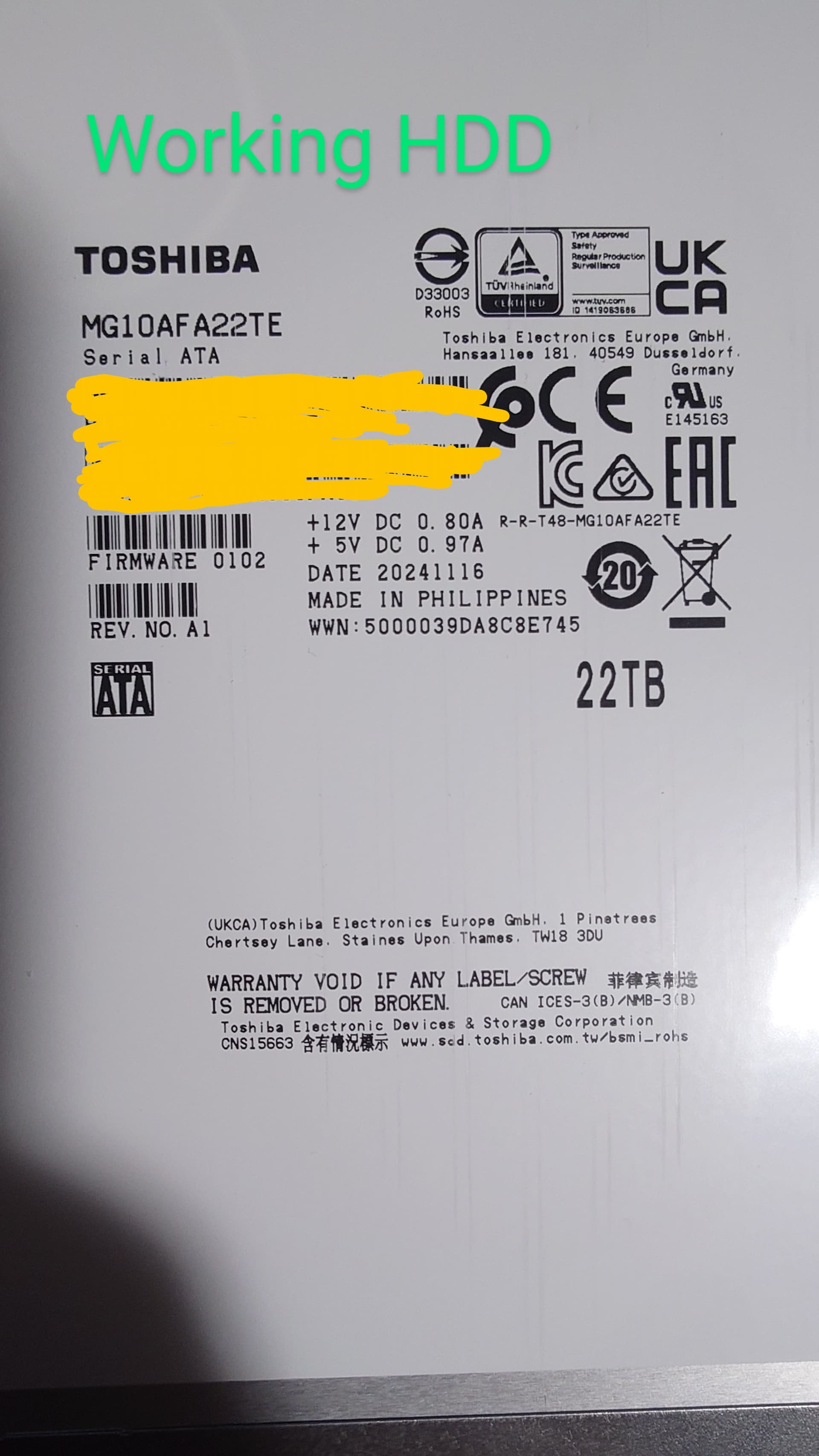
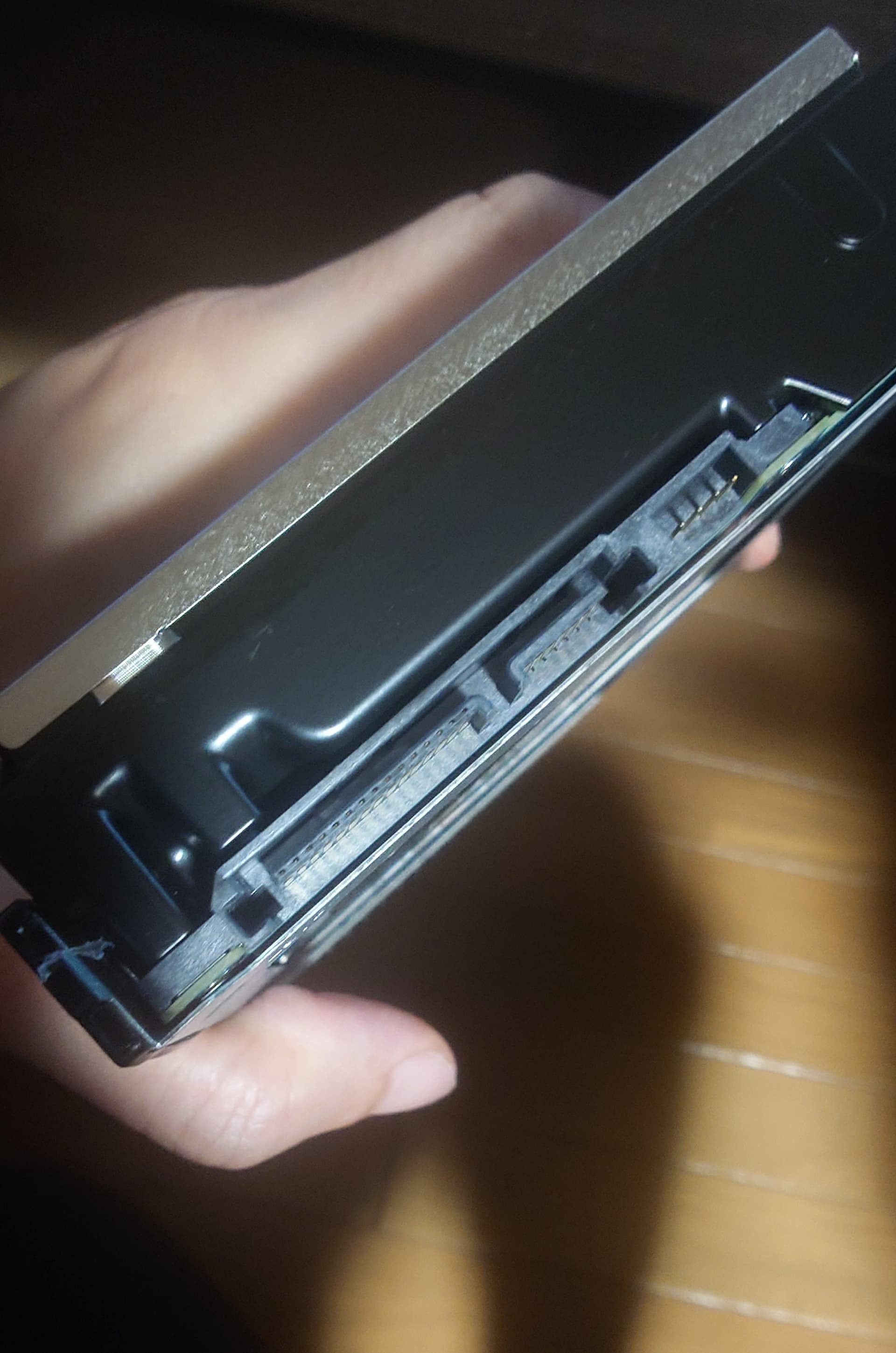
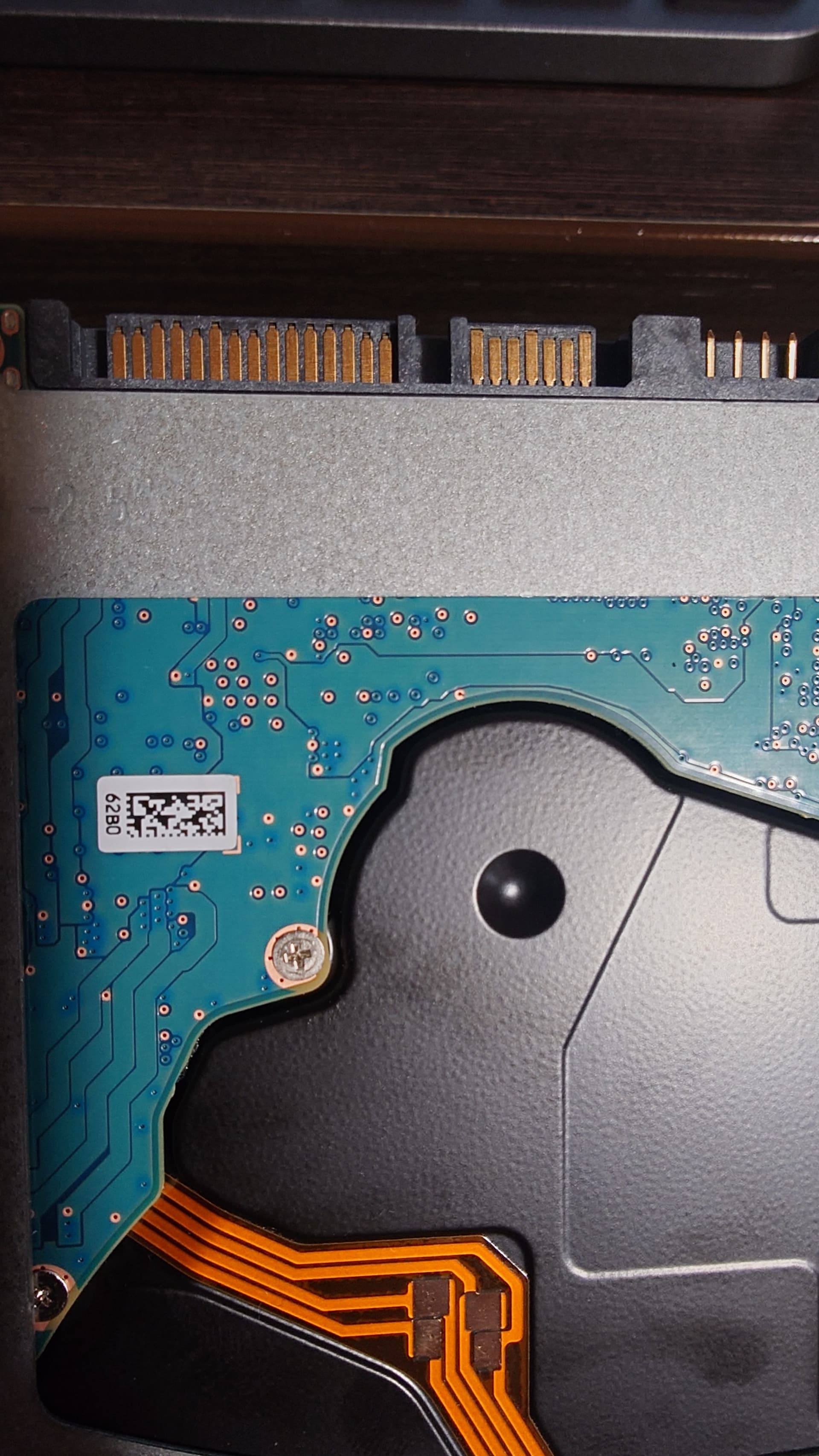
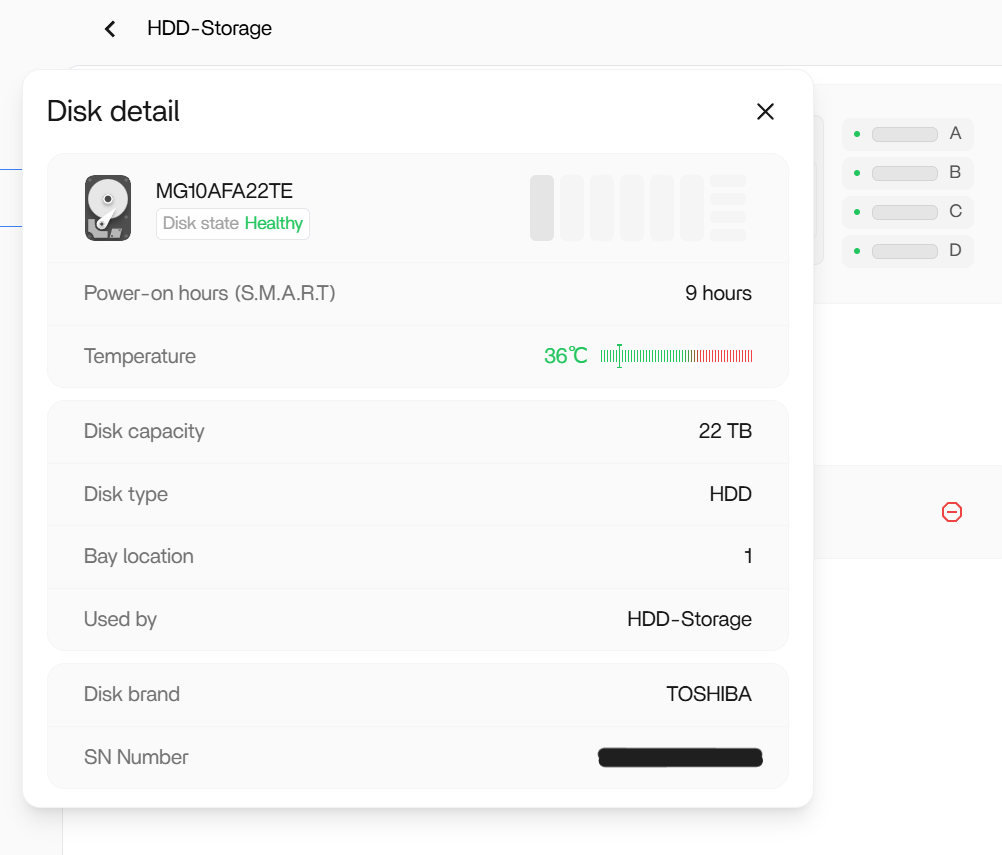
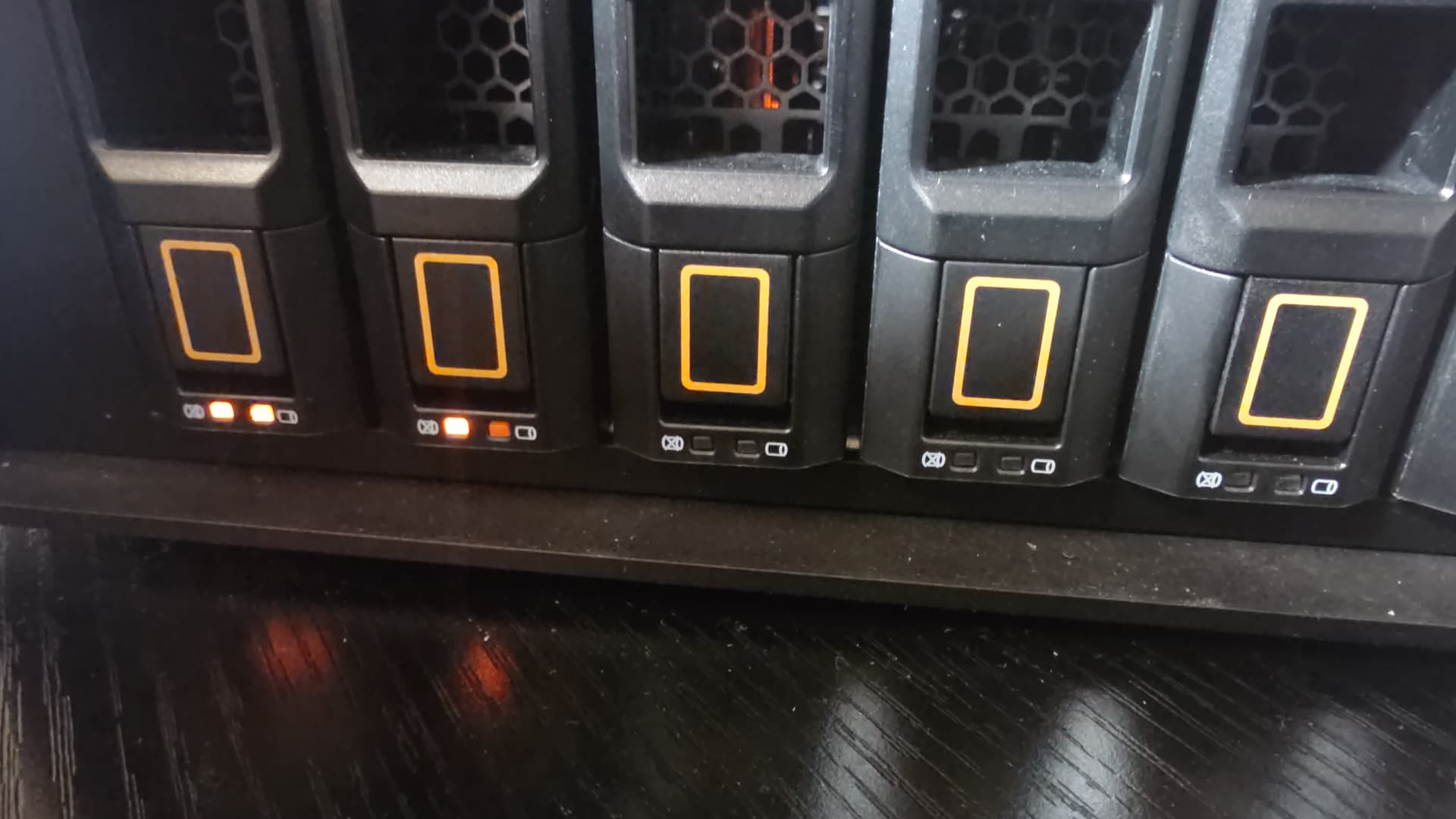
Hi, copy that. I will invite our engineer to look at this.
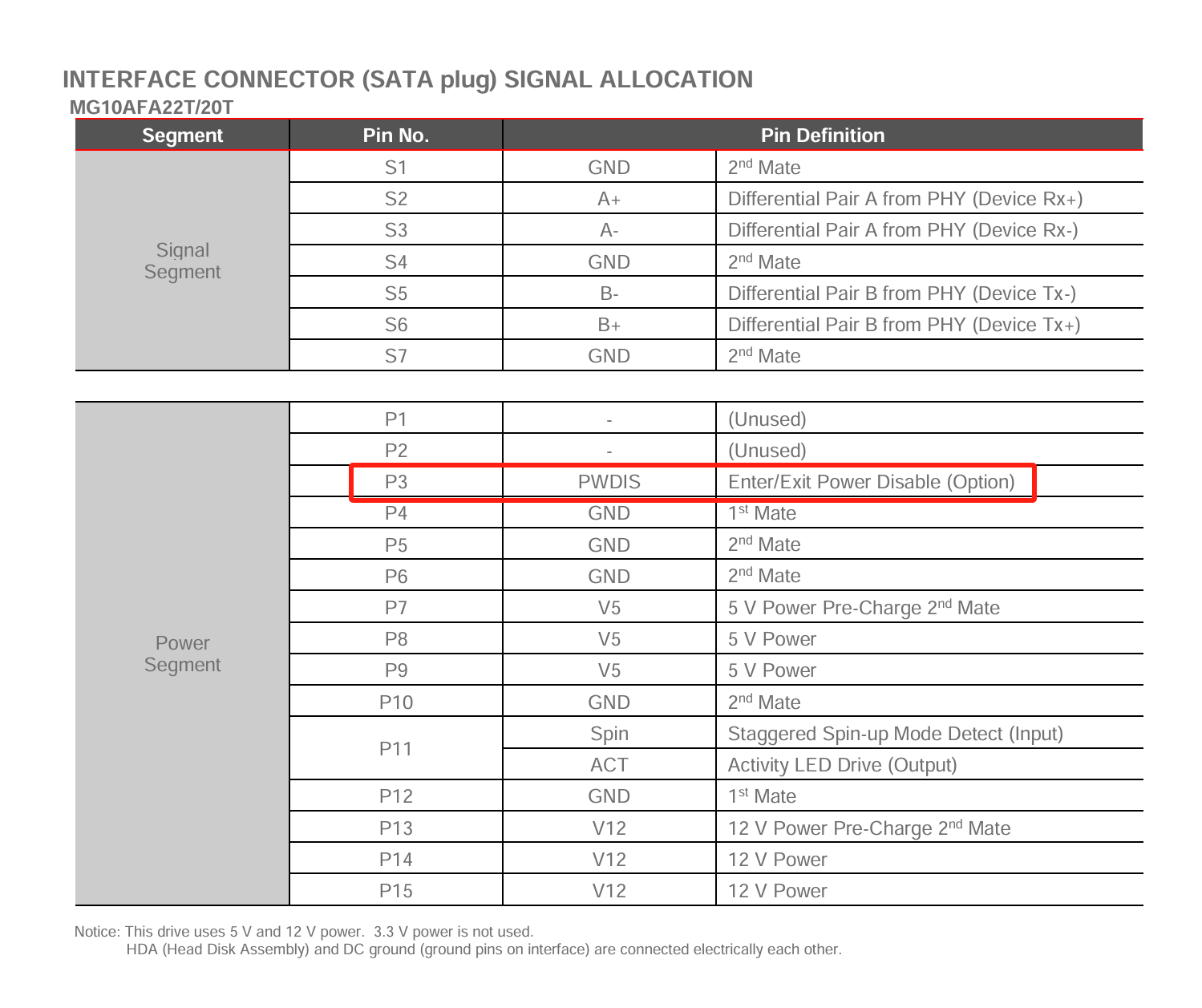
Thank you for your feedback. Based on the images you provided, the two drives on top are indeed SATA hard drives. However, unfortunately, we are unable to determine their functional differences based solely on the label information. According to Toshiba’s official specifications, the Power Disable feature is an optional function for this model. Unfortunately, this feature conflicts with the hardware design of the ZimaCube.We recommend that you try the following steps to confirm or rule out this possibility. https://www.reddit.com/r/DataHoarder/comments/890juk/33v_pin_fix_for_wd_white_labels_video/?share_id=kSxFcNdetGHa2EuKBA9ag
Thanks! I’ll give this a shot and see what happens.