Just upgraded to 1.4.2 and noticed that certain containers “Apps” don’t automatically start on boot like they did before. For instance Portainer does not startup on boot. I’ve checked the setting and it is set to “unless stopped” for restart policy. I have also tried setting it to “Always” but that doesn’t work either. If I click on the app icon in the ZimaOS ui it starts the container. Throwing this out there in case anyone else experiences the same after the upgrade.
Same for me.
I have de same too !
Same here AND when updating the container the update still hangs there without starting
We are investigating it. You will receive the fix in a quick-release version.
To me, this is not an error related to the app startup. Instead, it seems that after the 1.4.2 update, ZimaOS is unable to load the container apps correctly. On my ZimaBoard 832, all the apps correctly maintain their on/off status, but the GUI is unable to launch them properly, even after restarting the system and the apps.
If I launch the app prom ZimaOS dashboard the GUI follows this steps:
- app startup screen (as if it were off, even though it is actually already on)
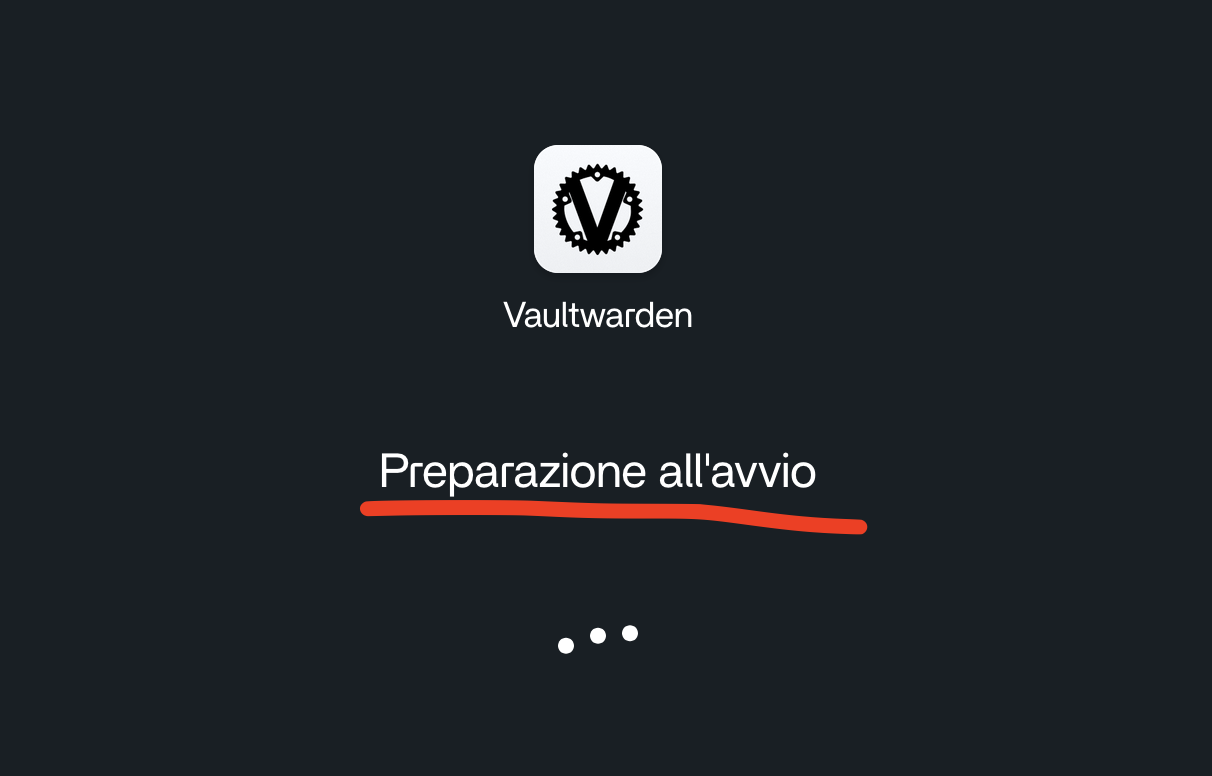
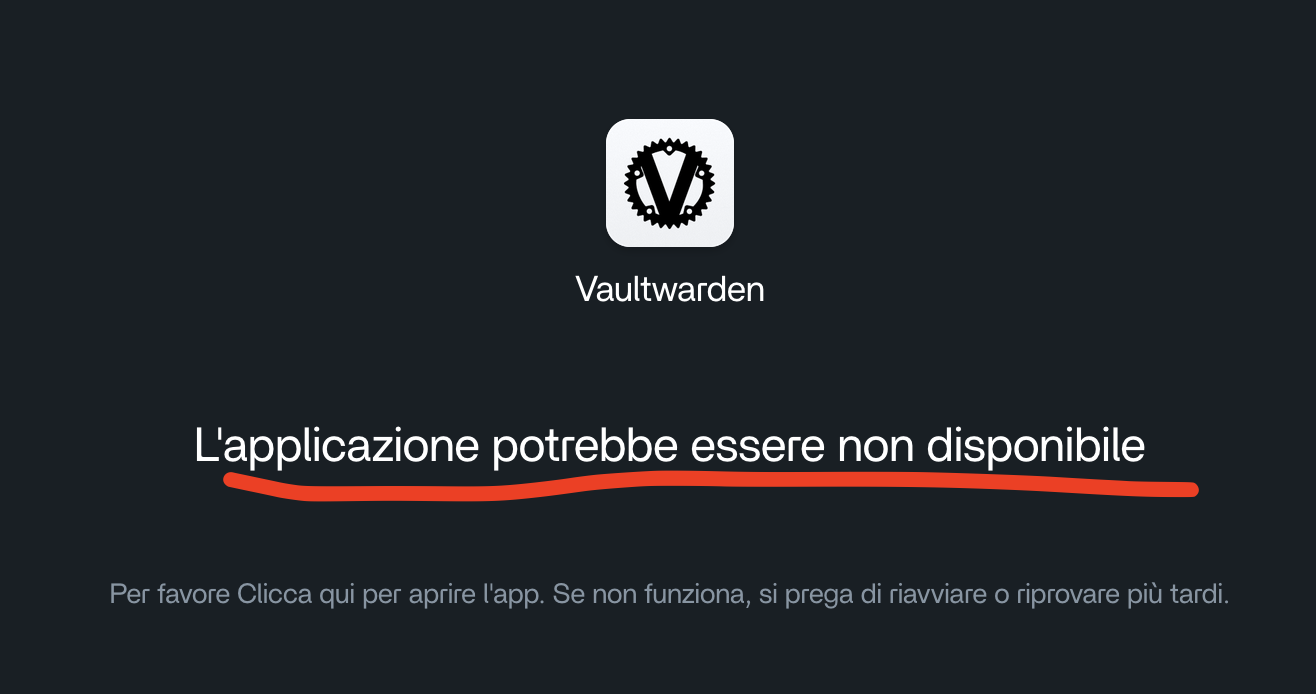

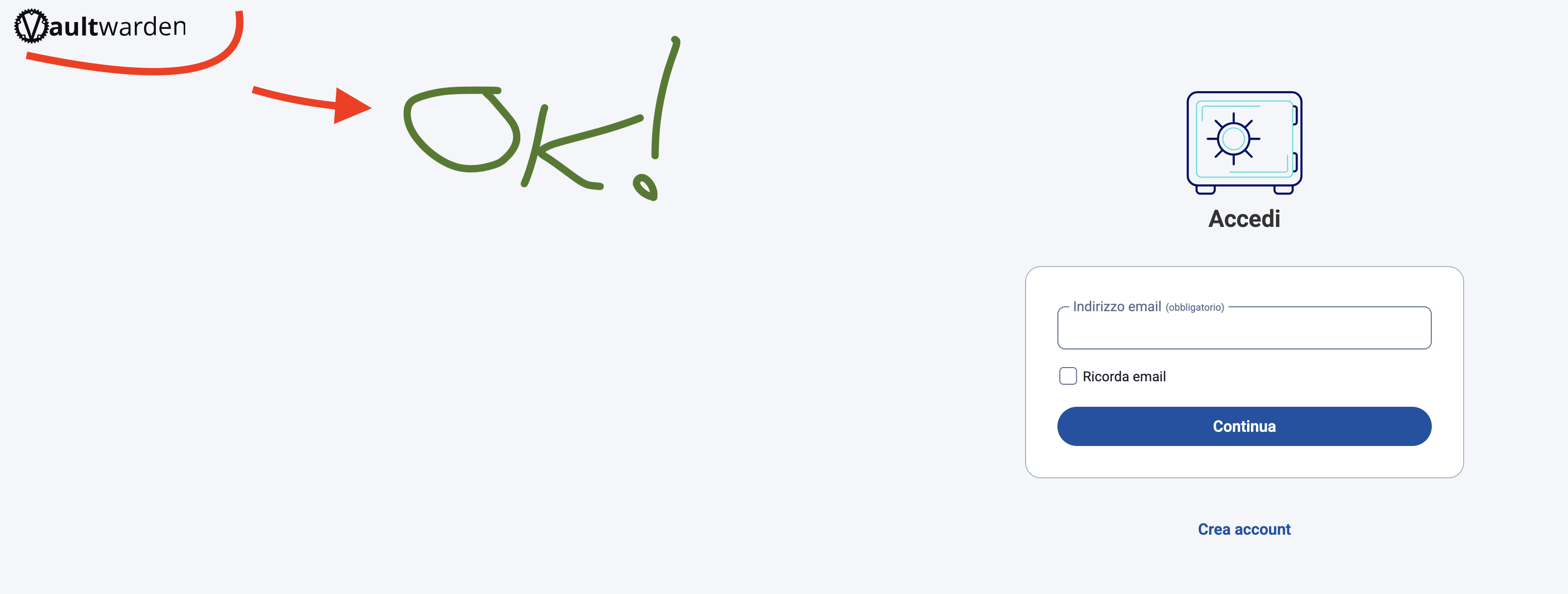
Should I consider this another occurrence of the same issue, or should I open a new report instead?
Thanks for the feedback. And no need for another post. We are investigating it.
Is my problem that any update/change to settings of an app is not implemented/changed related to this issue? OS says that the app is updated, but this is not the case. If you look at settings, the old settings are still active. nothing has changed.
Which app do you refer to? It will be helpful if there are some screenshots of the issue.
@emaoca Could you please update to 1.4.3 to see if it is fixed? Look forward to your reply.
Any app. I have updated to 1.4.3.

This is error I get when updating Radarr.

Error when updating Sonarr.
These errors are only 1 s in view, then they are gone.
Claude / Antrophic says that there is a problem with a chinese docker registry mirror that is configured to block all non-chinese IP-adresses.
I have solved it now by changing the mirrors to https://mirror.gcr.io en https://quay.io.
Now I can change the settings again.
Reinstalling didn’t work for me.
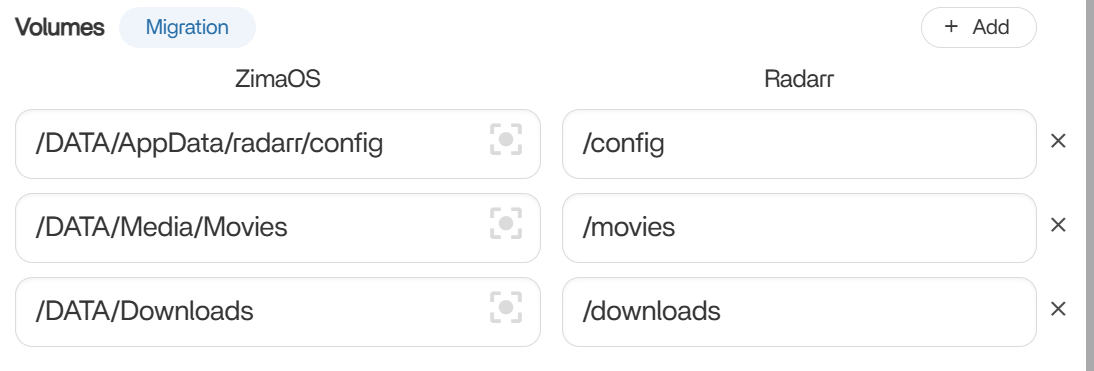
These are my radar folder settings.
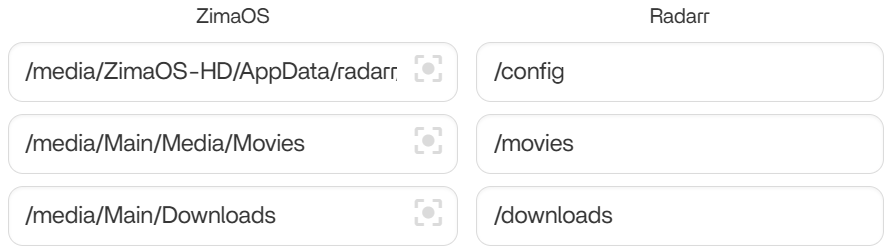
I also had a problem with that a lot of my folders now only have access for root:root, instead of user 1000:1000. This has changed somehow in 1.4.2. I have now set the permissions for relevant folders back to 1000:1000, as I have set this user ID in the settings of my apps.
Have others had the same problem?
Thanks for your feedback. If convenient, could you please tell us how you modified the mirror of the app? And how did you change the access for relevant folders? Look forward to your reply.
Hi, I have changed daemon.json with the following command:
sudo tee /etc/docker/daemon.json > /dev/null <<EOF
{
“registry-mirrors”: [
“https://mirror.gcr.io”,
“https://quay.io”
]
}
EOF
And I have reset the permissons with the command sudo chown -R 1000:1000 for the relevant folders.
Does this give you the information you needed?
Thanks for your feedback, it’s very helpful.
I apologize for the delay in my response, as I was completely offline for a few days. I have now updated ZimaOS to version 1.4.3, but I noticed that the app behavior remains exactly the same as what I reported after updating to version 1.4.2. Moreover, what I initially thought was an occasional issue following the 1.4.2 update has turned out to be a recurring problem: if I restart the system remotely, the server becomes unreachable, and the only way to regain access is by physically cutting the power and logging in again. I hope a solution to these issues will be available soon. In the meantime, thank you very much for your support, and let’s stay in touch.
To better help you, I have PMed U~
I noticed that you mentioned 2 questions here
-
After upgrading to 143, the start and stop logic of the application is no different from 142, and it is still not started?
One piece of information is missing here: Did you manually restart these apps after upgrading to 143? Because you have to start the app first to let the system know the last running state of the application, so that the app-management service will start or stop your application when you boot up -
The latest version of 143 has not made any changes to the remote connection, and theoretically there is no “after the remote reboot of the system, the server becomes inaccessible”.
Can you confirm here whether you can access it through the LAN after a remote restart?
I started having this issue when I went from 1.4.1 to 1.4.2. I rolled back to 1.4.1. When 1.4.3 was released I tried it and it seemed to work. Today I did a shutdown of zimaos and noticed that 3 apps do not automatically start on starup. Their policy is set to “unless-stopped” . I tried setting them to “always” and then back to “unless-stopped” but it did not make a difference as they do not start on startup. I have to click on them and then they start up. I do have some volumes in them mapped to an smb share and perhaps when zimaos starts up it now tries to start the docker apps before mounting the smbfs and the app fails and dies. I’m trying to find logs to look in more detail.
Edit: I have confirmed by looking in the logs that these 3 containers are not starting because the smbfs mount is not available. In 1.4.1 the smbfs mount was available, after reboot, before the apps started. It looks like that behaviour changed in 1.4.2 and 1.4.3. The apps do start manually when I click on them in the zimaos dashboard but by this time the smbfs has already been mounted. If there was a way to have the smb file systems mounted before trying to start the docker apps that would be great.