Thanks for the feedback. We will investigate it.
1 Like
Hello everyone, I just began a project to rack my SBC network into a minirack. So of course last night I went to make sure everything was updated on my ZIMABLADE before I got home and dealt with the other computers. When I woke up this morning I went to use Plex and it didn’t work, and I tried several other apps that didn’t work. This worried me, as I though the system was penetrated or corrupted, so I went to look at services. I noticed that the docker service and deamon were not running and were having permission and location issues. I ran a number of commands to try to restart, stop, etc and non worked. Finnally I found a tip on a site from a non ZIMA user who had issues with docker not running. It was suggested he run the following commands:
systemctl stop docker
systemctl stop docker.socket
systemctl disable docker.socket
Edit the file at this point
systemctl daemon-reload
systemctl enable docker.socket
systemctl start docker.socket
systemctl start docker
I ran the commands as is without alterations or customizations. It restared my docker services and I am back to relocated my homelab.
@Zima-Giorgio
1 Like
Hello everyone,
I still have the same problem after having updated the system to 1.4.3 and then 1.4.4. I have in both the problems I had already experienced starting from 1.4.2 update:
- FIRST PROBLEM
When I try to launch an (already) running app ZimaOS is launching a loading page (see pic below)
as long as it appears a new window that says “App may not be available. Please click here to open the app. If it does not work, please restart the app or try again later” (see pic below).
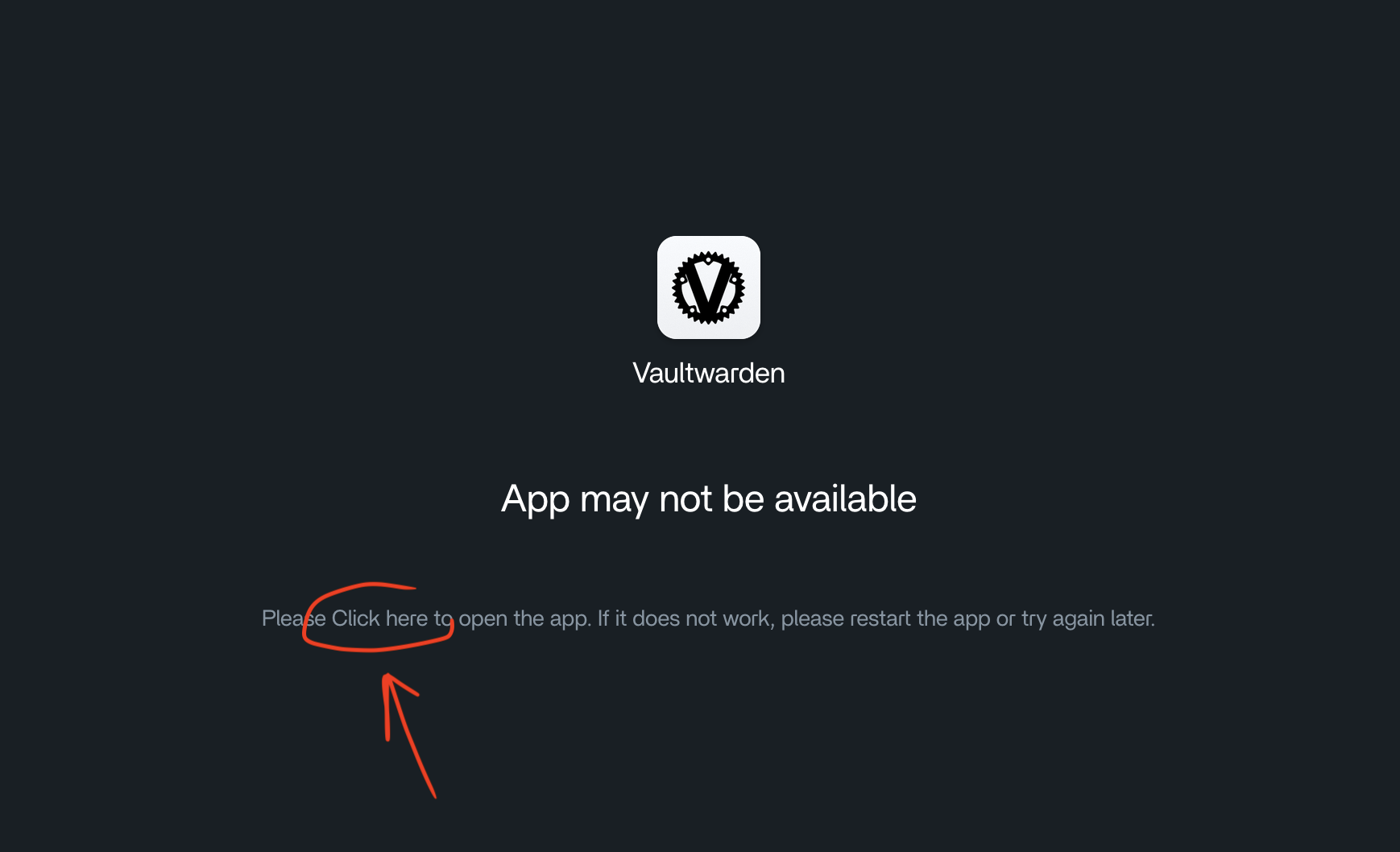
This is quite paradoxical since if I click the embedded app link the app opens and all is working fine. Working perfectly even if I put directly IP or domain address in my browser search bar.
- SECOND PROBLEM
Every time I restart or shut down my system. Once it is online again all the docker apps are switched off even if they were active before the shutdown and the restart policy is correctly set on unless-stopped (see pic below).
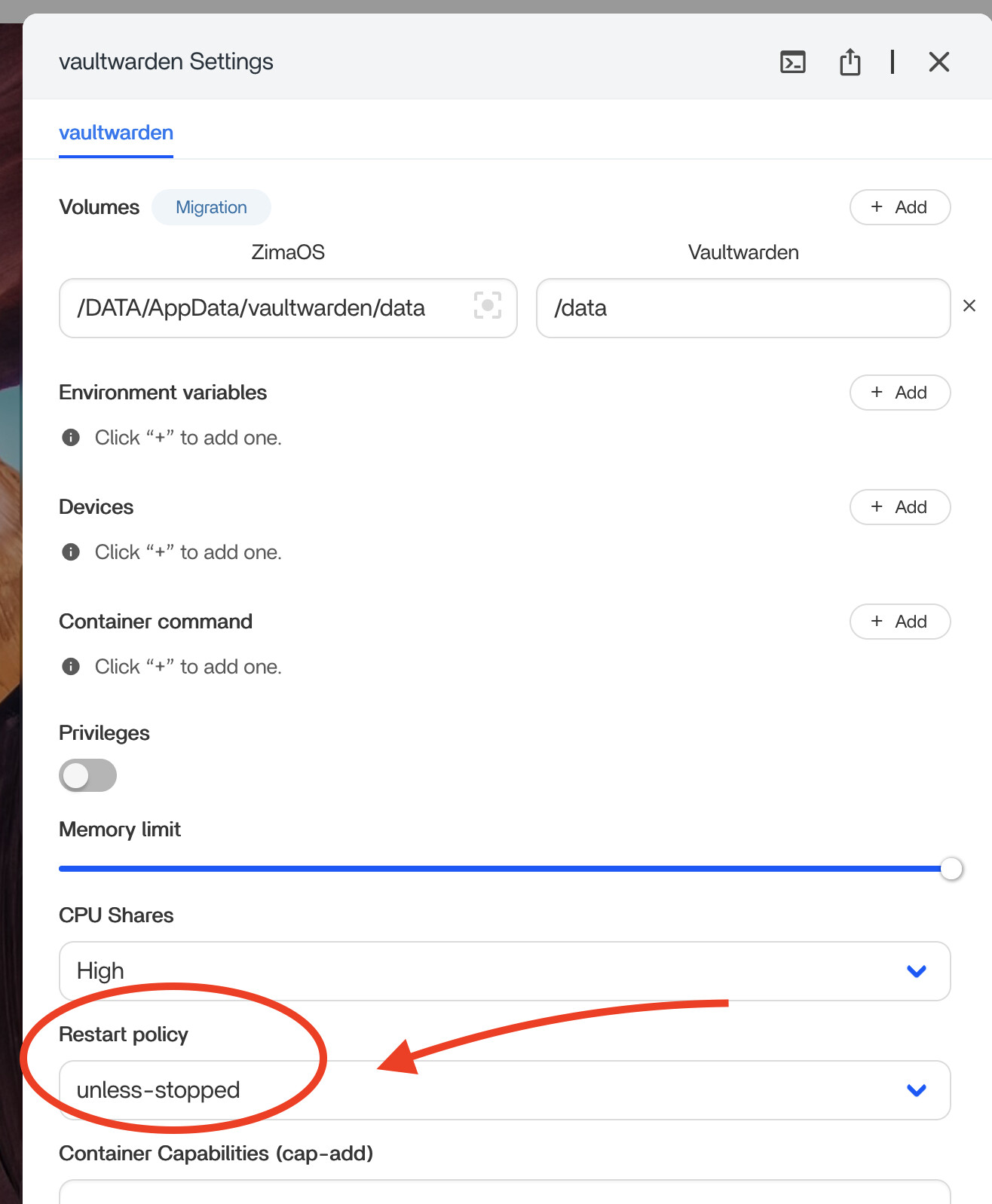
Note that I experienced the same behavior for all the apps, even after trying to reinstall them from scratch.
Now I’m wondering if I should try to use the new reset function that has been added with the 1.4.4 ZimaOS release to try to fix all these problems once for all? (see pic below)
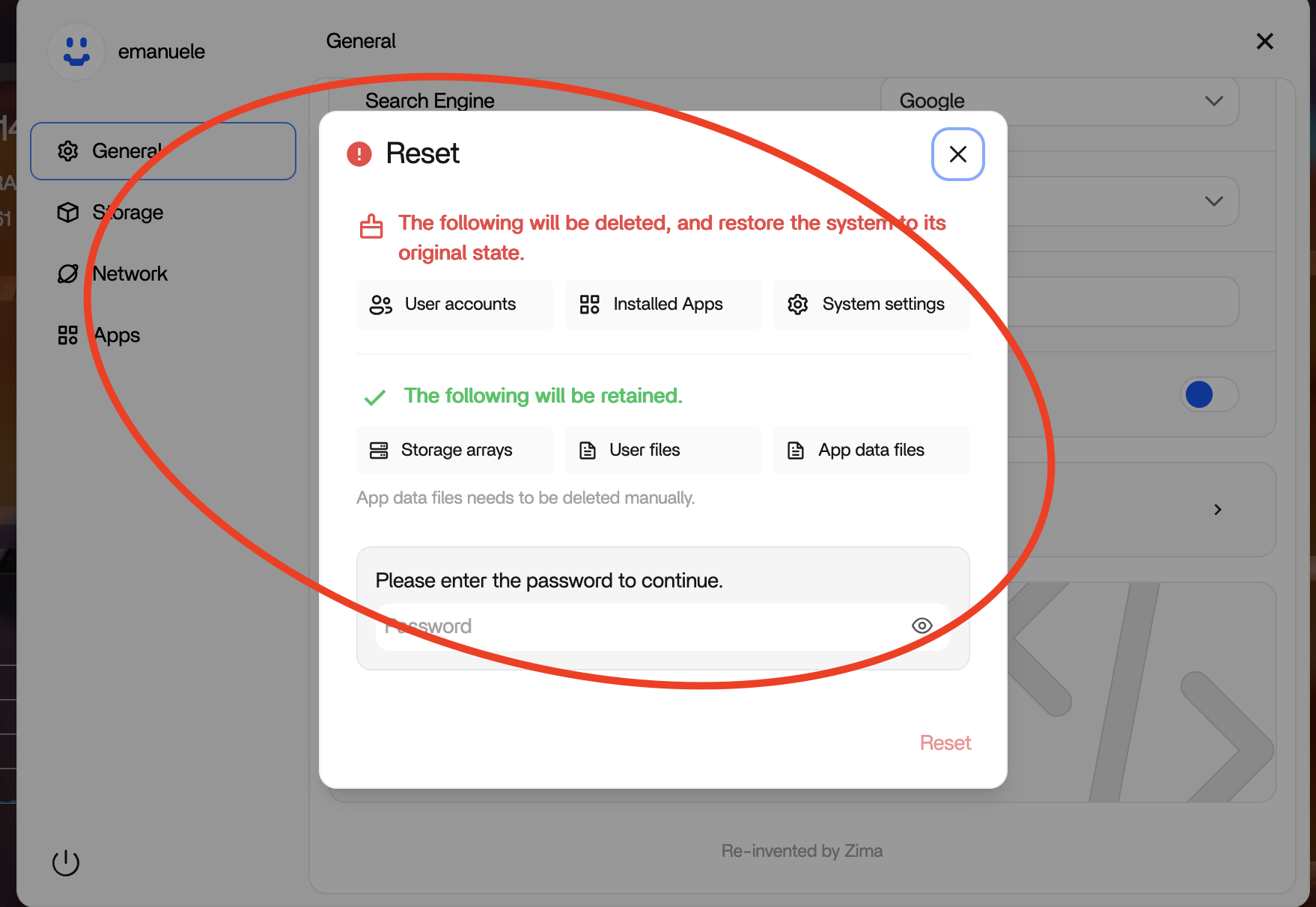
If so, should I take some precaution (such as saving local-storage.db file on external drive as suggested here?
Waiting for some tips. Thank you very much.
You can reset without saving the .db file. It persists the reset.
1 Like
Thank you for your reply and for clarifying that the .db file doesn’t need to be saved. I appreciate it.
The key question for me, however, is whether the reset procedure I mentioned actually has a good chance of resolving the two issues I’ve been experiencing across the last three ZimaOS updates, or if it might not change the situation at all.
If the reset doesn’t solve them, could it be:
- Some configuration issue or corruption survives the reset, meaning the problems might persist even after performing it?
- A system-level bug or a compatibility issue with my ZimaBoard 832 hardware?
- Something else?
Understanding this would help me decide the next steps.
Thanks again for any insights.
I have the same issue. Just updated to 1.4.4 and my apps (immich, portainer, …) are not starting. Also I can´t start them manually. Tried to reboot already. Any tipps?
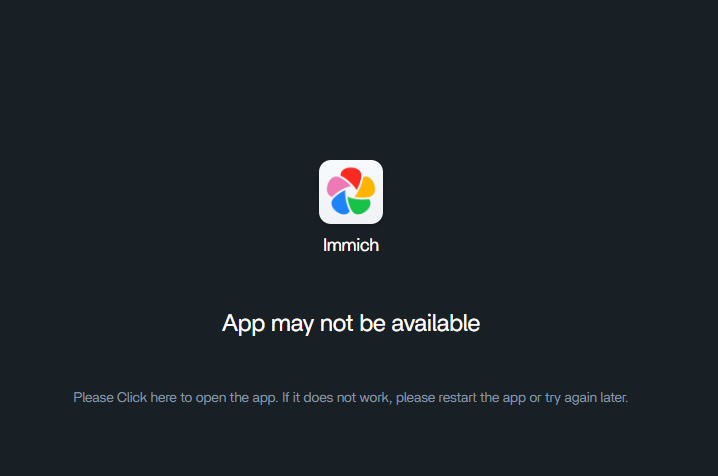
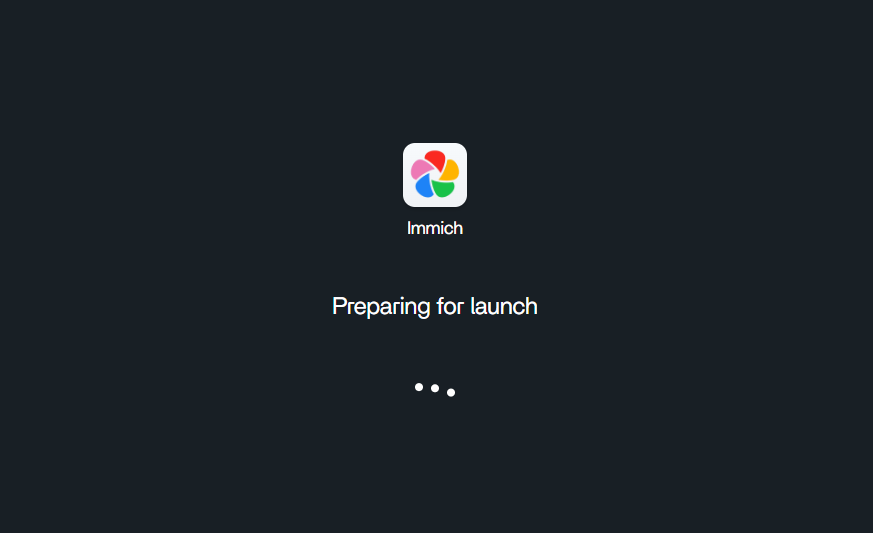
1 Like
I think with the pic your provided, the reset is worth a try since only the storage and user/app data files persist.
1 Like
@fwarring which device are you running ZimaOS on — ZimaBoard, ZimaBlade, ZimaCube, or other?
In my case, I’m running ZimaOS 1.4.4 on a ZimaBoard 832…
It´´s a Zimablade 3760.
1 Like
I did a system reset with the new feature and re-installed immich (as an example) and it worked to have my database up and running again. The new 1.4.4. update issue costs me already 10h of my life, anyway, I think after spending the effort to re-install all apps I might be up and running again.
1 Like
Thanks for the update. I’m planning to try the reset procedure myself next week. I expect the outcome will be positive for me as well. Either way, I’ll let you know. @fwarring @Zima-Giorgio
1 Like
A post was split to a new topic: Dashboard link can not trigger a valid launch, but the external Link can