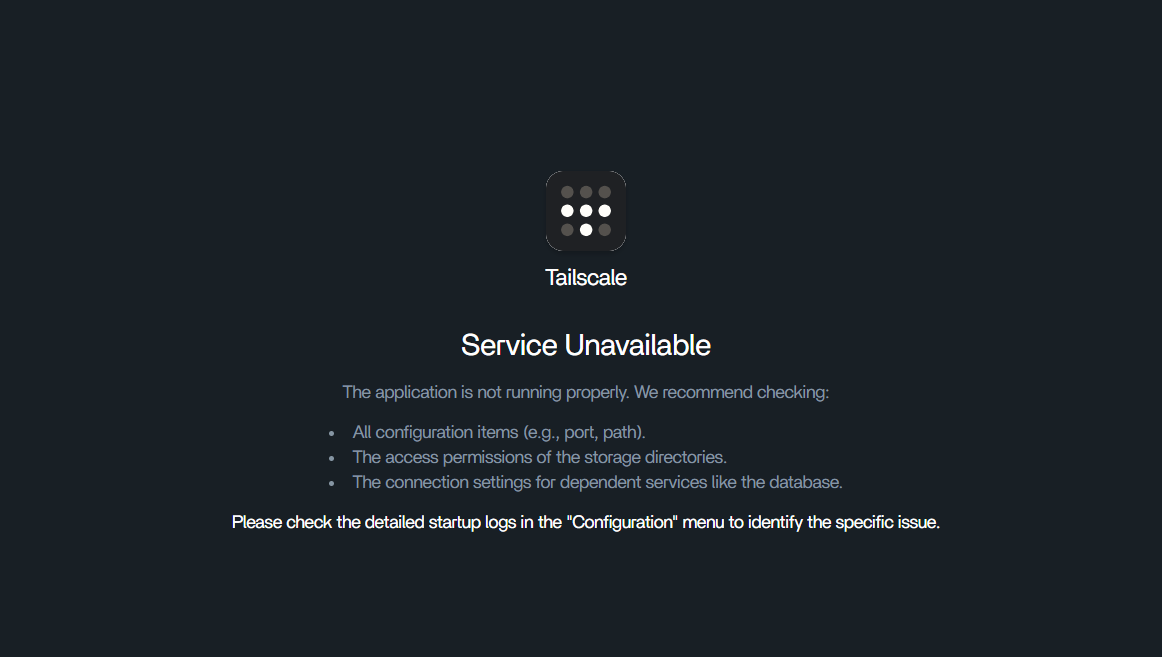
So I tried the method in the attached topic to get tailscale working for me and it did not work. I tried several times to no avail. I get the following after running the app
Thanks for the reply. I am new to all of this, and picked zima for simplicity. A lot in that post was over my head lol. I plan to learn more about that stuff and working in terminals, but for now i just went to netbird until i have more time to sort it out.
I was running a lot of that via gemini AI to try and get an install done - but alwais failed when it came to fetching the login link that gets pushed out after tailscale up command - the terminal would just hang and I’d get no login link - similar to the app in a way, where the login page appears, but the login button is dead.
I also know enough that AI isn’t always right or giving solid info. So willing to give this a go. I do need to learn this stuff anyway lol.
I gave it a go and it worked! Thank you so much for the script - much appreciated!