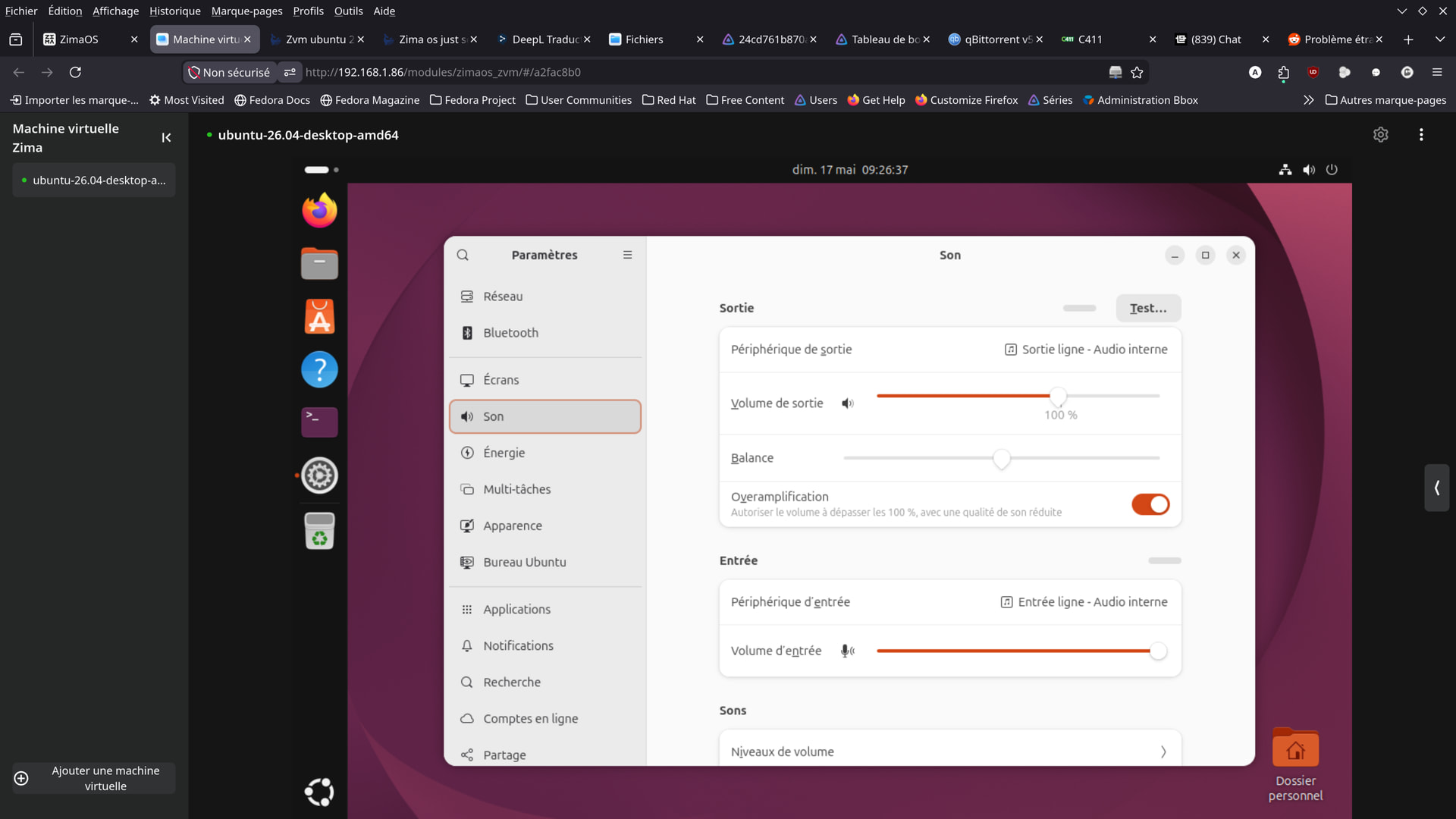
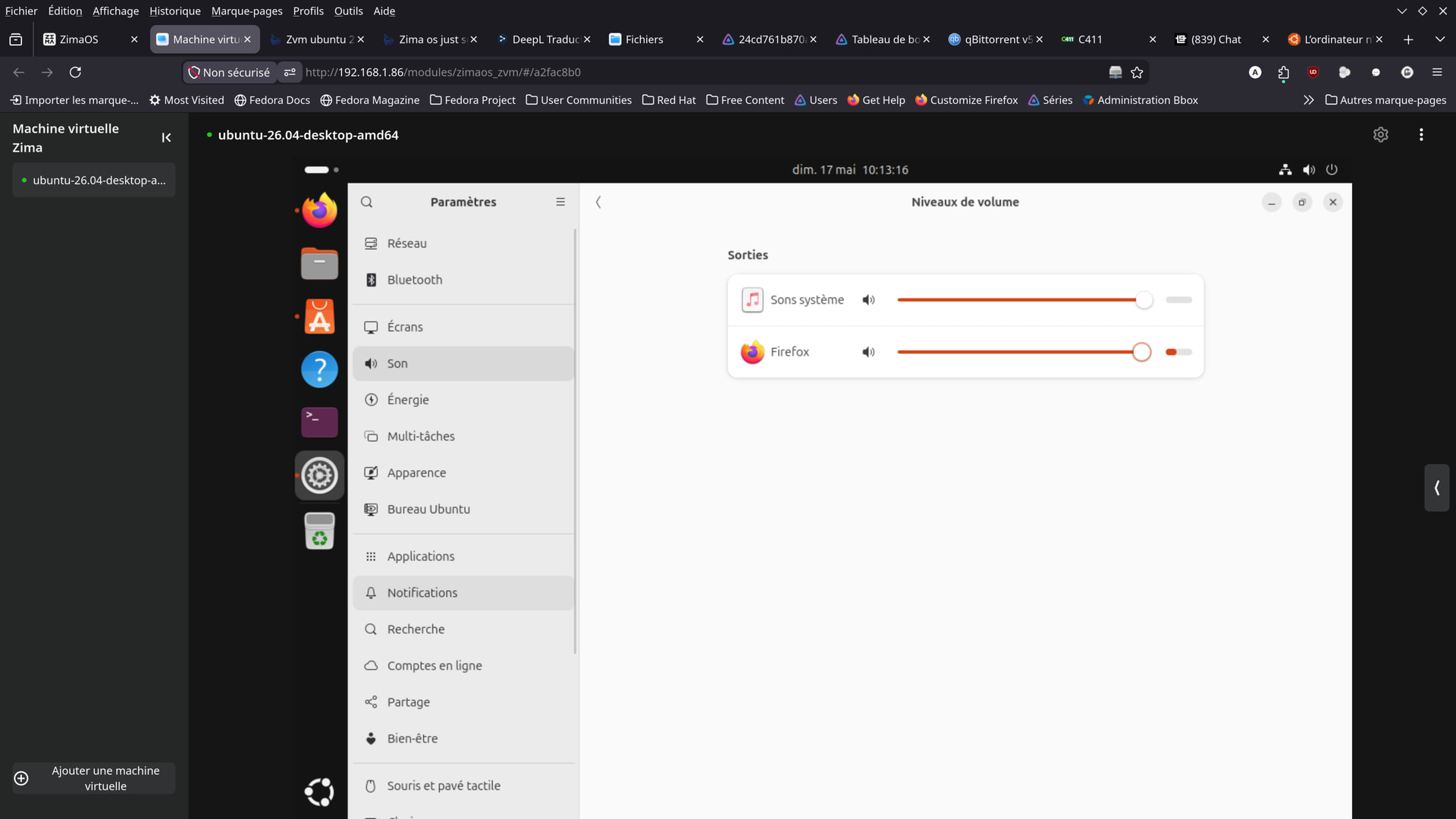
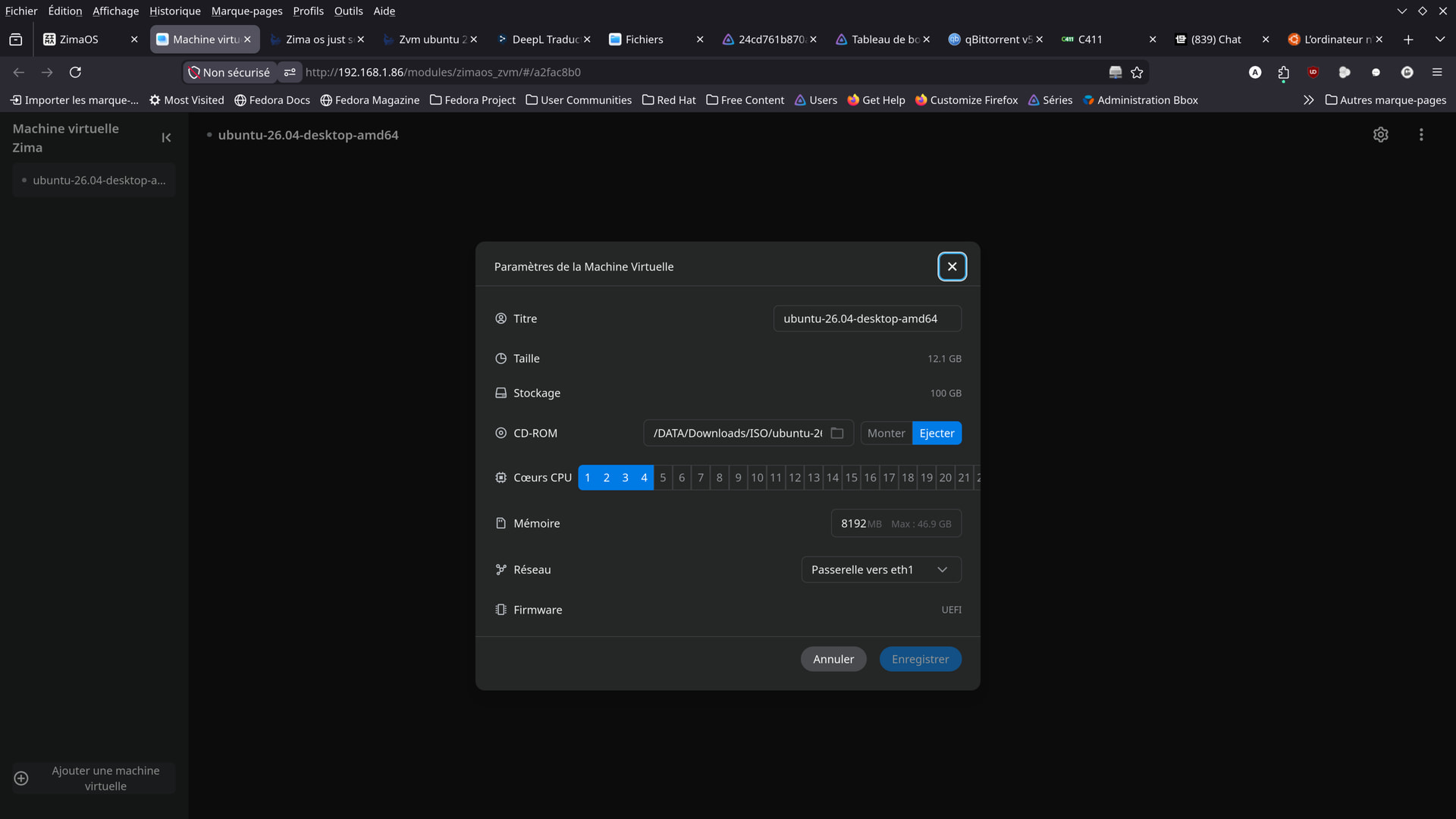
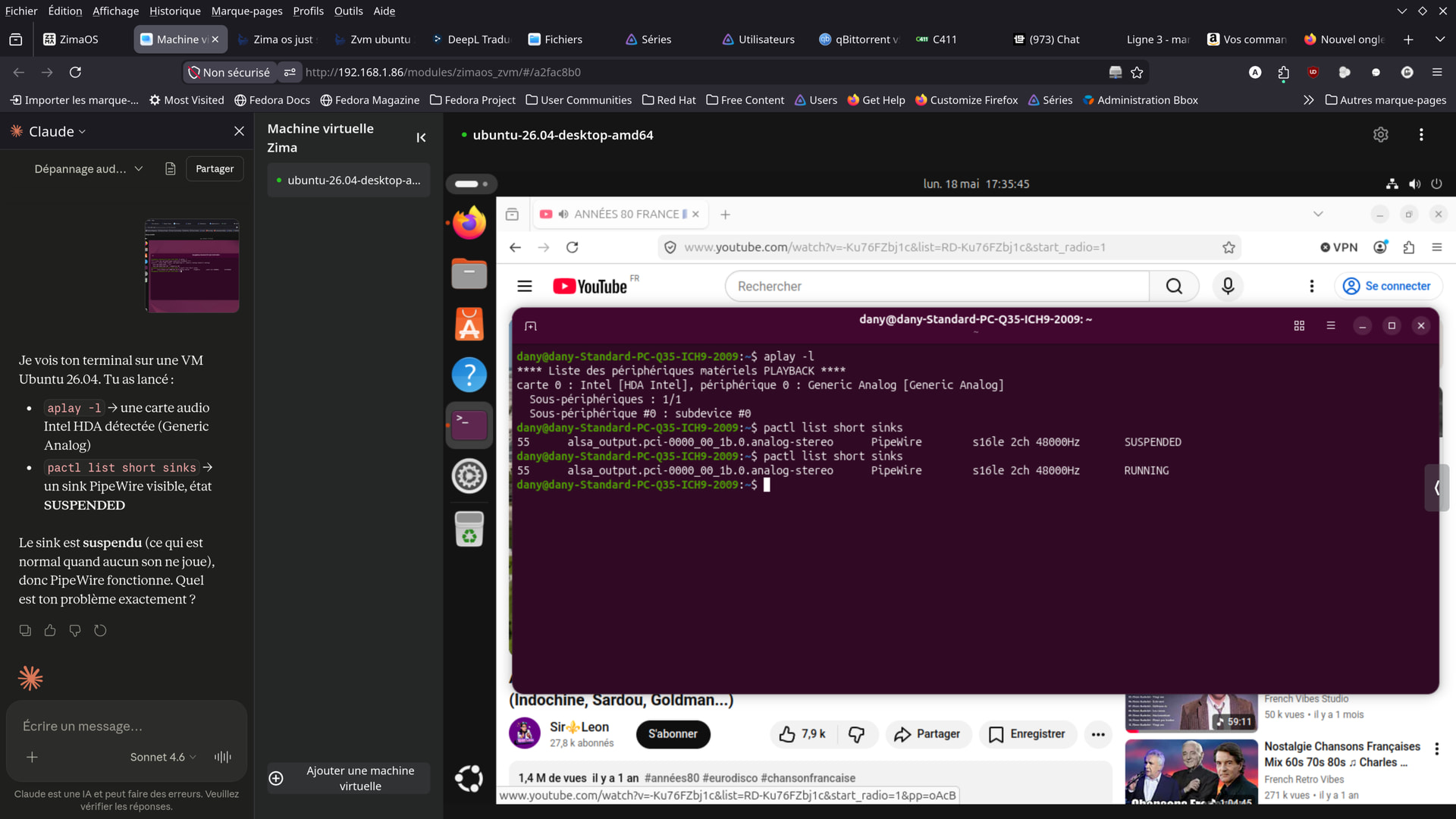
You’re not missing an obvious setting there. From your screenshots, the VM already has audio enabled and Ubuntu is detecting a virtual sound device correctly.
The bigger issue is likely that ZVM’s current audio passthrough/virtual sound support is still incomplete or buggy, especially with Linux desktop VMs through the browser console.
A few things stand out:
Ubuntu sees only a generic “internal audio” device
No selectable host output devices appear
Firefox/browser audio redirection from the VM console may not actually be implemented properly yet in ZVM
So this may not be something you configured wrong at all.
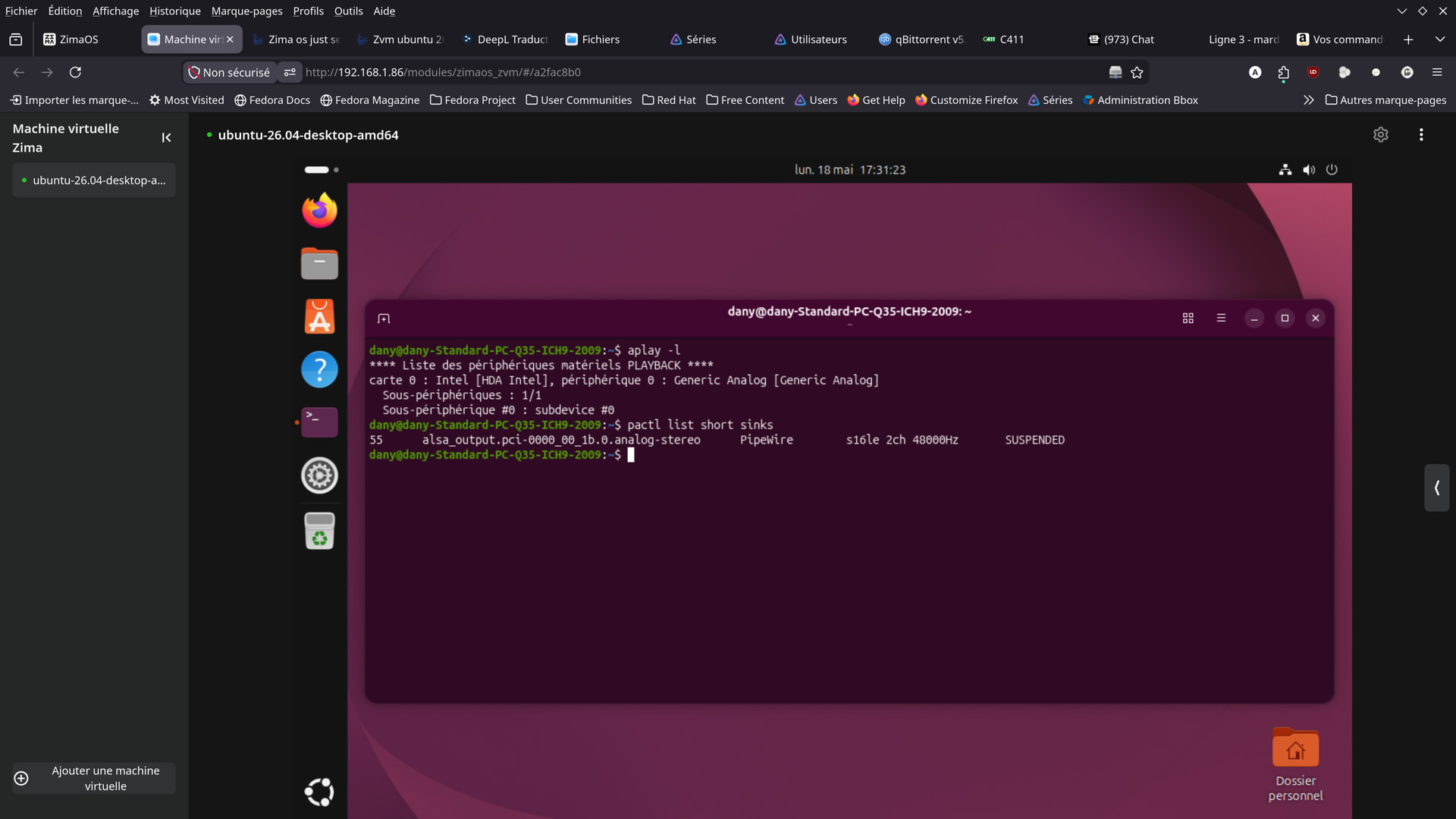
You could still try inside the Ubuntu VM:
aplay -l
and:
pactl list short sinks
to confirm Ubuntu actually sees the emulated sound card.
Also check whether the browser tab itself is muted in Firefox on your Debian host.
Another thing worth trying is changing the VM display/audio model if ZVM exposes advanced settings later, because some hypervisors behave differently with:
ich9-intel-hda
ac97
virtio-sound
But from the screenshots, ZVM currently looks fairly limited in exposed audio options.
Honestly this feels more like a current ZVM limitation than user error, especially since Ubuntu clearly detects a virtual audio device already.
The Ubuntu VM did indeed have an ich9 virtual sound card, but the audio backend was set to type=‘none’—sound was literally disabled at the hypervisor level.
ZimaOS/QEMU only supports 3 audio backends: none, spice, wav. No PulseAudio or PipeWire.
What we changed in the VM’s XML
Added a block in addition to the existing VNC — SPICE handles audio, VNC maintains the display in ZVM
— reduces SPICE video compression
Result
ZVM in Firefox continues to work for display (via VNC)
Audio works via “remote-viewer spice://192.168.1.86:5901” on Debian
Remaining issue: sound is still very choppy — likely related to the SPICE audio codec, not yet fully resolved
Fundamental limitation: ZVM does not support a SPICE client in the browser, so direct sound in Firefox is not possible with the current version of ZimaOS.