Dear members,
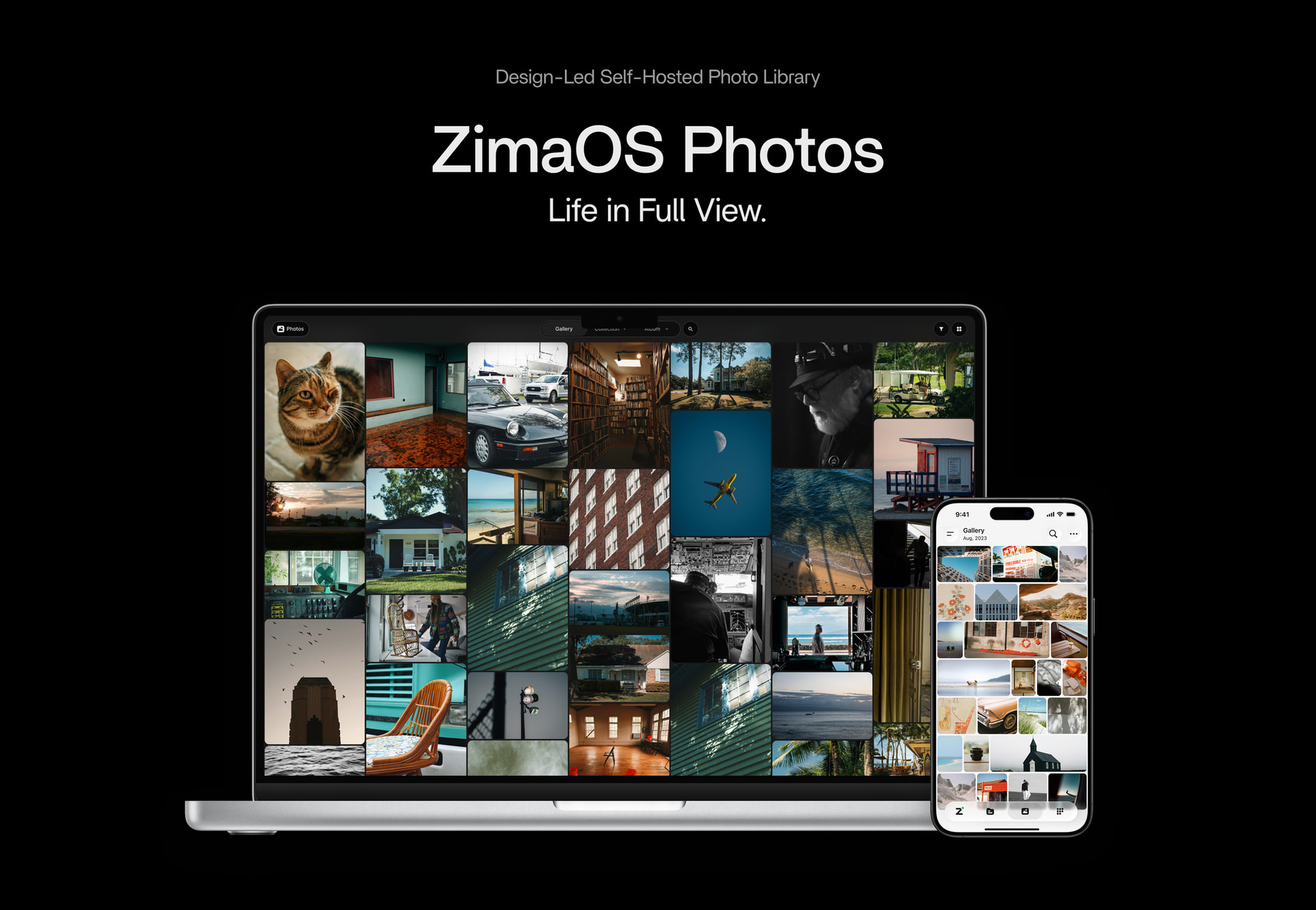
We have more devices capturing life than ever, yet managing those memories still forces a choice: cloud subscriptions or complicated self-hosted setups. ZimaOS 1.8 changes that with ZimaOS Photos: A Design-Led Self-Hosted Photo Library that pairs a smooth desktop and mobile experience with the privacy of local storage.
 Understated Beauty, Unspoken Ease.
ZimaOS Photos transforms your library from a grid of files into a fluid timeline, guided by one principle: Designed purely for your photos.
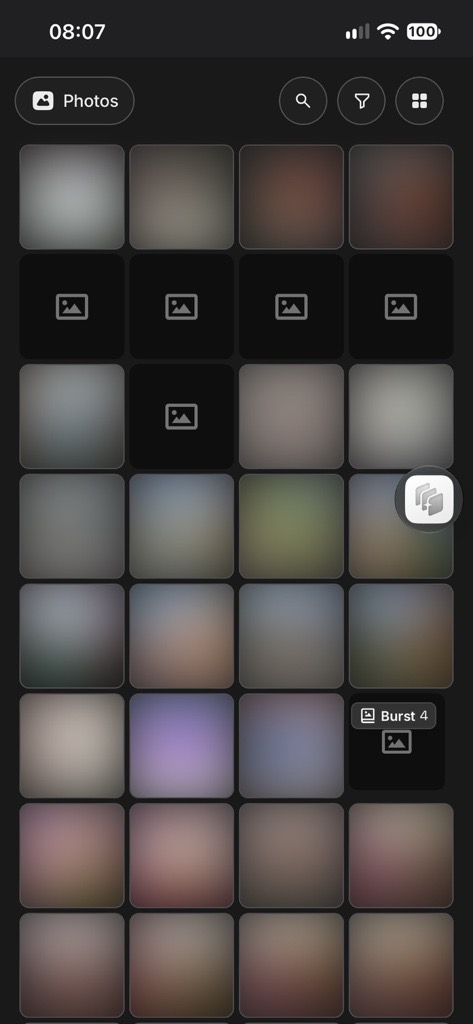
Move between Year, Month, and Day views, or describe a scene to find a specific moment. Turn discoveries into albums, retrace journeys on the map, and revisit meaningful moments through Favorites and personalized Memories.
 Seamless Mobile Backup and Access
One tap in Zima Client enables automatic backup of existing photos and every new shot directly to your ZimaOS device. Dynamic Island shows live progress on iPhone, while interrupted backups resume automatically when your connection returns.
Faster connections let you access full-resolution originals from anywhere, share photos with friends, and manage other ZimaOS apps remotely.
 Every format welcomed. Every frame honored.
ZimaOS Photos opens Live Photos, RAW files, and 360° panoramas instantly—no conversion or third-party apps required. Relive motion and sound, inspect every detail, or step back into the full scene.
Camera information, dimensions, metadata, and related shots stay together in Details, keeping every photo connected to its story.
 Native, Secure & Effortless
Built into ZimaOS, Photos works right out of the box—without complicated setup or constant maintenance.
Your photos stay on your own ZimaOS device, protected by automated backups and RAID.
 Try ZimaOS Photos Now
Watch the Demo Video: youtube.com/watch?v=r_p-_IuPVA4&feature=youtu.be
or visit ZimaOS Photos: ZimaOS Photos: Private, Self-Hosted Photo Manager to download.
Full Changelog:
New
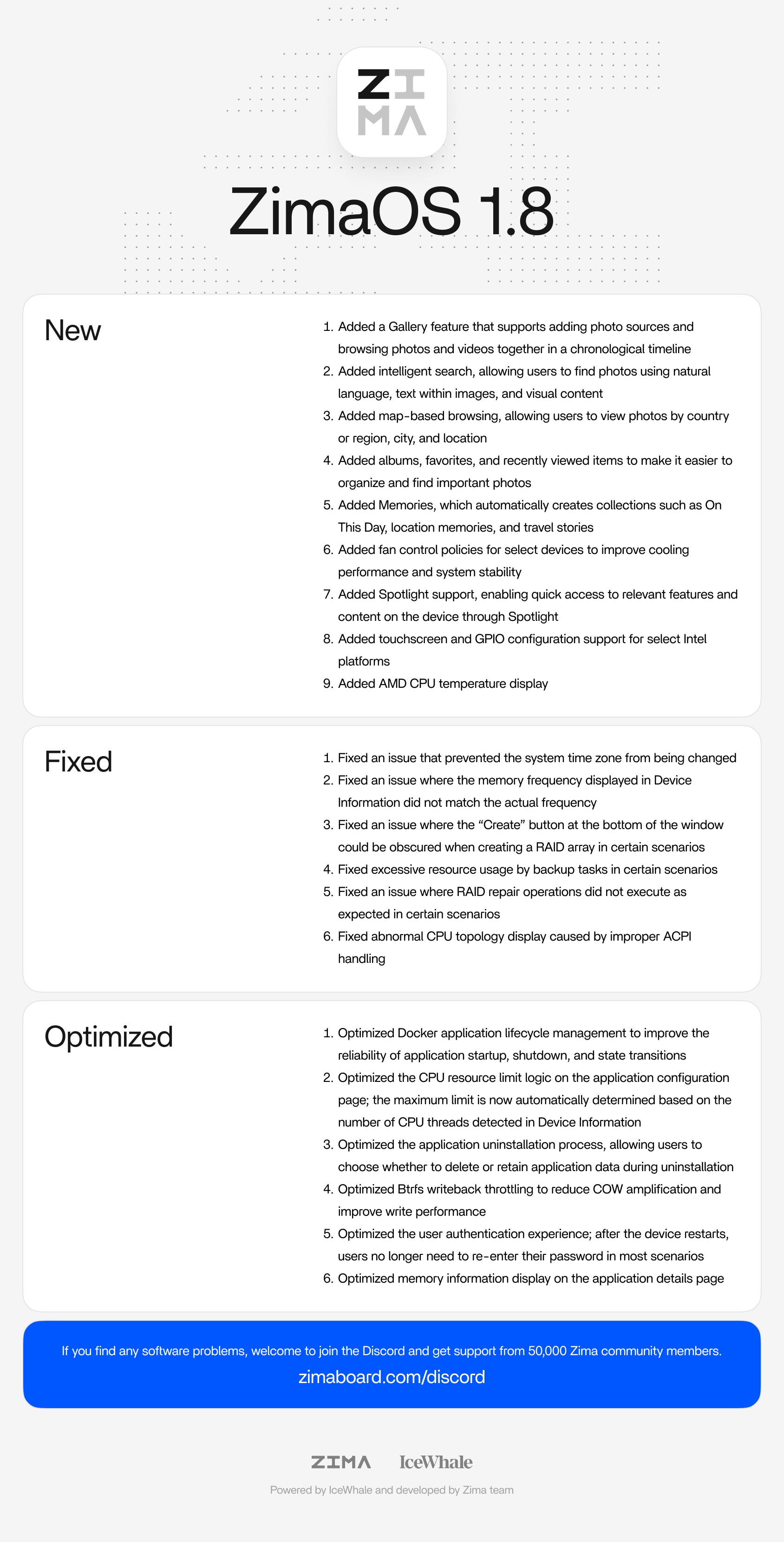
- Added Photos with photo sources, timeline and map views, smart search, albums, Favorites, Recently Viewed, and Memories
- Added fan control policies for select devices to improve cooling performance and system stability
- Added Spotlight support, enabling quick access to relevant features and content on the device through Spotlight
- Added touchscreen and GPIO configuration support for select Intel platforms
- Added AMD CPU temperature display
Fixed
- Fixed an issue that prevented the system time zone from being changed
- Fixed an issue where the memory frequency displayed in Device Information did not match the actual frequency
- Fixed an issue where the “Create” button at the bottom of the window could be obscured when creating a RAID array in certain scenarios
- Fixed excessive resource usage by backup tasks in certain scenarios
- Fixed an issue where RAID repair operations did not execute as expected in certain scenarios
- Fixed abnormal CPU topology display caused by improper ACPI handling
Optimized
- Optimized Docker application lifecycle management to improve the reliability of application startup, shutdown, and state transitions
- Optimized the CPU resource limit logic on the application configuration page; the maximum limit is now automatically determined based on the number of CPU threads detected in Device Information
- Optimized the application uninstallation process, allowing users to choose whether to delete or retain application data during uninstallation
- Optimized Btrfs writeback throttling to reduce COW amplification and improve write performance
- Optimized the user authentication experience; after the device restarts, users no longer need to re-enter their password in most scenarios
- Optimized memory information display on the application details page
A heartfelt thank-you to every member of community for being part of this journey and growing with us.
Sincerely,
ZimaSpace Team