We noticed that some users experienced issues after upgrading to ZimaOS v1.6.0, especially the problem where USB devices would not auto-mount.
We take this seriously, and have now urgently released ZimaOS v1.6.1.
This update mainly includes:
Fixes
Fixed an issue where USB devices would not auto-mount after an upgrade
Fixed an issue where backup tasks could still write to the system mount point after the original mount point was lost
Fixed an issue where mod modules would not start according to their service policy after a reboot
Fixed an issue where mount point names could be inconsistent with actual device names when device names contained spaces
Optimizations
Optimized the disk shelf display logic when third-party devices have too many disks
Added missing translations for some storage display features
We sincerely apologize for the inconvenience this caused, and truly appreciate the community for reporting these issues quickly and helping us investigate them.
In addition, future releases will be moved from Friday to Monday so we can respond and follow up on issues more quickly.
Again, we sincerely apologize, and thank you for your understanding and continued support.
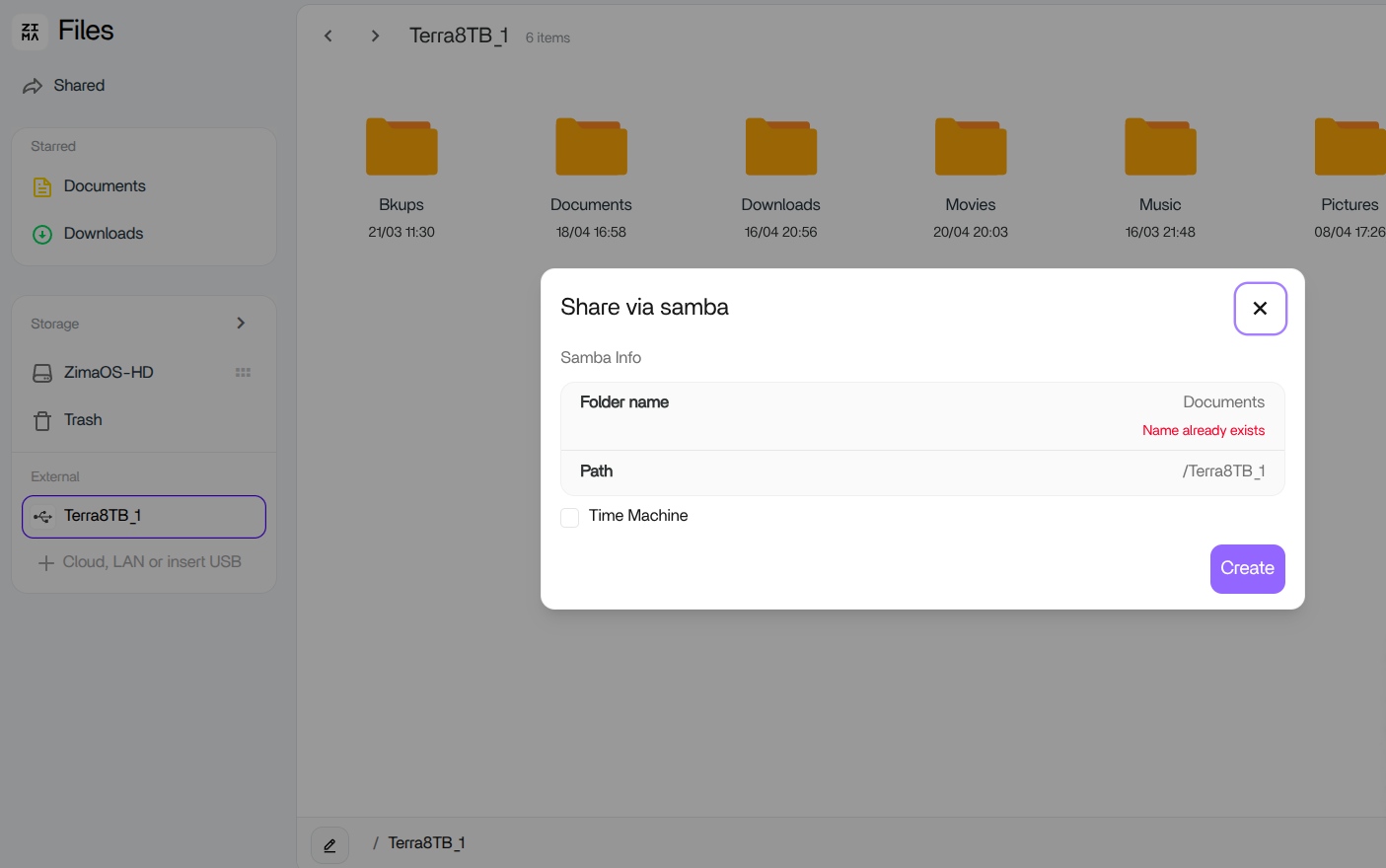
I have installed v1.6.1 and my usb shared folder seems to no longer have the shared indicator. I went into the folder/share proprieties and get a message that the share name already exists. I am a noob and I’m not sure of next steps to resolve this situation.
an attempt to revert to the prior update using the grub prompt to remove the share and then move to the 1,6,1 version failed. the samba share data must be stored somewhere the only 1.16.1 knows as my attempt failed. I had to re-install 1.5.4 aajns reset the shares. I WOULD NOT MOVE TO 1.6 or 1.6.1 at this time.
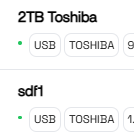
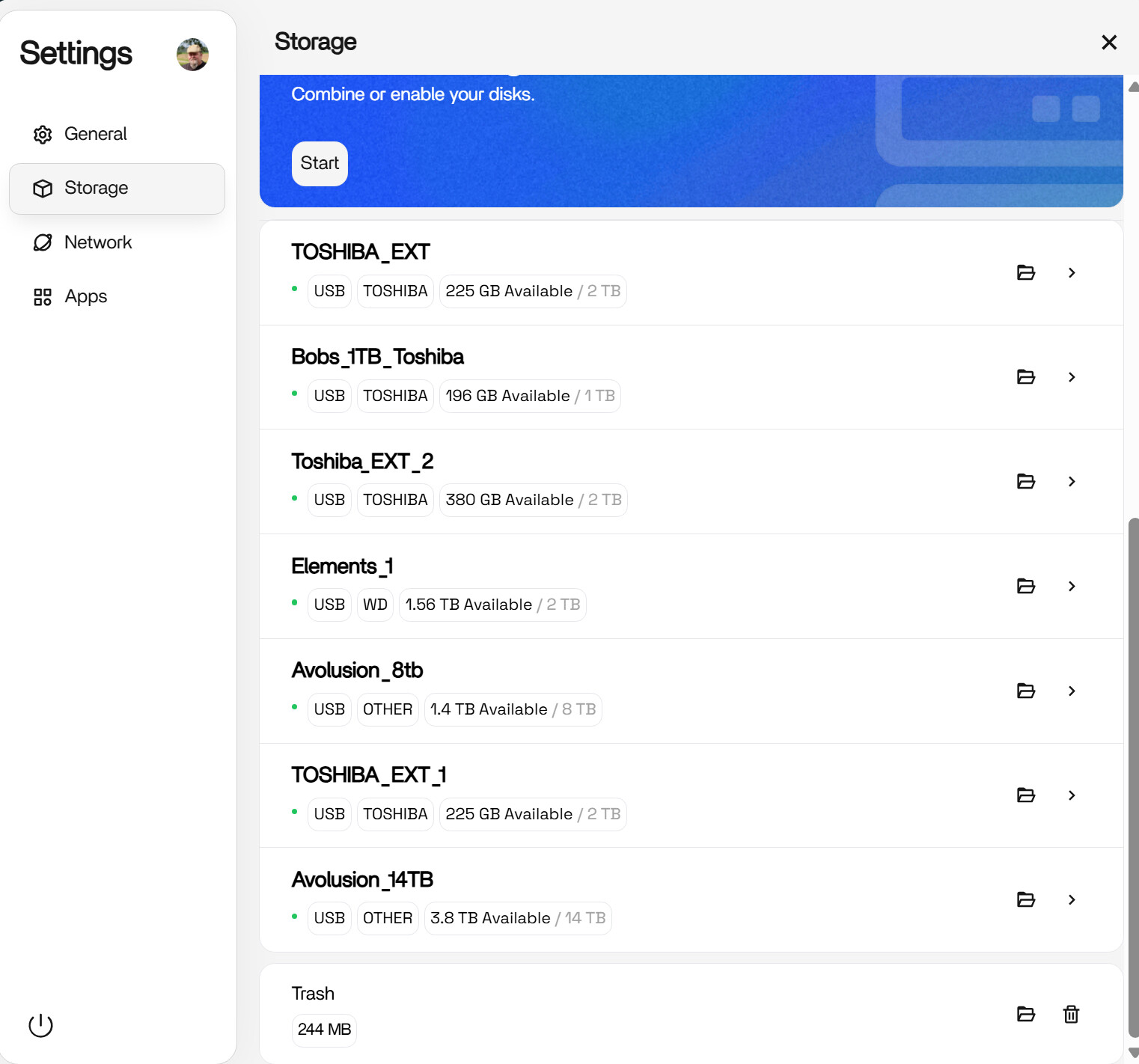
We need the option to rename disks without formatting to be prioritized, because even after updating and reinserting the disks, some cannot be renamed. This example involves two identical external hard drives; the top one could be modified, but the other could not.
USB external HDD’s have been renamed and as such are unusable due to several are the same name. Files App not working. Cannot rename Files. Mysterious files appearing…..
I was running v1.5.4 and then v1.6.0 on my Zimablade 7700 for weeks without any issues. Zero downtime.
The second I installed v1.6.1 my boot order got messed up. After my Zimablade finished updating and did a restart, I was unable to access ZimaOS remotely from my web browser. I couldn’t even SSH in. That’s when I figured the boot order got messed up. Sure enough it did. It moved MMC to the top of the boot order and dropped UEFI: MMC to the bottom.
I quickly went into the BIOS setup and pressed F9 (Optimized Defaults) and then pressed F10 (Save and Exit). Everything booted up properly after that.
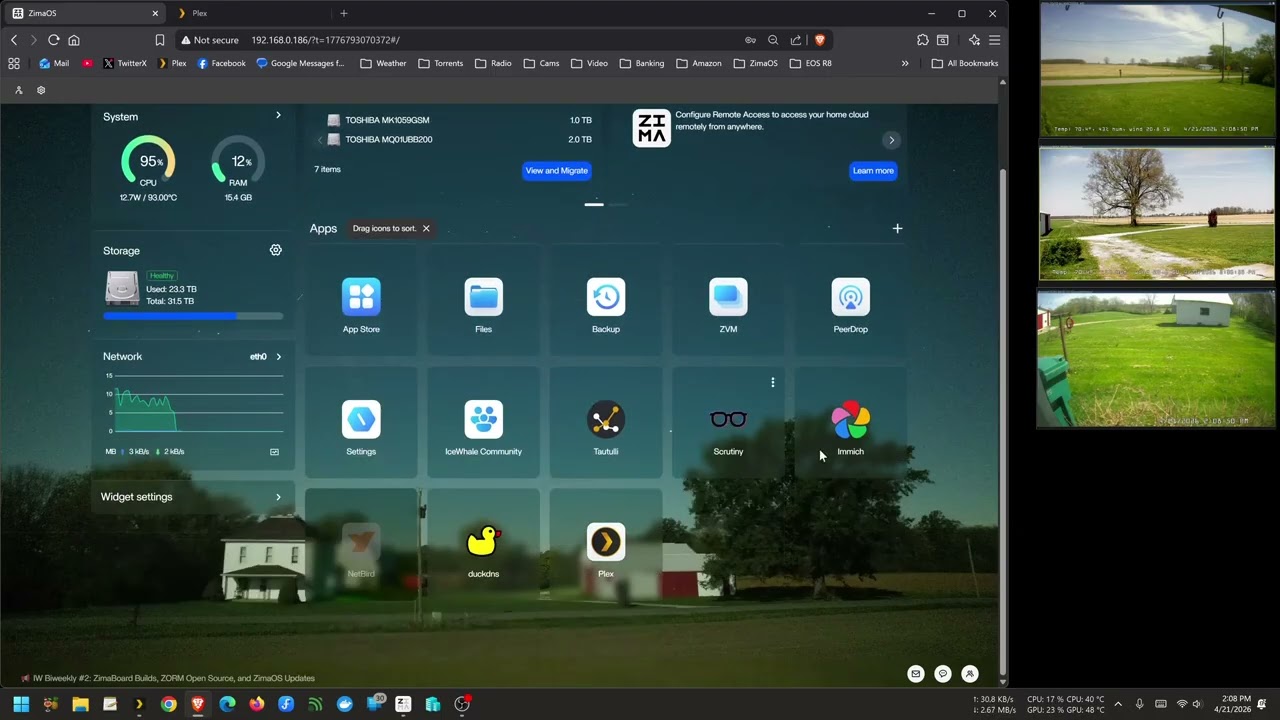
I did not experience the same issues as some of the people who have been responding in this topic. However, I did experience an issue where my ZimaOS dashboard would not open properly with the client only showing the wallpaper, and then an issue where the files app would not show the folders or allow me to navigate it.
I found that my browser adblocker Ublock Origin was causing these to not work properly. In the case of the dashboard I just disabled Ublock Origin completely for the dashboard address. Then the files app I disabled and re-enabled it and now the files app works properly again.
So, in case anyone experiences my same specific issues, this is what worked with me. I can only assume if you experience this as well but don’t have the same adblocker or anything like that, maybe check any browser add-ons that may interfere with normal browser function.
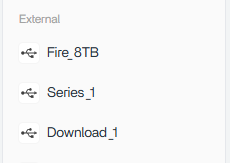
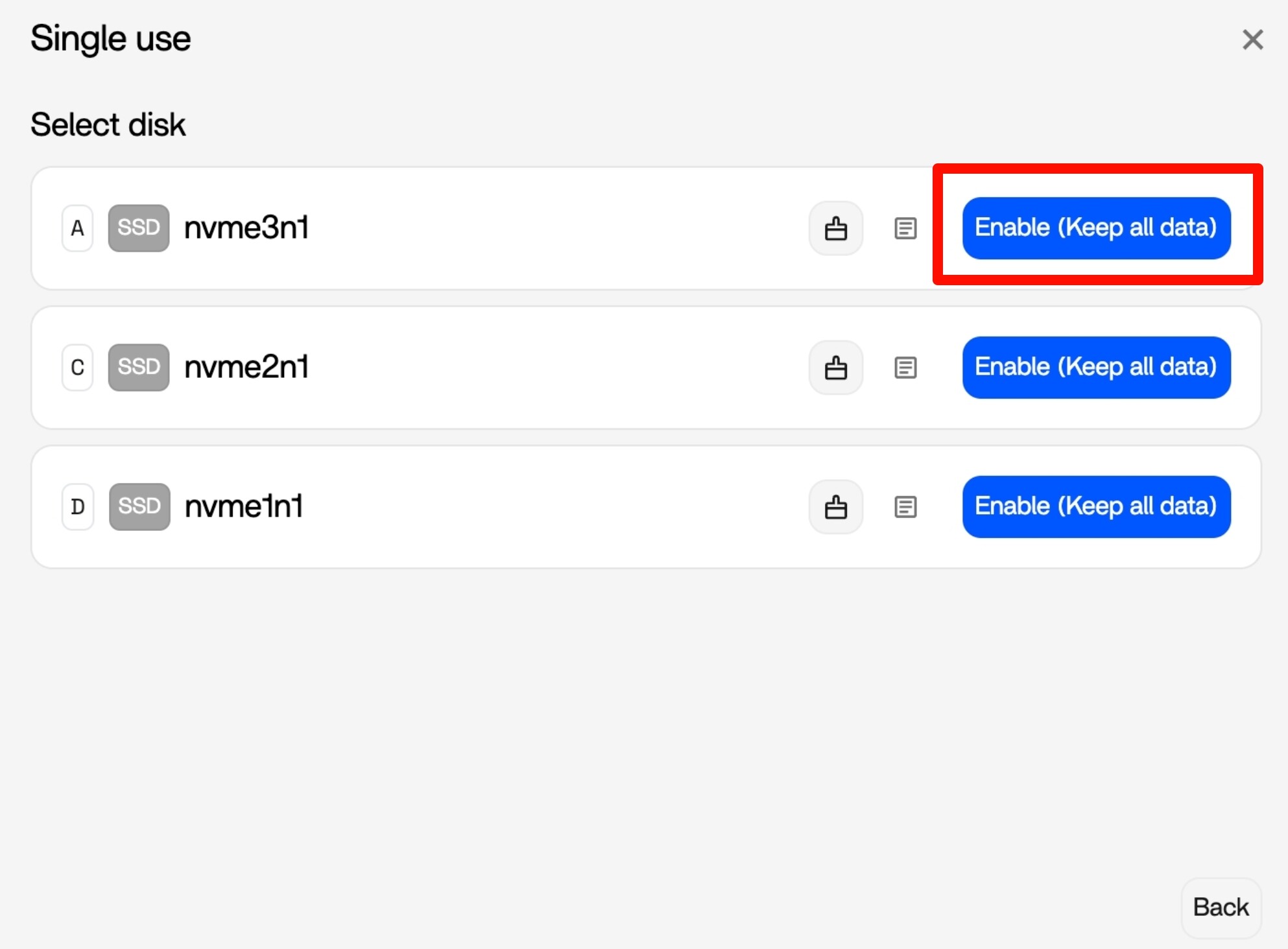
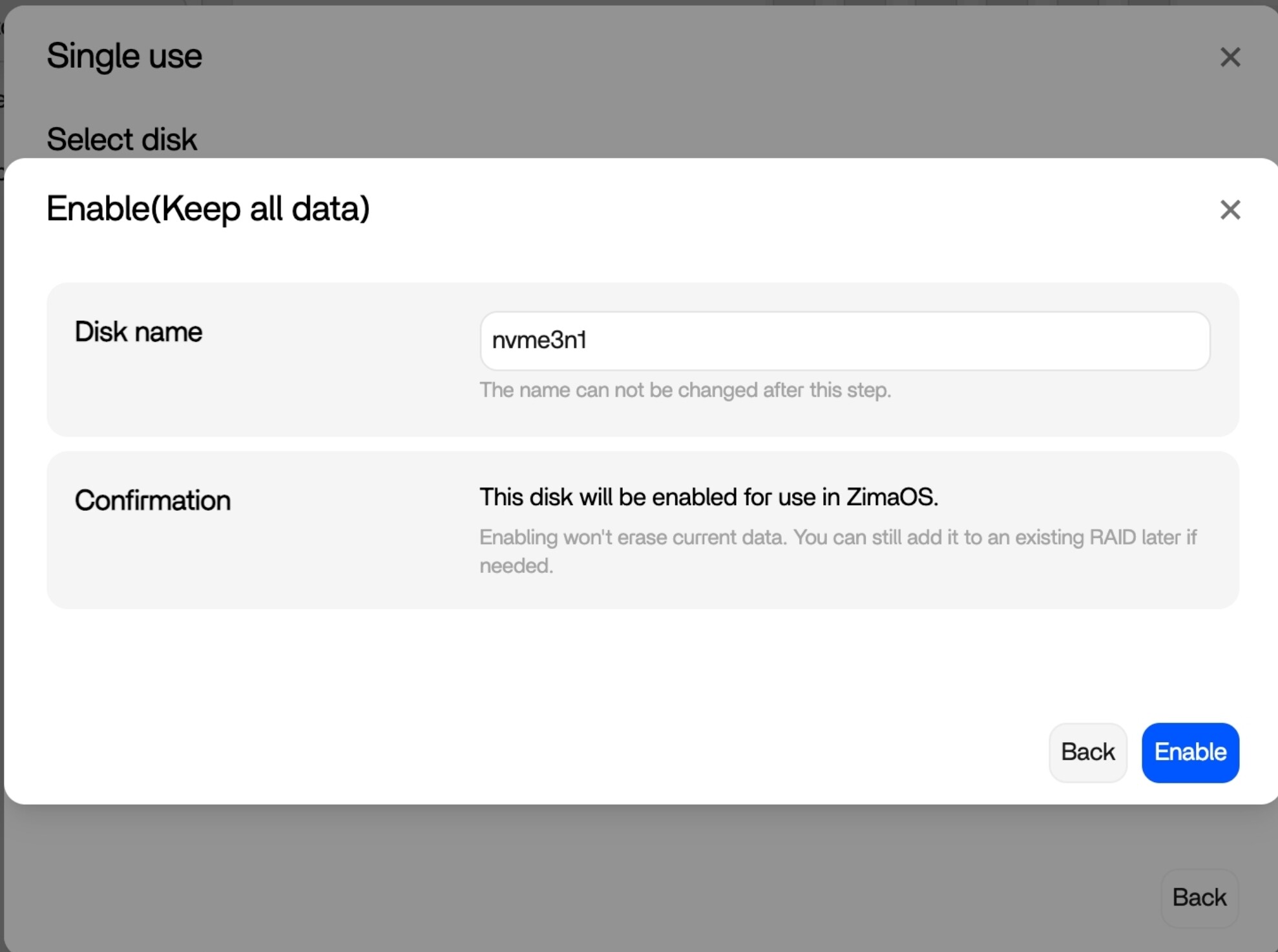
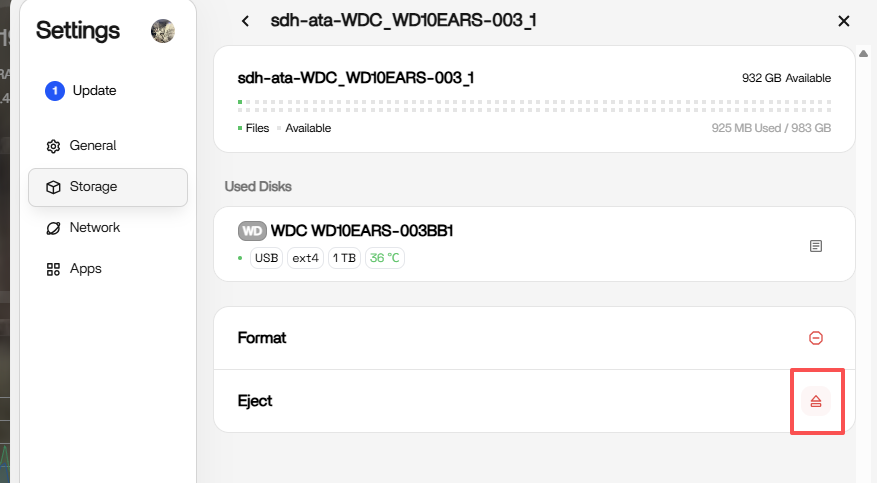
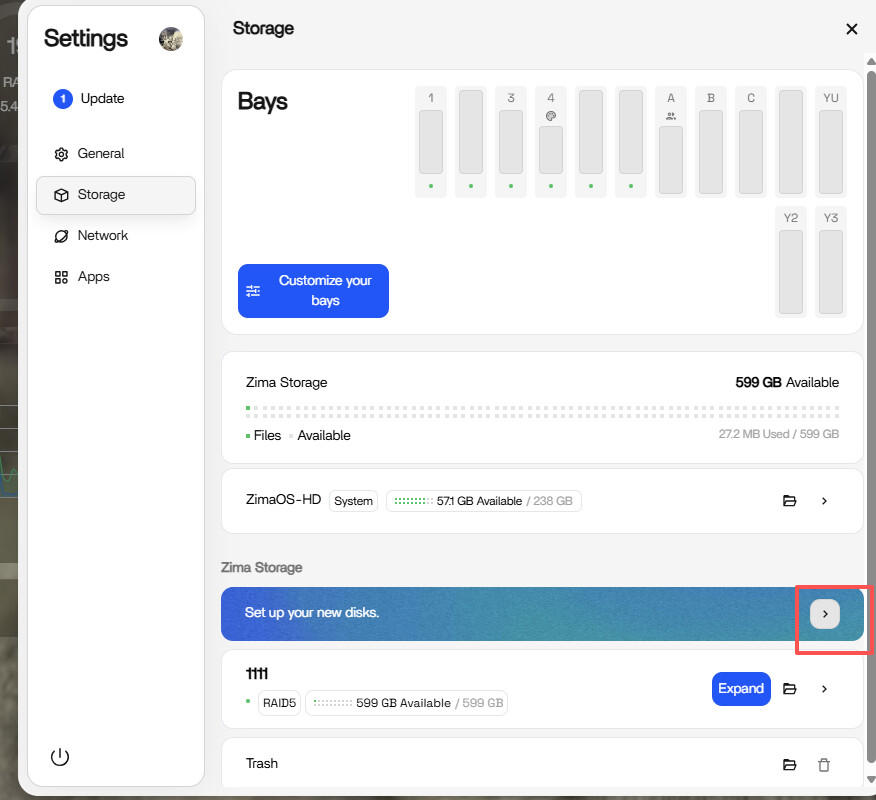
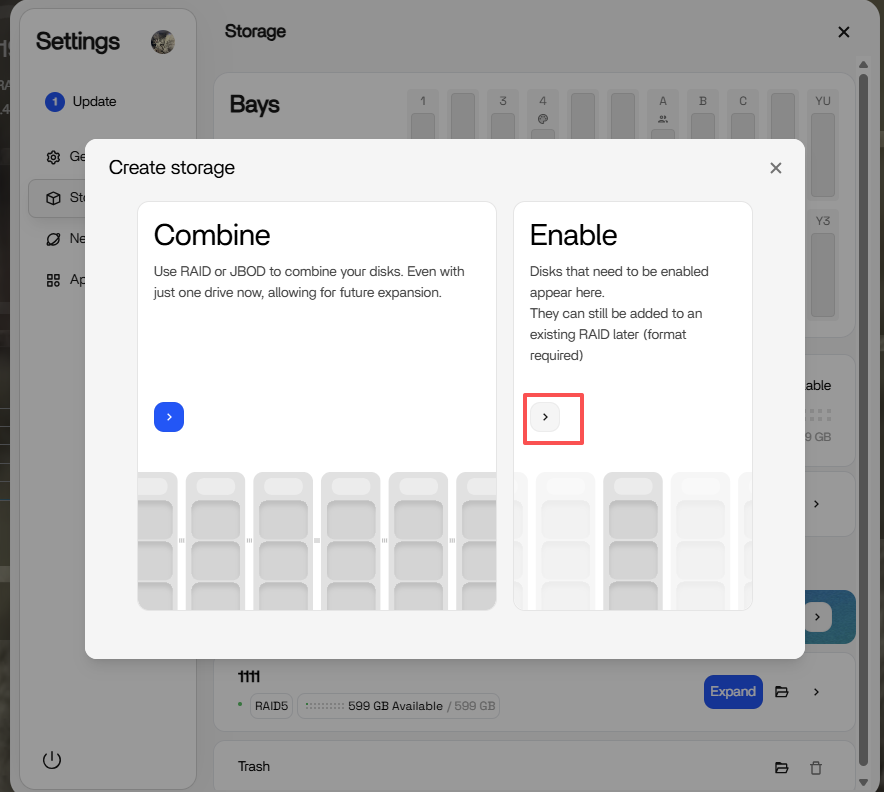
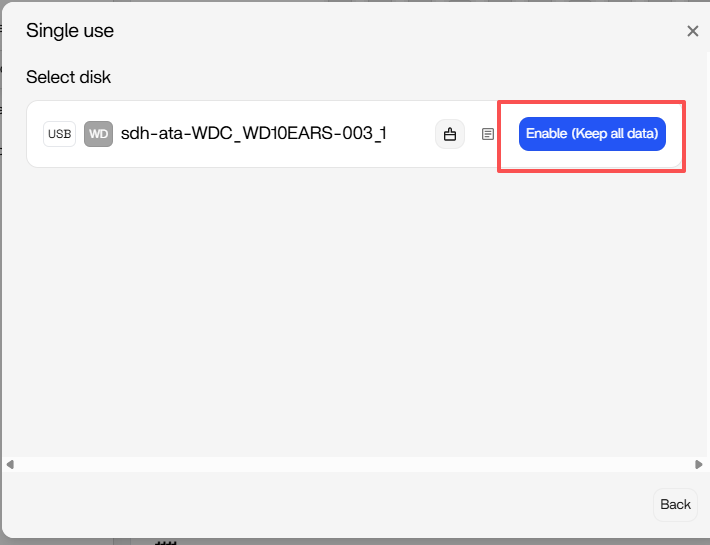
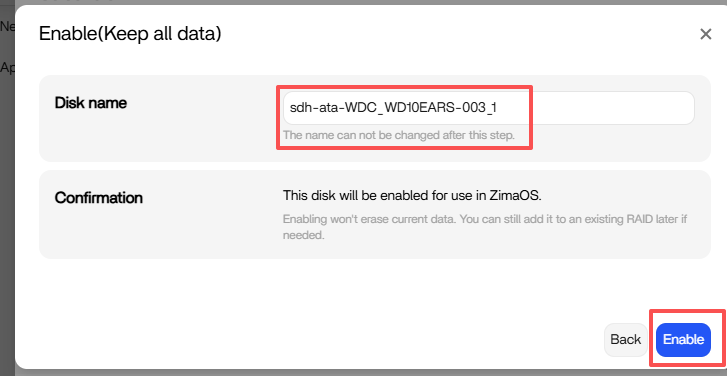
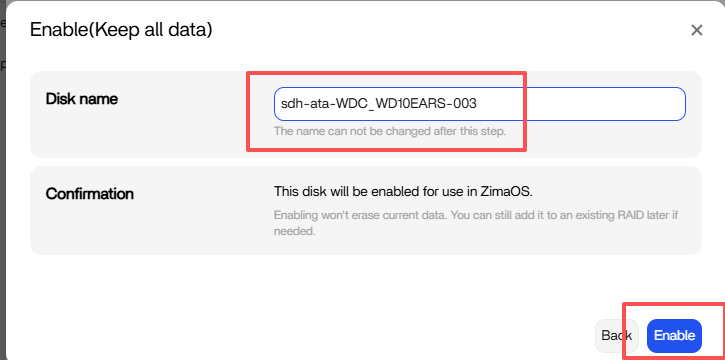
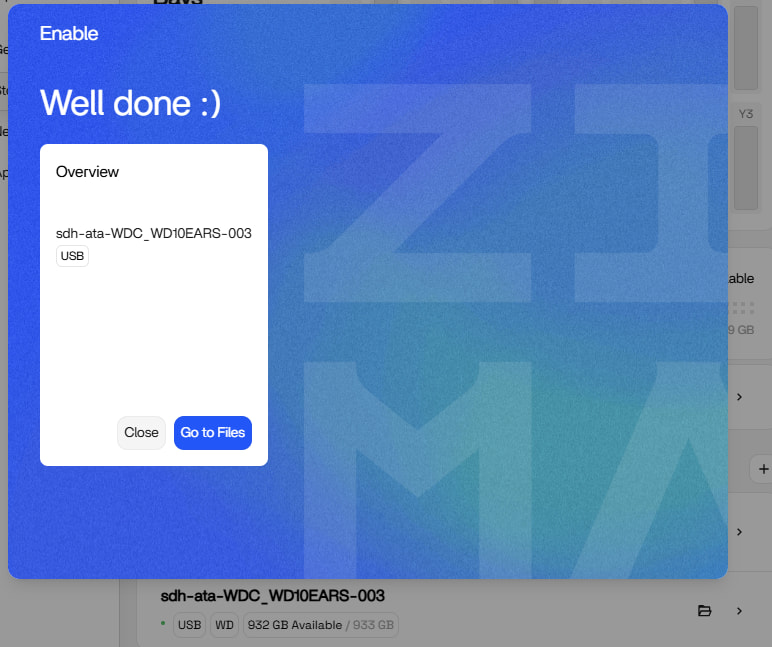
Because some users who upgraded to version 1.6.0 may have some data left in the original folder, such as your Series and Download folders, you can follow this step to rename to original folder name
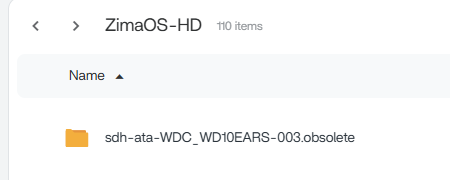
After completing this renaming operation, you will find a folder named Series.obsolete on your ZimaOS-HD. The renaming action moved the original contents there to ZimaOS-HD for you. You can choose to merge these files back into the correct USB storage now.
Because some users who upgraded to version 1.6.0 may have some data left in the original folder, such as your Terra8TB folders, you can follow this step to rename to original folder name
After completing this renaming operation, you will find a folder named Terra8TB.obsolete on your ZimaOS-HD. The renaming action moved the original contents there to ZimaOS-HD for you. You can choose to merge these files back into the correct USB storage now.
at this point i am only concerned with the two 2tb Toshiba usb external HDD’s. If i understand you correctly the contents or data will be moved to the main hard drive in this attempt to rename. correct?
my main HDD is only 500gb. the external HDD needing renamed is 2tb. So basically i cannot rename it because 2tb will not fit in to 500gb. correct?
i just went thru the settings of my Brave browser and cleared the cache, browsing history, etc and now Files works normally. Turns out this one was my problem/fault.
No, you can directly rename it. Since the original path occupies space on your system disk when not mounted, there won’t be a problem with a 2TB drive not being able to accommodate a 500GB hard drive. You’ve simply moved the 500GB mount point folder to ZimaOS-HD so you can directly manipulate this transitional data. So uou can absolutely rename it directly.
If you are unsure about your actions, feel free to message us. We can assist you in completing the above steps to ensure your data is safe and that no unnecessary folders interfere with your data.
Just to add to this for anyone still unsure, I ran into a similar issue after upgrading.
The disk itself was fine, but it ended up mounted to an incorrect path after the update, which caused the Files app errors and made it look like something was wrong.
Once the mount path was corrected, everything came back straight away.
From what I’m seeing, most of these issues aren’t data loss, it’s just mount paths not lining up correctly after the change in how USB storage is handled.
If things look missing or not working properly, it’s worth checking:
where the disk is actually mounted
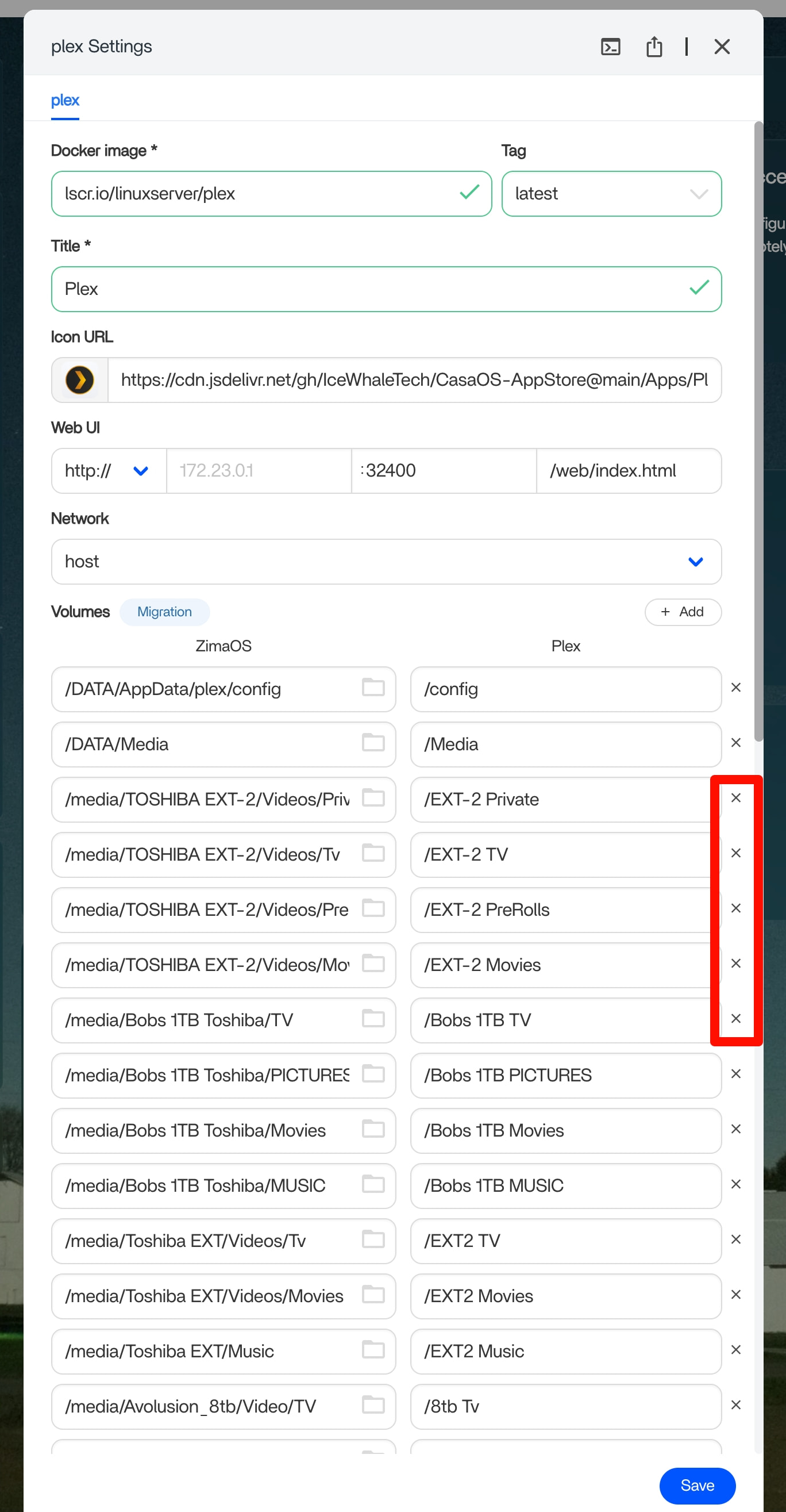
and whether apps (Docker, backups, etc.) are pointing to the correct path