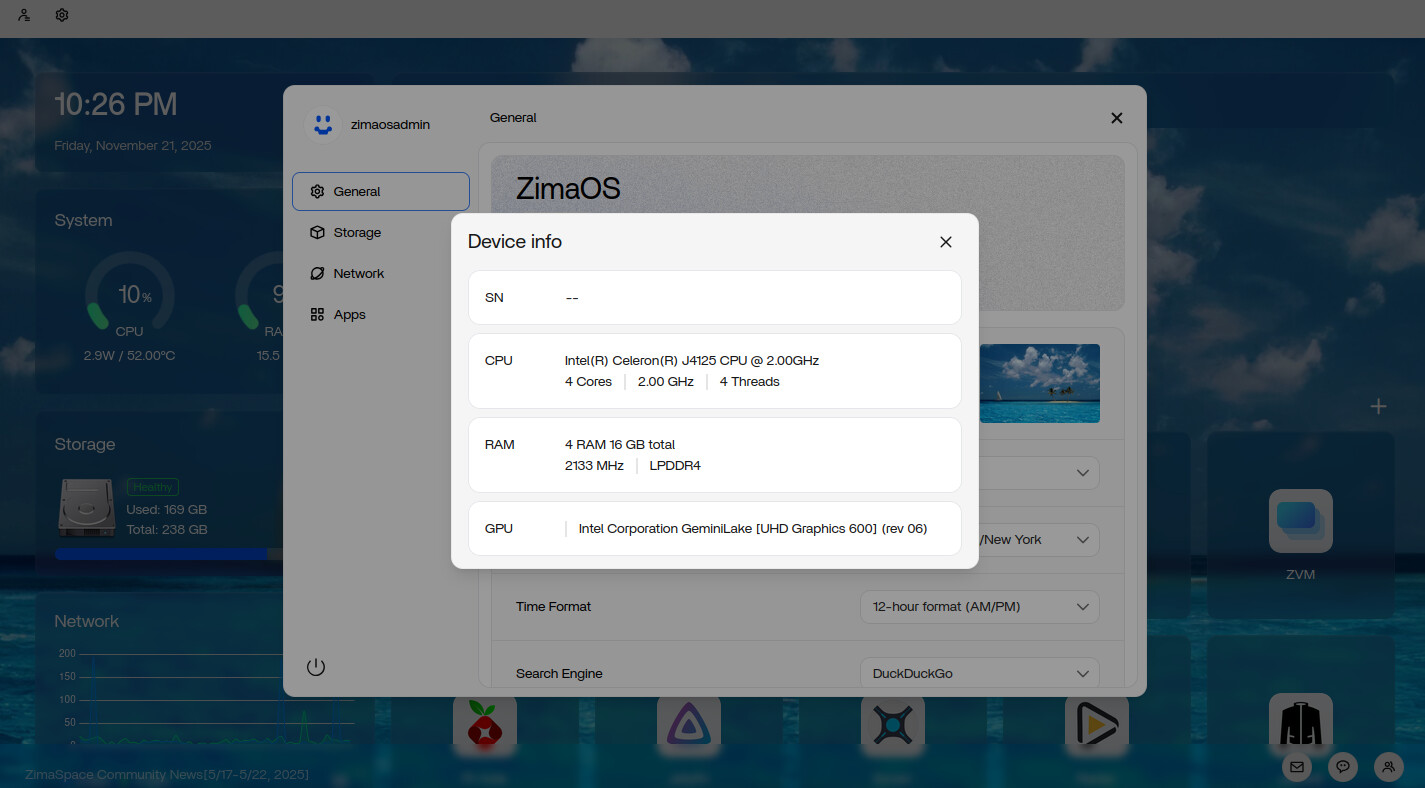
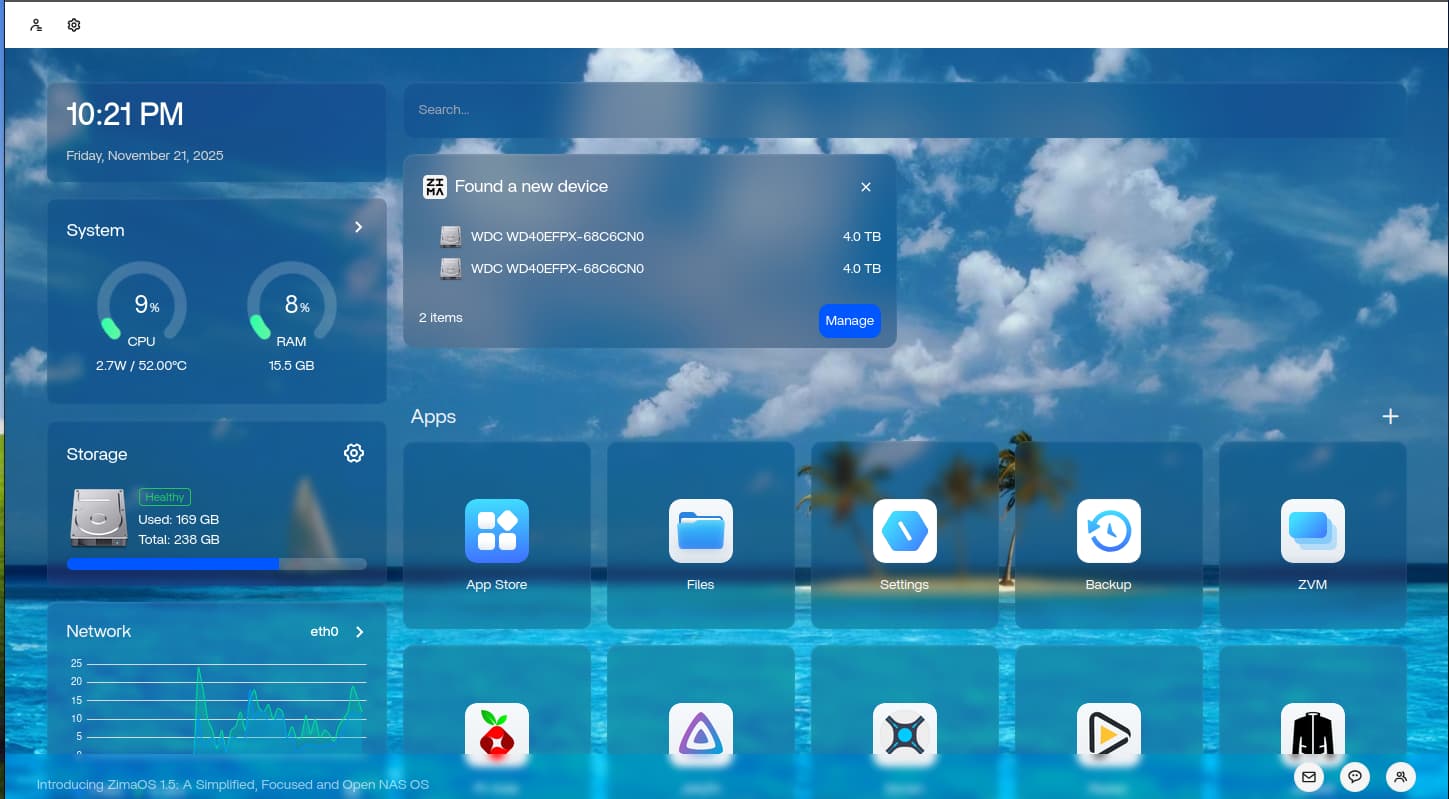
Hello! I recently installed ZimaOS on an old MiniPC I had lying around. So far things are running smoothly, except that the drives I have aren’t really being shown.
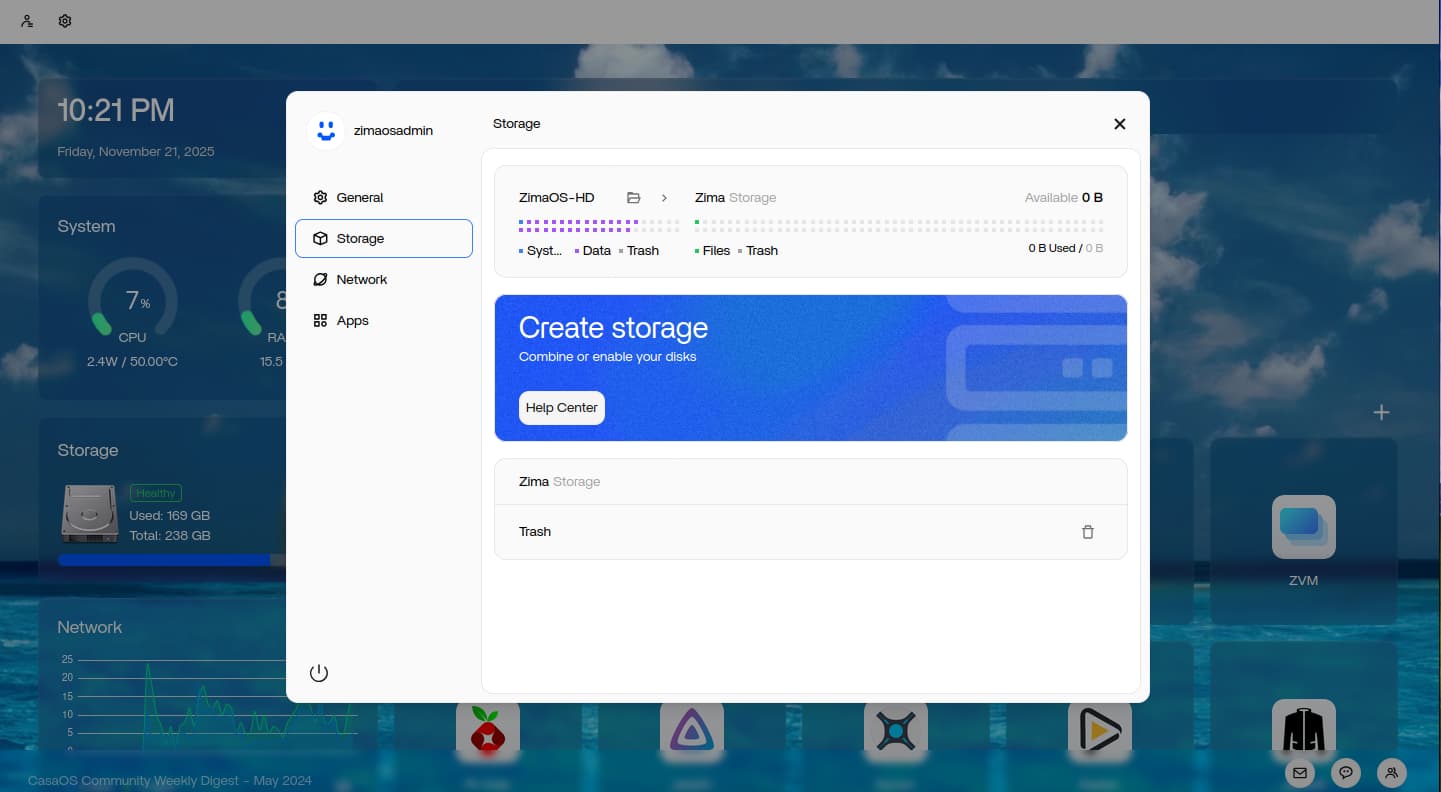
I have two 4TB hard drives, and when I plug them into my external USB hard drive enclosure, Zima OS recognizes that the two drives have been inserted, but when I click “Manage” There are no options to do anything with them. They don’t show up in the file manager either.
I’m a bit of a newbie, so I’m at a bit of a loss for what to do. Any help would be greatly appreciated, Thanks!
If the USB drive is detected, but storage management doesn’t display anything, it’s likely because the file system on your hard drive isn’t a supported file system.
Details:
In this case, you can format the file system on another computer or use the command line in ZimaOS.
We apologize for the inconvenience. Enhancing USB formatting support in the storage panel is already in our plans.
I’m also new to ZIMA (or linux for that matter), but I have zima up and running on a hpt510 and an optiplex3050. On the hp is an usb storage of 256GB and several installed apps and everything works fine. However if I want to add a 3.5” HDD (3TB WDRed) it is recognized, but not showing under storage.
I’ve tried formatting it with minitool to FAT32, NTFS, exFAT en Ext4, but neither works. Also used 3 different adapters, all with external power supply, all with the same result; ZIMA recognises the storage, but it doesn’t show up under ‘Storage’.