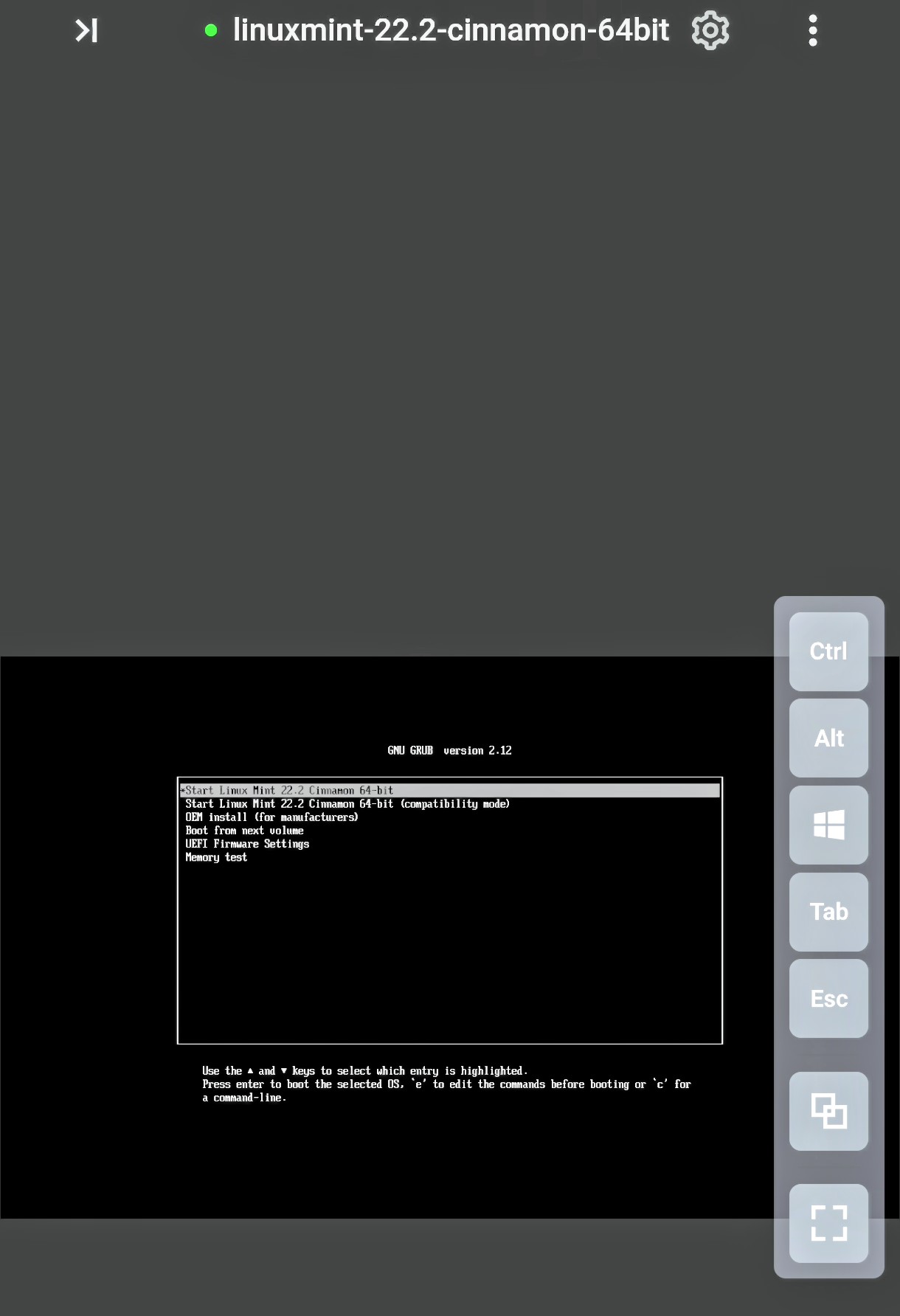
I imagine the answer to this question is obvious when you know how, but currently it’s evading me!
I’ve created a Linux Mint VM hosted on ZimaOS 1.5.0 (plus). When I use an Android Chrome session on my phone to launch the VM, there is no way for me to interact with the VM ‘console’ as no popup keyboard is launched (GBoard is installed on my phone). There are some ‘pullout’ buttons at the side of the console window (Ctrl, Alt etc), but the majority seem to do nothing.
How am I meant to get a working popup keyboard in order to interact with the VM ??
The Android Zima client app doesn’t even provide access to the hosted VM functionality.