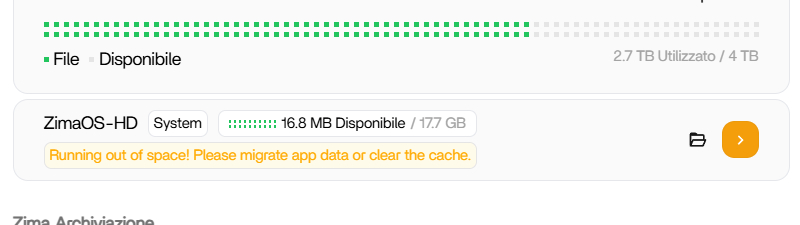
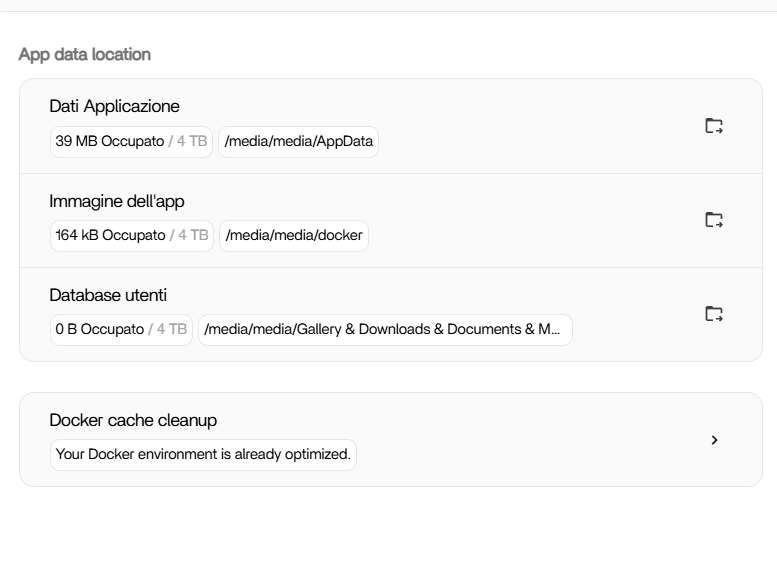
As the title says, it tells me I have no more space on my zi
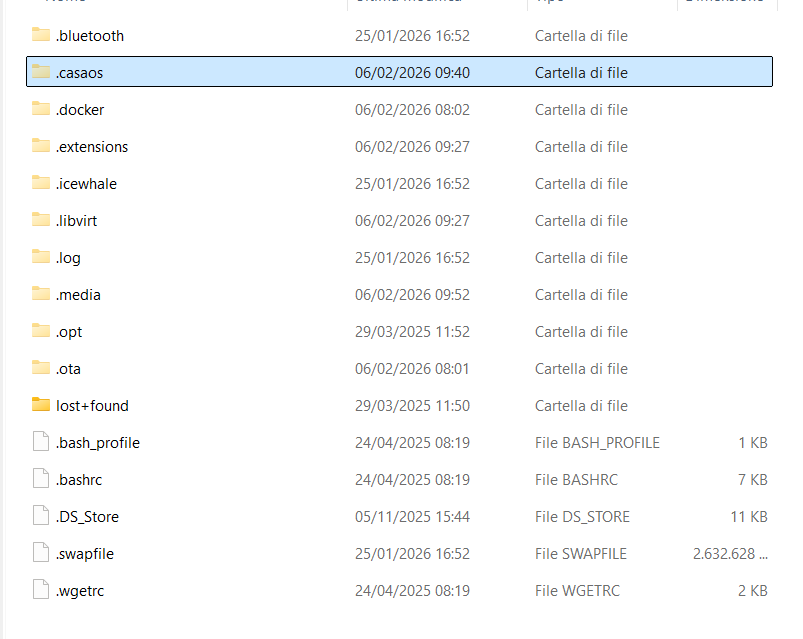
ma. I have already moved the data to the two 4 terabyte disks in raid but I don’t know how to clear the cache.
As the title says, it tells me I have no more space on my zi
ma. I have already moved the data to the two 4 terabyte disks in raid but I don’t know how to clear the cache.
da@ZimaBoard:~ ➜ $ df
Filesystem Size Used Avail Use% Mounted on
/dev/root 1.2G 1.2G 0 100% /
devtmpfs 3.9G 0 3.9G 0% /dev
/dev/mmcblk0p7 85M 209K 78M 1% /mnt/overlay
overlayfs 85M 209K 78M 1% /etc
tmpfs 3.9G 0 3.9G 0% /dev/shm
tmpfs 1.6G 168M 1.4G 11% /run
tmpfs 3.9G 0 3.9G 0% /tmp
tmpfs 3.9G 1.9M 3.9G 1% /var
tmpfs 1.0M 0 1.0M 0% /run/credentials/systemd-journald.service
tmpfs 1.0M 0 1.0M 0% /run/credentials/systemd-network-generator.service
tmpfs 1.0M 0 1.0M 0% /run/credentials/systemd-udev-load-credentials.service
tmpfs 1.0M 0 1.0M 0% /run/credentials/systemd-tmpfiles-setup-dev-early.service
tmpfs 1.0M 0 1.0M 0% /run/credentials/systemd-tmpfiles-setup-dev.service
tmpfs 1.0M 0 1.0M 0% /run/credentials/systemd-sysctl.service
/dev/mmcblk0p1 32M 732K 32M 3% /mnt/boot
/dev/mmcblk0p8 17G 17G 2.1M 100% /DATA
tmpfs 1.0M 0 1.0M 0% /run/credentials/systemd-vconsole-setup.service
tmpfs 1.0M 0 1.0M 0% /run/credentials/systemd-tmpfiles-setup.service
tmpfs 1.0M 0 1.0M 0% /run/credentials/systemd-networkd.service
/dev/md0 3.7T 2.5T 1.2T 68% /media/media
sysext 3.9G 8.0K 3.9G 1% /usr
basically how do i clean /dev/mmcblk0p8 17G 17G 2.1M 100% /DATA ?
If I understand correctly, does this command only work for those who use the native backup app? And is it used to automatically clean the cache? Does it need to be run in the SSH terminal? Thanks, I’ve been using ZimaOS for a month and didn’t know anything about Linux.