Hi everyone,
I’m running ZimaOS on an HP computer and I’m trying to determine whether a disk detection issue is related to the 4-disk limit of the free version or to a hardware, configuration, or software issue.
I already have five physical drives connected, but one of them is not showing correctly in the ZimaOS web interface. I would like to understand whether this is expected behaviour with the free license or whether I need to troubleshoot something else.
Hardware and disk configuration
The disks identified by Linux are:
- /dev/sda – HGST HUH728080ALE604 – 8 TB HDD
Formatted with Btrfs and mounted as HDD-Storage. - /dev/sdb – Seagate ST2000VM003-1ET164 – 2 TB HDD
Member of a Linux software RAID array. - /dev/sdc – Hitachi HUA721010KLA330 – 1 TB HDD
Member of the same Linux software RAID array. - /dev/md0 – approximately 2.7 TiB
RAID array containing the 2 TB and 1 TB HDDs, formatted with Btrfs and mounted as Quick-Storage. - /dev/sdd – TS240GSSD220S – 240 GB SSD
This is the system drive containing the ZimaOS partitions.
The fifth physical drive is also connected to the computer. However, it does not appear as expected in the ZimaOS Storage interface.
Controller and diagnostic information
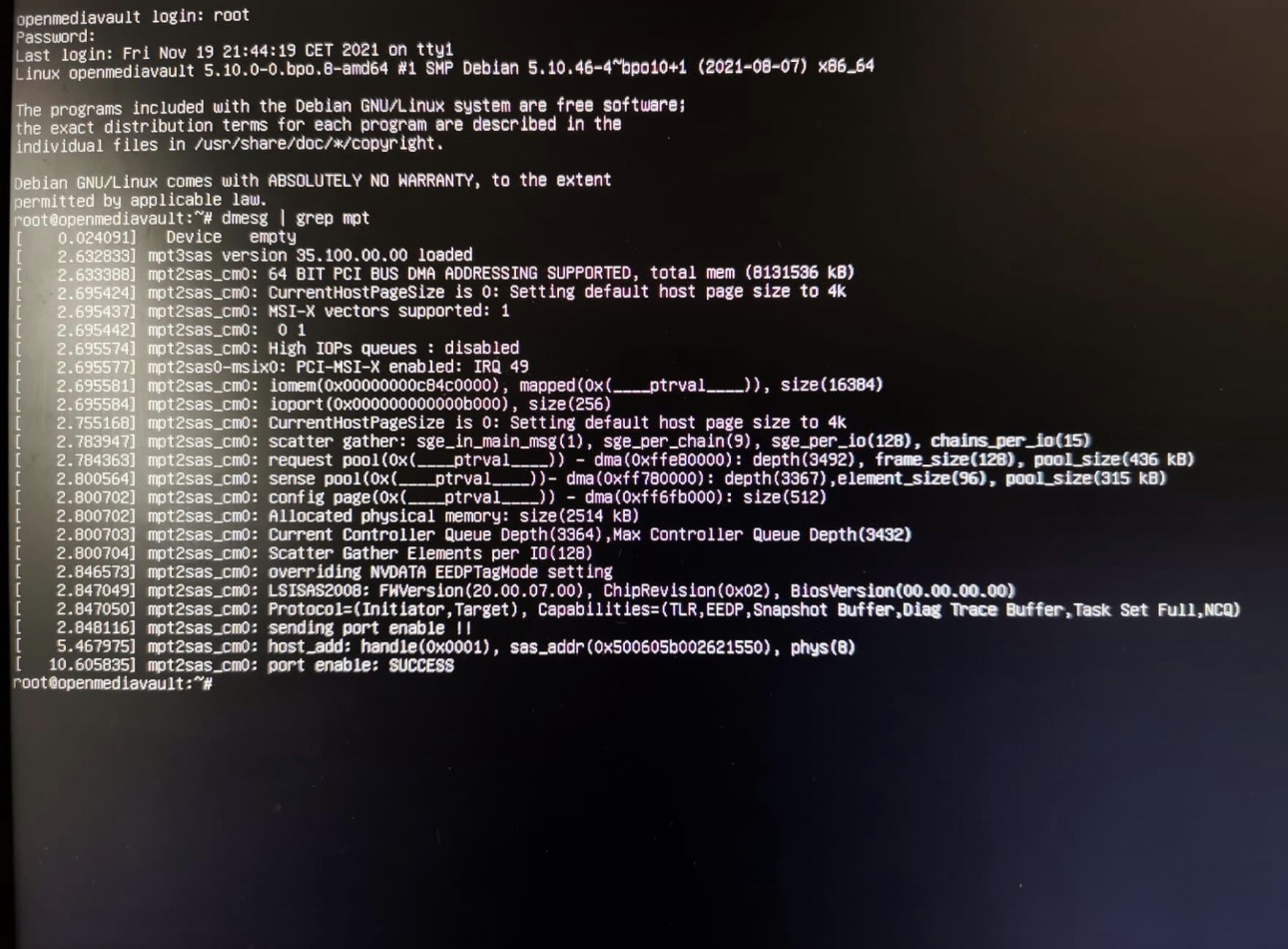
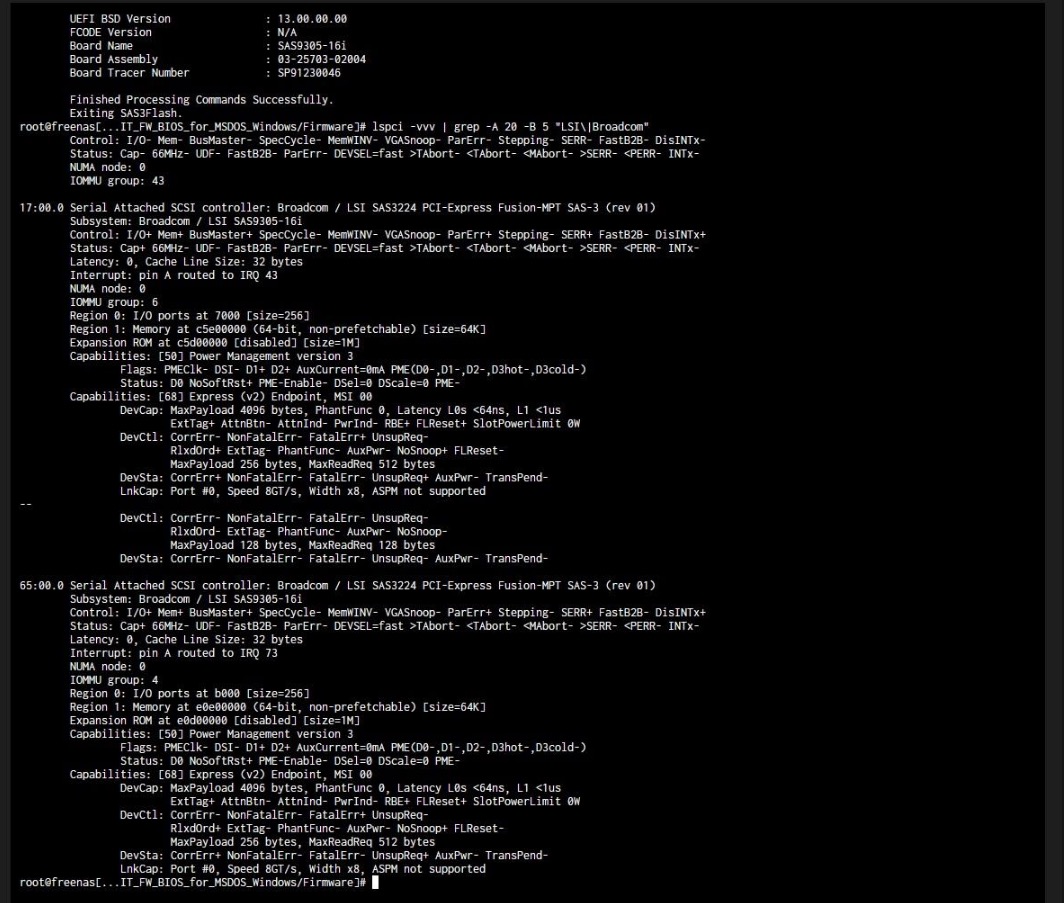
My system has an LSI/Broadcom SAS3008 PCI-Express Fusion-MPT SAS-3 controller using the mpt3sas driver.
The Linux commands I ran include:
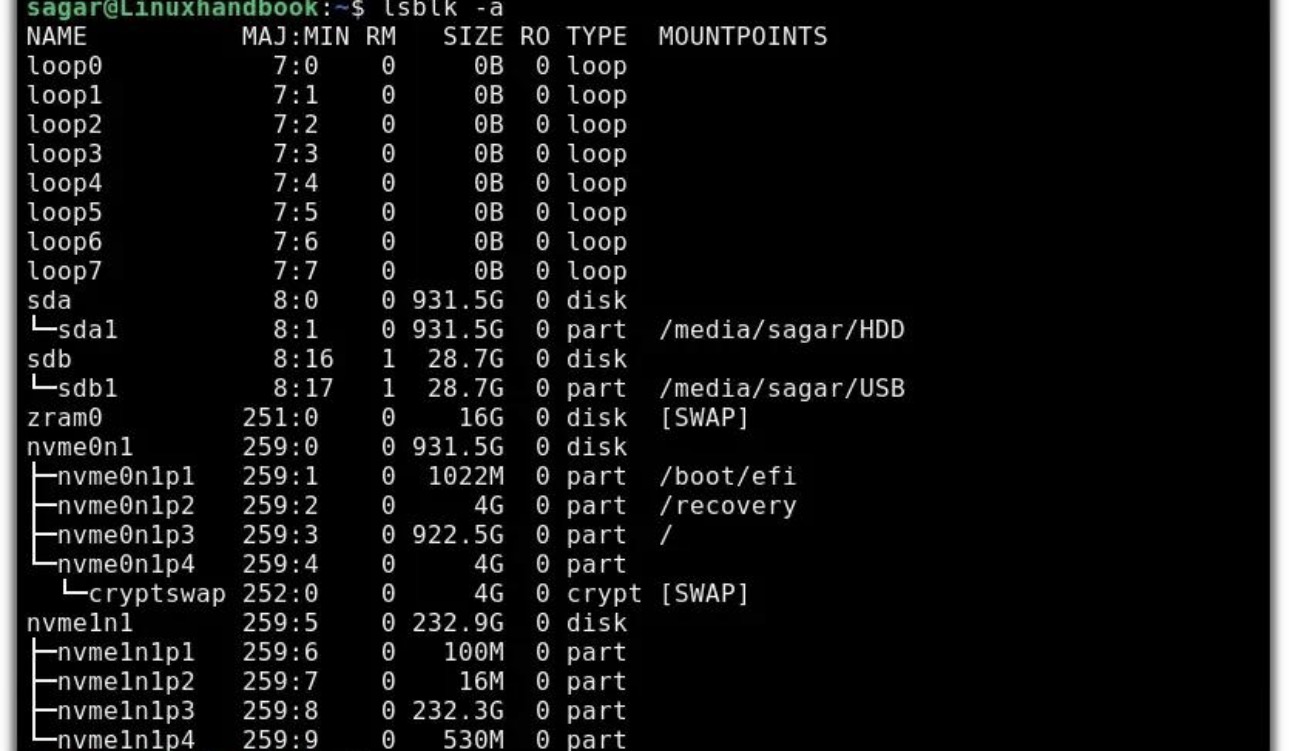
lsblk -o NAME,SIZE,MODEL,FSTYPE,MOUNTPOINTS
lsscsi -g
lspci -nnk | grep -A 5 -Ei ‘sas|raid|scsi’
The lsblk output confirms that Linux detects the four disks listed above, the existing RAID array, and the ZimaOS system partitions. The kernel logs also show that the SAS controller initializes successfully and that SATA links come up.
My questions
- Does the 4-disk limit in the free version count physical drives, storage pools, or RAID arrays?
- Since two physical HDDs are combined into /dev/md0, does ZimaOS count them as two disks or as one storage device?
- Can connecting a fifth physical drive cause it to be hidden or unavailable in the ZimaOS web interface, even when Linux detects it?
- If the free license limit is reached, should the fifth disk still appear in the interface but be unavailable for use, or is it expected not to appear at all?
- Is there a specific command or log I can check to confirm whether this is a license restriction or a ZimaOS Storage UI/device detection issue?
I want to avoid changing the existing RAID configuration or formatting any drives, as I need to preserve my current data.
Could someone please clarify whether this behaviour is expected with the free version or help me identify the cause?
Thank you!