CyTex
April 13, 2026, 2:26am
1
The 10gb port on my ZimaCube2 appears to be DOA.
Within an hour of receiving it yesterday I had my drives (sata/nvme) installed and was installing Proxmox. When I couldn’t SSH into Proxmox was when I realized the 10gb NIC wasn’t active so I plugged a second CAT6 into one of the 2.5gb ports and finished updating Proxmox and kicked off an extended SMART test on the hard drives. This morning, when the extended test was complete, I spent some time trying to get it working.
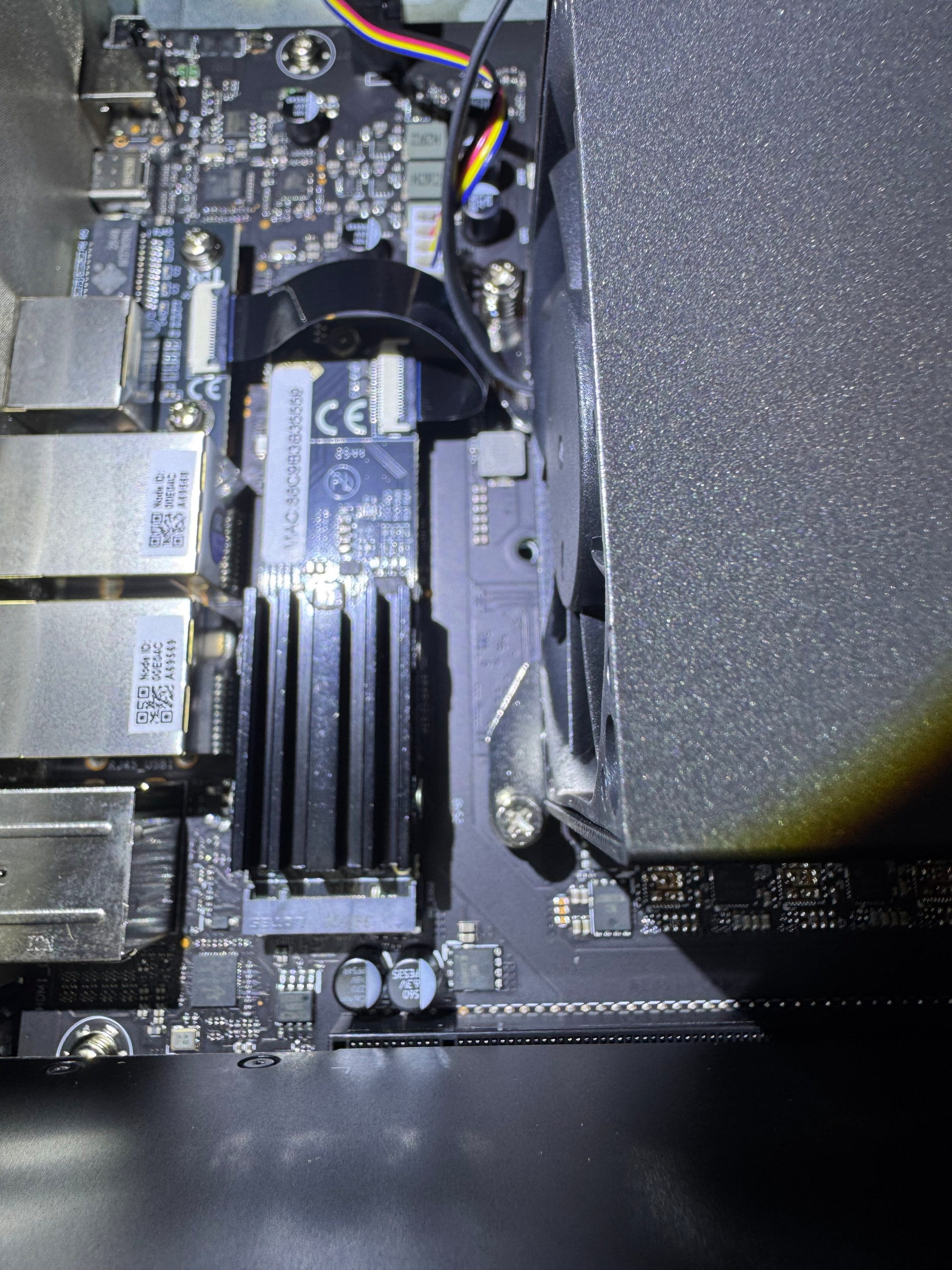
Shut the ZimaCude2 down, took off the top and everything appears to be fine. The NVME → 10gb adapter was seated, I re-seated it anyway, and both ends of the ribbon connector appear to be fully seated as well.
Not certain what else can be done to troubleshoot this but I’m open to suggestions.
A couple of things to check before assuming the 10Gb port is dead:
1. Confirm link at hardware level (not Proxmox)
Do you get any link light/activity on the 10Gb port when the cable is plugged in?
Try a different cable + different switch/router port (10Gb can be picky)
2. Check if the NIC is even detected
ip link
lspci | grep -i ethernet
If the 10Gb NIC doesn’t show up there at all, that points more to hardware/connection (adapter/ribbon).
3. Driver support (very common with 10Gb)
Check:
dmesg | grep -i eth
4. ZimaCube-specific check
NVMe > 10Gb module
ribbon cable
One more thing:
Make sure the ribbon cable isn’t slightly twisted or under tension when the lid is closed (seen this cause issues)
5. Quick isolation test
Boot a different OS (Ubuntu live USB)
If you can, post back the output of:
lspci
ip link
and we can confirm quickly.
CyTex
April 13, 2026, 12:44pm
3
@gelbuilding
Thank you for jumping in here.
No link light, no activity. Using the same patch cable and same router port on the 2.5gb as I used on the 10gb port.
It does show up as a pci device.
dmesg | grep -i eth
Poor picture but the ribbon cable would have to be 12” long to ever interfere with the lid.
Question as I’m not familiar with Ubuntu. I can download an .iso from Ubuntu, boot it and run a shell off of a USB more or less the same as Unraid?
CyTex
April 13, 2026, 1:29pm
4
Wow .. it really helps when I brought the 10gb network connection UP.
I can only assume it autostarts in ZimaOS but it certainly does not in Proxmox.
Nice one that explains it.
Everything was actually fine, NIC detected, driver loaded, it was just DOWN , so no link light.
Proxmox doesn’t auto-bring interfaces up like ZimaOS does.
Once you brought it up > all good.