Hi Team,
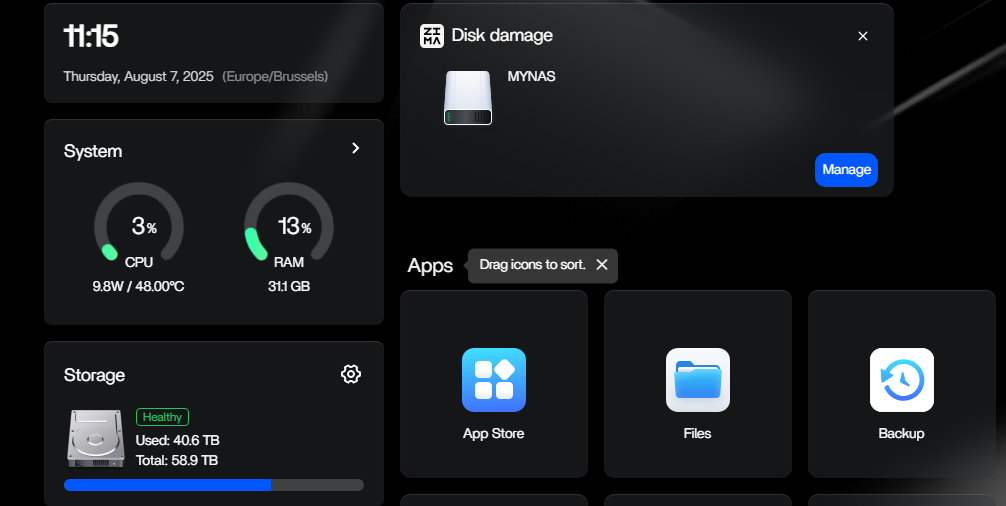
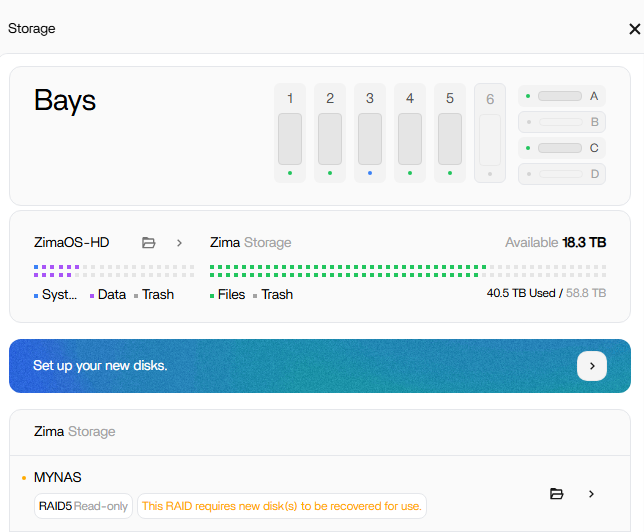
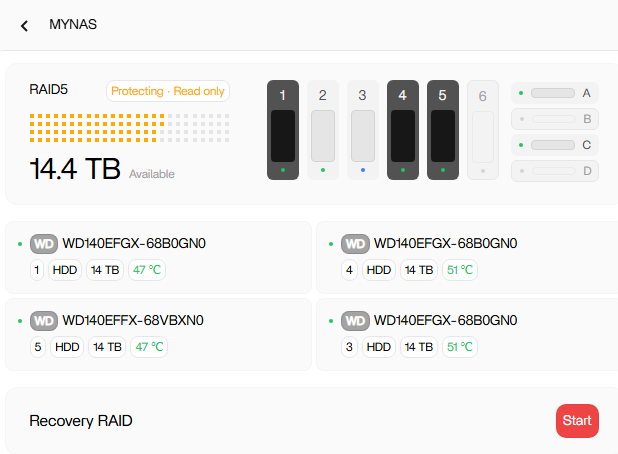
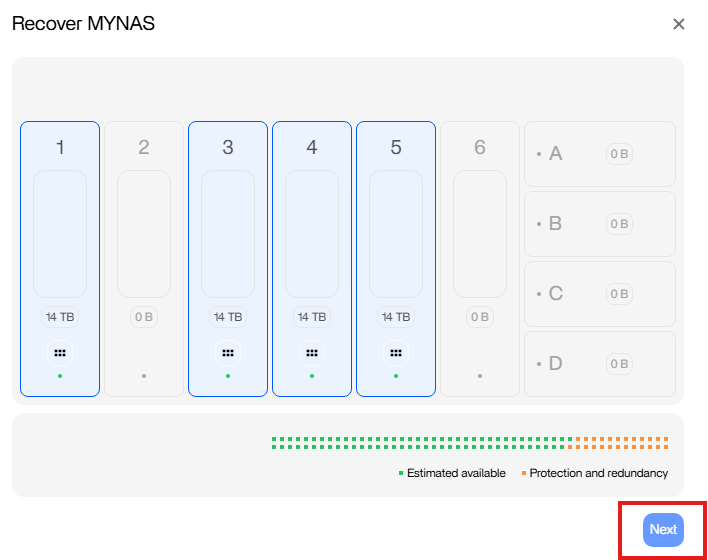
[ZimaOS 1.4.2] I added recently a new 14TB WD Red Plus HDD to my RAID5 setup (slots 1, 3, 4, 5), the system finished expanding the RAID5 (showed as “Protecting” under Storage settings), but after a restart today I got the following message on the dashboard, and when trying to recover the RAID it’s not letting me (disk 3 can be set up as JBOD only):
Could you please advise what can be done in this case?
Thank you!
Thanks for reaching out to us. To better help you, please provide the version of your OS. Also, the specs of your machine(including accessories) are needed. Look forward to your feedback.
Hi, thanks for your reply! Machine is ZimaCube with ZimaOS v1.4.2 installed. I have no extra accessories connected to Cube. Four drives were part of RAID5 array (1, 3, 4, 5), one EXT4 disk in slot 2, and two M2 SSD’s in slot 7. All HDD’s are marked as “healthy”, but RAID5 broke down for some reason after last restart (expanding of array had just completed some hours before). Hope this helps!
To better you, I have DM you. Please check your message box.
Have you tried restarting again?
Several times I have experienced post-restart issues that made it appear like the RAID broke, which would be concerning. But if I opened Zima Files, I could access everything fine. And then when I restart again, usually it loads correctly the second time.
1 Like
I’ve restarted multiple times already. Further trouble shooting offline includes:
- swapping that failed disk 3 to a different slot (from 3 to 6)
- formatting disk 3 on Windows machine to exfat and ntfs
- enabling JBOD on disk 3 and formatting and breaking that array
The system recognizes the disk as part of that old RAID5 array each time after that, but still is not able to proceed with the recovery.
The solution to my issue was in the future release of ZimaOS, where the mapping of drives and recovery procedure could be finished normally.
Thanks to raller1028 for all the troubleshooting help!