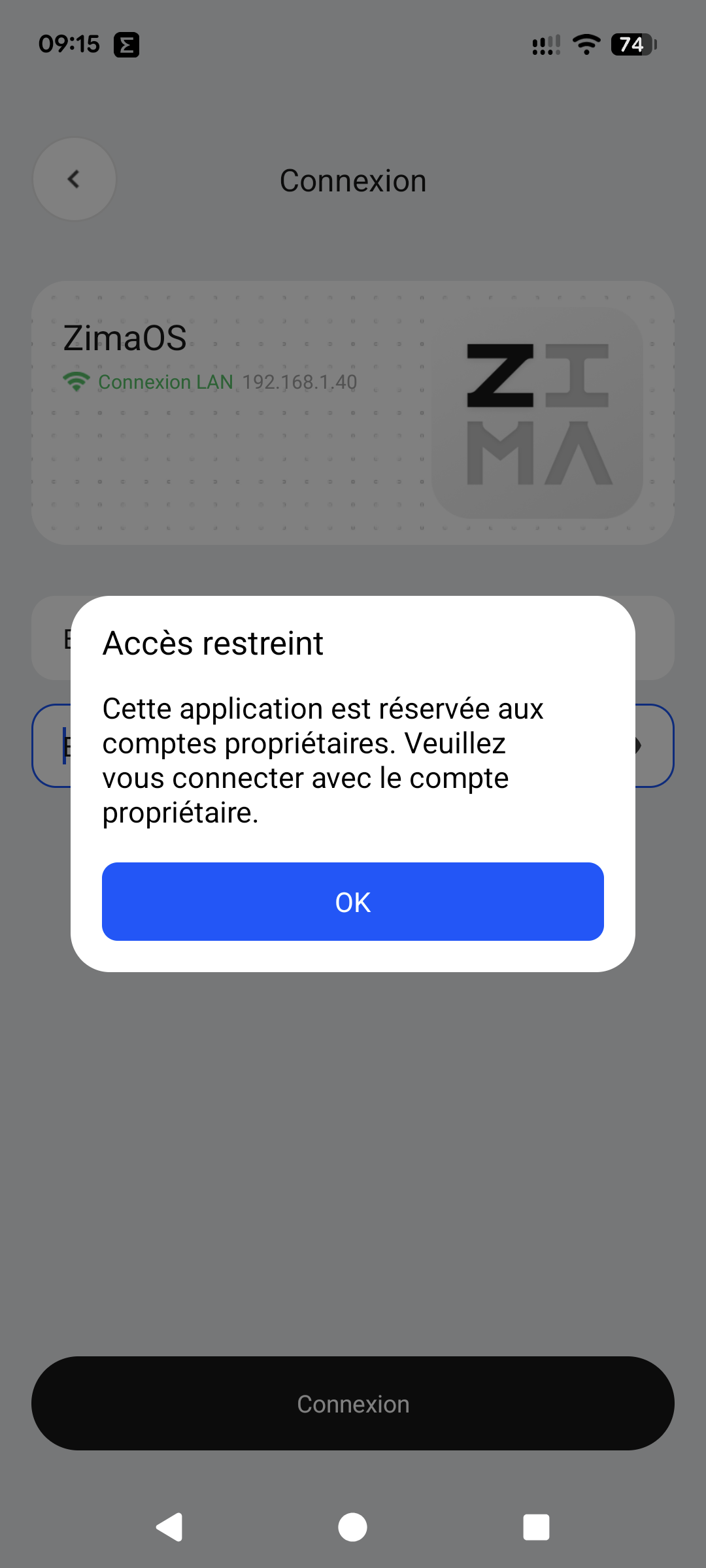
Since the latest version 1.3.0, only the administrator can log in, not the user ?
1 Like
I have this problem too. I can acces only all data bases. But i like to give singel user only singel drives, not all at once.
Honestly, I think proper multi-user storage separation should still mainly be handled through SMB/share permissions.
ZimaClient currently feels more focused on remote access and general file access rather than advanced NAS-style ACL/user isolation.
Things like:
- User A = Drive 1 only
- User B = Drive 2 only
- shared folders with different permissions
…are normally SMB/NAS permission territory.
So this may not actually be a bug, but more a limitation of how ZimaClient currently handles storage access.
Hello, no, the user really cannot log in; they absolutely must become an administrator!
I’m referring to version: ZimaOS+v1.6.1
I think there may be some confusion between ZimaClient and ZimaOS file sharing.
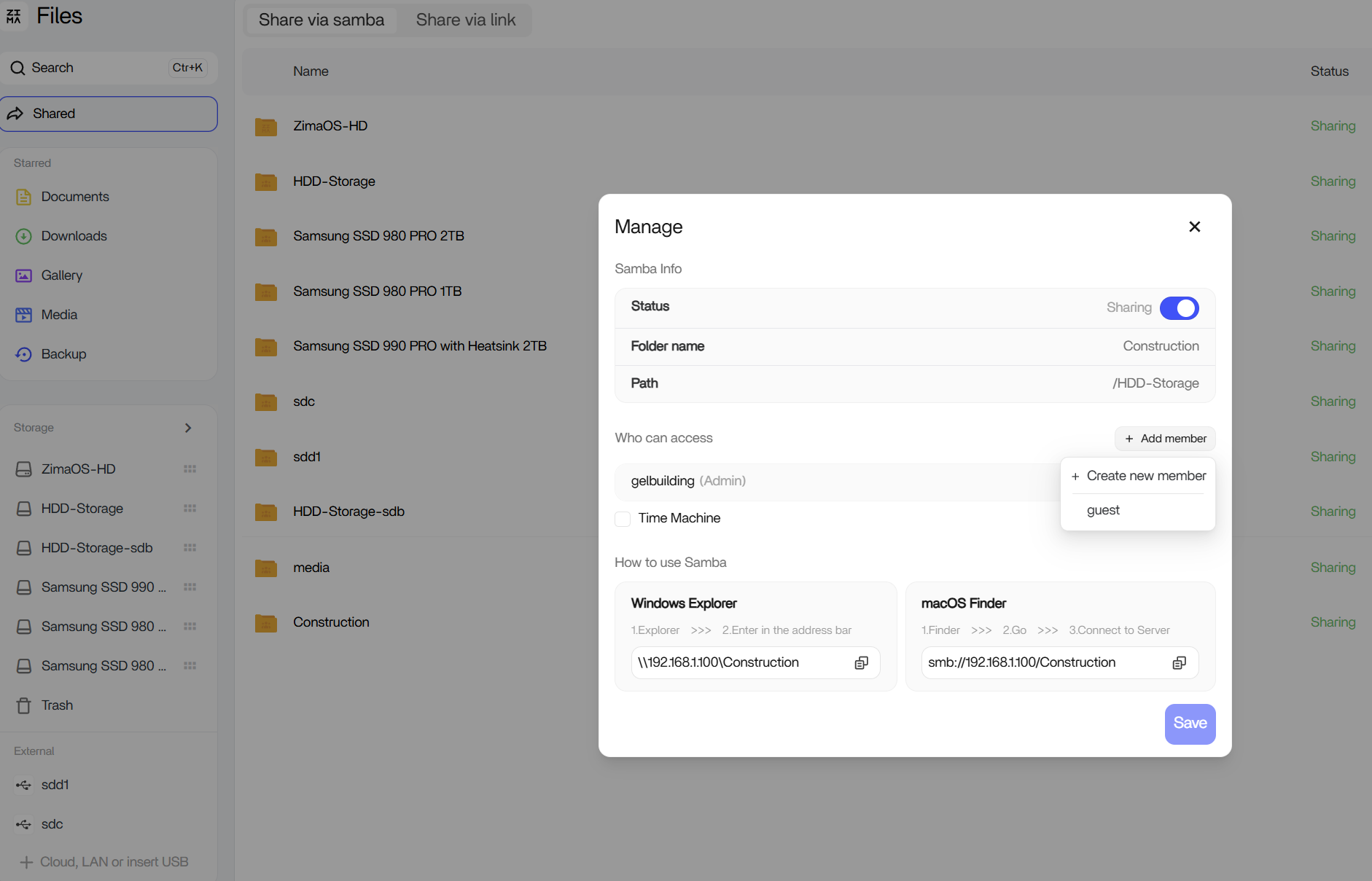
If your goal is to give a specific user access to only a specific drive or folder, that is already handled through the SMB share permissions in ZimaOS.
For example, in the screenshot below you can create members and assign them only to the shares you want them to access.
So User A can be given access to Share A, while User B can be given access to Share B, without exposing all storage to everyone.
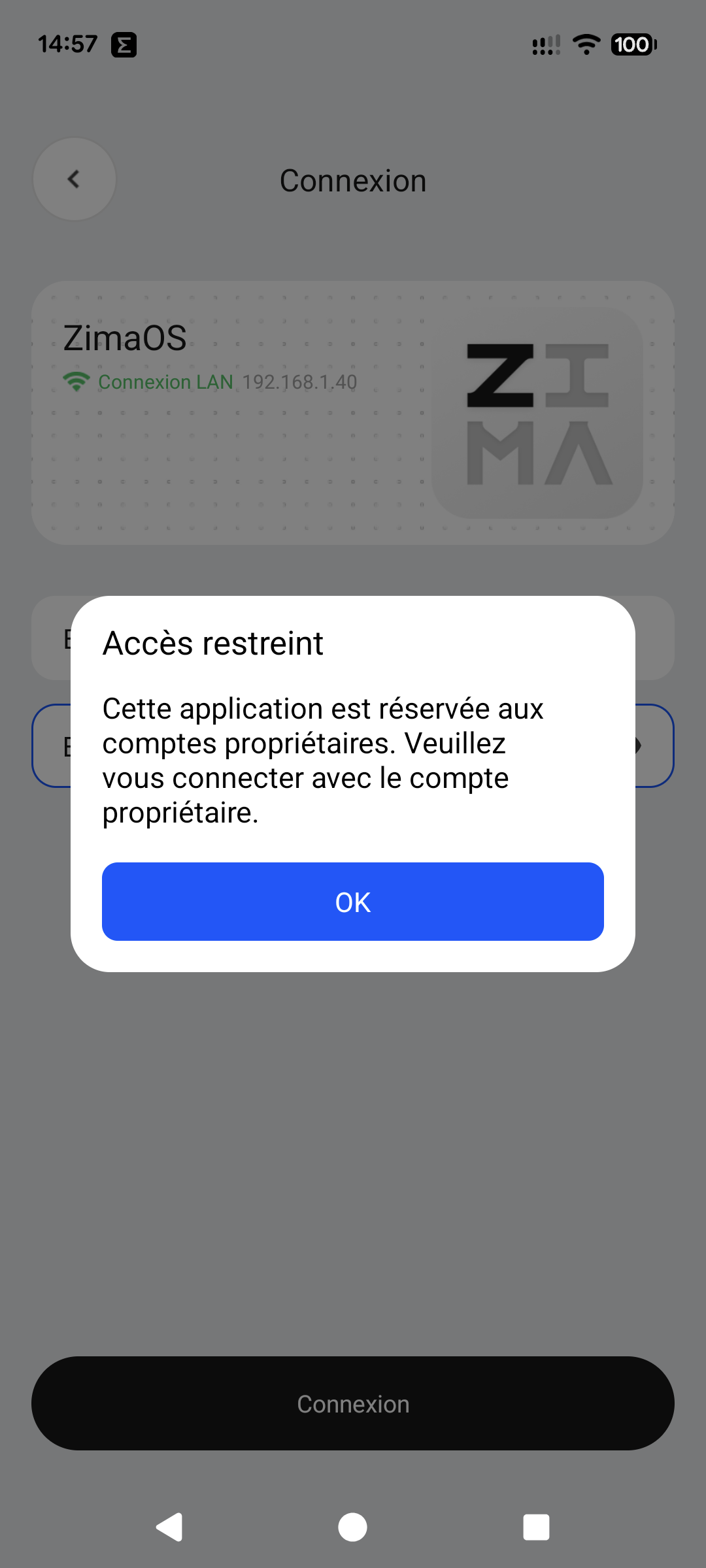
I checked and unfortunately the problem is the same.
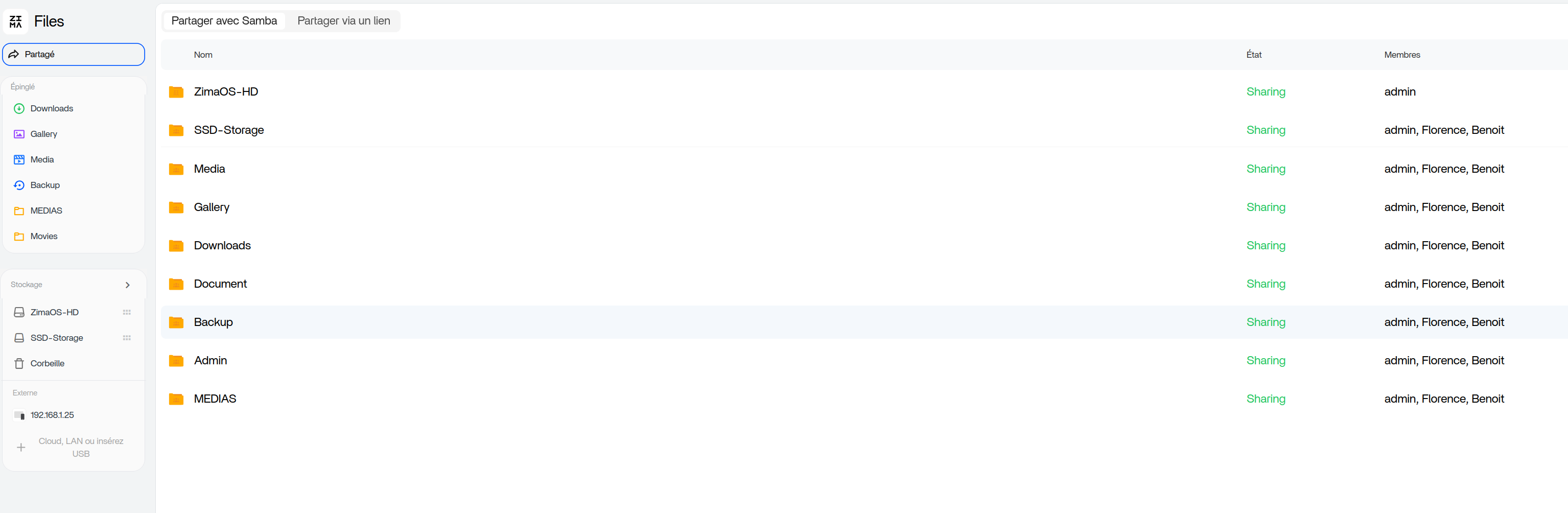
I think we’re mixing up ZimaOS user permissions with ZimaClient access.
Your screenshot shows that ZimaOS supports multiple members and per-share permissions just fine. Users can be assigned to specific SMB shares.
However, the ZimaClient message explicitly says:
“This application is reserved for owner accounts.”
So the limitation is not the share permissions. The limitation is that ZimaClient itself currently only allows the owner account to connect.
In other words:
• Multiple users and share permissions = supported in ZimaOS
• ZimaClient login for non-owner accounts = not currently supported
That seems to be exactly what your screenshots are showing.
Yes, that’s exactly the problem I described in my first message (perhaps clumsily, I’m French and use Google Translate). Thank you for your interest. I suppose it’s a bug, either in Zimaos v1.6.1 or Zimaclient Android v1.3.0?
No worries, your screenshot made it much clearer.
Personally, I wouldn’t immediately call it a bug because the message is very explicit:
“This application is reserved for owner accounts.”
That sounds more like a current design limitation of ZimaClient rather than a failed authentication process.
The interesting question for the IceWhale team is whether support for non-owner accounts in ZimaClient is planned for a future release, or whether the app is intentionally restricted to the owner account while secondary users access files through SMB shares and the web interface.
I hope not, because the application is really practical for a user outside the local network. I installed it for a company of 4 people and 6 computers, 2 of which are mobile. I think it’s a bug in a test version of Zimaos that I’m using.
Have a look at the official ZimaClient documentation:
The documentation describes ZimaClient as a remote-access client for connecting to and managing your ZimaOS device. It doesn’t mention multi-user client access or member account support.
I can understand why this would be useful in your environment.
If a company has multiple staff members, it would make sense for each member to be able to use ZimaClient with their own ZimaOS account and only see the shares they have been granted access to.
Perhaps this is something the IceWhale team could consider for a future release:
- Member login support in ZimaClient
- Respect existing ZimaOS share permissions
- Each user only sees the folders/shares assigned to them
- Owner account retains full administration access
That would make ZimaClient much more practical for small businesses and family environments with multiple users.
For a multi-user environment like yours, Nextcloud may actually be a better fit.
ZimaClient is excellent for remotely connecting to and managing a ZimaOS device, but Nextcloud was specifically designed for multiple users, individual accounts, groups, permissions, file sharing, desktop sync and mobile access.
If each employee needs their own login and should only see the folders assigned to them, Nextcloud already provides that functionality out of the box.
1 Like
Thank you for these details, however I assure you that the use of zimaclient by several users was possible in the previous and stable version of zimaos.