Wondering if it will just boot off the nvme if I just move the pcie card with the nvme with HA installed on it already (alpine linux) ethernet = enp2s0 from zimablade to zimaboard 2 without re-installing?
I do have backups and last time I moved from Rasberry pi4 to zimablade I did a clean install and restore from backup but AI seems to think this might just boot right up with just some ip address assignment adjust after the fact
I guess I will find out today when the zimaboard 2 arrives
It may boot fine because both the ZimaBlade and ZimaBoard 2 are x86_64 systems, so technically the move is much easier than going from a Raspberry Pi to x86.
But personally I would still treat it as a test rather than something guaranteed to work.
Sometimes Linux moves across hardware without issues, and other times you run into:
- bootloader/UEFI issues
- BIOS boot order problems
- network interface renaming
- PCIe/NVMe detection quirks
Since you already have backups, you can absolutely try it first and see if it boots.
That said, I still think the cleanest and most reliable long-term approach is:
- Fresh install on the ZimaBoard 2
- Restore your HA backup
That avoids carrying over old hardware-specific configs or strange boot issues later.
I agree with @gelbuilding … my HA setup isn’t super complicated but it’s enough to need HAOS (since I’m lazy when it comes to managing containers  ) and I’ve migrated by backing up and restoring a few times and everything has gone smoothly every time (as have you ). So if the simple switcheroo doesn’t work you have a solid backup (ha!) plan.
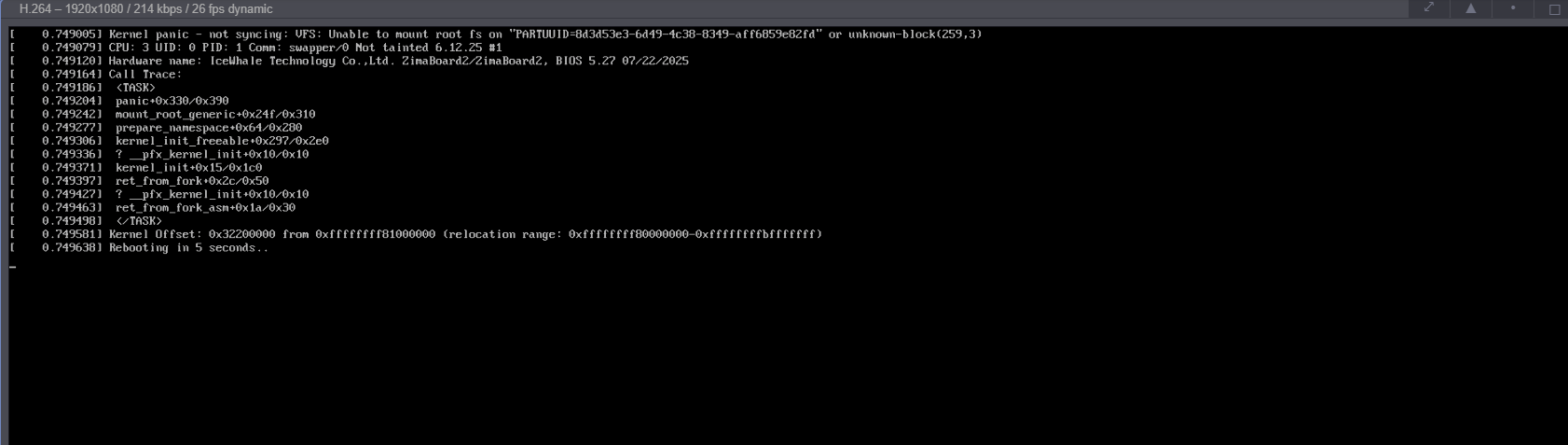
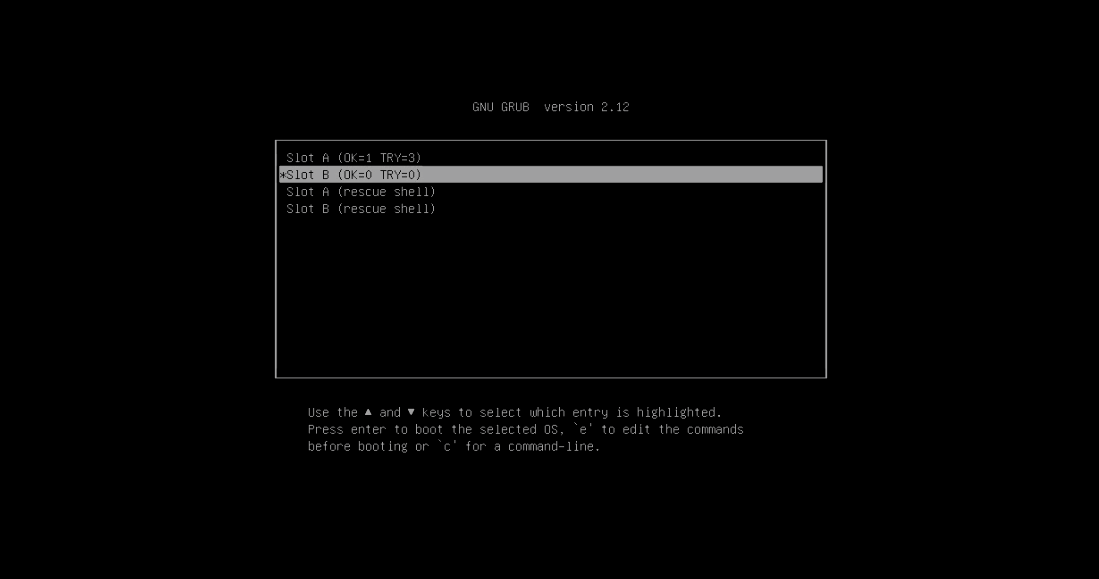
well stuck in what appears to be a boot loop with the pcie card inserted, can’t even get into zimaos:
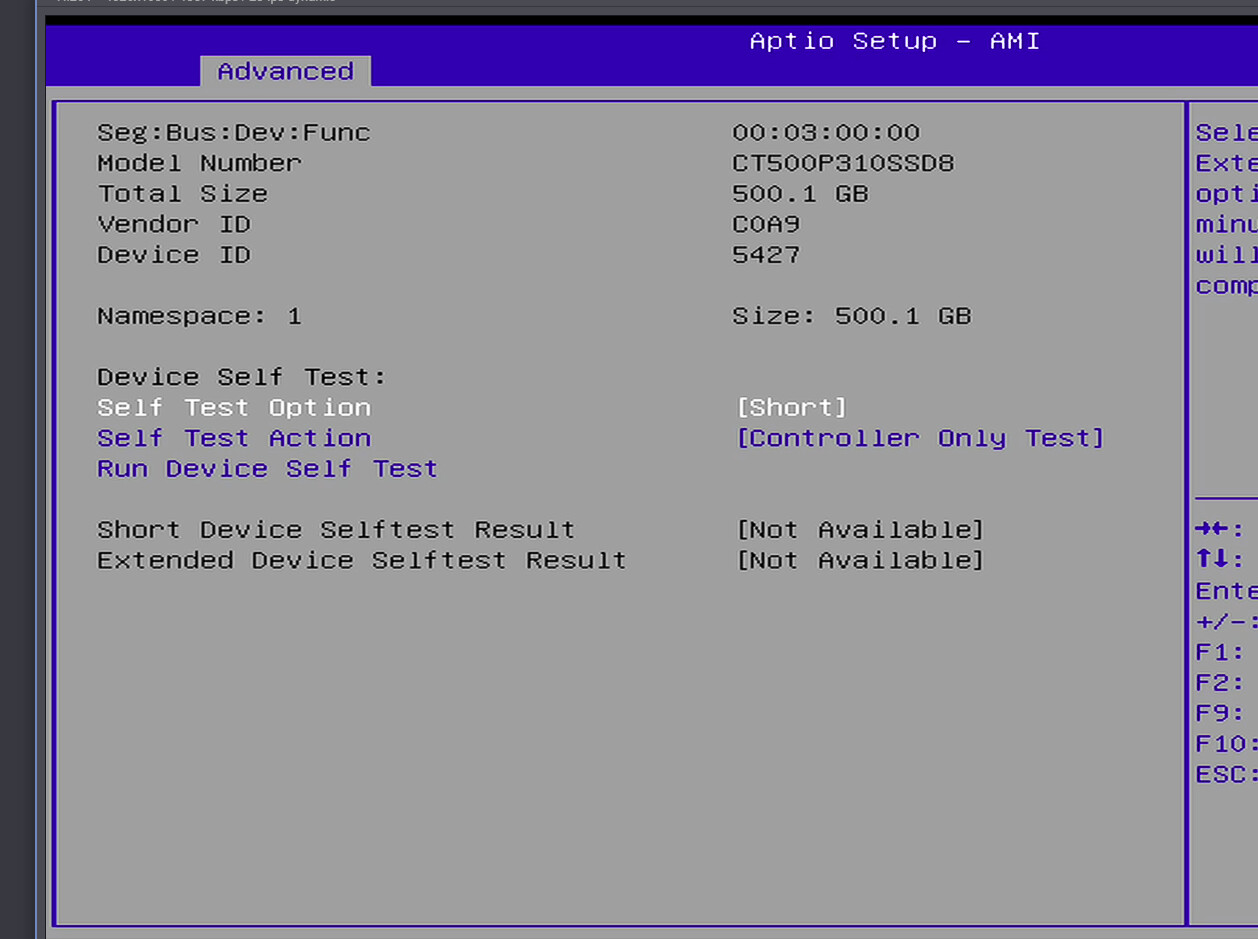
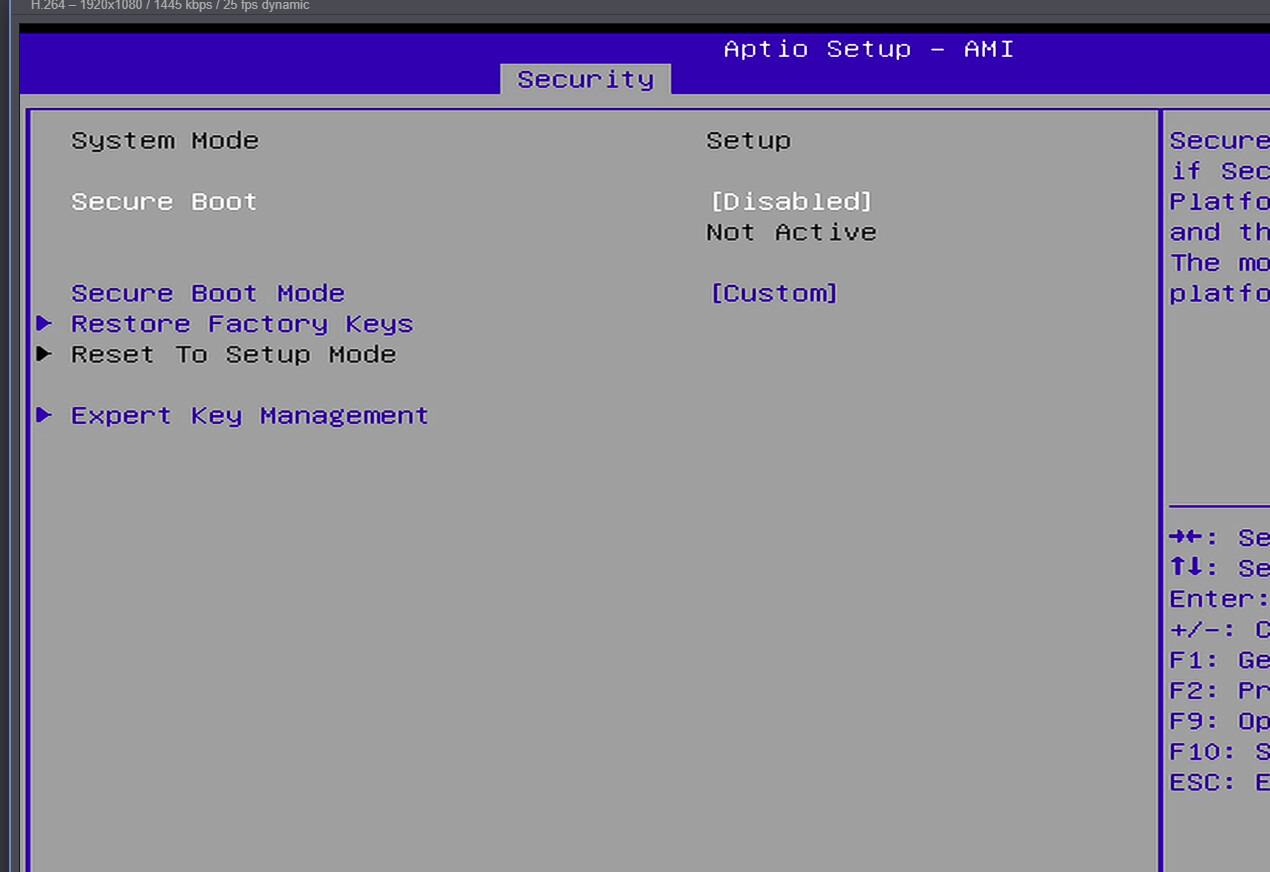
None of these options work, course I can get into the BIOS and UEFO OS boot is setup and it sees the nvme disk:
And there it is unfortunately.
The screenshot is exactly why I was hesitant to call it a “safe” migration.
The important line is:
Unable to mount root fs ... unknown-block
That usually means:
- kernel booted
- NVMe detected
- but the root filesystem UUID/device mapping no longer matches correctly on the new hardware
So the board can see the drive, but the installed HAOS boot setup is not happy after the hardware move.
At least the good news is:
- your NVMe is probably fine
- the data is likely still intact
- backups exist
- the ZimaBoard 2 itself is working correctly
Honestly at this point I would stop fighting the migrated install and just:
- Fresh install HAOS onto the ZimaBoard 2
- Restore the backup
You’ll probably spend less time doing that than chasing bootloader/initramfs/UUID issues.
This is also useful real-world feedback for others:
x86-to-x86 migrations may work sometimes, but they are definitely not guaranteed plug-and-play.
That confirms the NVMe itself is being detected correctly by the BIOS, and Secure Boot is already disabled, so the issue is probably not hardware detection.
At this point it looks more like the existing HAOS/Linux boot configuration does not like the hardware migration between the ZimaBlade and ZimaBoard 2.
Personally I would stop troubleshooting the migrated install here and just do:
- Fresh HAOS install on the ZimaBoard 2
- Restore from backup
You will probably be up and running much faster that way.
Sounds like the next step, so obviously was thinking of re-using the nvme drive but cant have it inserted when I boot zimaos and therefore installing home assistant may have to be installed on the internal storage?
No, I would not install Home Assistant onto the internal eMMC unless you really have to.
The better approach is probably:
- Remove the NVMe temporarily
- Boot into ZimaOS normally
- Reinstall HAOS cleanly onto the NVMe drive
- Restore your backup afterward
Because right now the old HAOS install on the NVMe is likely confusing the boot process before ZimaOS even fully starts.
The important thing is:
the screenshots show the ZimaBoard 2 can see the NVMe correctly, so the hardware side actually looks fine.
So how to to reinstall HAOS cleanly onto NVME if I have to remove it, I guess maybe im missing s step?
or are you saying after booting into zima I can hot plug the pcie card/nvme? didn’t think it could do that
No definitely do not hot plug the PCIe/NVMe card while the system is running.
I meant:
- Power off
- Remove the NVMe card
- Boot ZimaOS normally
- Shut down again
- Reinsert the NVMe
- Then perform a clean HAOS install onto that NVMe
Right now the old HAOS install on the NVMe is taking over the boot process before ZimaOS fully loads.
So you are not missing a step really, this is more just one of those cases where moving an already-installed OS between different hardware did not migrate cleanly.
tbh I’d just run ZimaOS and setup HAOS in a VM (since it works for me just fine ) then there’s no hassle with the NVMe.
Also, I suggest you create a backup on the original ZimaBlade before moving anything since you know that works (you may have already done this IDK).
Installed Haos on emmc via usb restored from backup successfully.. all is good and way more responsive then the zimablade was.. Next I will format the nvme and attached it later as extract storage
btw could not attach nvme to install haos to it as that prevented boot. Will deal with that later