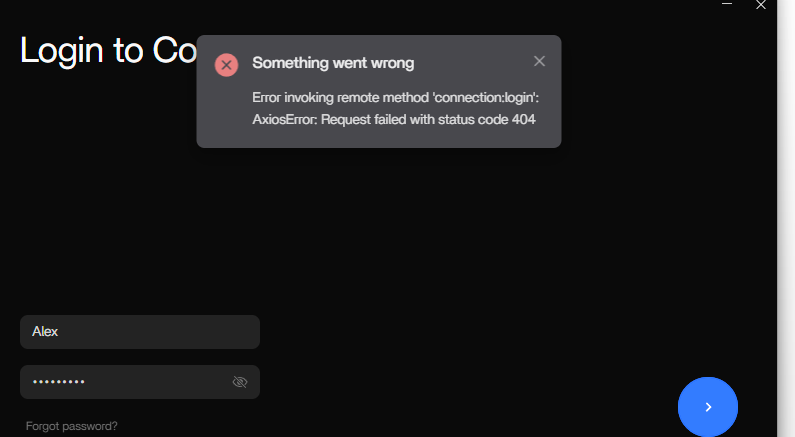
So I setup NGinx proxy manager and it works. Pihole for instance is available at pihole.mydomain.net but because I moved ZimaOS to port 85 and not 80 the desktop client is now completely broken. It recognizes my server and lets me login but when I do I get an error and I dunno how to fix this.
I was wondering because if I change the port of ZimaOS off of 80 I can no longer seem to use the mobile app anymore meaning I’d have to cloudflare tunnel instead, but I was hoping to be able to use the mobile app.
From what I understand, the clients are connecting via a p2p connection (zerotier ?), so if you changed the port you probably just need to re-associate the client…
I had a partial solution. Essentially I ran a bash command using bigbeartechworld’s change casa os web ui port which fixed the desktop client to port 85 while NGinx sat on port 80 and it started working, but remote connection and/or the mobile app did not update with this port change.
I tried re-associating the client originally, which it would recognize the connection, but then break as well as reinstalling the app but neither started working. Using Big Bear Tech’s change port command actually got the desktop working but remote and mobile still didn’t work. I couldn’t find a solution to this that works, or a demonstration of a working version of this so I think I’m going to switch the Zima port back to 80 and just have NGinx run on top.
I think you could run NPM in its own VM (with its own IP address) to get around this though that’s a bit of a sledgehammer approach and may be harder to manage. (I’ve never used NPM so I’m just spit-balling here )
Yea , I think for now I’m going to just revert Zima back to port 80, and run Nginx on its own meaning now the port is shown but I still have a proxy so its ok ig.
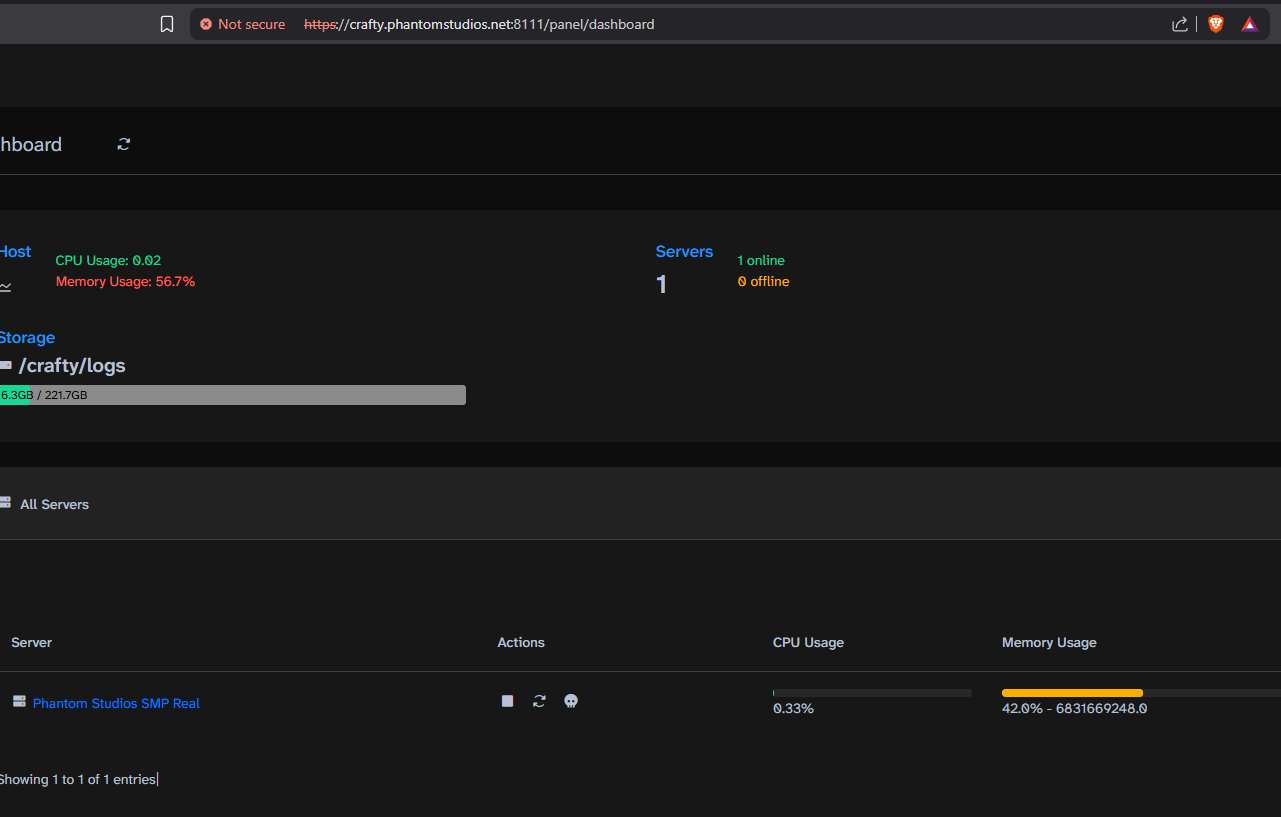
This isn’t really a fix though as the app launches as crafty.phantomstudios.net:8111 but if you try to get it to just open in a browser tab it fails obviously so back to square 1
Ran into the same problem. so i am using this work around: The zima client does work with 443 HTTPS. Enable HTTPS (443) and have the zima client re-associate. use HTTP (80) for the apps or whatever you want to use with NGINX. working fine for me. By the way i have the zima client installed on my android phone and PC. both have connected.
I still want to free up both the ports (80 and 443) for one of my apps. I don’t know if there is a solution. the best scenario would have been for the zima client to have the option to specify the port number we want to connect to the zimaos. But it seems that’s not possible at the moment.
 )
) , I think for now I’m going to just revert Zima back to port 80, and run Nginx on its own meaning now the port is shown but I still have a proxy so its ok ig.