I am a very new user of zimaos and so far am impressed I got to installing it from USB (1.3) to a barebone PC to up and running and upgraded to 1.5 plus in just a few hours. I am having some confusion though regarding adding a usb external drive to total storage. I have my drives set as JBOD no Raid at all.
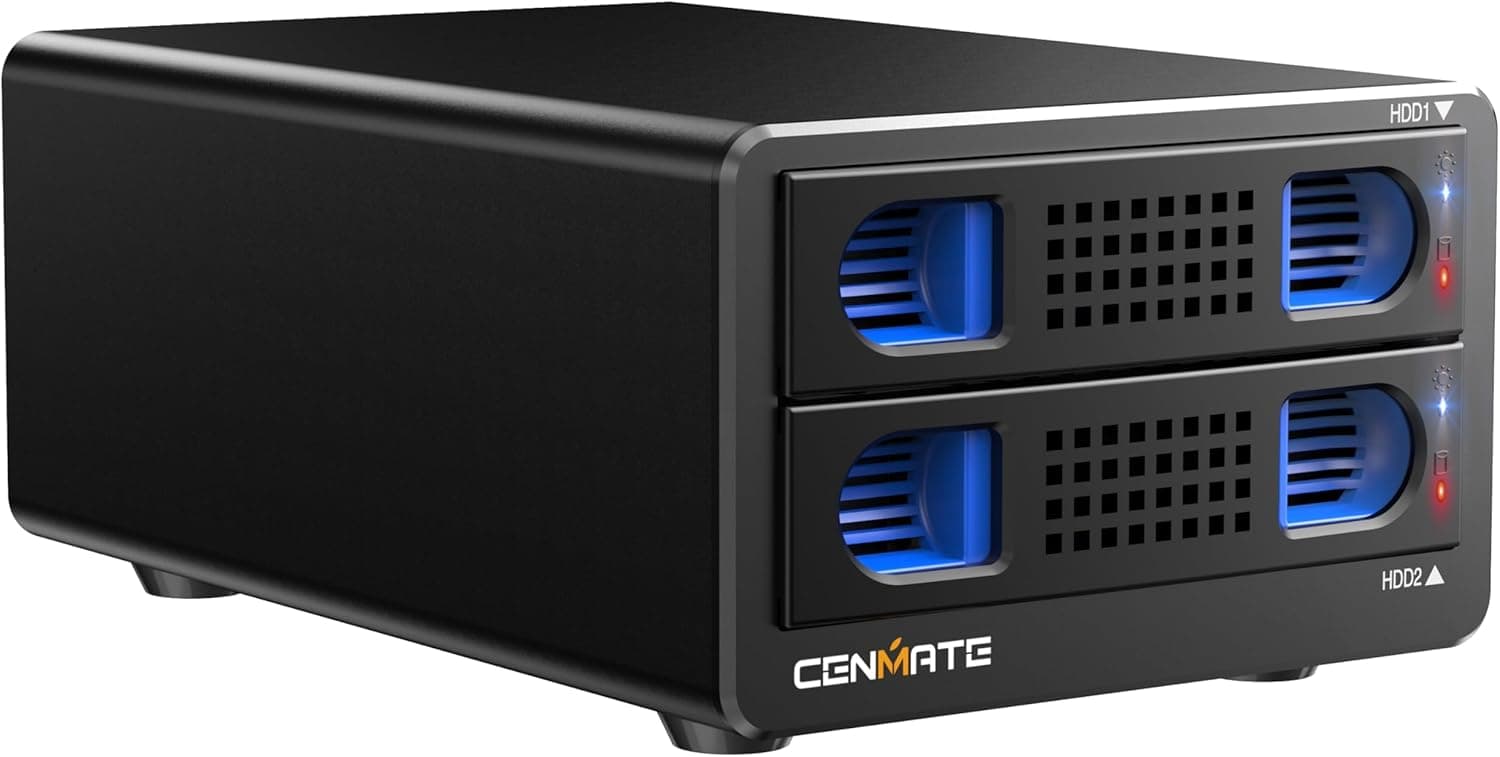
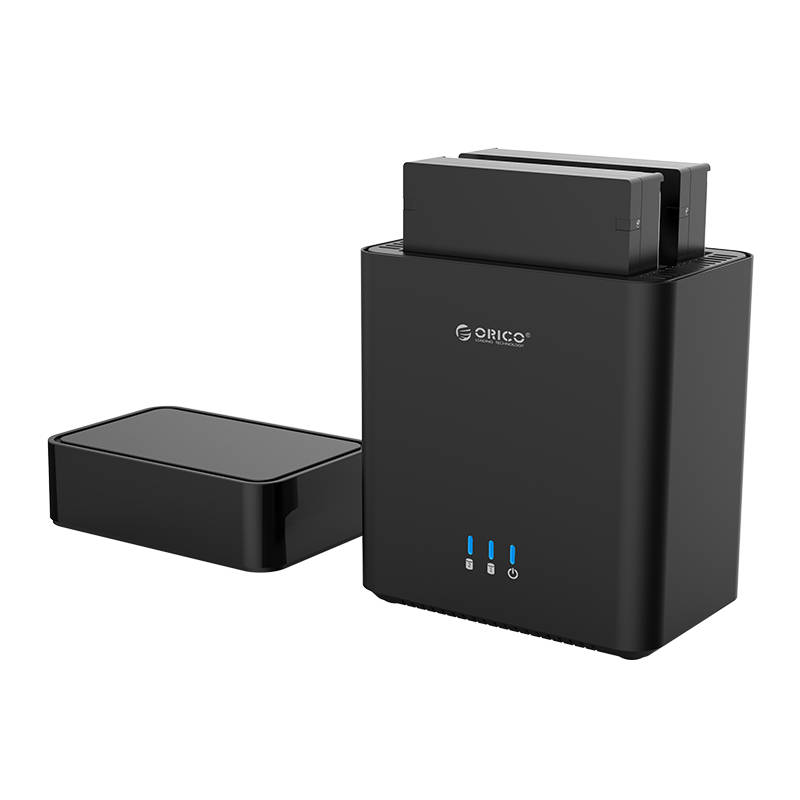
I have a 2 bay (no raid etc features) Orico external HDD device
At first I had 2 2TB HDD installed and in Zima it showed both HDD’s in the found a new device section. I clicked on MANAGE and it took me to the STORAGE section (showing all my internal drives fine), but now in the USB section of storage it only shows one of the 2 TB USB Drives (both drives are showing correctly in the found a new device section still though). I also tried each drive individually and Zima saw each of them properly. Also Zima storage is only showing the total amount of my internal drives (9.93 TB) it does not include the USB drive(s)
I swapped out one of the 2 TB and replaced it with a 1 TB, now both HDD are showing in the USB section of STORAGE. So I guess there was some weird conflict with the 2 2TB drives but not a 2 and a 1 TB drive. Again though Zima storage is only showing my total amount of my internal drives (9.93 TB) it does not include the USB drive(s)
What I want to do is add these 3 TB connected via USB to total storage. The only icons I have beside the listed drives are the eject or remove button and the file folder button. If anyone smarter than me can advise I would greatly appreciate it
UPDATE*** Now I am really confused. In the Settings Storage section it still shows only the total capacity of my internal drives 9.93 TB but on the main but in the Storage Widget it now shows 12.9 TB. Which one is showing the correct storage space available to me.
Just out of curiosity, did you try to refresh the web page? Also I am curious which enclosure you have.
I have one of these, that I plan to put 2 16TB drives in that I want Zima to make a raid of. I have a 1TB NVME, 2TB 2.5 SSD internal, I plan to put a 2TB nvme in next to the 1TB, so I’ll have 2 2TB SSD storage, and 15TB of raid 1 HDD bulk storage.
Yes I have refreshed and restarted with no change. It is weird as the storage widget on the main page shows the correct expected 12 TB, but when you go into settings/storage it shows only the 9 TB of internal storage as available and keeps the 3 TB external separate under USB.
Hello everyone, we currently do not provide RAID support for external storage. However, this support is under discussion with the team. If there is any new information, we will update the news in time, so stay tuned. Thank you.
As I mentioned in my first update added to the original post in the Settings Storage section it still shows only the total capacity of my internal drives 9.93 TB but on the main but in the Storage Widget it now shows 12.9 TB. Which one is showing the correct storage space available to me.
Well via the android client, it shows my total available space is 12 TB which is what it should be but again in Settings/Storage section on the zima OS “home page” it still shows only the total capacity of my internal drives 9.93 TB listing the USB drives as a separate.
Also when browsing my Zima os via my network on my mac it shows the three internal HDD as individual devices, but there is also a separate media folder as well and it has all 5 HDD listed.
There just seems to be confusion on how total available storage is reported in the different areas, unless I am just not understanding which is a strong possibility
Crap, that ruins my plan. And I don’t have the box/packing to return my 2 drive usb 3.2 enclosure I bought specifically to bring my 2 16TB drives from OMV over to Zimaos, but obviously wanted a raid. How hard would it be to have ZIMAOS use a tool to copy data from one drive to the other and somewhat in sync (asynchronous so not perfect time wise but semi real time)
Edit - I just found the packing. I will return this enclosure and pay a little more to get the one that supports RAID 1 for the 2 drives. That should work right?
Are you referring to an enclosure that supports RAID? ZimaOS provides software-level RAID. It doesn’t control the RAID functionality of the hard drive enclosure. If the hard drive enclosure supports this functionality, it should be able to achieve your RAID goal.
I am returning a 2 bay enclosure that does not have RAID. Earlier in this thread it was said Zima OS would not do RAID for USB connected drives. So I am returning that, one, and one tomorrow will show up with 2 bays for the HDD, and 1 bay that I coudl add 3 NVME drives to if I want. for the HDD it does hardware raid 1 Sadly they say the only way to monitor the raid health and manage it is with windows software. Is there anyway have my Win 11 VM in ZVM have access to the device to have that capability?
Please add Raid support for USB devices. The beauty and appeal of Zima OS is simplicity and being consumer friendly. The reality is USB connected drives are also the most common and beginner friendly type of storage. Most people already have a few lying around. Even just starting with simple mirroring would be a welcome change.
I have an OWC 4-bay USB disk array (the Mercury Elite Quad Pro - OWC Mercury Elite Pro Quad) which I had been using for years with my Mac mini 2012, which is now too old to support modern versions of MacOS. I am hoping that ZimaOS would provide a solution, but perhaps I would have to look to unraid or truenas instead.
I’m liking ZimaOS so far and have been getting it set up w/ various apps, and I’ll see if I can create and manage the RAID in the terminal, but if not, then ZimaOS isn’t suitable for me. Which is a bummer.