The mobile app has backups, and did a nice fast backup of photos, faster than Immich!
But, I couldn’t really choose where to back them up to other than my normal backup folder.
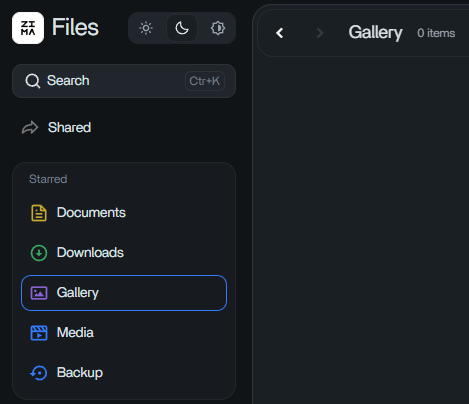
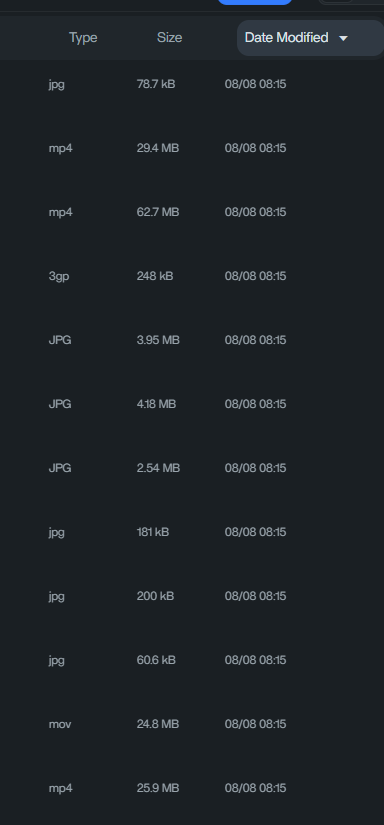
Also, the pinned categories, doesn’t show those photo’s in Gallery. I have over 9k photos in my backup folder. I think there should be an easy way to 1) point Documents, Gallery, Media, Backup to each individual location you want to include in it. Point Documents to where you primarily keep your documents, heck, maybe make each starred category like that point to multiple locations, and have it as a combined view. Point Photos to where you store your photos, or even more than 1 location too. Backups, show where all your backups are from the backup app. 2)Photos needs an option for what is displayed, filename? Dates? Need proper sort order on all files, but especially on photos, I like to default to most recent photos first. And Sorting that way, and to me it looks like it is sorting… Actually I just noticed the dates are the date/time I backed up, not the original timestamps of the photos! That will never do!
Think I’m going to look for a 3rd party app to see if any of them are better than the Files app. I couldn’t find any way to see better details of the file information. Thankfully windows file explorer can display the real date of the photos.