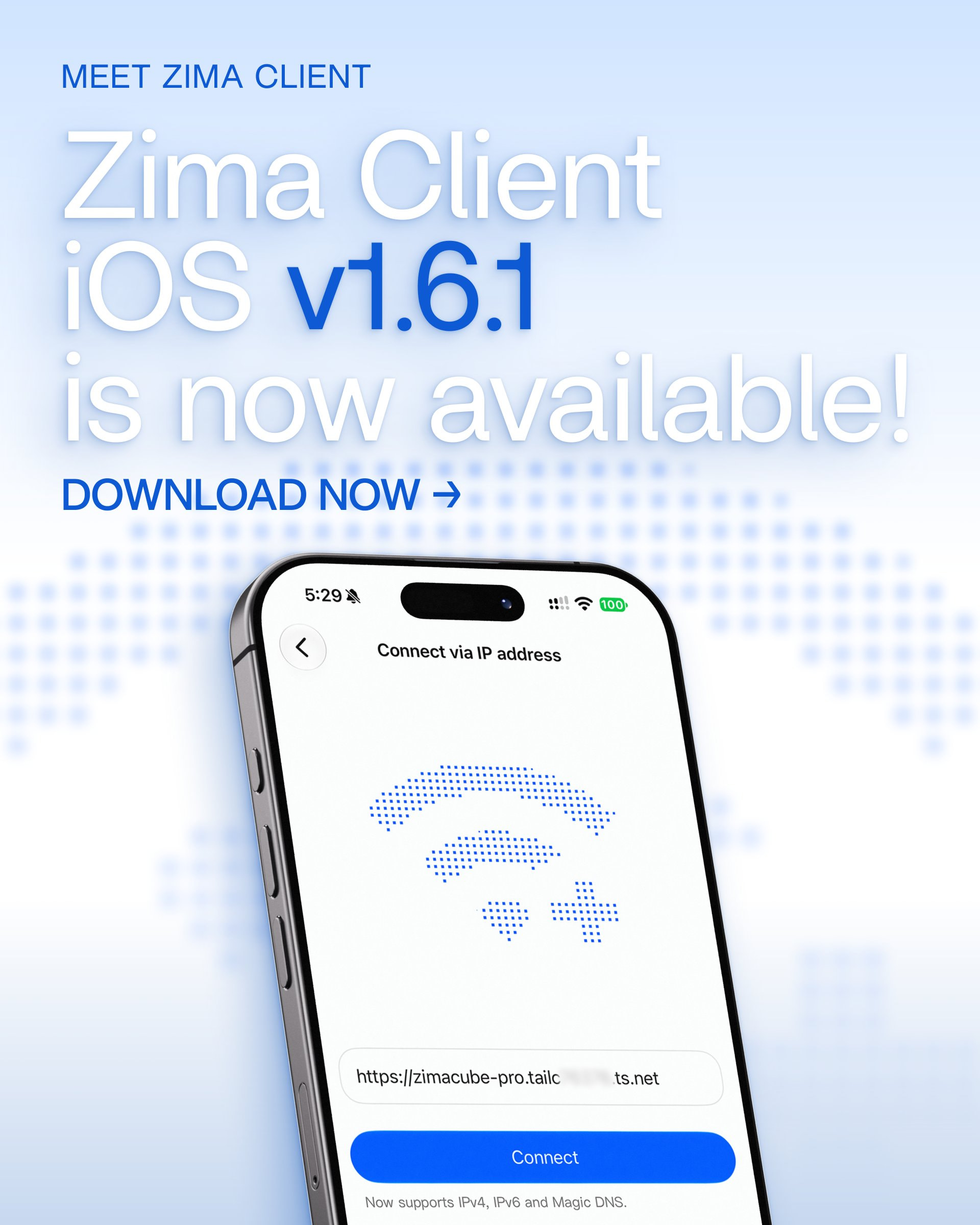
Zima Client iOS v1.6.1 is now available.
This update focuses on improving connection stability, file display, and app compatibility, along with fixes for several issues affecting everyday use.
 What’s New
 Manual connections now support domains and custom ports
In addition to IP addresses, you can now connect using a domain name and specify a custom port, giving you more flexibility across different network environments.
 More stable device reconnection and switching
We’ve improved the device reconnection and switching process. Connections should now recover more reliably when switching between Wi-Fi, mobile networks, or other network environments.
 Improved file list display
We’ve optimized file list refresh and display behavior, fixing some cases where files might not appear correctly or the list status could become inconsistent.
 Improved app list and icon display
Compatibility across different ZimaOS versions has been improved, addressing issues where app lists or icons could occasionally display incorrectly.
 More fixes and improvements
We also fixed issues related to long-press file previews, login, and several UI details to improve overall stability and usability.
Download Link
Download the latest Zima Client and ZimaOS from our website:
Download ZimaOS and Zima Client
Questions or Feedback?
 feedback@zimaos.com
 Contact @Zima-777Spider
As always, thank you for your feedback and support. Please continue sharing your suggestions and reporting any issues on the forum. We’re listening!
Sincerely,
IceWhale Team