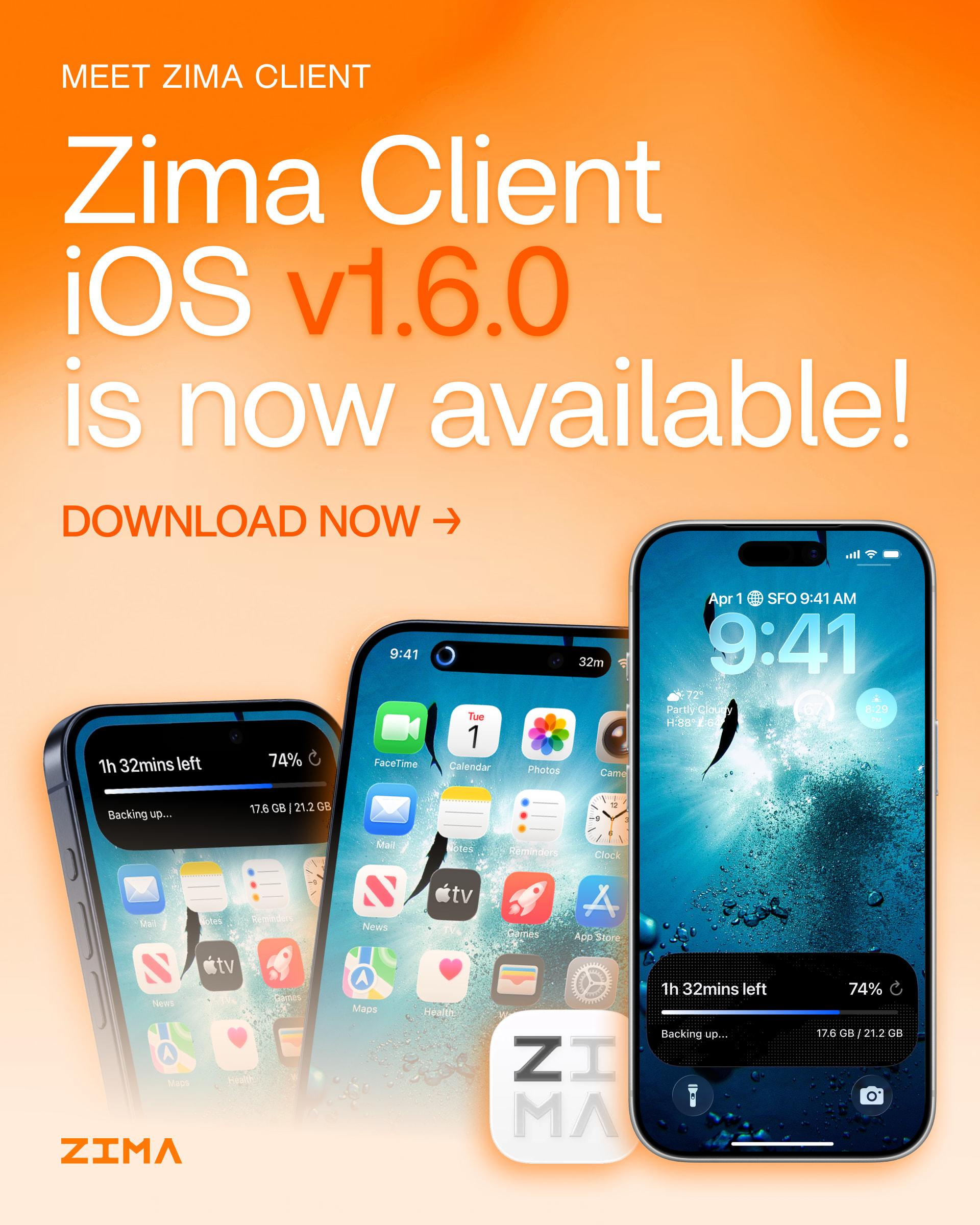
Zima Client iOS v1.6.0 Release Notes

This update brings a more reliable photo backup experience, full iPad support, improved video playback, encrypted folder access, and App Store management from your mobile device.

What’s New

:one: Photo backup progress on the Lock Screen and Dynamic Island

You can now check photo backup progress from the Lock Screen and Dynamic Island without reopening the app. Background photo backups are also more reliable.

:two: Full iPad support

File browsing, media previews, and photo backups have been optimized for larger screens, providing a smoother and more efficient experience on iPad.

:three: Improved video playback

Support has been added for more video formats, along with improved playback stability and better recovery when errors occur.

:four: Access encrypted folders from your mobile device

You can now enter your password directly in Zima Client to unlock and access encrypted folders.

:five: Manage apps directly from Zima Client

After upgrading your server to ZimaOS 1.7.0, you can browse, download, install, and update apps directly from your mobile device.
Download Link

Download the latest Zima Client and ZimaOS from our website:

Download ZimaOS and Zima Client

Questions or Feedback?

:e_mail: feedback@zimaos.com
:speech_balloon: Contact @Zima-777Spider

As always, thank you for your feedback and support. Please continue sharing your suggestions and reporting any issues on the forum. We’re listening!

Sincerely,
IceWhale Team
I updated the iOS client today and noticed that one of the major new features (app management) requires ZimaOS 1.7.0.

Unfortunately, I’m still running ZimaOS 1.6.2 because I encountered several issues with 1.7.0 and had to roll back.

From a user’s perspective, it feels disappointing to receive new client features that depend on a server version which is not yet stable enough for my environment.

I hope the remaining regressions in 1.7.x can be resolved soon, because I’d like to upgrade and use the new features with confidence.

1 Like

iPad Layout issues in Zima Client 1.6.0

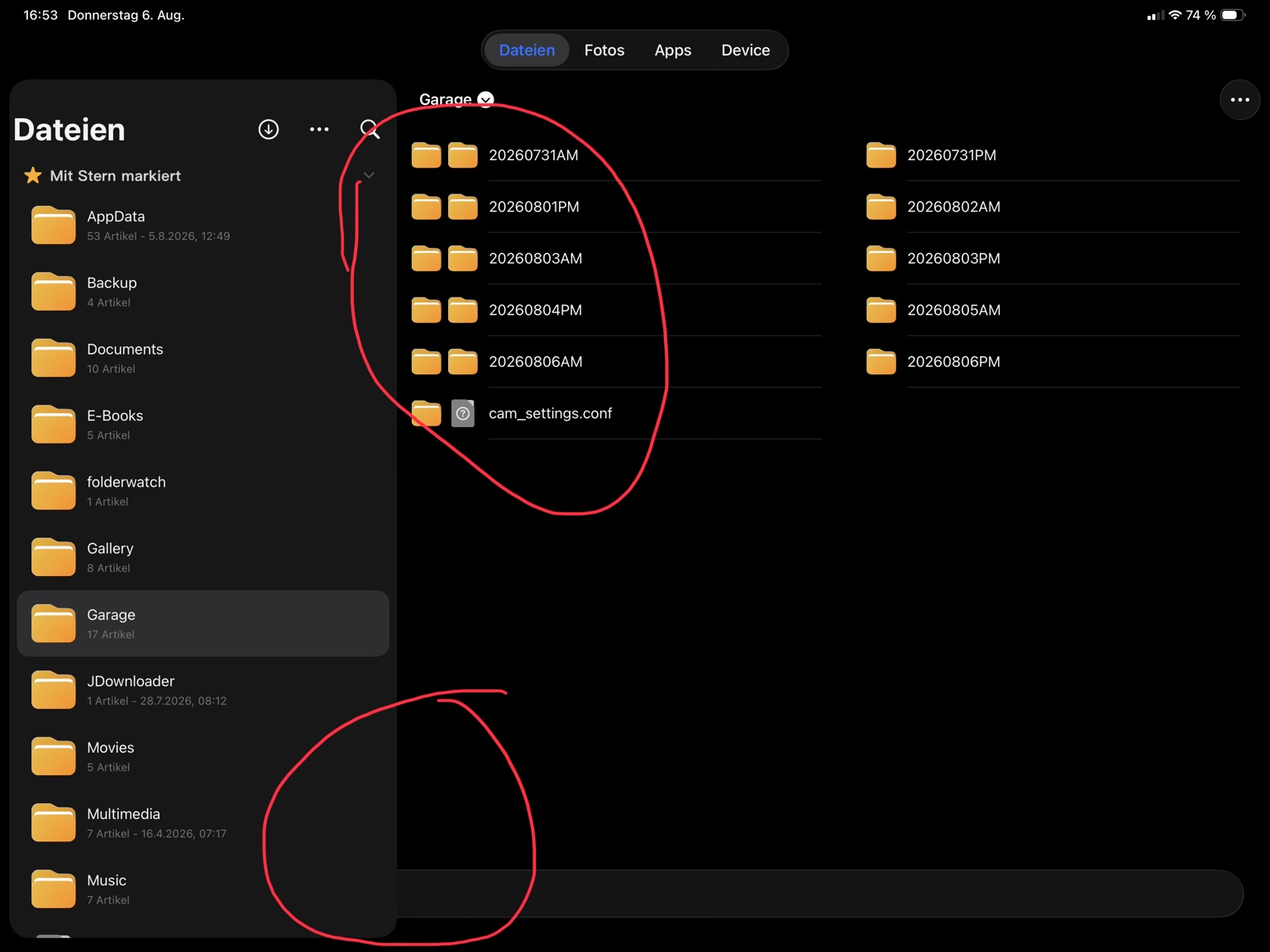
I found several layout problems on the iPad version of Zima Client 1.6.0.

  • In the file browser, some folders are displayed twice in the content area.

  • The left navigation panel overlaps the main content, leaving a large empty area at the bottom.

  • In some situations, after opening a folder, the content view overlaps the folder list. I could no longer select folders on the left because the content view was covering the navigation panel.

These layout issues make file browsing difficult on the iPad.

Since full iPad support is one of the main new features in this release, I think these layout issues should be reviewed and fixed.

I really like that iPad support has been added. That’s why I wanted to report these issues, because I think the experience can become much better once these layout problems are resolved.

Additional feedback about the iOS Zima Client

I also found two major limitations that significantly reduce the usefulness of the mobile app for my setup.

1. Reverse proxy support

I access my ZimaOS through a reverse proxy.

While I can browse files, I cannot open any Docker applications from the Zima Client because it always tries to use the internal server address instead of my reverse proxy URL.

I think the mobile app should support reverse proxy configurations, just like the web interface. Many users access their NAS remotely through a reverse proxy.

2. Internet Links (Web Links)

Internet Links cannot be opened from the Zima Client either.

Since these links are part of the dashboard, I expected them to work from the mobile app as well.

At the moment, this makes the mobile app much less useful for me because I cannot access either my Docker applications or my Internet Links.

I noticed something that might help identify the problem.

The built-in IceWhale Community shortcut opens correctly from the Zima Client.

However, none of my own Internet Links (Web Links) work.

This suggests that the feature itself is working, but there seems to be a difference between the built-in links provided by ZimaOS and the custom Internet Links created by the user.

Maybe they are handled differently internally.

This information might help narrow down the cause of the issue.

I hope both features can be supported in a future update.

General touch experience on iPad (Safari)

I have another usability suggestion regarding touch interaction in Safari on the iPad.

With the previous CasaOS interface, I could use the system comfortably with touch controls.

In ZimaOS, however, the interface often behaves as if I were using a mouse instead of a touchscreen.

For example, when I try to scroll across the desktop, the system frequently interprets my touch as the start of dragging an app icon instead of simply scrolling.

I think the touch interaction should be optimized for tablets.

A possible solution would be to require a long press before entering drag-and-drop mode, similar to how iPadOS handles moving app icons on the Home Screen.

That way:

  • A normal touch would open or interact with an app.

  • A swipe would always scroll the page.

  • Only a long press would start dragging and rearranging icons.

This would make ZimaOS much easier and more natural to use on touch devices.

Touch interaction issue in the Files app on iPad

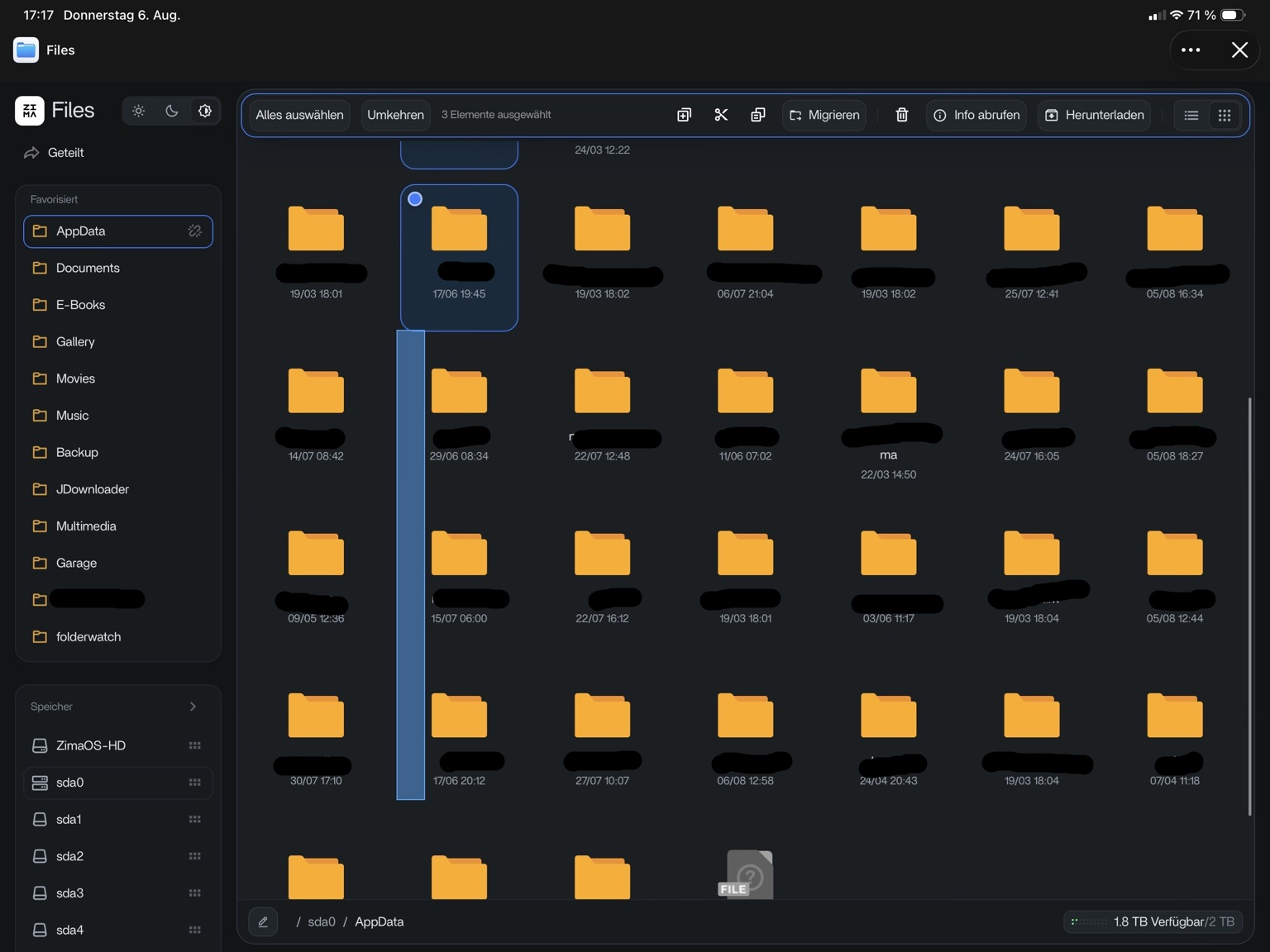
I attached a screenshot that demonstrates the problem.

When I try to scroll through folders with my finger, the Files app often enters selection mode instead of scrolling.

As a result, a blue selection rectangle appears and multiple folders become selected, even though I only wanted to navigate through the folder list.

This happens frequently and makes the Files app difficult to use on the iPad.

Since Zima Client now officially supports iPad, I think the touch interaction should be optimized. Scrolling with a finger should never unintentionally trigger multi-selection.

A better approach would be to reserve the selection rectangle for mouse or trackpad input, while finger gestures should prioritize smooth scrolling.