Today, we’re releasing the Zima Client Android v1.5.2. After a long period of development and refinement, the Android version now offers the same core features as the iOS version. We know many Android users have been waiting for this update and continuing to support us along the way. Thank you so much for your patience, understanding, and encouragement.
What’s New:
Brand-new UI design with Dark Mode support
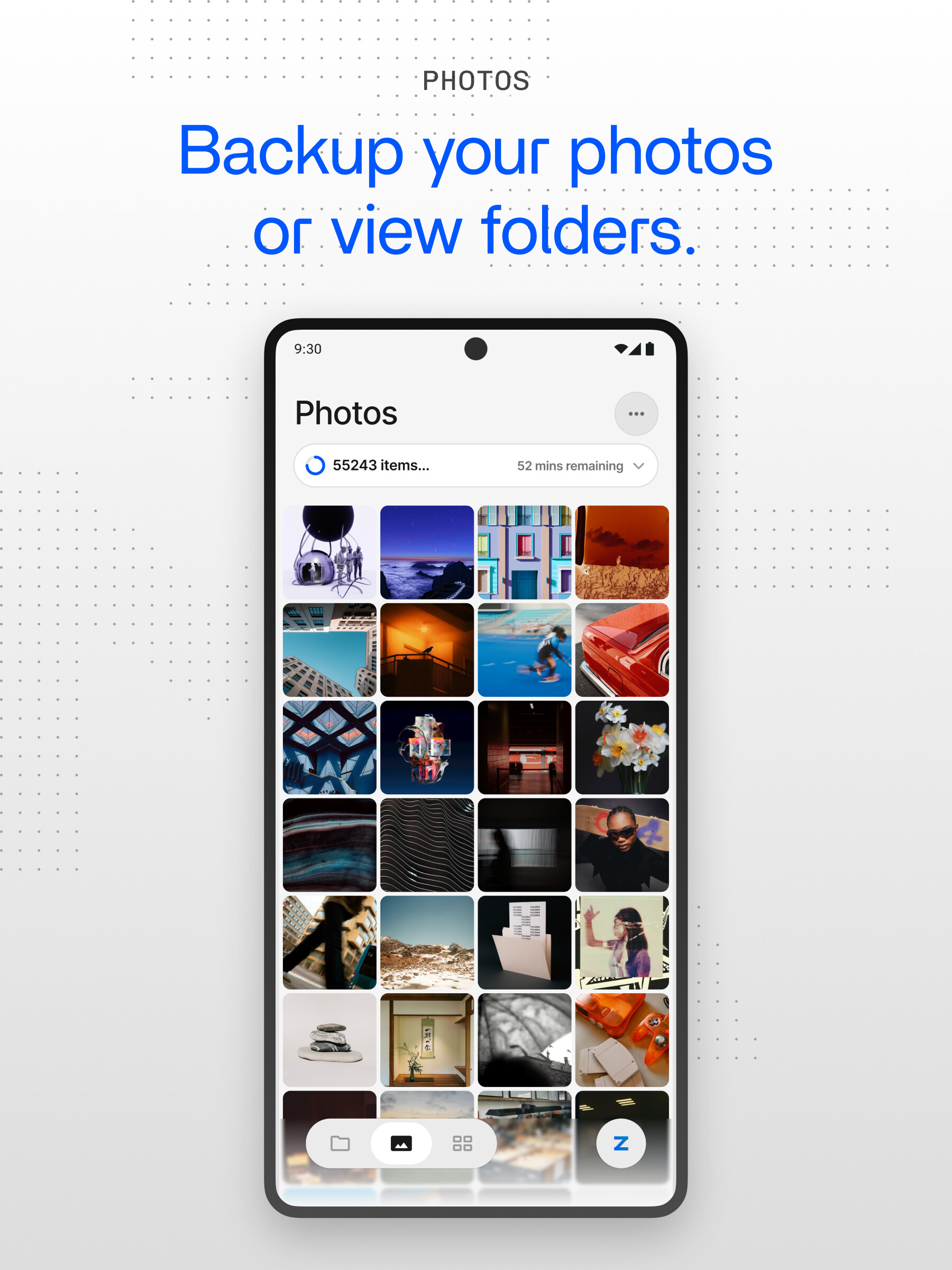
New Photos experience for photo sync and browsing
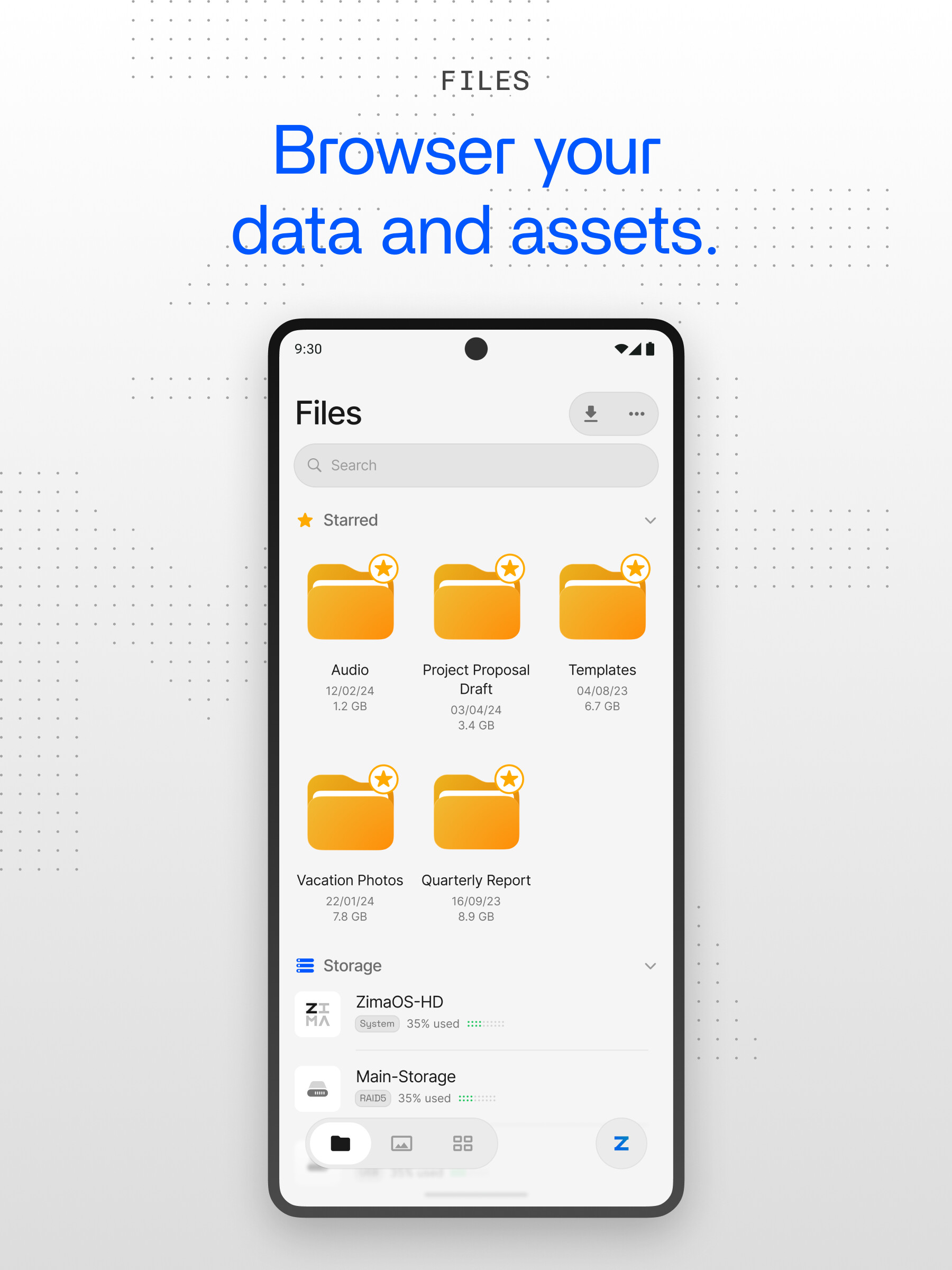
Improved Files experience with File Hub, search, preview, file actions.
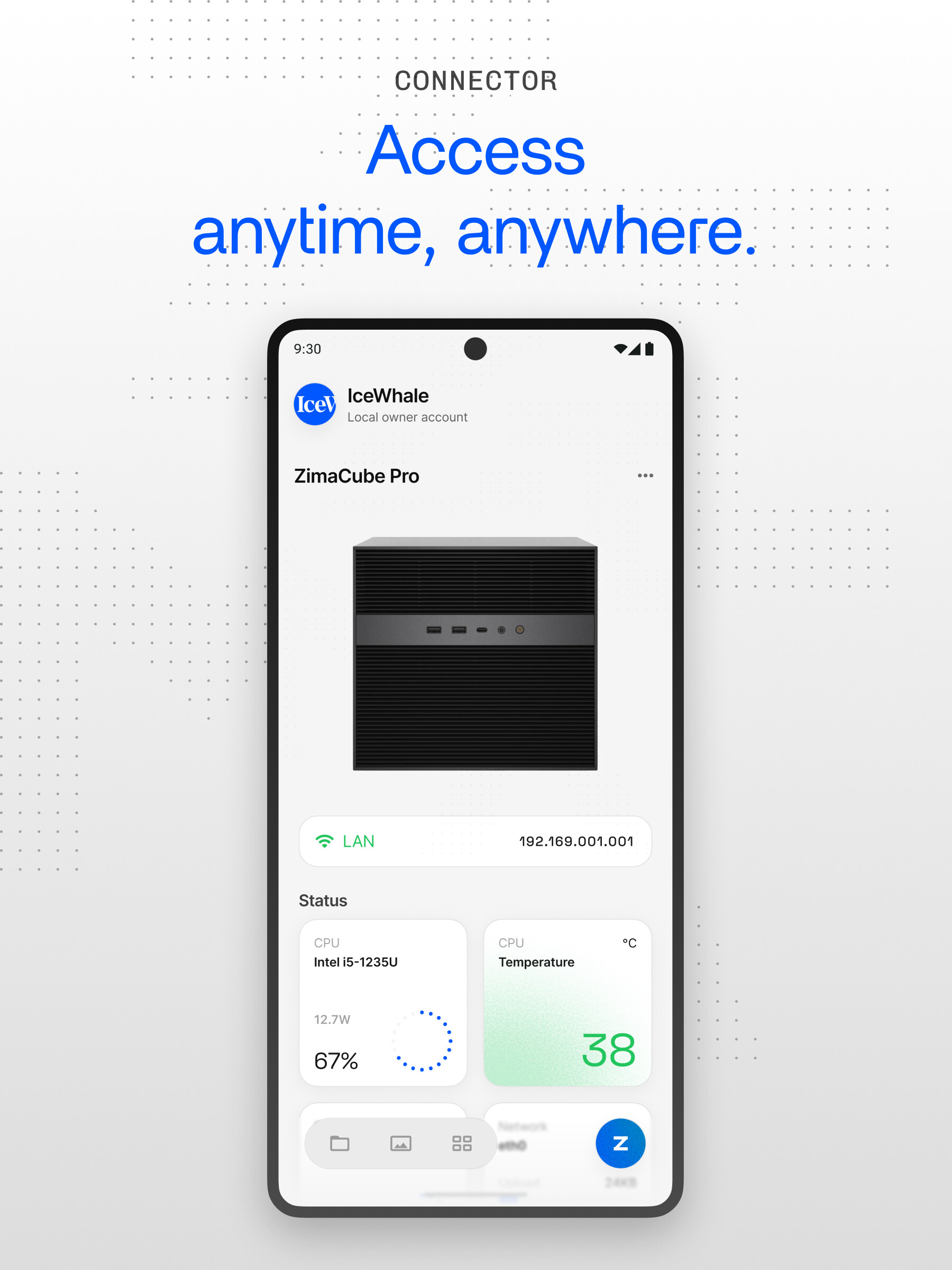
Upgraded connection options: local scan, Direct IP, Remote ID connection strategy
More complete device management, including multi-device switching, connection priority, restart, shutdown, and device removal
Improved Apps experience with Web App, app list, and offline cache support
As always, thank you for your feedback and support. Please co@Zima-777Spidertinue sharing your suggestions and reporting any issues on the forum—we’re listening!
Just installed and gave it a try and it looks very sleek compared to the last offering and is very responsive. Is their a way to change the CPU temp to the setting on the base system? (Webpage extension at ip has temp set in F and app is in C)
This is very minor and I am looking forward to exploring it more in the area of photo backup, I liked the way it was previously done but now looks even better!
Thank you very much for your feedback. In the next version, we will add an automatic switch button for Fahrenheit and Celsius to accommodate the display needs of different users. If you have any other suggestions or feedback, please feel free to leave me a message.
Hi everyone,
as I already said on the Discord channel, the new version is so, so much better. The slick design, the responsiveness, the usability, the features. There are improvements everywhere and in the most important places, too.
On that note, If I may. The only feature I think would be useful to many users, as it was to me at least, is the readout of temperatures for all the mounted drives. The WebUI already has it in its Storage section, and it was extremely helpful to me at one point, when I had, what turned out, a faulty hard drive, that started generating too much heat all of the sudden. Thanks to this feature alone, it caught my attention, and I was able to return the drive and receive a new one.
Anyway, if that wouldn’t be too much of a hassle, I’d love to have temperatures visible in the app, as well. Even tiny ones
The new version is fantastic. The backup features in these versions seem functional. I can’t wait to try it. It would be even better if it had the ability to back up documents along with photos. Maybe it already has that, I don’t know, because I haven’t looked into it in more detail. Thanks to everyone involved in this great work.
 feedback@zimaos.com
 Contact @Zima-777Spider