It would be useful to:
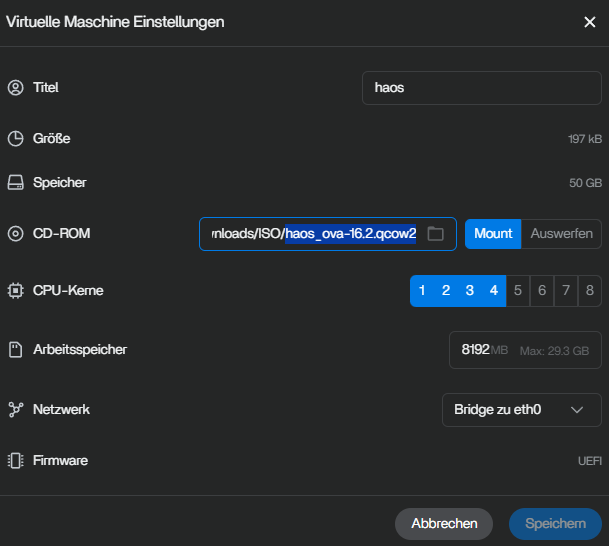
- be able to re-size (grow) the virtual disk
- add 2nd (or more virtual disks)
- automatically sutdown VM’s during host shutdown
- automatically start VM’s after host boots (customisable delayed start)
- add 2nd virtual NIC
Thanks.
It would be useful to:
Thanks.
maybe look into something like “virtio-9p” where you can mount / access a folder on zimeos storage through the vm layer of sorts… right not im trying to use nfs, but that does not work either as the guestOS can’t see the host OS.
Yeah, no way to access the host nas at all I noticed from the Windows 11 on the eth0 network. it can’t even ping the host zimaos by ip, it gets host is unreachable.
It would be nice to know in this screen the IP for systems on eth0
By knowing the IP be it Windows or Ubuntu so you can RDP, or whichever Linux distro so you can SSH in, it would save time.
I have ZimaOS installed on 2 devices; one is an 832 Zimaboard and the other is a Mini PC . I cannot find and way to get imput in ZVM. When I try to start the installation of anything inside the newly created VM I have no way of using the keyboard to get the installation started. I have tried Windows11 and Windows10 iso images downloaded through ZVM. I have also tried Linux Mint Mate and LMDE 7. When I get to the start of installation where I would press enter or tab there is no response inside the container. It’s not a HUGE deal to me as I can easily run VMs on Proxmox but I thought I would share some of my experiences trying to use ZVM. TY
Hi, thank you for an excellent piece of hardware.
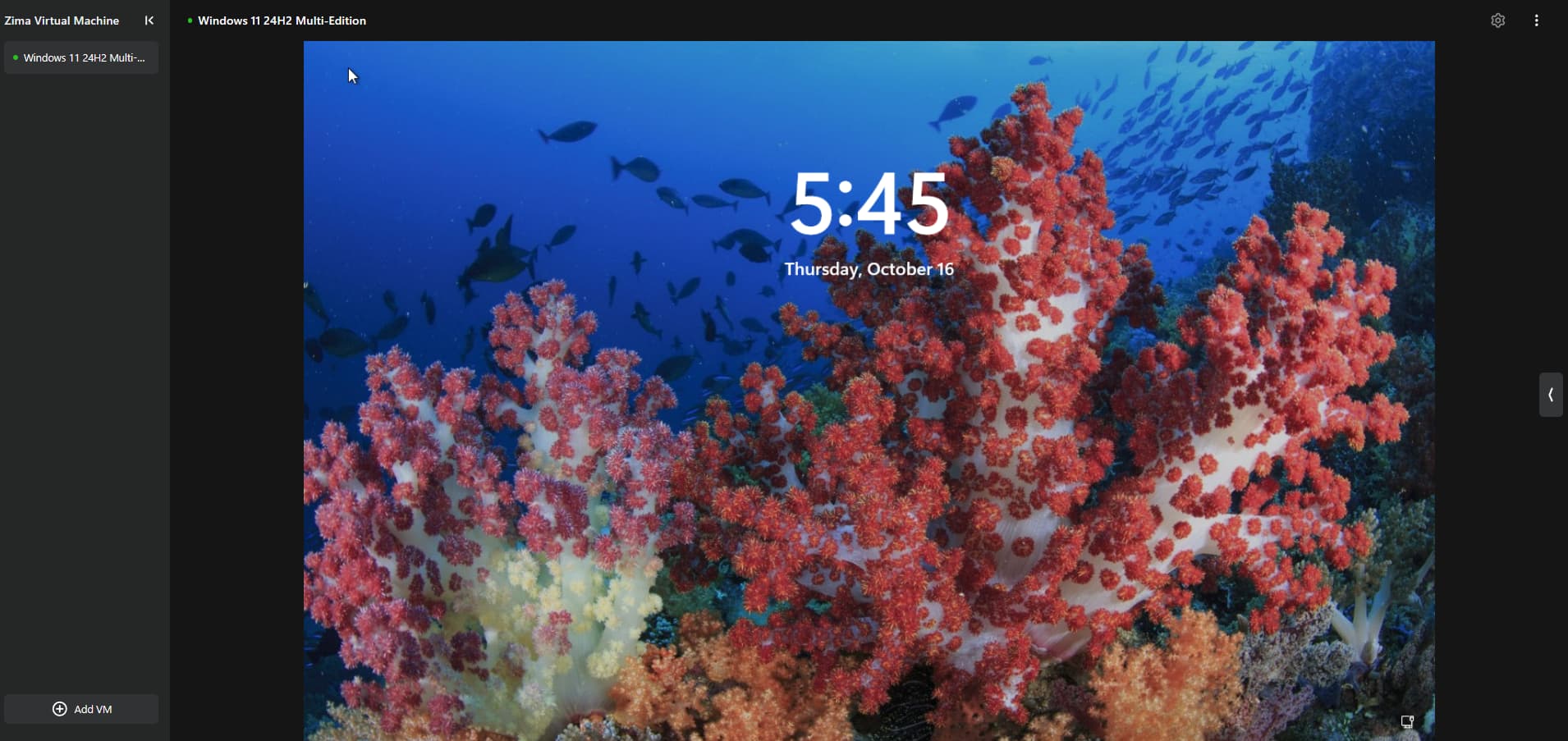
I was thinking of the pros and cons of buying a separate Zima Board 2 just mainly to use ZVM to run Windows 11. This in time would replace my aging Windows 11 laptop.
If was thinking of attaching an Oculink connector PCIe card to its slot and use my graphics card docking station I also got with my Kickstarter package.
Is the PCIe slot and USB ports passed through directly to the Windows 11 VM or do I need to perform a bit of magic first?
Many thanks for any help or advice.
Gavin Baker.
A community user from our DC server finds a way.
You need to join first to view the original post by clicking: IceWhale
Hope this is helpful.
Hi,
I’ve just started using ZimaOS and maybe missing some already existing functionality, but with ZVM it would be really helpfull to be able duplicate\copy existing VMs or at least be able to import it from copied file.
Because at the moment when I’m experimenting and creating\deleteing few VMs, or restoring from file, you need to use a trick when you create new VM from ISO, so that system create VM file and register it in ZVM vm list, so you can manually replase VM file with the one you want to recover at specific state.
Hello everyone,
HAOS is running stably in ZVM and all devices are connected and working fine. Frigate is installed as an app in ZimaOS and works flawlessly. I also installed the Frigate integration in HAOS via HACS, but the connection attempt fails. Both HAOS and Frigate are bridged through Eth1. Previously, when HAOS was running on DSM‑VMM, the integration worked without issues. Now, however, even connecting to the host via the HAOS CLI fails.
The background is that I have shut down DSM completely and migrated everything to ZimaOS. Everything works as expected except for this communication problem. In addition, I have recently installed a 2.5GbE NIC, which might also play a role in the current setup.
When I switch ZVM to NAT mode, I can reach Frigate from the HAOS CLI, but then HAOS ends up in a different network segment and the GUI is no longer accessible.
Has anyone managed to get Frigate and HAOS to communicate properly in this setup, and if so, what configuration or workaround did you use?
Thanks in advance for any hints or support!
Note: It would also be very helpful if VMs could start automatically after a host reboot.
Update:
I connected eth0 directly to the router and configured ZVM‑HAOS to use eth0. It works now, and both NICs are attached.