I keep getting this warning on the Frigate app on my Zimaboard2. My gratitude if someone can help me increase the SHM size.
I tried to change it using the built in environment variables settings that the Zima OS app settings provides, but it wasn’t injecting the setting at app startup. I had to download the yaml file, change the SHM size in the yaml and then reinstall using the new yaml. It should look like this:
/init
environment:
- shm_size=512mb
ZimaOS does not apply shm_size when set via environment variables, because it is not a standard ENV variable but a Docker runtime parameter.
That’s why it won’t be injected on container start.
The correct method is to download the YAML, modify it, and reinstall the app. For example:
  restart: unless-stopped
    security_opt:
      - no-new-privileges:true
    shm_size: "1073741824"
    volumes:
In ZimaOS, using the value in bytes (e.g. 1073741824 for 1GB) works reliably, while formats like 1gb may not be applied correctly.
This is important for apps like Plex, since the default /dev/shm (64MB) is too small and can cause performance issues during transcoding.
I’d like to know what version of ZimaOS you’re currently running. I’ve noticed that the size of /dev/shm in the current version of ZimaOS (1.5.4) is well over 64MB.
I’m on 1.5.4 now, but it was 1.5.2 I think when I set up Frigate and ran into this SHM error.
v1.6.0-beta2
Thank you to all that have replied. I can download the YAML. After re-installing how do you upload the YAML?
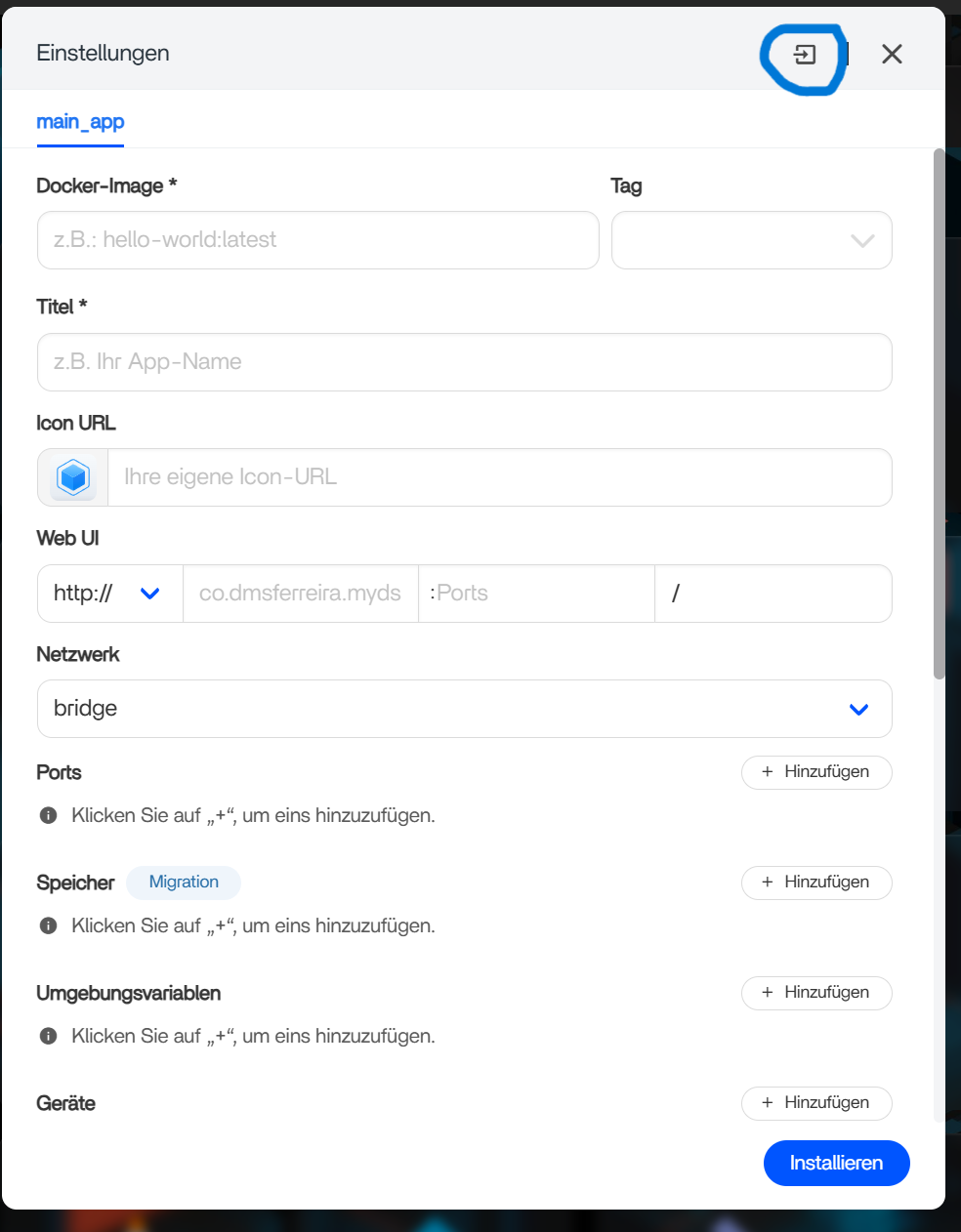
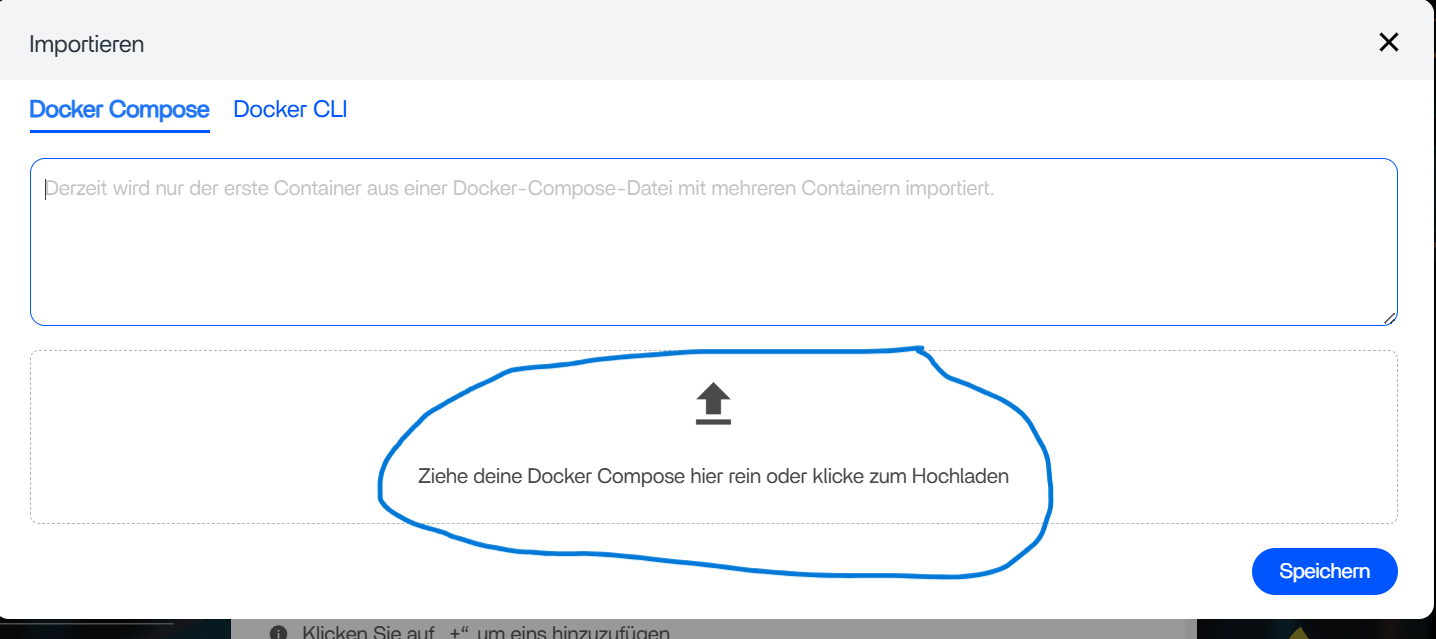
Thank you all very much for the support. I’m good to go!