Hello,
what VPN client possibilities does ZIMA OS have?
Could I run Wireguard as client? I only see server option?
Hi, both Wireguard and Tailscale are available in the App Store. Would you please try it? Look forward to your feedback.
How do I setup wireguard as client? I cannot find anyplace to upload config file for the client?
There is a built in VPN client for zima named Gluetun.
It does not however show up when one searches for VPN in appstore.
Guide.
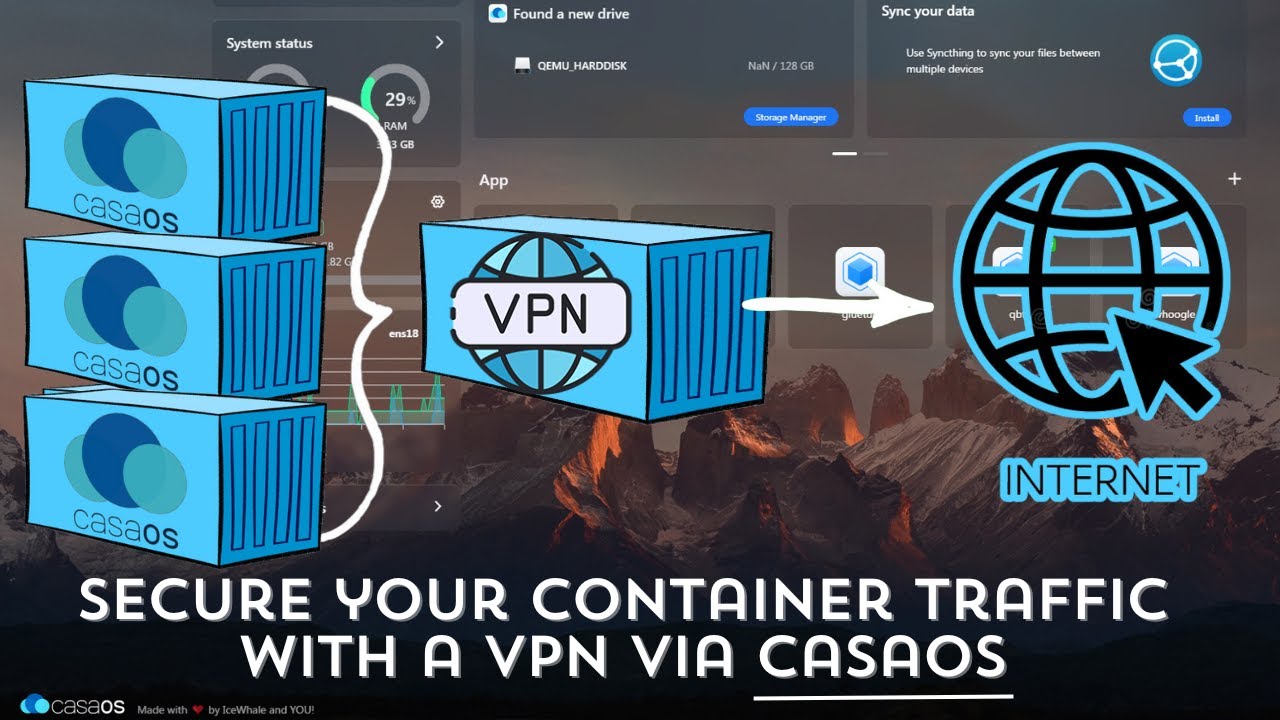
Ports in the app it self that needs to be tunneled threw VPN shall change it from bridge to
network_mode: container:gluetunRemember to remove the ports in the app that needs to be tunneled network setting since Gluetun will deal with this now. You have changed the Network interface to Gluetun interface.
Good morning,
I write to you because I am short of idea …
I have been trying for a while to configure Qbittorrent and Gluetun to have it transit by Nord VPN.
It seems to me that Gluetun is properly configured because the IP shown in the logs is indeed a Nord VPN server.
On the other hand, during my tests of qbittorrent with Ipleak.net, the IP remained that of my internet service provider. Despite the fact that QbitTorrent is configured on the “Gluetun” network. However, it seems to me to have followed the advice of the video “Deploy and Manage A VPN for your Docker Containers via Casaos!”.
And as soon as I touch the ports, I have conflicts and I can no longer access the qbt web UI.
I am sorry, I think that the solution must be rather simple but it is my first experience in the field of NAS.
My configuration :
Gluetun :
image docker: qmcgaw/gluetun
web ui :8080
bridge
8080:8080 tcp
6881:6881 tcp + udp
QBT:
no ports
network_mode: “service:gluetun”
no container name
Thank you in advance for your help!
It took me a while to find the solution; qBittorrent wasn’t using the Glueton network. To fix it, I created a custom app. Just use this gist with the Docker Compose I made, change your VPN server (in my case, I use NordVPN), and everything will work correctly.
When accessing qBittorrent via the URL (http://your-zimaos-ip:8181/), it will already use the VPN IP address.
4 Likes
Thank you so much for sharing this; I’m sure it will prevent other users from losing sanity points like I did. I’ve since switched to OpenMediaVault.
1 Like