When I try to power it on, I get the error:
Failed to connect socket to ‘/var/run/libvirt/virtlogd-sock’: No such file or directory

I’ve seen this issue before. It usually means the virtualization logging service isn’t running. The error about /var/run/libvirt/virtlogd-sock pops up when libvirt or its logging socket hasn’t started properly.
Most of the time it’s solved by making sure the virtlogd and libvirt services are enabled and running, then rebooting.
Once those are active, the missing socket gets created and the VMs can start normally.
Thanks,
Could you explain, how I can do this manually?
Run these commands on your ZimaOS shell
Make sure virtlogd service and socket are enabled and running
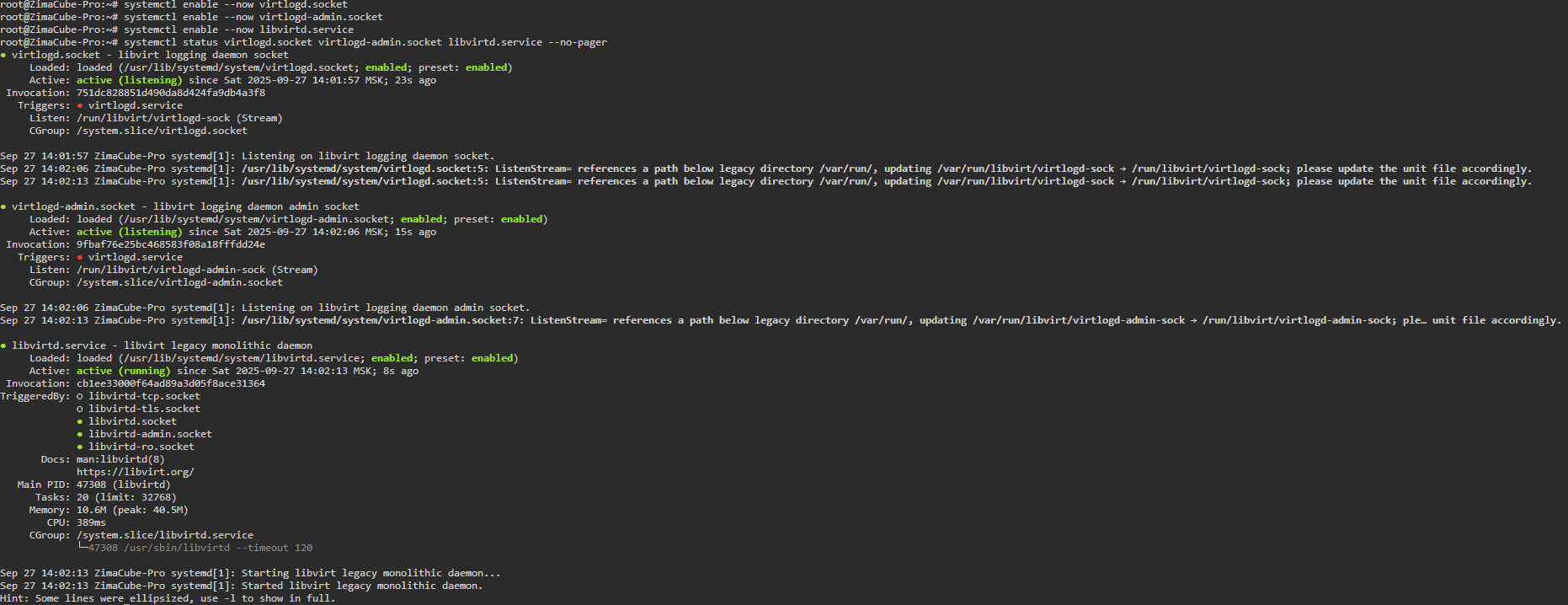
systemctl enable --now virtlogd.socket
systemctl enable --now virtlogd-admin.socket
systemctl enable --now libvirtd.service
Check their status
systemctl status virtlogd.socket virtlogd-admin.socket libvirtd.service --no-pager
Then refresh the VM page or try powering the VM again.
If the sockets still don’t appear (/var/run/libvirt/virtlogd-sock), reboot once after enabling those services:
Look at this post for reference.
I tried it, but it didn’t help.
After running thouse commands, the list of VMs is empty.
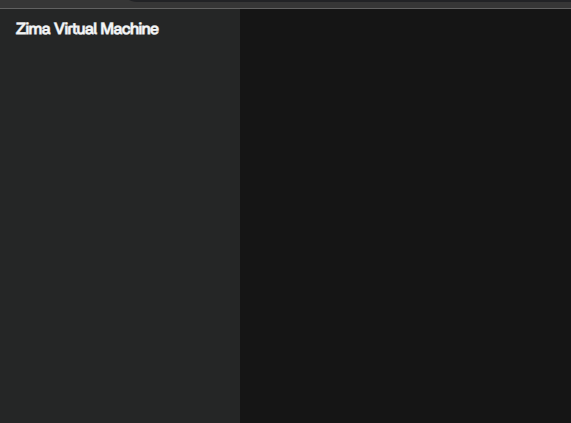
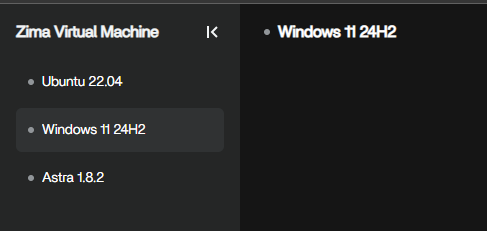
After rebooting, the list returns, but the error remains.


I realise now that I misunderstood your situation earlier. I assumed you were setting up your own libvirt environment or running ZimaOS inside Proxmox, but that’s not the case. You have ZimaOS 1.5 installed directly on the hardware and are using the built-in Zima Virtual Machine feature.
That changes things completely. This isn’t about building a manual libvirt setup or nesting ZimaOS. The problem is that the built-in VM manager in 1.5 can’t start VMs because it fails to connect to virtlogd. That suggests something broke or is missing in the VM module after the 1.5 upgrade rather than a user configuration issue.
Our earlier replies were based on the wrong assumption, so apologies for the confusion. The real next step is probably for IceWhale to look at the 1.5 VM package and either patch the libvirt/virtlogd setup or provide guidance on repairing the built-in virtualization stack.
1 Like
I’ve just set up the virtualization stack on my ZimaBlade running ZimaOS 1.5 (made sure KVM, libvirtd and virtlogd are all running, plus the default network and storage pool).
I’m now downloading a Windows 11 image through the built-in Zima Virtual Machine app to test if it launches correctly on a fresh 1.5 system.
I’ll post the results shortly once the download and install finish.
I’ve checked everything on my ZimaBlade running ZimaOS 1.5 and the virtualization stack itself is fine_ KVM, libvirtd and virtlogd are running, the default network is active, and the storage pool works. I can define and start a VM directly with virsh, so the base layer is functioning.
The built-in Zima Virtual Machine app still fails with “client socket is closed” and its management service shows no logs. The problem isn’t the host setup. It looks like the VM module in ZimaOS isn’t connecting properly to libvirt.
1 Like
Pro tip: GitHub - dockur/windows: Windows inside a Docker container.
You can run virtually any Windows flavor as a container natively in ZimaOS so you don’t even need to run it as a standalone ZVM. The only limitations I’ve found was with sharing NFS/SMB from the Windows container instance to the network, taking that aside is a real blessing from an efficiency standpoint.
1 Like
Thank you, but I prefer to use ZVM.
I can’t use kvm over ethernet due to secure connection from vm


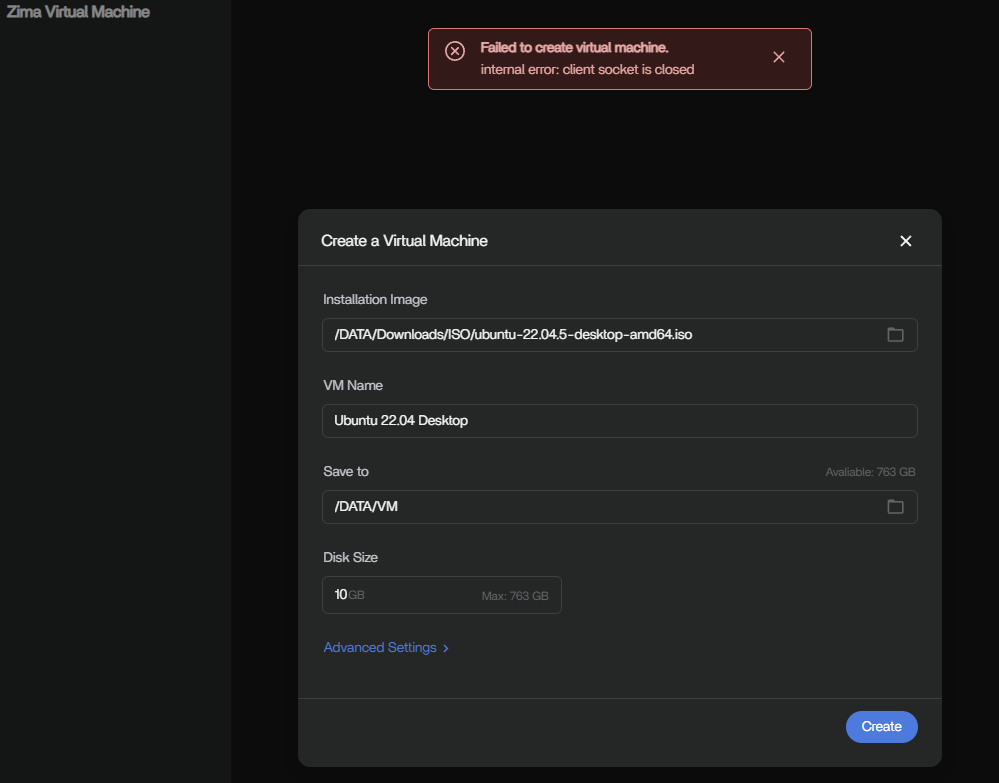
Only reset help’s me