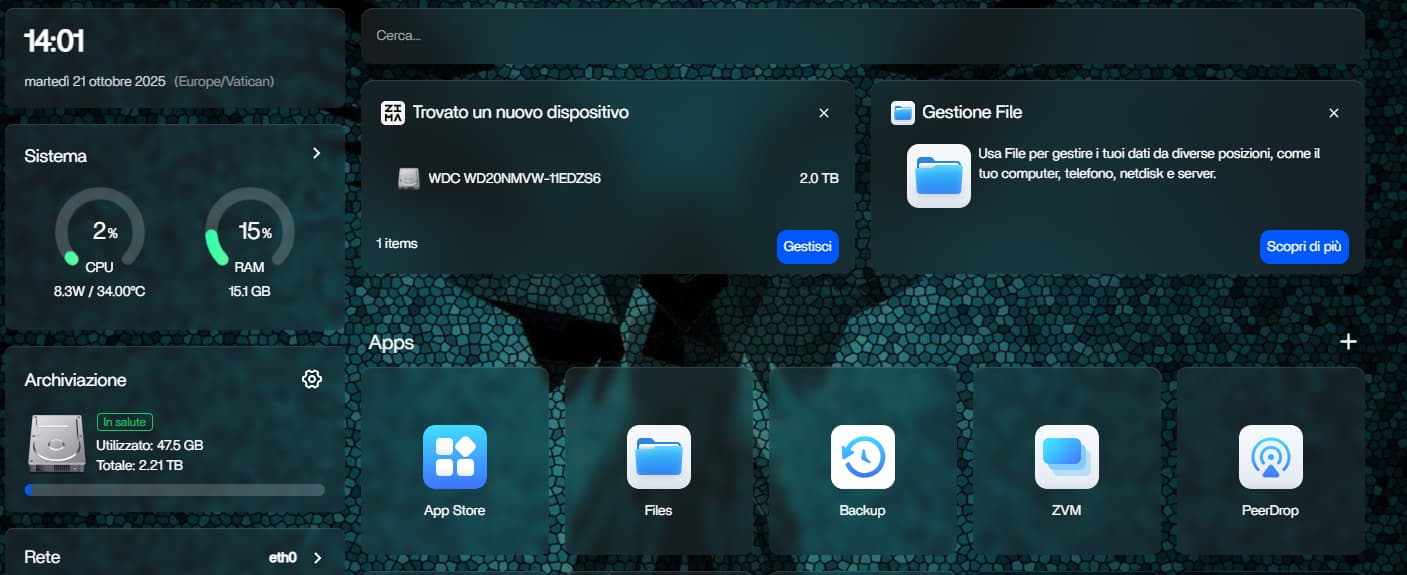
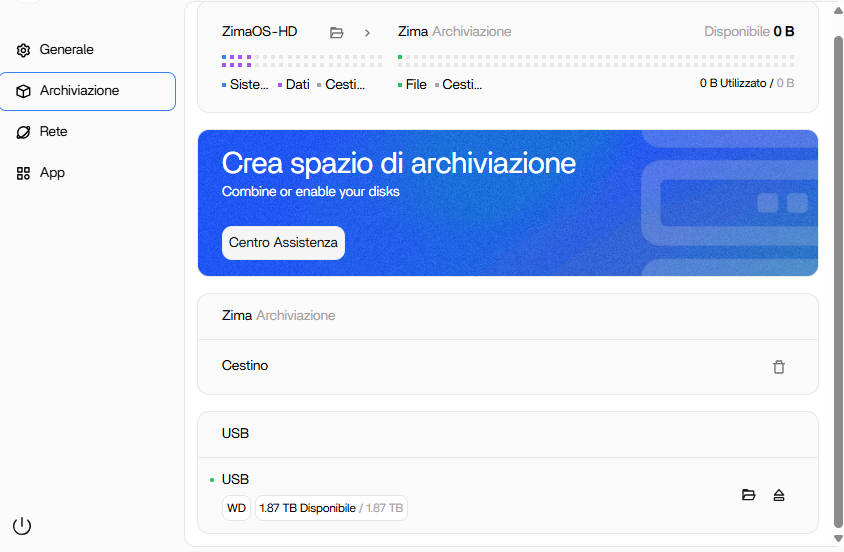
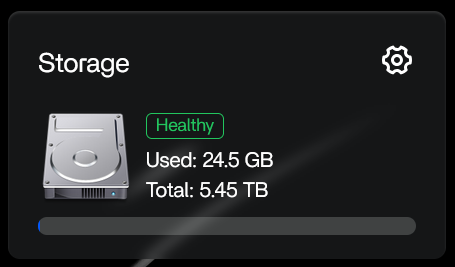
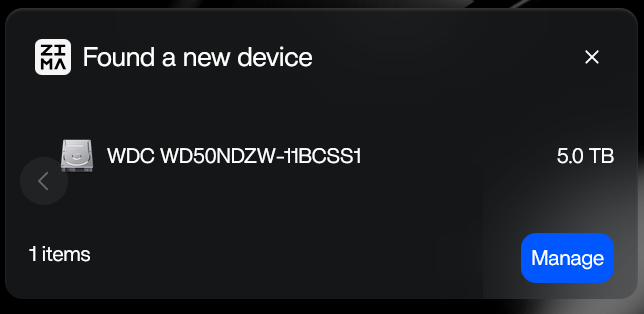
I have a minipc of HPE with Zima OS inside. I want to use an external USB 3.0 2Tb disk like storage for some container. (The System HD is a NVME of 256Gb) I connected it and the system recognize that there is a new device but when i click on it I cannot use it like storage. The system recognize it and say that there is 2Tb space on the system but i cannot use this space in any container and if I try with File App i cannot go inside the USB disk.
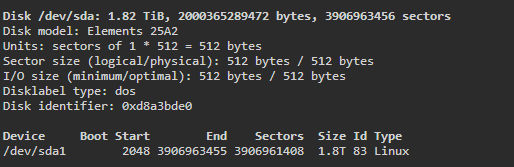
I tried to mount it manually from the terminal but same thing. What I’m doing wrong? I attach some screen from dashboard and terminal.
Hello thanks for the reply,
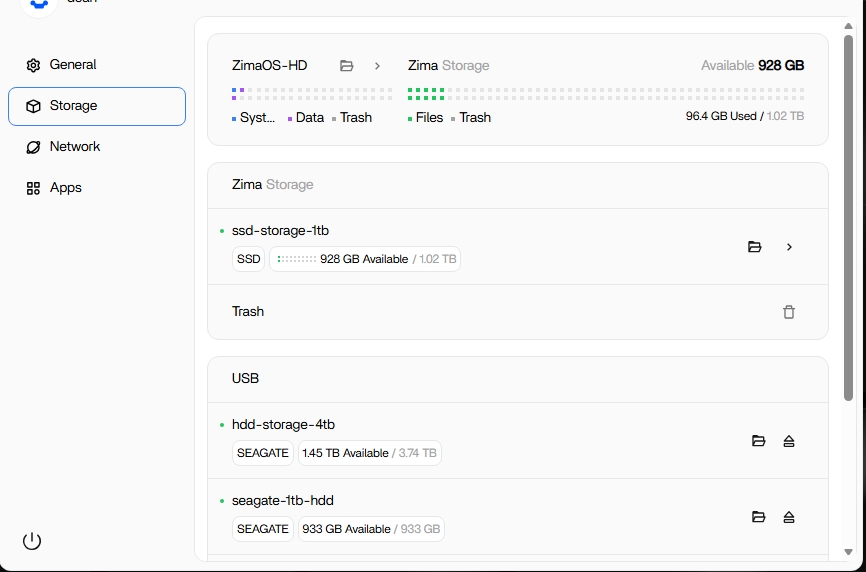
inside the storage tab I can see an attach USB disk, but if I click on the folder the system open file but immediately appears a popup with the error “storage not mounted”.
There is something off with your sector size. Ext4 defaults to 4096 byte sectors for systems 512 MiB and larger . What helped here was to Ext4 format and partition the disk using mini tool partition wizard under Windows keeping parameters default
I had the same issue and formatted the USB HDD with ext4 under DSM. After connecting it to ZimaOS, I was able to mount and access it directly. This should also be added to the developers’ to-do list.
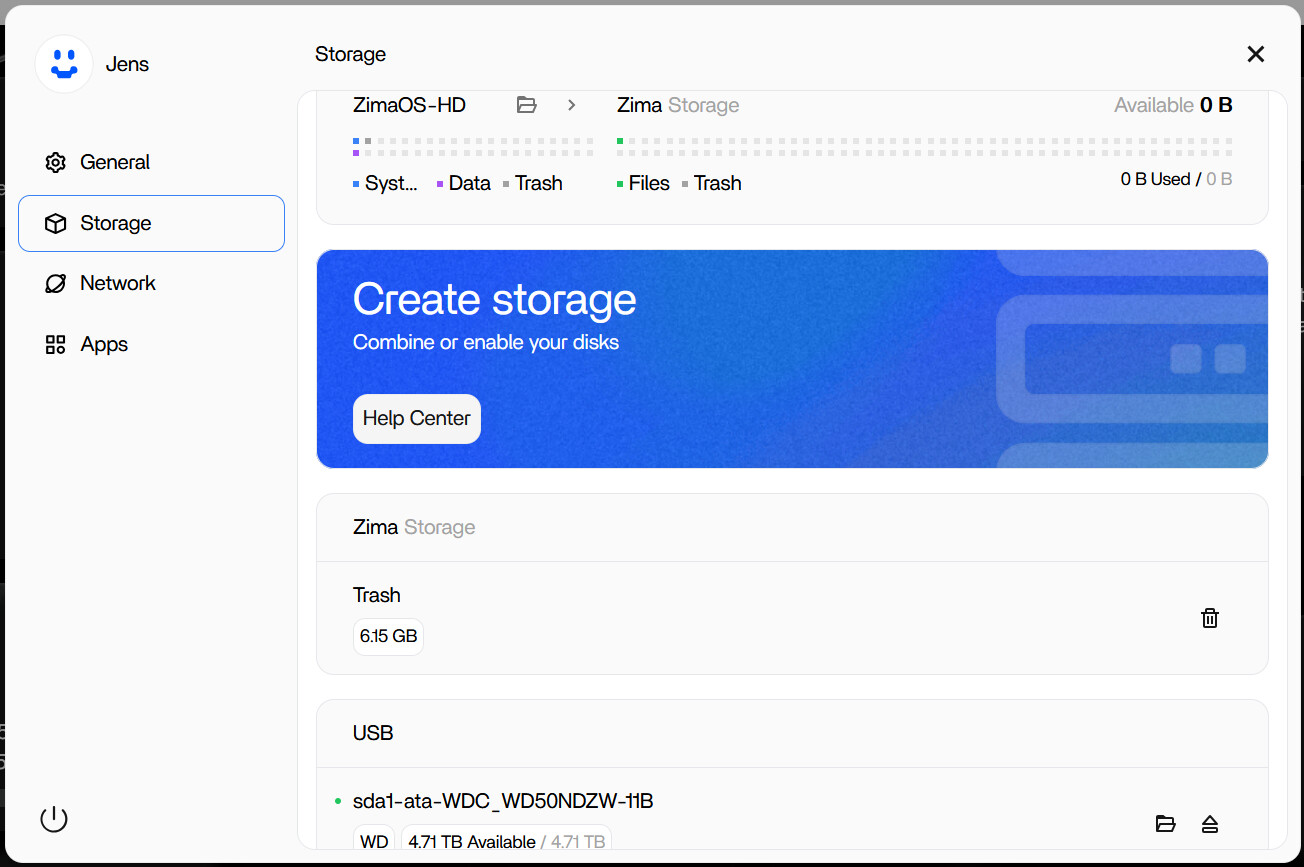
I have a nearly similar problem. The USB Drive can be seen in the same way like your screenshots. I also ca open the device with the folders app. i can store files on the drive manually. but the drive is always only “extern” i can`t use it for immich or the data of other apps running in containers.
I thought ZimaOS is the OS I need. I was on the way tu buy a license, but so it is for me useless. Maybe i am just to stupid, i mean i must be to stupid because i think so many people would use a usb drive als storage. so there must be an easy way to integrate the usb drive into the file strukture. ich just do not know the way. please can anyone help?
The drive is ext4.
I have a similar issue. I would like to utilize the same features found on the internal disks on the externally connected disks. Prior to about a week ago, my external HDD was working the same way my internal ones were by showing me the amount of storage occupied and free on the drive. I didn’t make any major changes, but the behavior of the USB connected drives reverted back some time ago.
I do know that it took some tinkering to get it to where the 4tb external drive appeared under Zima Storage, but I can’t recall how I achieved the behavior. I’d like to get it back that way.