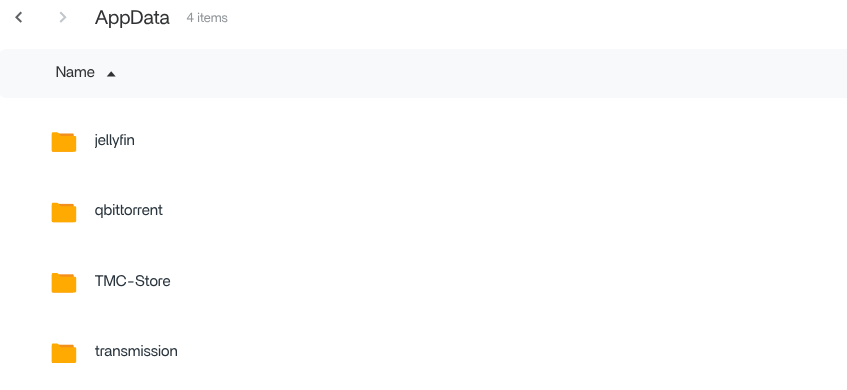
I am new to ZimaOS and everything had been running great until I just updated the OS yesterday.
After doing so, I found that my immich install no longer worked. So I thought, “fine, I just have iphone photos on it, I will reinstall it.”
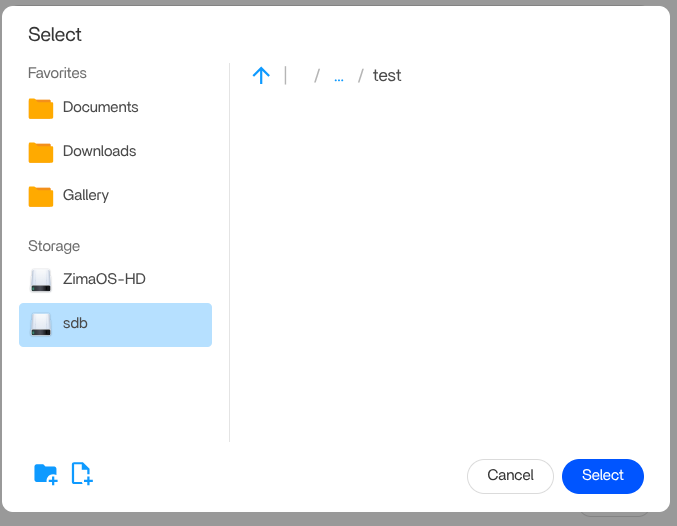
When I tried to do so, I discovered that I no longer can set custom directories in the settings of immich or any app install I now try. I can navigate to the directory I want to use, but when I try to press the blue “Select” button, nothing happens. The only thing I can do is hit Esc which cancels the whole app install.
Any ideas? I don’t wish to reinstall the whole OS after having set up as much as I have.
Yeah, I have discovered that I can still select folders or directories and the default ZimaOS drive, however another drive that I had been installing container services on is where I am having trouble, not being able to select any directory I make on it.
This other location is where I had immich installed previously. But now I can’t install ANY container app there.