Steps to recreate:
- Open a web browser and search for your ZimaOS server IP
- Open the file browser
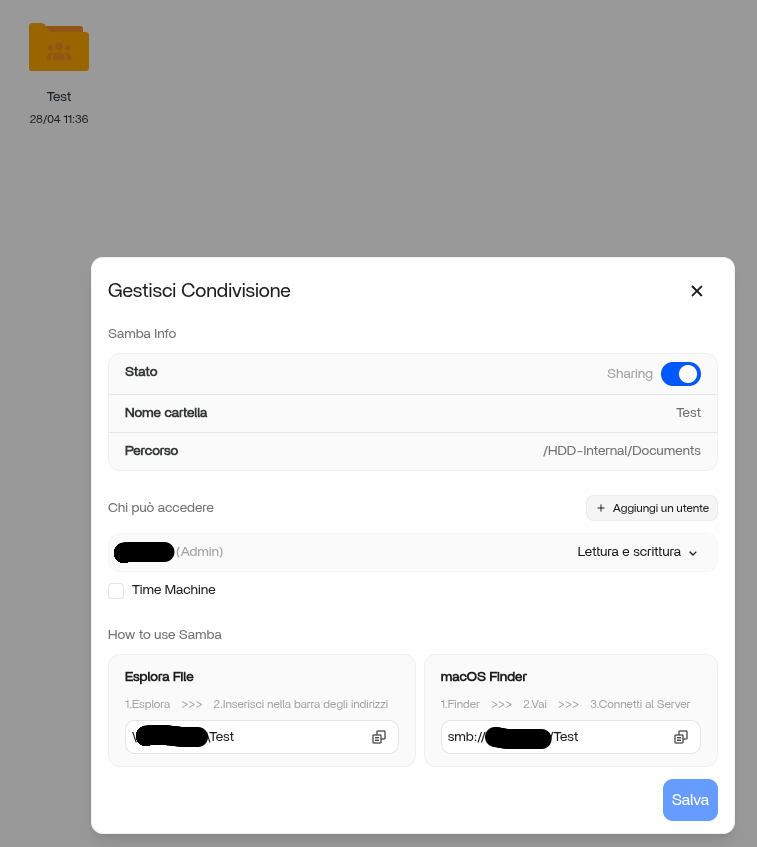
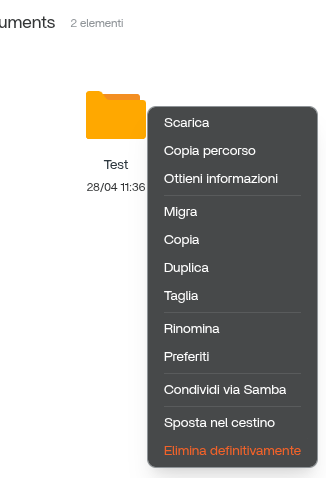
- Click on the three dots on the upper right corner of any file and then “Share via samba”
- Click “Create”
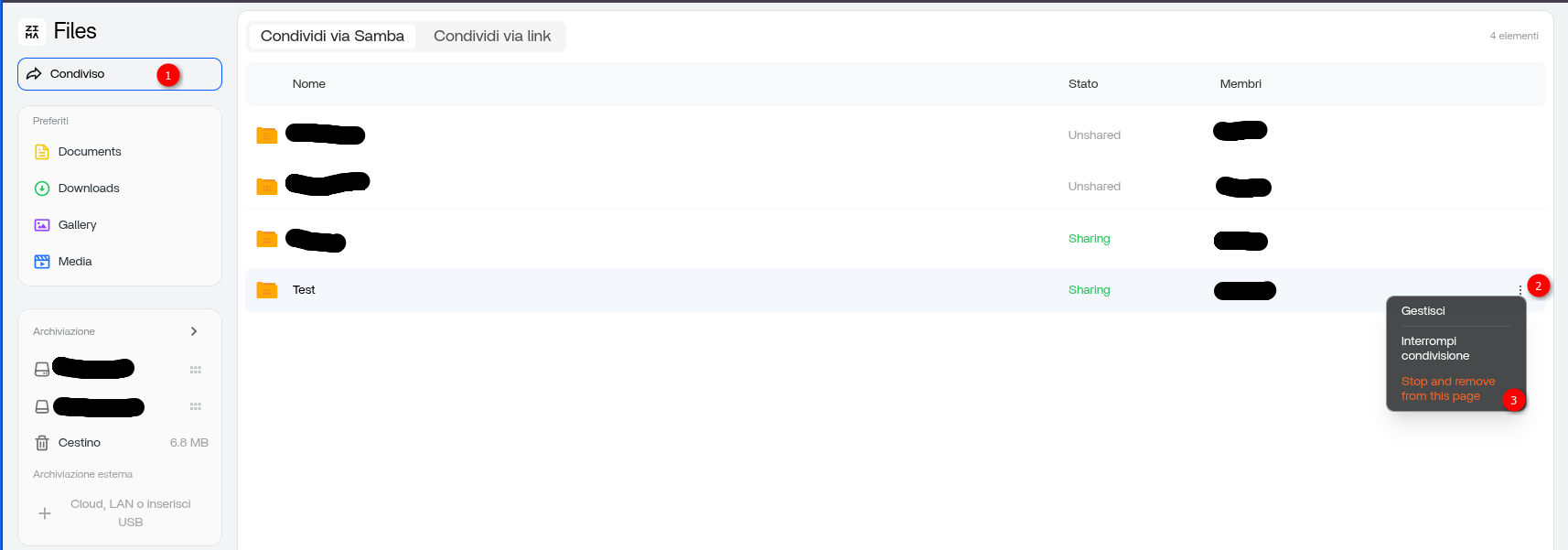
- Try to delete…
The option to delete is not there. No matter what I do, I cannot delete a file once it has been shared via samba.
This can also be a problem when I remove a drive that once had a samba share file. I am not able to share a file via samba if it has the same name as the file on the removed drive.
I have tried rebooting, and reinstalling ZimaOS. But the problem still exists.