Hello,
I have a BMAX B4 Turbo miniPC with ZimaOS 1.5.3.
A USB HDD is connected to the miniPC via USB.
I mounted the USB HDD to /DATA/usb-hdd.
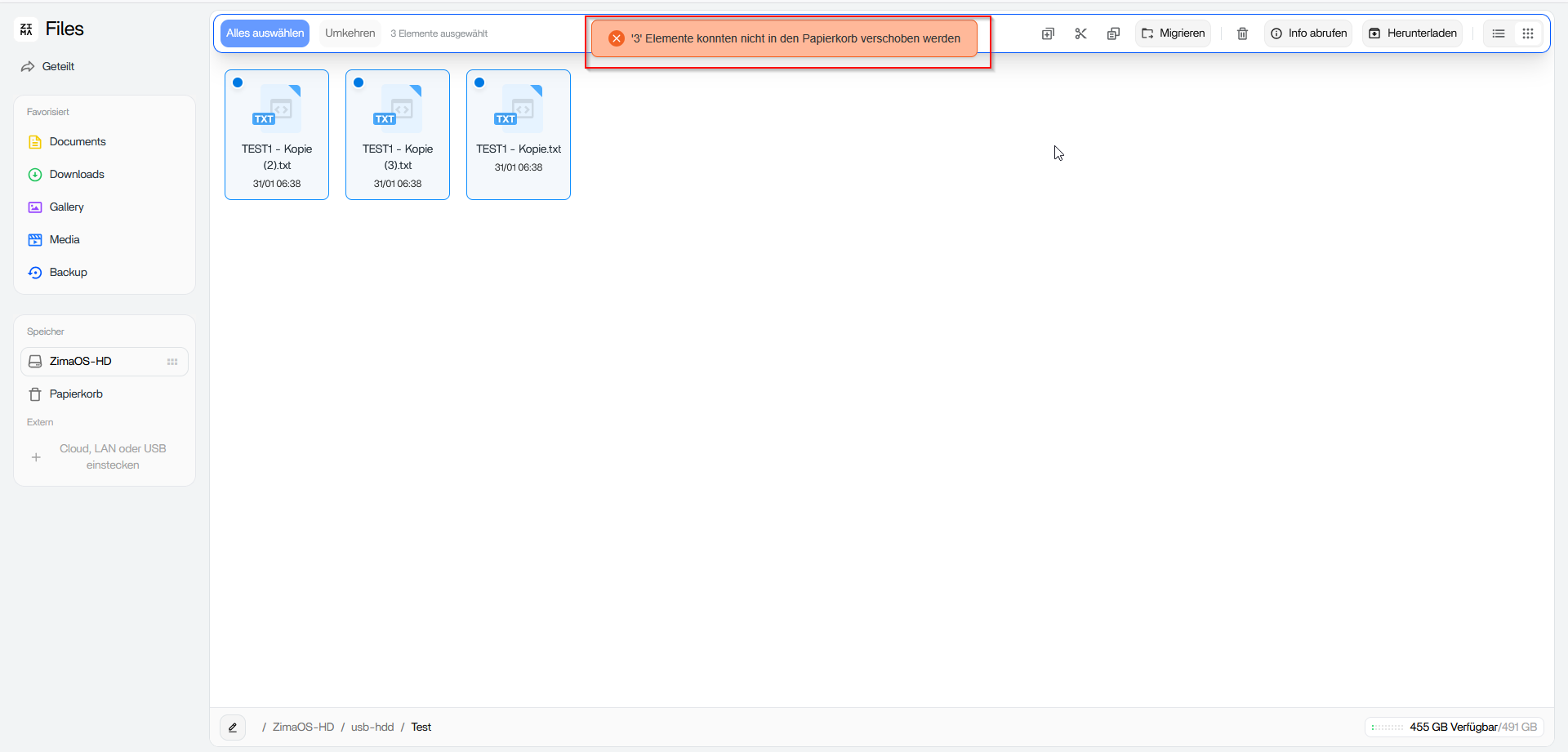
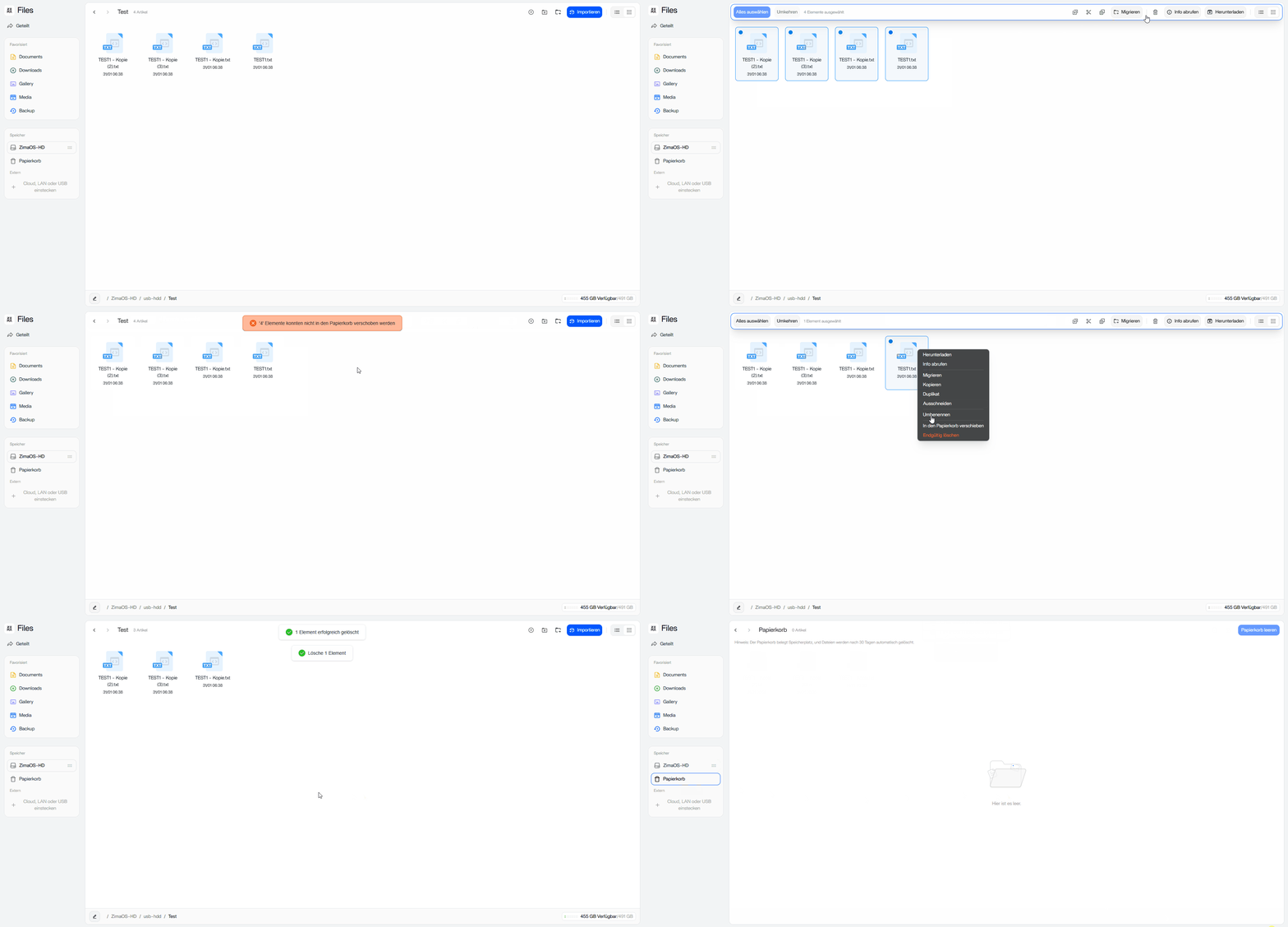
When I upload files to the USB HDD via the ZimaOS interface, I cannot delete them using the trash can icon when multiple files are selected.
However, permanently deleting individual files works.
This isn’t a permissions or disk issue.
In ZimaOS 1.5.3, the Files app has a limitation on external / non-system storage (USB, RAID, external disks) where multi-file “Move to Trash” fails silently. Selecting multiple files and clicking the trash icon simply does nothing.
Single-file permanent delete works, which confirms the drive is mounted read/write and ownership is fine. The issue is in the Files app trash handling, not the filesystem.
Workarounds for now:
- Use permanent delete for bulk removals
- Or delete via SSH/terminal
Until this is fixed in a future update, multi-file delete via the trash icon on external storage is unreliable.