I am noob and I had a nightmare with this simple thing, so I’m just sharing how I solved this problem
It may sound so simple and stupid for advanced users but this is for noobs like me
I had some apps like Immich and Syncthing I wanted my ZimaOS device to access and I couldn’t
Why I couldn’t?
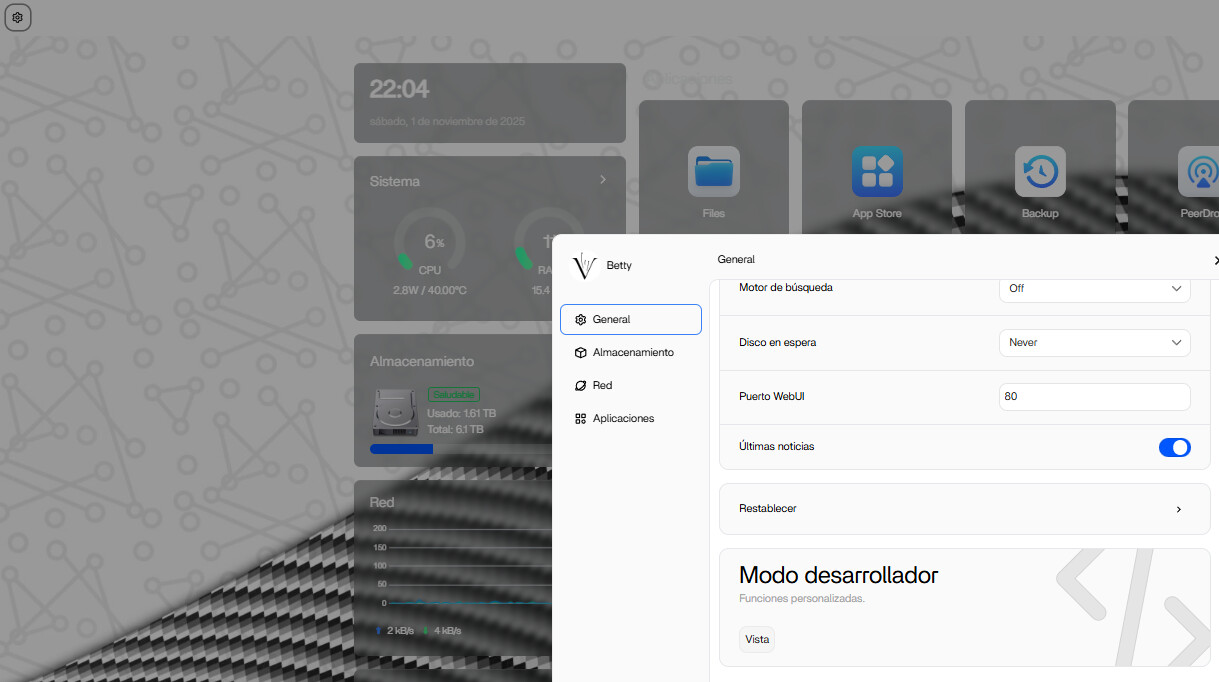
It is simple, the directory the NVME and HDD had on the “files” app doesn’t match the real location of the storage device
SET THE REAL FILE LOCATION FOR THE APP
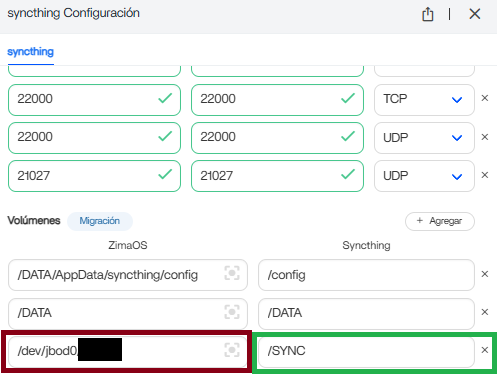
In Volumes you can see you have 2 columns, ok so the column on the left means the original location and the column of the right is the location that the app you are using will recognize
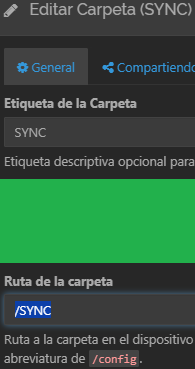
If the app asks you about a directory you have to put the - GREEN - Directory
if the green directory has a subdirectory you can access to it by for example /SYNC/SubdirectoryFolderName
I believe there’s an important correction. Pointing apps to raw mount paths under /mnt/<uuid> is not recommended. I suggest avoiding this because those paths can change after reboot, disk refresh, or pool rebuild. They also bypass the ZimaOS storage layer, which may cause the app to lose access, create permission issues, or break backup/restore.
I suggest always mapping storage from the ZimaOS pool instead, for example:
/DATA/Media
/DATA/AppData/<app>
So rather than redirecting apps to /mnt/..., use /DATA/... for stable, expected behaviour.
i know its been almost a year but could explain a bit more? im struggling hard the similar with immich and im not getting very far.
you said not to us the /mnt/ directory for this because it can change. however neither of his two drives listed in the results use the /mnt/ they use var and dev.
and im just frankly new and unaware DATA points to. is that a beginning point for every possible path? if i have an external drive named DAS and a internal Drive nammed ZimaOS is DATA some framework they both sit on?
also you used /DATA/AppData/ as an example is just short for whatever applications you want to direct it to?
finally im not 100 percent what the green portion of the mount point is. he said it was the SHORTCUT. but im not exactly sure what shortcut he means.
im totally new im slamming my head against this brick wall just trying to get a image storage thing up for my wife because she loves taking pictures. id appreciate any help you could offer thanks.
His correction was because at the first part of the post I show the mount points, new zimaOS updates let you do this much easier but anyways if you have any troubles ping me on the zima discord, im @rednumbers it will be easier and faster at discord