Hello
I have a new ZimaOS installed on a MiniPc with some external USB Disks.
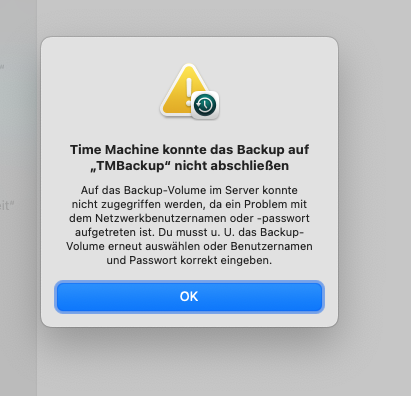
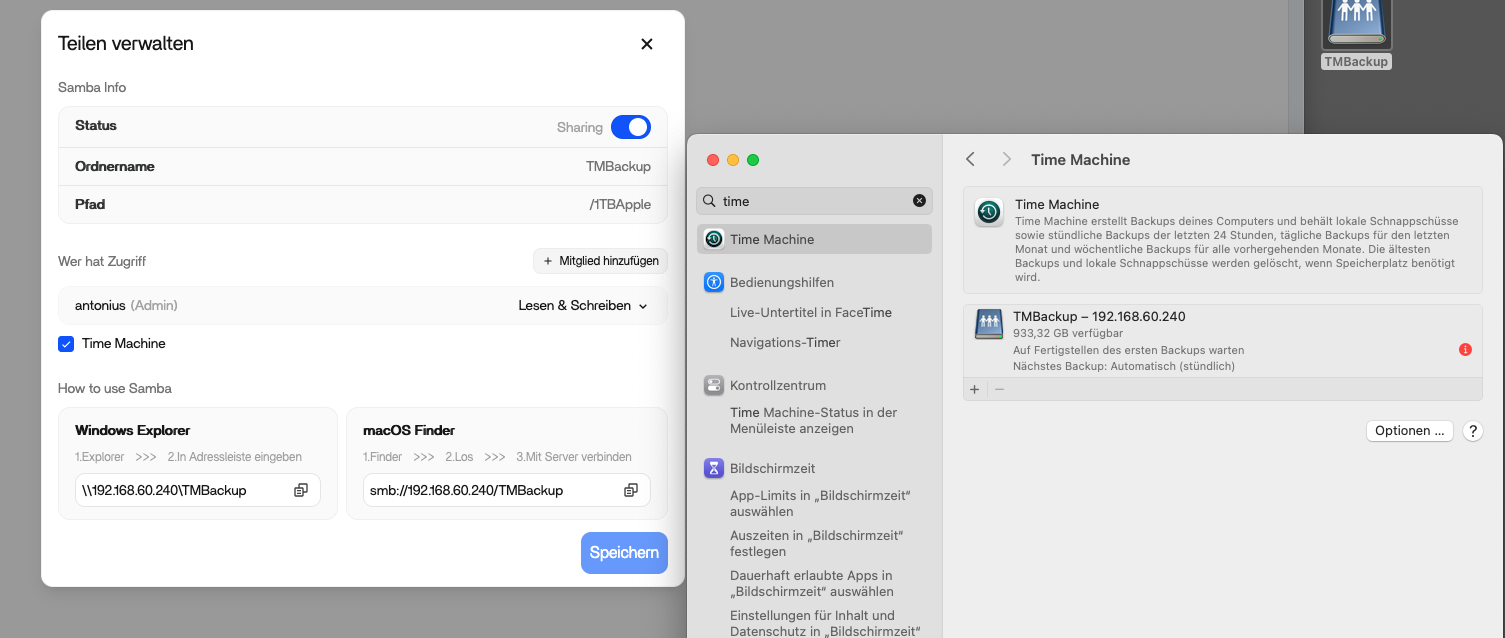
I did follow the Guide on how to setup a Share for Time Machine but my Mac returns a error every time I try to start the initial backup. I can acces the share, create Folders and Files over the Network but TM keeps failing. Even reformated the USB Drive with ext4 twice.
The error message says something about wrong username and password but I double checked this as well….
How to get that to work as intended ? Any help appreciated
Hello,
The TimeMachine under ZimaOS is a very alleviating science. I renamed my MBP in accent (because I’m French) and without emoji, my TM only worked once as a result.
I think it’s a user rights issue that ZimaOS doesn’t know how to handle too well, or simply forgetting at each reboot…
yes I did see your Previous Post about having : in your Name, however mine is MBP_Antonius so I dont think its the name that causes trouble.
Plus I come from UmbrelOS and Unraid and on both systems TM did work with the exact same hardware
I’m having the same issue exactly. My machine sees the ZimaOS share, and I can connect to it, and create/rename/delete files in the share. However, although I can add it as a Time Machine destination, any attempt to run a backup results in the authentication error shown above. My ZimaOS installation is running under Proxmox.
How can I debug this?
Thanks,
tim
All I can say is my other mac does backup with tm onto the zima share, my laptop refuses but it doesnt backup on other windows shares as well (not zima hosted). I couldnt find out whats wrong with my timemaschine on that system. so for now I am using a 3rd party backup software (carbon copy cloner) for that system