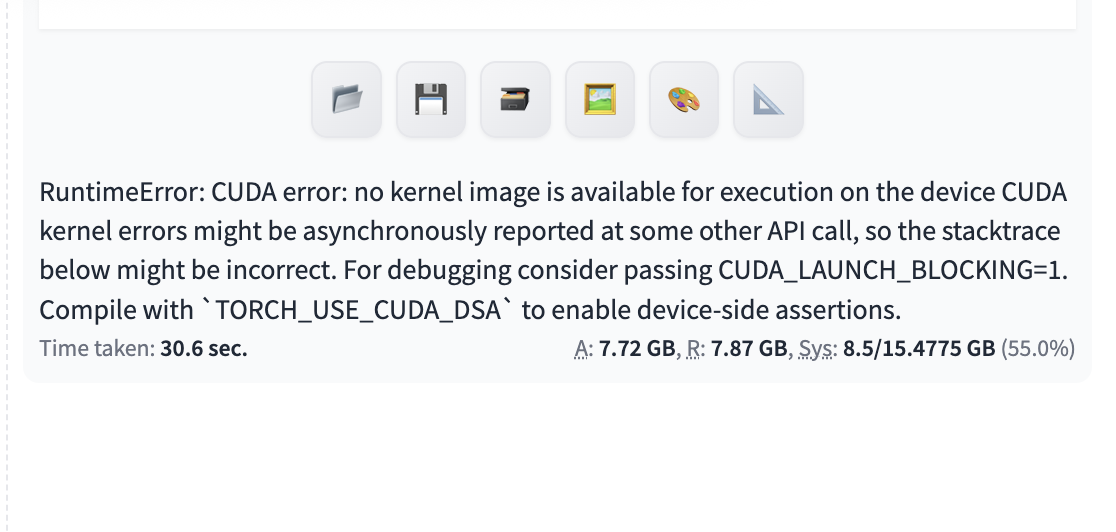
does anybody have the same problem? can somebody help me please?
Yeah I’ve seen this one before, it’s a bit confusing at first.
Since your GPU is already working with Ollama and OpenWebUI, that basically rules out ZimaOS, drivers, and the GPU dock. So you’re not dealing with a hardware or passthrough problem.
That CUDA error usually comes from the Stable Diffusion side using an older PyTorch/CUDA build that doesn’t support the newer GPU architecture yet. In simple terms, the container can “see” the GPU, but doesn’t have the right compiled kernels to actually use it.
So nothing you’re doing wrong here, it’s just the image being a bit behind.
If you can share which Stable Diffusion app or Docker image you’re running, we can narrow it down pretty quickly and point you to one that works with newer cards
i just installed stable diffusion by clicking on the try now on zimaos…
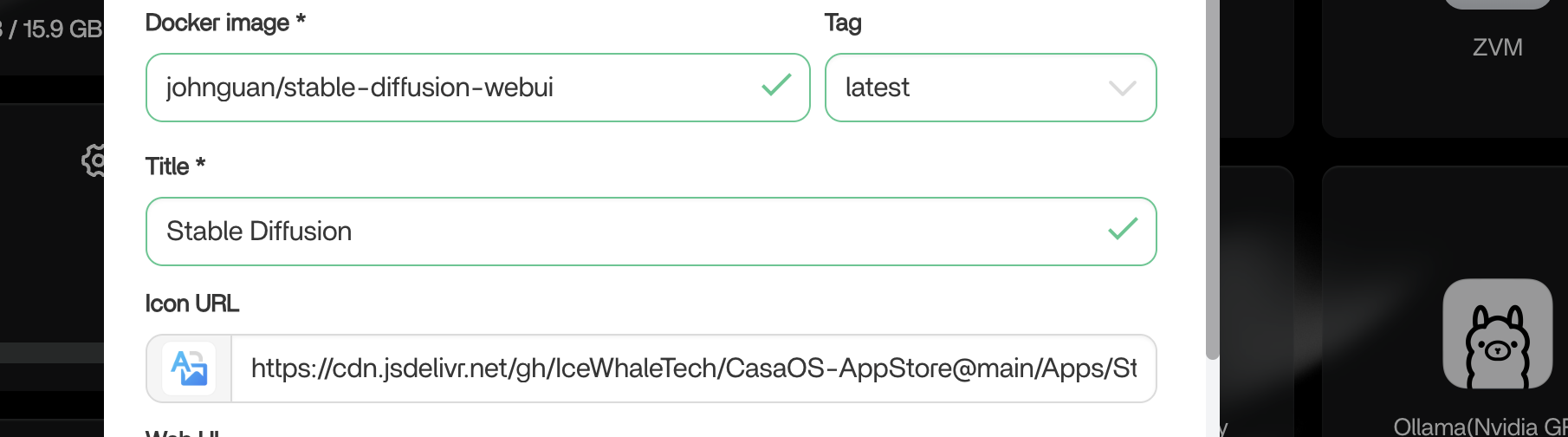
Ah yep, that explains it.
That johnguan/stable-diffusion-webui image is quite old now and from memory a lot of those older SD containers were built around older CUDA/Torch stacks long before the newer 50-series cards existed.
So what’s happening is:
- ZimaOS sees the GPU fine
- NVIDIA runtime works fine
- but the container itself doesn’t have support compiled in for the 5060 Ti architecture
That’s why Ollama works but Stable Diffusion throws the CUDA kernel error.
Honestly I don’t think you’re going to solve this by tweaking settings inside that image. It’ll probably need:
- a newer Stable Diffusion container
- newer PyTorch
- newer CUDA base
especially for a brand new GPU generation like the 5060 Ti.
At least the good news is your dock, drivers and GPU all appear to be working correctly
but in the appstore there is no newer container right?
or is there some other alternative for image generation that is not on my radar?
Yeah I think that’s the main issue right now, the App Store version is using a pretty old container, and newer GPUs like the 5060 Ti are moving faster than some of these prebuilt AI images.
You could probably get it working with a manually updated Docker setup using newer CUDA + PyTorch, but that’s outside what the current one-click app is providing.
As for alternatives, yes definitely
A few things worth looking at:
- ComfyUI
- AUTOMATIC1111 with a newer CUDA/Torch base
- Forge WebUI
- SwarmUI
A lot of people are moving toward ComfyUI now because it tends to adapt to newer hardware faster and is lighter/faster in some workflows.
The good news is your GPU itself appears to be working properly, so you’re already past the hardest part.
thank you`. I tried installing Comfy but I cant find it in the Appstore. I tried a manual install but couldnt get it to work unfortunately
i also tried to install automatic1111 from github but i couldnt get it work either…do you have some instructions etc maybe?
I tested this a bit more on my own ZimaOS system.
The App Store ComfyUI template does not seem to install correctly for me either. It gives “main app not found”, so that looks like an App Store/template issue.
But ComfyUI itself does work on ZimaOS. I was able to manually pull and run:
docker.io/comfyui/base:latest
and ComfyUI opened successfully on port 8188.
So I don’t think ComfyUI itself is the problem. The issue seems to be the current App Store package/template, or possibly the older image it points to.
For now, a manual Docker install using comfyui/base looks like the better direction.
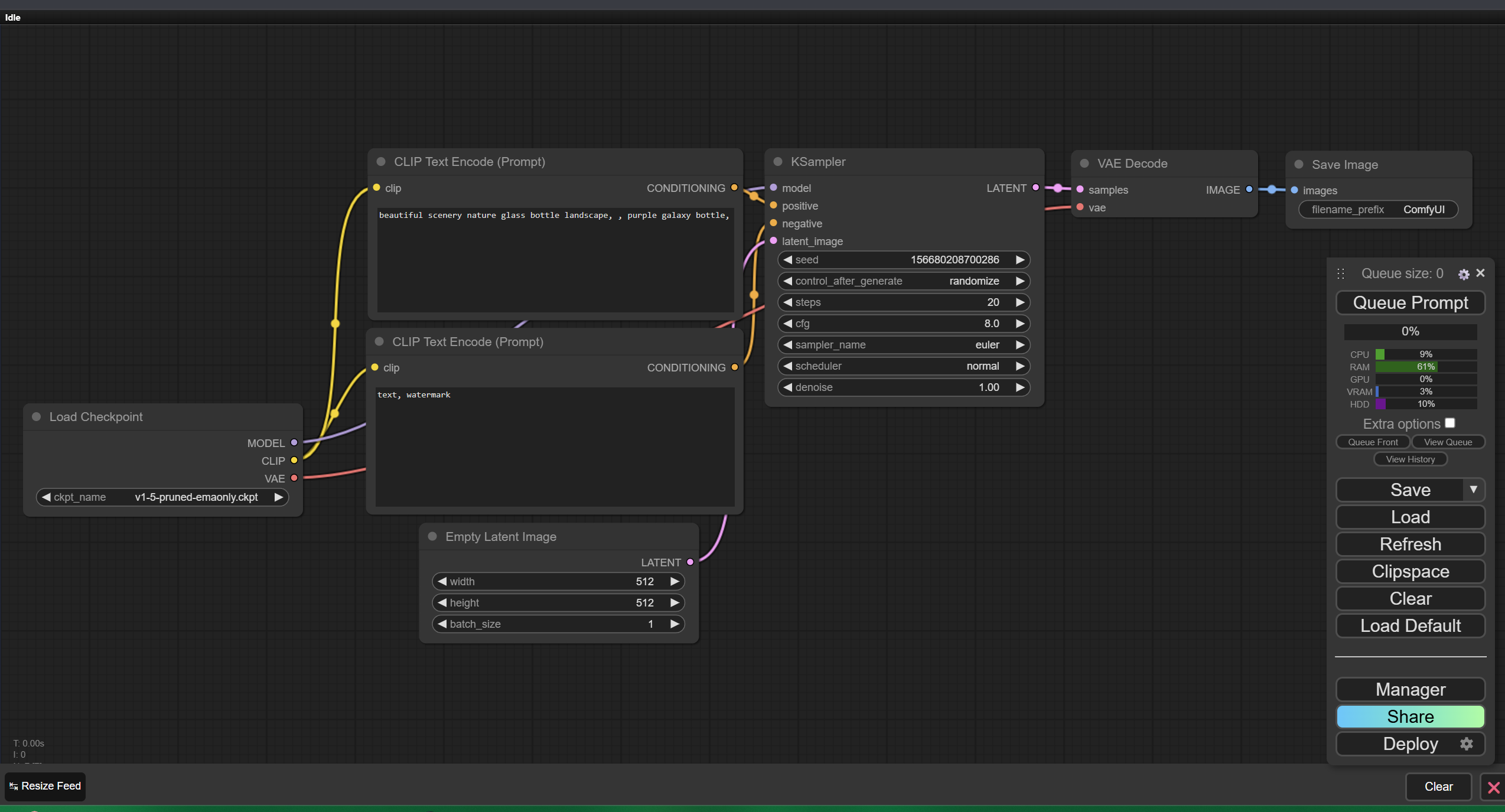
What worked for me:
- Pull the image:
docker pull comfyui/base
- Start the container with GPU support:
docker run -d \
  --name comfyui \
  --gpus all \
  -p 8188:8188 \
  comfyui/base
- Open ComfyUI in your browser:
http://YOUR_ZIMAOS_IP:8188
That brought up the ComfyUI interface successfully on my system.
If you already have Ollama using your GPU, there’s a good chance this will work for you too. If you run into any errors, post the container logs and we’ll take a look.