Hi everyone,
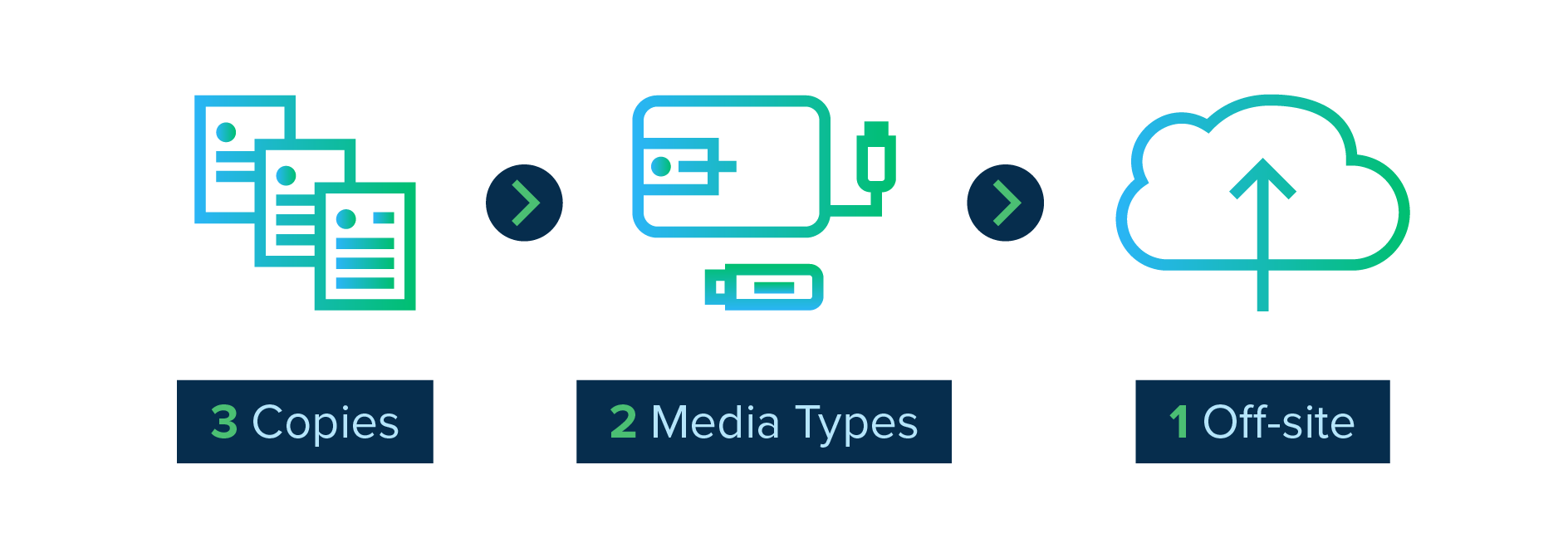
I’m considering using the new Backup app introduced in ZimaOS 1.4.2 to implement a 3-2-1 backup strategy.
The idea is:
Perform the initial backup to a USB drive directly connected to my Zima (fast LAN transfer).
Move the drive to another location (off-site).
Continue the backup incrementally over the network, sending only file changes.
The question is: since the backup job will have to be reconfigured (switching from a USB device to a LAN/network device), will the Backup app:
Recognize the files already present at the destination and only copy new/modified data (keeping the original job’s index or catalog)?
Or will it “lose” the index when the destination changes and treat everything as new, re-copying the entire 1 TB from scratch (which could be very slow)?
Has anyone tested this workflow with ZimaOS 1.4.2?
If so, are there any settings or steps needed to ensure the backup remains incremental after moving the drive off-site?
3-2-1 would be keeping the usb-disk connected and used as a backup destination, and then either backup to another location off-site (could be onedrive, wasabi, backblaze etc).
Point here is that if your house burns, you have a backup off-site. If there is a glitch in a harddrive firmware, you have a (local) copy on another type of media (different device/drive).
I do not have an answer to the question of what happens after you move the usb-drive, I have not tried the app yet.
Thank you for your reply @Joffer, but my question was exactly the one you raised in the last point: is it possible to run the seed backup on a disk physically connected to the ZimaBoard to perform the initial full backup, and then move the disk to a remote PC to continue incrementally, or would the ZimaOS backup app lose the backup registry and start over from scratch?
The client’s backup feature currently has a limitation: you must add a non-empty folder (this limitation may be removed in the future). This means that to achieve this goal, you must first add a directory on the client and then select the same directory on ZimaOS.
The backup principle is that files in the backup set are not deleted; they are only added or modified and overwritten.