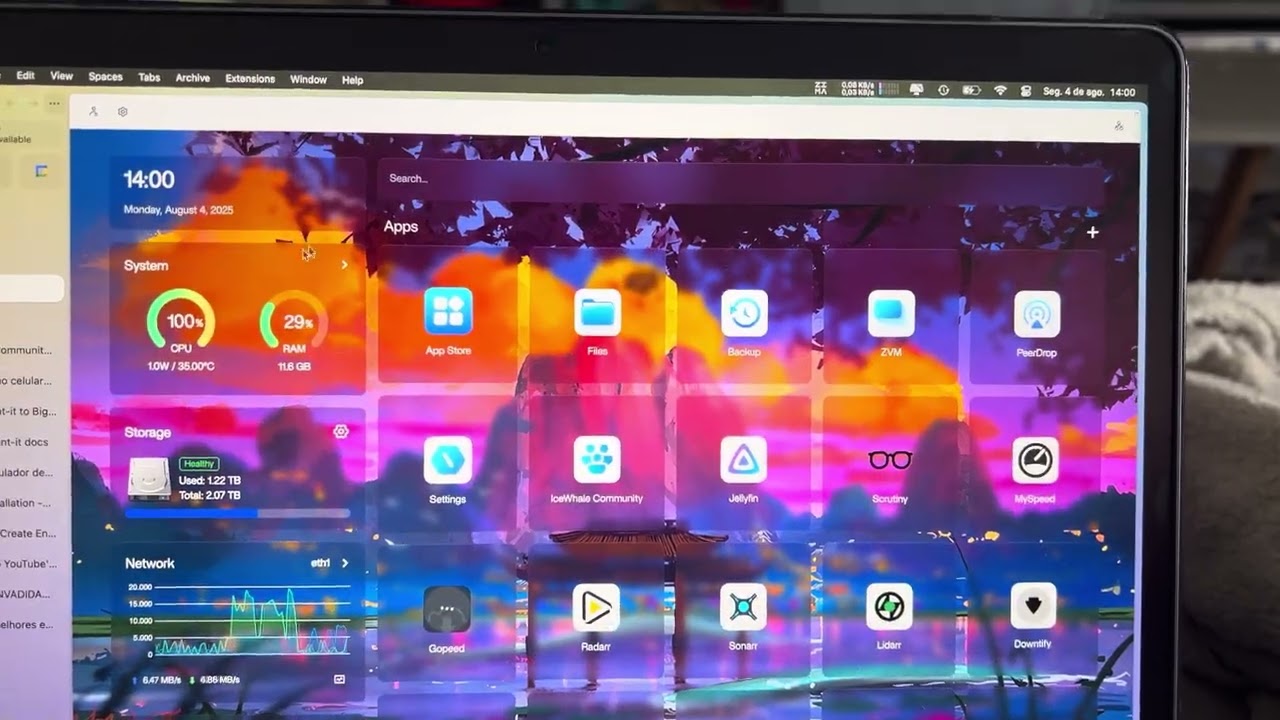
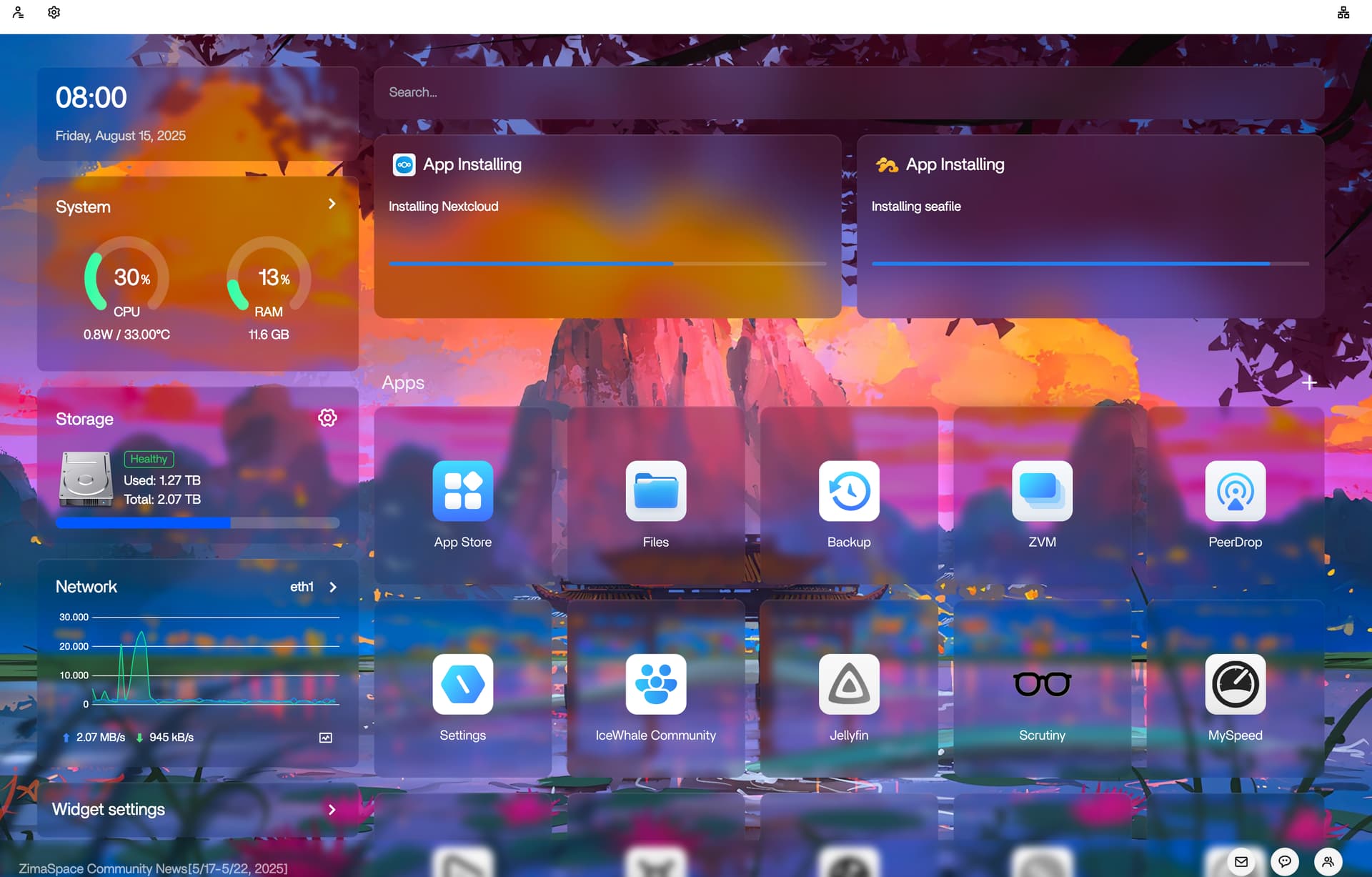
I’ve just updated my zimaos to the new version (ZimaOS v1.4.2) and after it was finished, the system got locked in a way that i cant install new apps neither update them, it seems like it’s stuck. the CPU usage is also 100% (Intel(R) Core™ i3-4340 CPU @ 3.60GHz) and the harddrives seems to be R/W at fullspeed and I don’t sem to find what it’s causing it.
Also After the update the Storage Widget was reporting that the pool where unHealthy, I’ve restarted the system via settings and had no changes so i turned off and waited a little bit, after powering back on it went normal (Healthy).
I also miss some sort of task manager in this system to be able to cancel process and look what the system is doing in the background.
also I would like to report that I came from truenas systems and had already a old pool on the disks and when installing Zimaos for the first time, when was the time to set the new pool on the drives it was unable to wipe them saying the disks had content inside. Tried via command line but no success, so I booted on windows, wipe them on windows and then got able to configure a new pool.
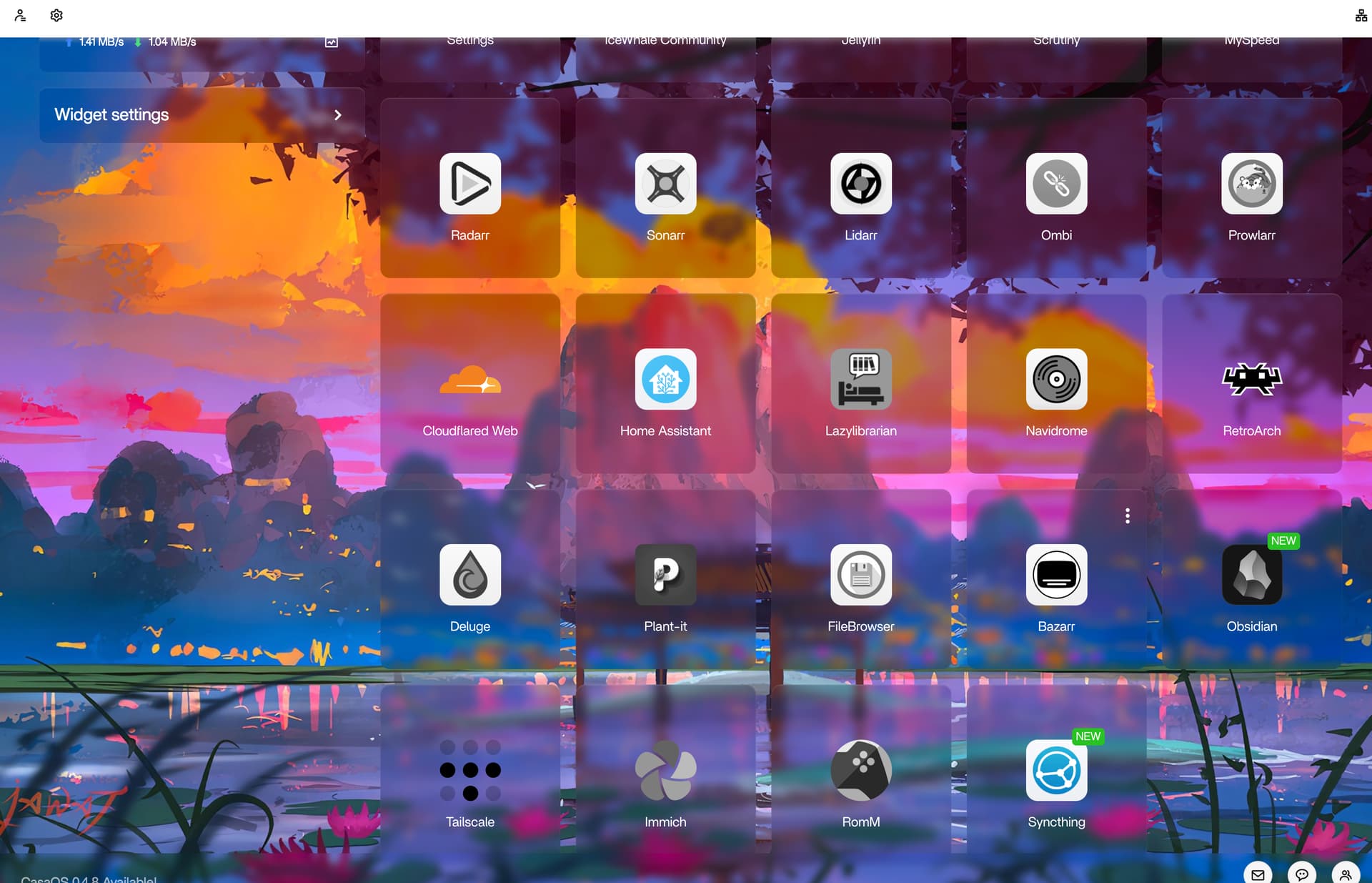
For now I need help to figure it out a way to use the system again, i can open some apps, but not all of them (some apps are in greyish color) and cant install new apps or update the ones I already have.
Thanks for your feedback. The app launching/installing issues are under investigation. You will get a fix through the quick-release version of ZimaOS. Stay tuned.
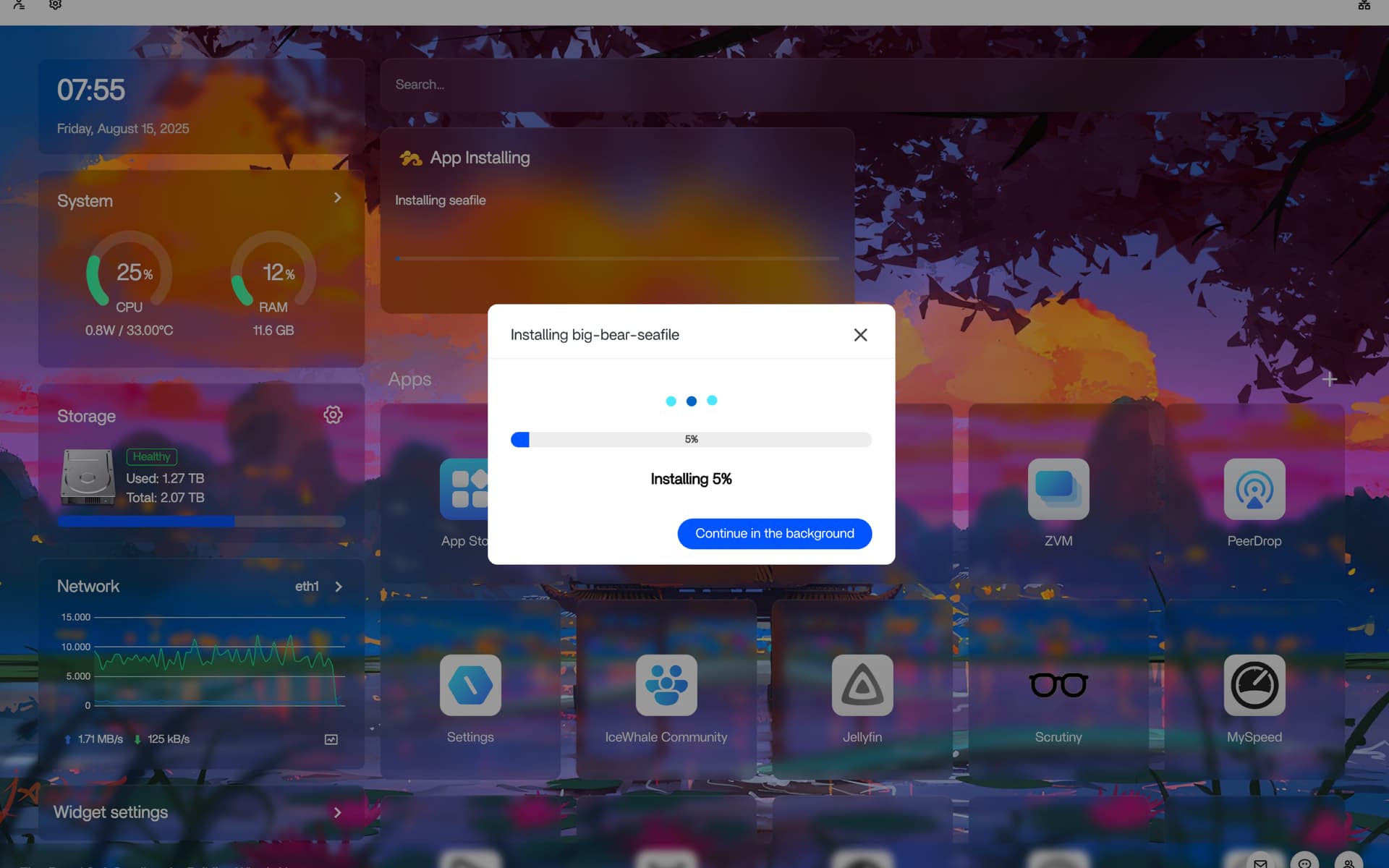
about the apps not installing, I did a ‘sudo ps aux’ on web terminal, found out that user www-data has some process from apps that i don’t even have installed on the system anymore and its running even after rebooting the system, i tried to kill the www-data process with the command ‘sudo pkill -KILL -u www-data’ and it didnt seem to end the process at all because the system manage to made them running again, but i was able to pass the install screen. now i’m stuck in the little widget loop saying it’s installing…
about the cpu usage being at 100% : killing www-data process worked out
and all of this started when i tried to update Nextcloud container/app data settings and the app just literally vanished from my homescreen, I’ve tried downloading it again but every time it fails.
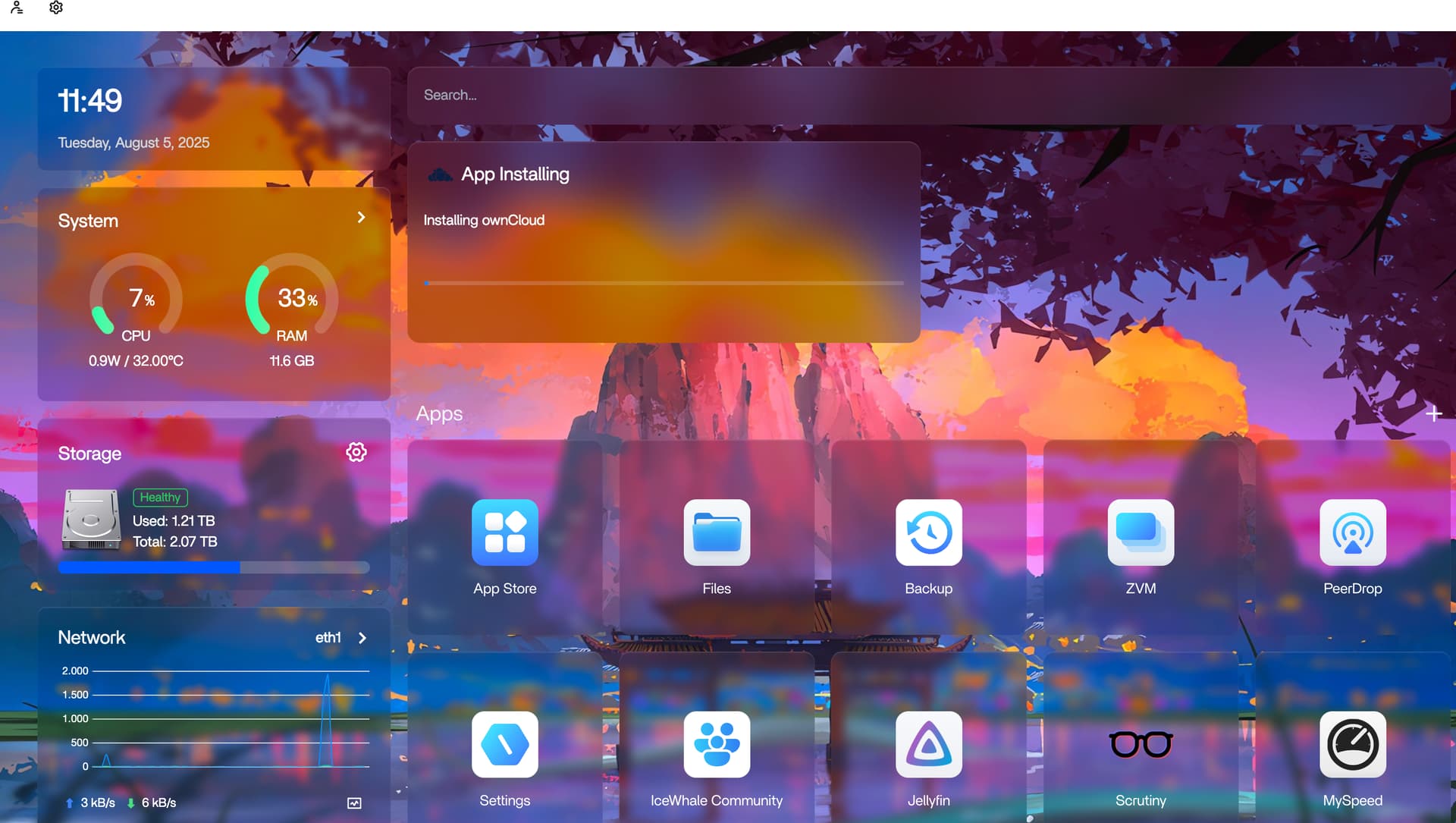
I switched to owncloud app but got stuck
Looks good so far. System is responsive. No longed 100% cpu usage. can actually reboot quickly and make it to the login repeatedly. I dont know if this had anything to do with it, but once it booted the cpu use was still high, and i uninstalled the last two programs i had installed just before the 1.4.2 update. (MySpeed, and Immch) Deleting Immch had dropped the cpu usage significantly. MySpeed deleting had an issue and required a second try, once it was removed cpu usage dropped back to more normal levels. (around 30-33%)
Could you please open up a new post to describe your issue in detail? They seem to have solved their issue, but not yours. It will be helpful if you attach the post with the screenshots.
Im not home this week, I’ve accessed via tunnel, pushed the update but after rebooting I’ve lost contact with it when it rebooted, seems that the services are not running, so I can only tell for sure when I get home, thanks in advance for all the work
just got home, the server apps were greyish so thats why cloudflare tunnel weren’t working, after launching the apps back on everything went fine. now I got able to install the apps just fine, thank you, the update to ZimaOS v1.4.3 solved all the issues I was having