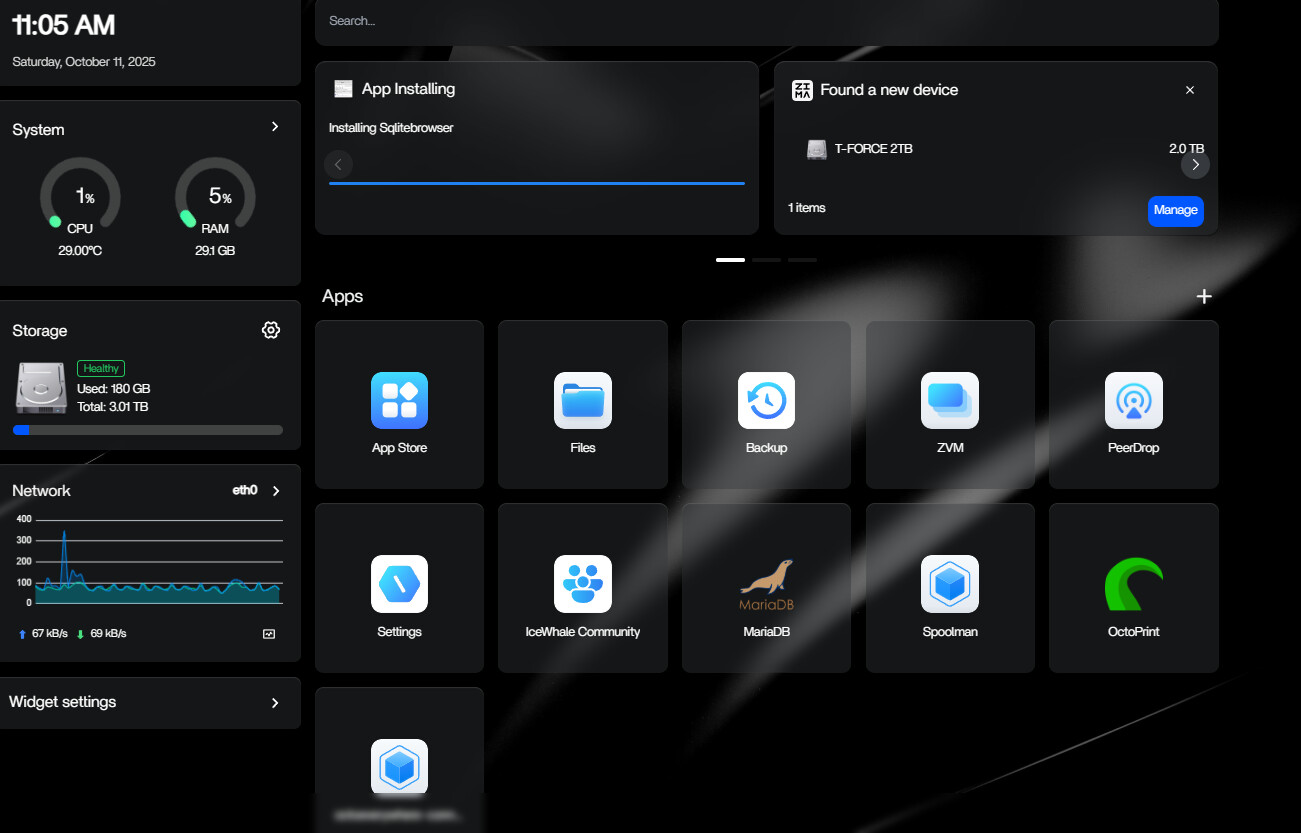
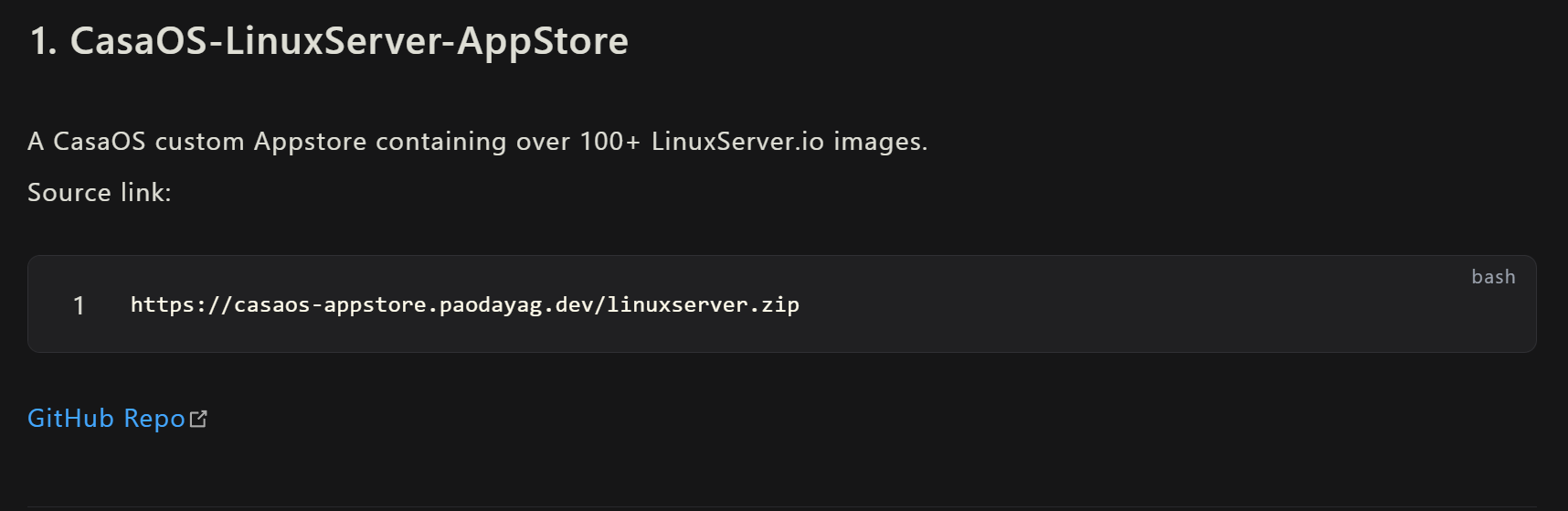
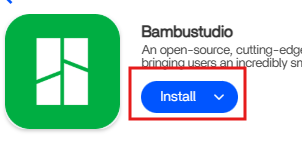
I tried to install SQLlitebrowser and it’s been stuck installing for a couple days now. Rebooting does nothing it just stays there. It never shows under the apps shown to try and delete it or anything. I tried to install it from the app store. (linuxservers.io one)
How do I remove it from showing in the dashboard as installing?
Hey, to better help you, we need more info. Please fill in the template.
I will describe this problem as follows:
[Problem description.]
And I can reproduce the problem like this:
[the detailed steps to reproduce the problem.]
[images and photos are better.]
[videos and screen records are best.]
And I remember I did this to my machine before the problem showed up:
[If exists, please attach the operations might be related to the issue.]
And I have tried these operations to fix it:
[The steps you might have tried.]
[images and photos are better.]
[videos and screen records are best.]
[If you used CLI, then you did this by]
[What user? root? non-root?]
[In what method? Dedicated connected screen/keyboard? Web terminal? SSH?]
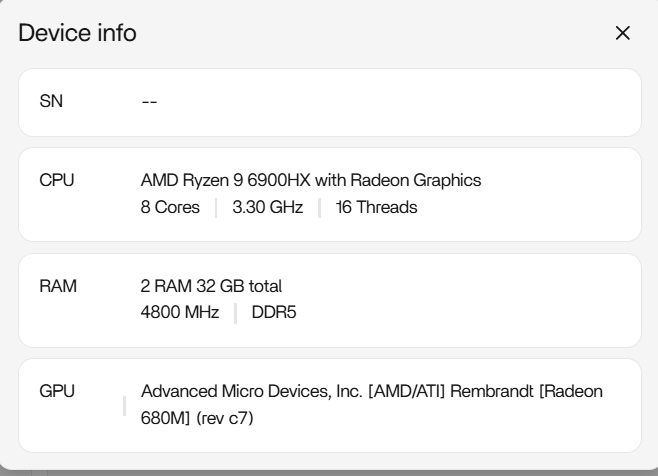
And here are the specs of my machine:
[the detailed specs of the machine where the problem happens]
[the specific version of the OS]
[the specific version of the Client OS]
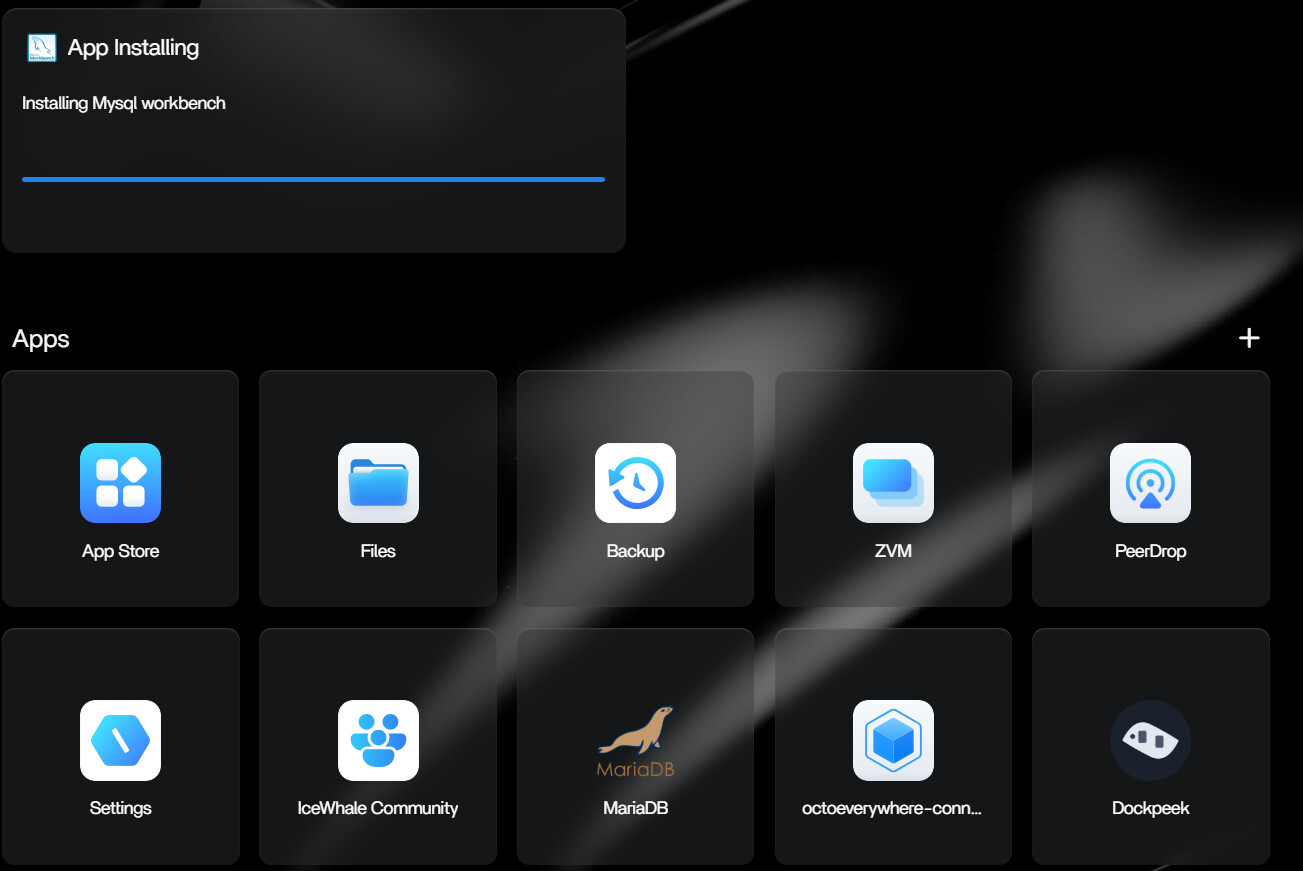
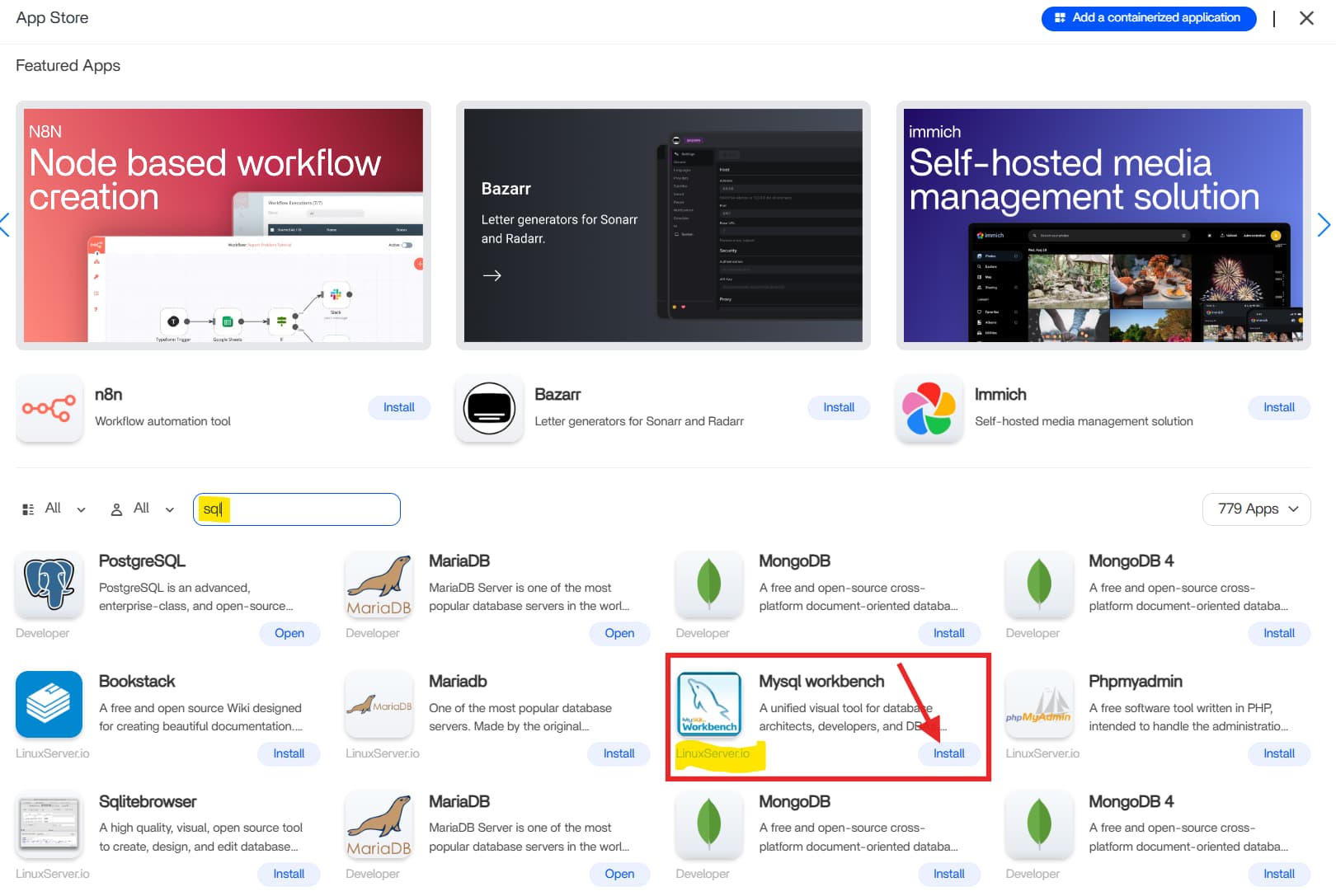
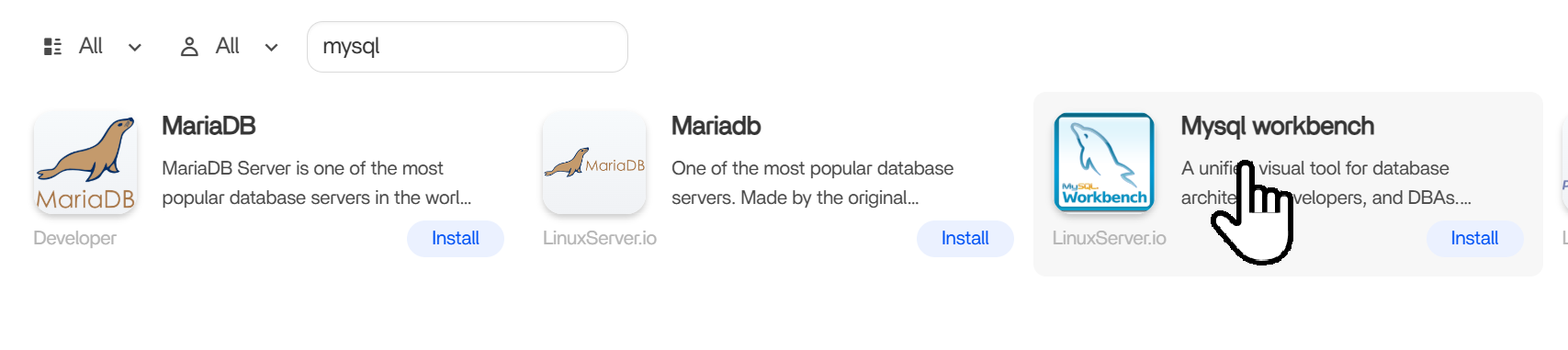
I tried to install MySQLWorkbench via the Apps installer, typed in the search box SQL, saw MySQLWorkbench, And I clicked install. Like all of them, it is fully automated install.
Looks like that same “App Installing” bug showed up again, this time with MySQL Workbench. It usually happens when the download or setup process hangs, so the dashboard keeps waiting even though nothing’s happening in the background.
Open Files and check inside /DATA/AppData for any folder named mysqlworkbench. If you find it, delete it and reboot, that usually clears the stuck install right away. If there’s no folder, just reboot anyway to refresh the App Manager and remove the ghost entry.
After restarting, try reinstalling the app. Make sure your network is solid and your system time is correct, both can affect image pulls from the LinuxServer.io catalog.
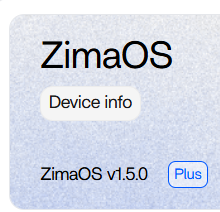
This is a known issue on ZimaOS 1.5.0, especially with third-party apps. The next update is expected to fix these hanging installs automatically.
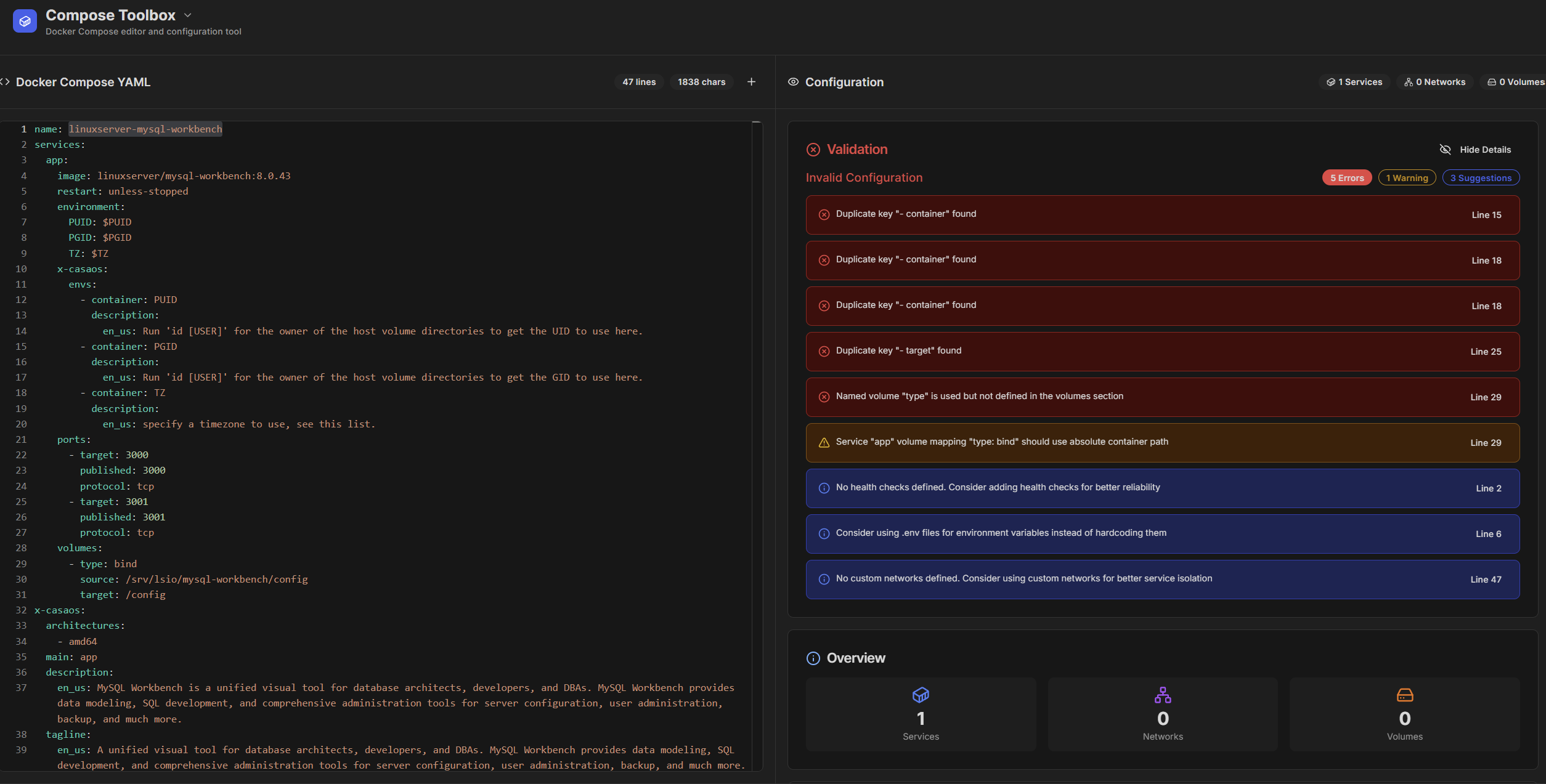
My earlier post assumed it was the usual “App Installing” hang we’ve seen before, but after reading your breakdown about the YAML structure, we tested the linuxserver-mysql-workbench file in Compose Toolbox and confirmed you were right, the issue came from the YAML itself, not the install process.
Thanks for pointing it out, it’s a good reminder not to make assumptions and to first check that the script itself is valid.
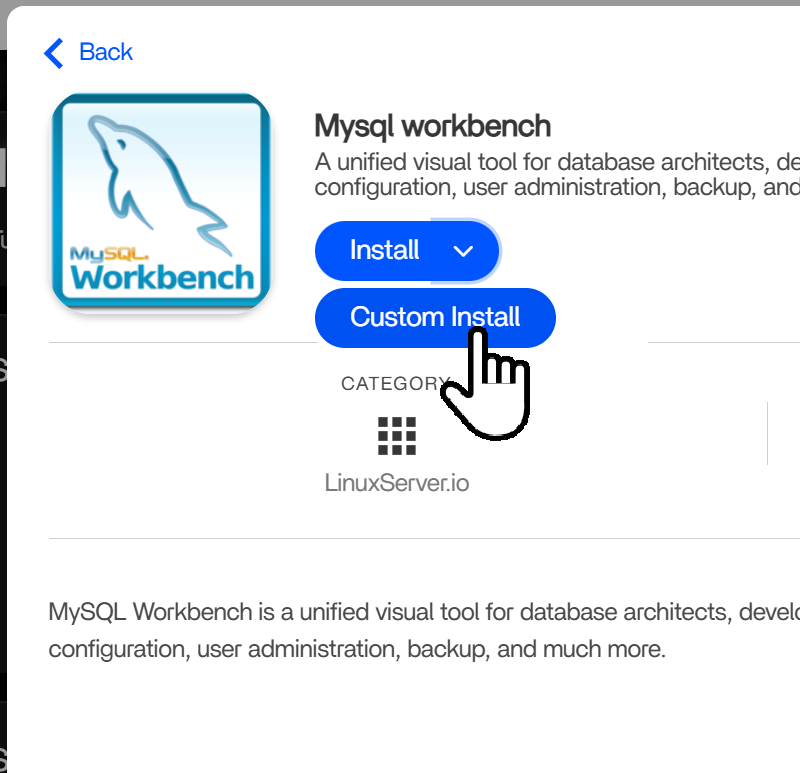
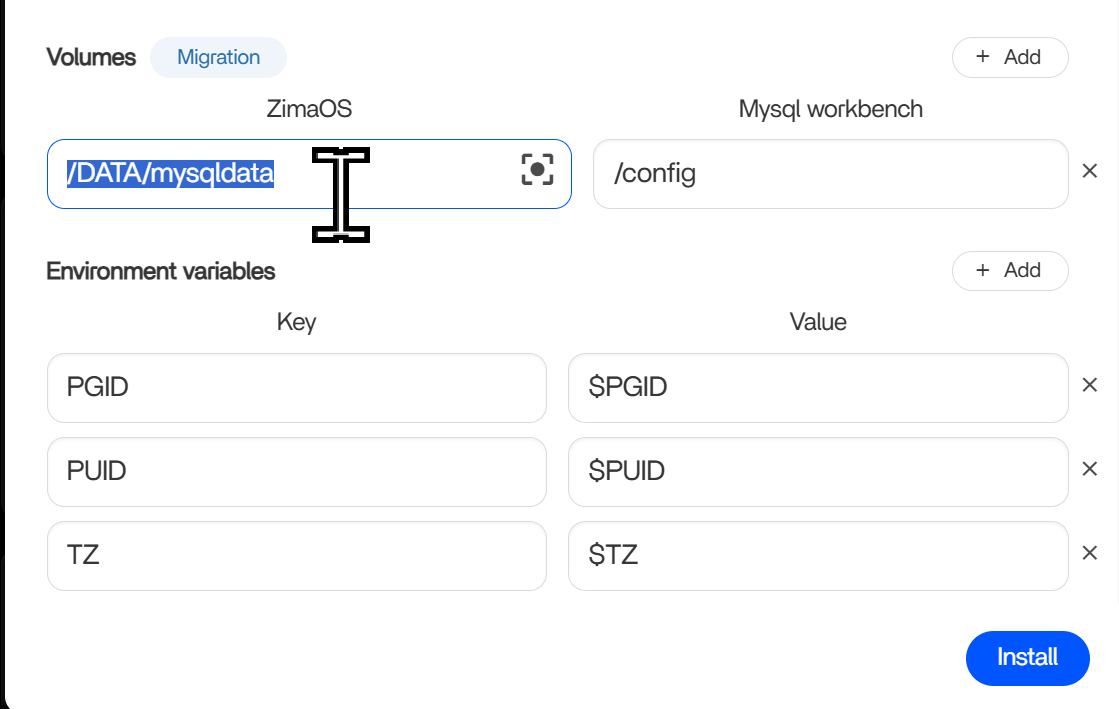
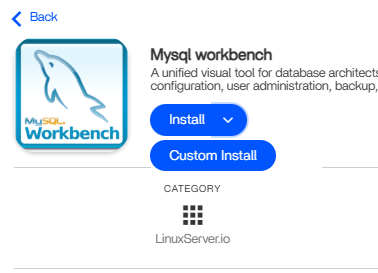
How do I change the YAML when, it just installs it right away? I can’t edit settings because it is still in the installing stage at the top of the screen. Ahhh I think I figured that out. You can’t just click install, you have to go into it, click the install drop down to Custom Install.
Yes, when you click Custom Install, you get a UI for the installation settings, which is used to modify the underlying YAML files. (Yes, YAML files are the underlying files that configure the app and the installation.)
The installation process and UI design for the Docker apps on ZimaOS have been widely praised, but it may still not be easy for some users. Therefore, we have also given it further thought and will improve it in the near future to make it easier to use and understand.
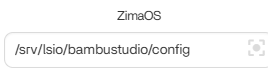
One simple solution - fix. If A user clicks on Install, check the yaml quickly and if it has anything outside of a normal location under Zima OS switch to custom install with warning to double check everything, especially storage. This is what the Linuxserver.io catalog is defaulting to on everything.
Maybe even on the catalog page, instead of just the grey install button, have this button for Install or custom install. Default is just install, so would still be simple for everyone.