I will describe this problem as follows:
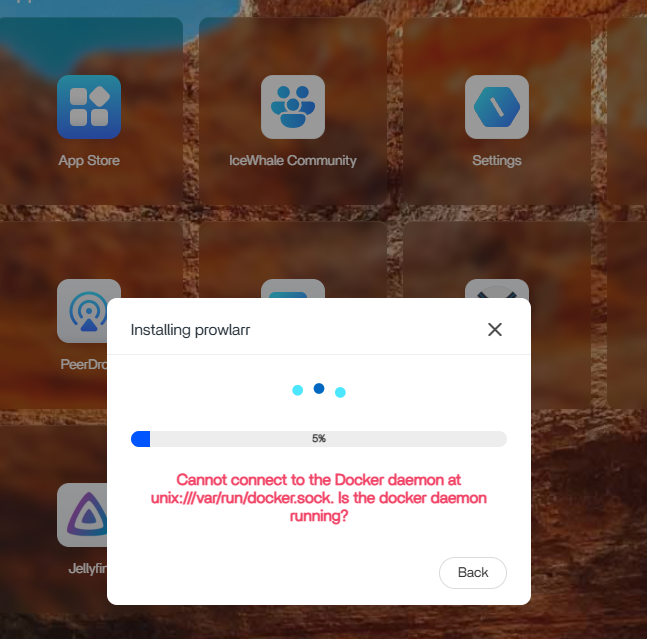
Hi ZimaOS Community- I just upgraded to ZimaOS v1.4.3 and I am having major issues. I am running a ZimaBoard 832. Immediately after upgrading I am getting cannot connect to Docker daemon errors. I cannot install any apps from the App Store after this error started. I have hard reset the ZimaBoard a few times with no change.
And I remember I did this to my machine before the problem showed up:
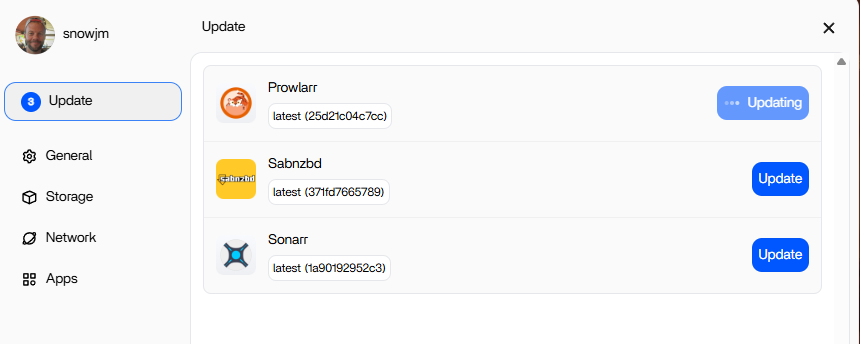
Upgraded ZimaOS. Prowler App Update frozen. No Apps will launch. No new Apps can be installed from the App Store
And I have tried these operations to fix it:
Hard Restart of ZimaBoard
And here are the specs of my machine:
ZimeBoard 832
ZimaOS v1.4.3
Hi Giorgio,
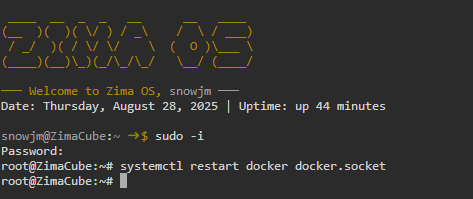
Thank you SO MUCH for your response! I had reset the ZimaBoard multiple times and the Docker service did not restart. I can confirm that your guidance on restrating the Docker service as root via CLI completely solved the issue. Thank you again and looking forward the upcoming fix
Hi Giorgio,
A quick follow up. The CLI Docker reset command does solve the issue. HOWEVER, whenever I restart the ZimaBoard the Docker service is not automatically starting. I can manually restart the Docker service via the CLI and them manually start the individual applications. I hope the upcoming fix will also restart the Docker service when the device is reset. Thanks again for your assistance!
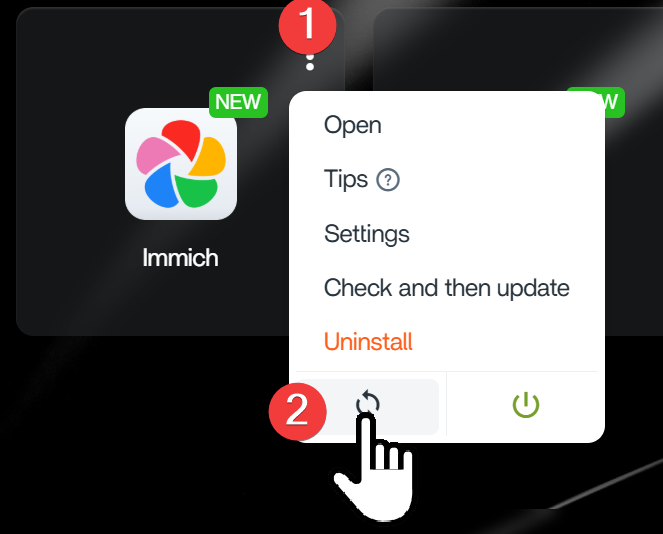
According to some reports, after you restart the machine and launch every app, restarting these apps again may make them start up automatically on the next machine reboot. Look forward to your test and reply.
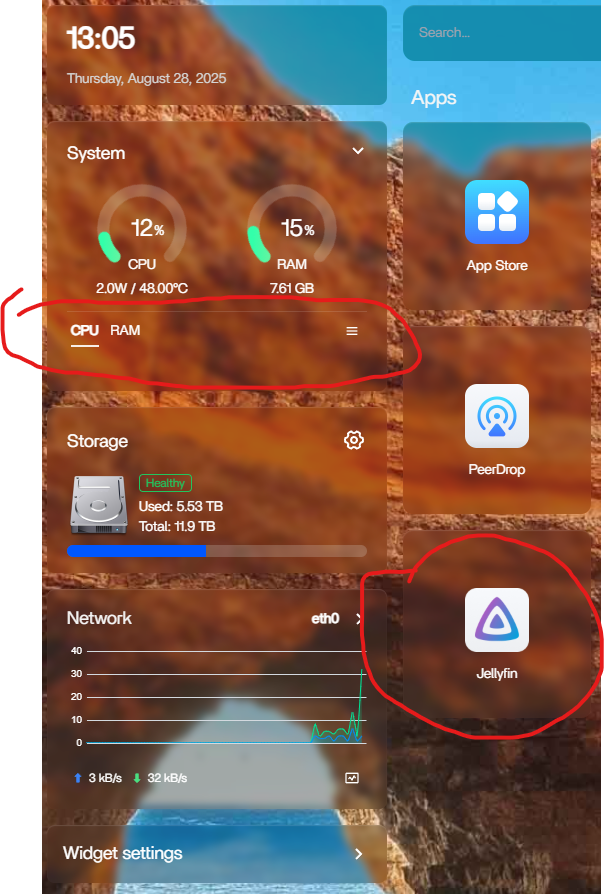
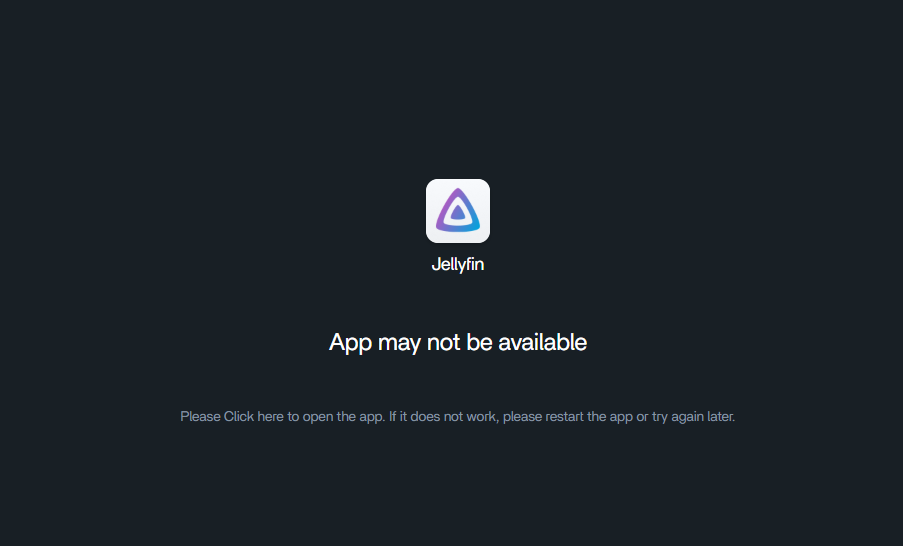
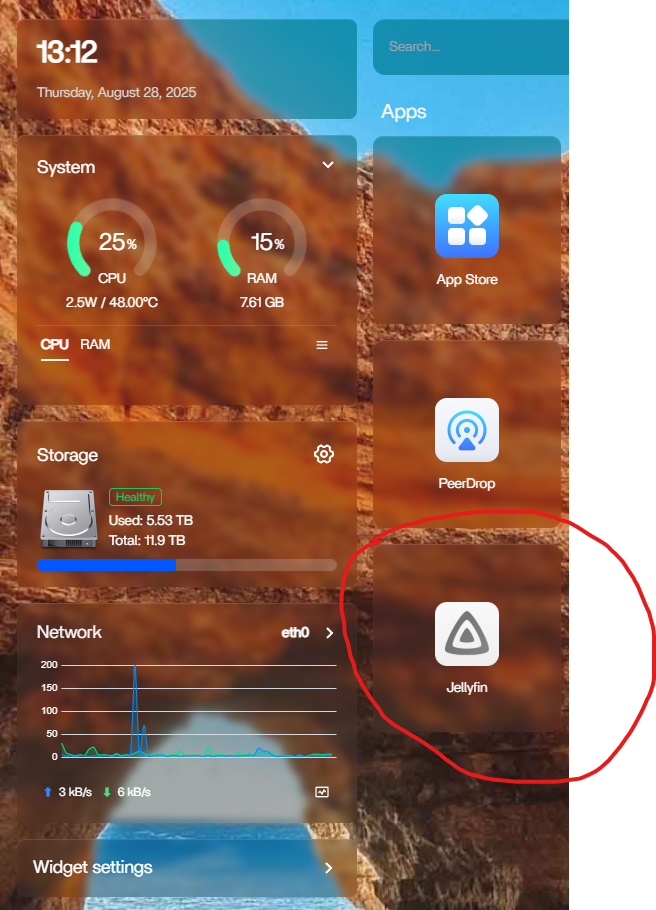
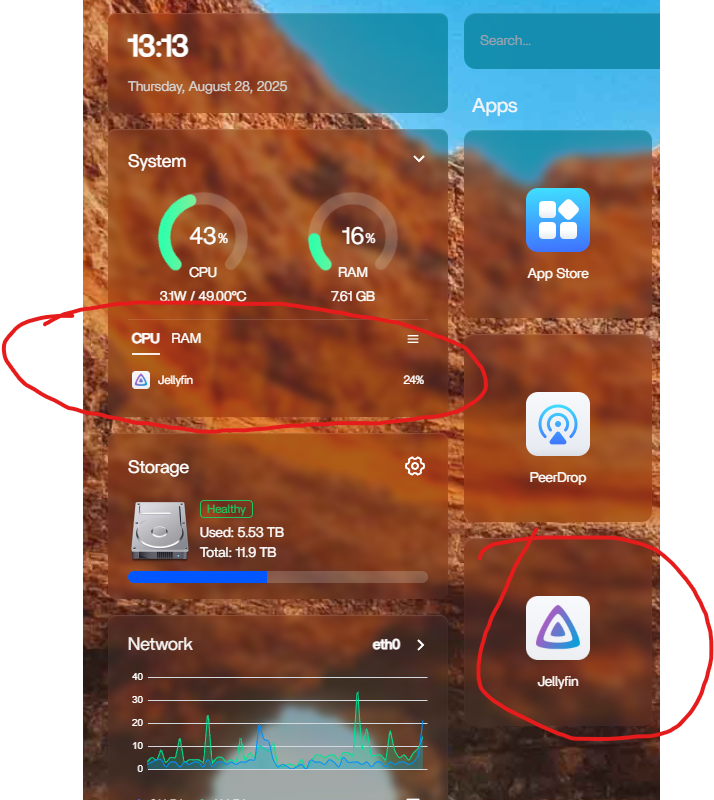
After the restart you can see that the Apps appear to have started automatically (Jellyfin in this example); however if you look under the expanded System dialogue you will see no apps using either CPU or RAM. If you try to launch the App it is not available, it is the same for all Apps.
Hi,
I’m getting this result
Job for docker.service failed because the control process exited with error code .
See “systemctl status docker.service” and “journalctl -xeu docker.service” for d etails.