Somehow 1.4.4-beta1 doesnt show on 1.4.3. Is there any way to initiate from cli?
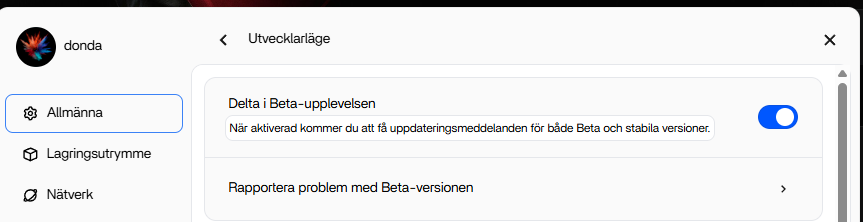
Tips for quick upgrade through CLI:
If you are familiar with CLI, you can run these commands to upgrade to 1.4.4-beta1.
Useful steps for entering CLI: Settings-> General-> Developer mode view-> SSH Access → enable → Web-based terminal
Input your dashboard username to log into the CLI.
Run these commands one-by-one after logging in:
sudo -i

version=1.4.4-beta1

mkdir /DATA/rauc/offline/ -p

cd /DATA/rauc/offline/

wget https://casaos.oss-cn-shanghai.aliyuncs.com/IceWhaleTech/zimaos-rauc/releases/download/$version/zimaos_zimacube-$version.raucb

rauc install zimaos_zimacube-$version.raucb

rm zimaos_zimacube-$version.raucb

reboot
Look forward to your feedback.
2 Likes
From another, older post:
“Put the installation package in the /ZimaOS-HD/.ota/offline directory
Please try it and restart.”
Then there will be an red dot on the icon in the left upper corner and you initiate the update on the “settings”-page.
HTH
1 Like
Great, thanks.
I’ll do this this evening
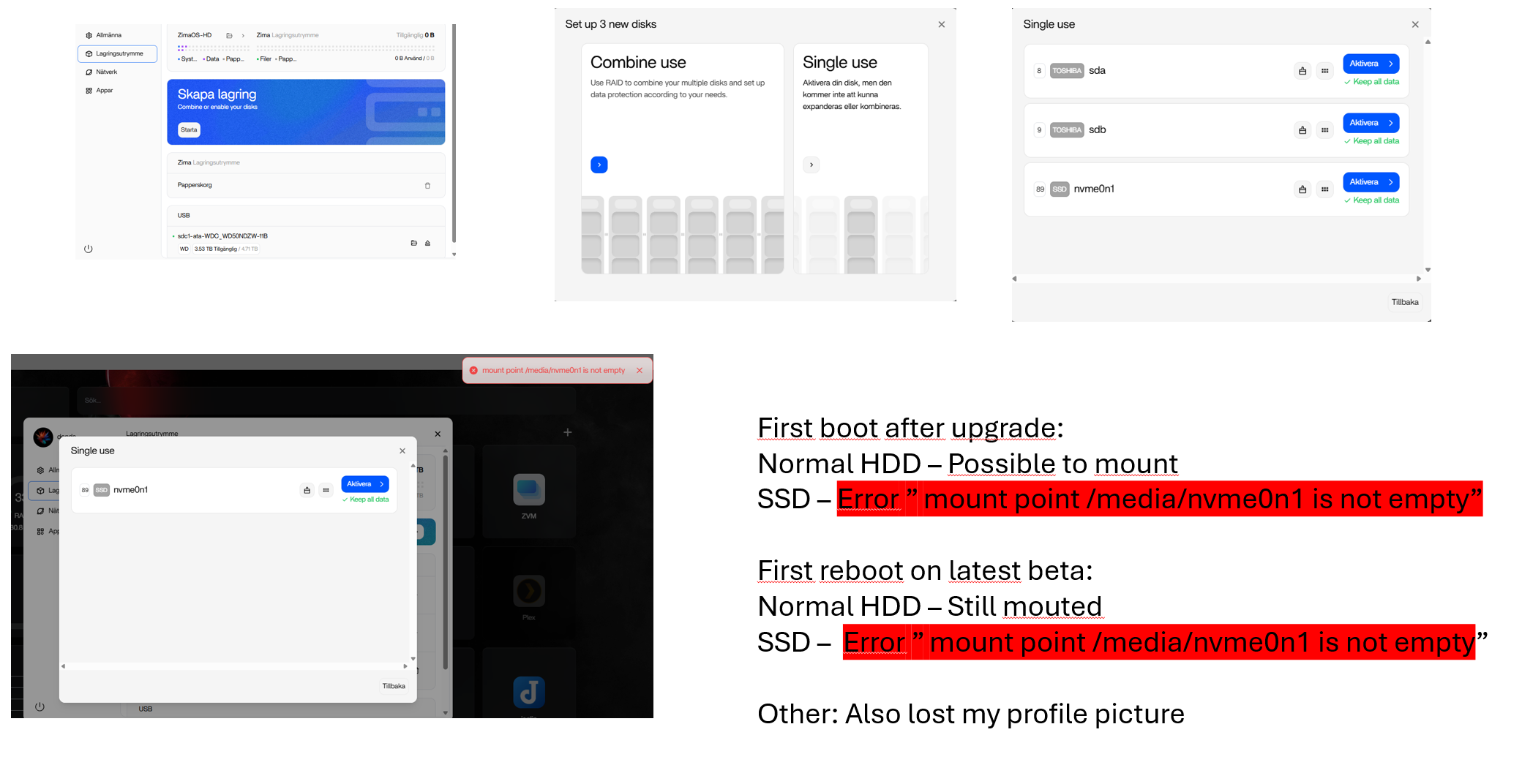
Partly a success. Before beta I could manually mount every disk for every reboot. After beta nvme0n1 doesnt mount at all with error (mount point /media/nvme0n1 is not empty). Its still possible to mount it manually from cli (sudo mount -o ro /dev/nvme0n1 /media/nvme0n1) but not from the GUI.
Any tips how to manually mount the SSD correct and hopefully keep it mounted without formating?
Edit: I formated the drive with another name, mounted it, rebooted to check its still there and restored from backup.
top works
Please focus on this issue in our private messages.
1 Like