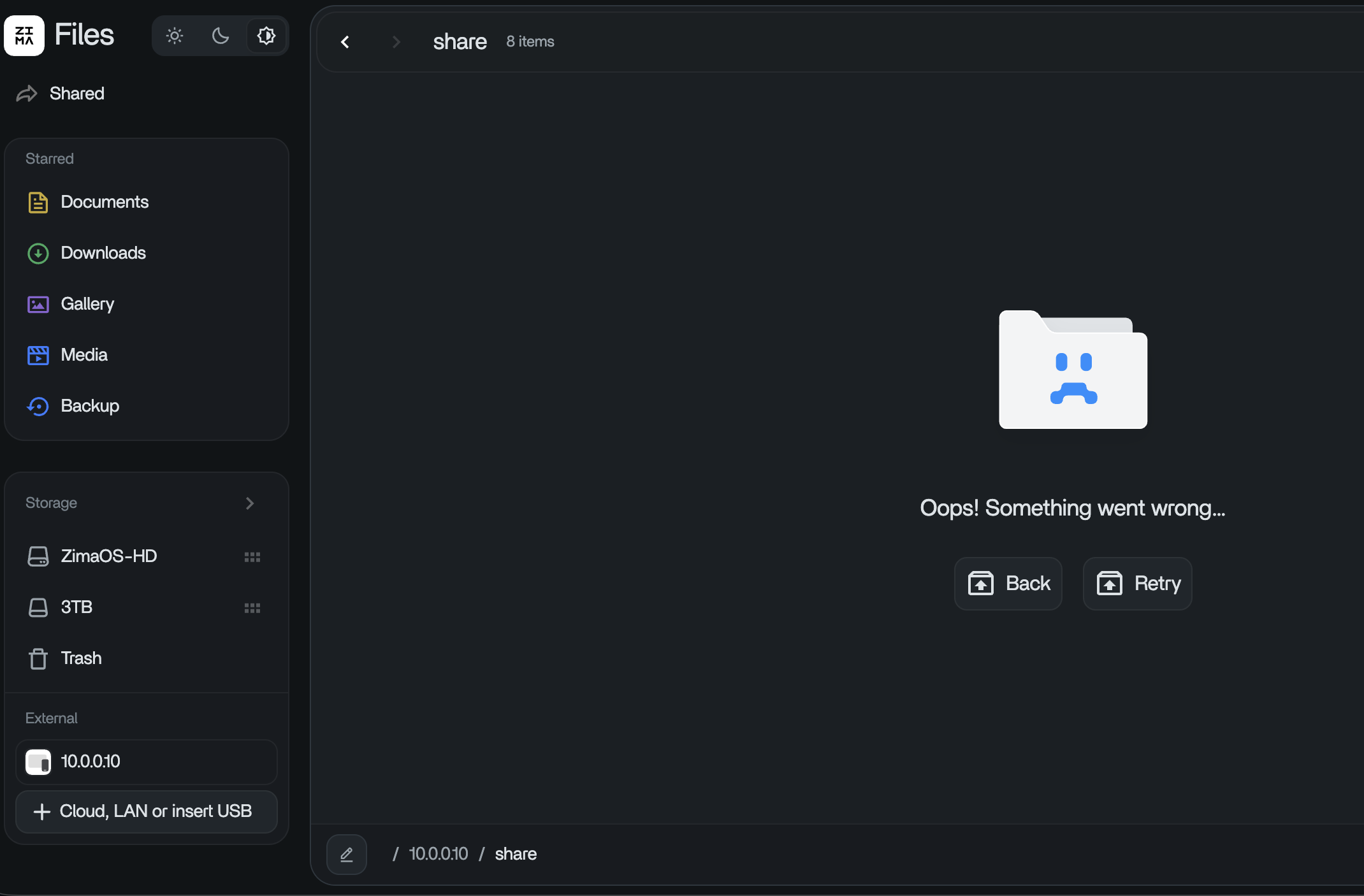
my share is at smb://10.0.0.10/Share, DSM 7.2.
This smb path works on my macbook.
When I go to Files → LAN Storage and enter the same thing, I get sent to just //10.0.0.10
It doesnt seem like Zima respects the path.
ok. . . so this has been a bug for over a year, but no fix from Zima? I dont understand.
opened 10:49AM - 20 Sep 25 UTC
On ZimaOS v1.4.4, it is impossible to mount a Samba/CIFS share when the share na… me is part of the path (e.g., `server/share`). The "LAN Storage" feature in the Files app incorrectly strips the share name from the server address, making the connection fail. This effectively blocks users from connecting to many standard NAS and cloud storage services.
**To Reproduce**
1. Navigate to the **Files** app -> **"Cloud, LAN or insert USB"**.
2. In the "Server Address" field, enter a typical Samba address that includes a share path. For example, a Hetzner Storage Box address: `[your_username].your-storagebox.de/backup`.
3. Fill in the corresponding username `[your_username]` and a valid password, then click **Connect**.
4. Observe that the connection fails. The system incorrectly attempts to connect only to `[your_username].your-storagebox.de`, having stripped the required `/backup` path from the address.
**Expected Behavior**
The system should correctly parse the full address and attempt to mount the `backup` share from the `[your_username].your-storagebox.de` server.
**Actual Behavior**
The share path (`/backup`) is ignored, the connection is attempted on the root of the server, and the mount fails.
**System Details**
* **Hardware:** ZimaBoard
* **ZimaOS Version:** v1.4.4-1
**Additional Context & Diagnostics**
This has been confirmed as a UI-level bug. The underlying system and network are working perfectly.
- A direct connection from the ZimaCube's command line using the command `smbclient //[your_username].your-storagebox.de/backup -U [your_username]` **succeeds instantly**. This proves the credentials and network are correct.
- Since the OS is built with **Buildroot**, there is no package manager or command-line workaround possible (`mount.cifs` is not available).
Because the UI is the only way to mount storage on ZimaOS, this bug makes it impossible to connect to any Samba share that requires a path. Thank you.
@Morgoth – Can anyone from Zima chime in?
sny
September 27, 2026, 5:29pm
4
Hi,
I just tested this on my ZimaOS system and can’t reproduce the issue.
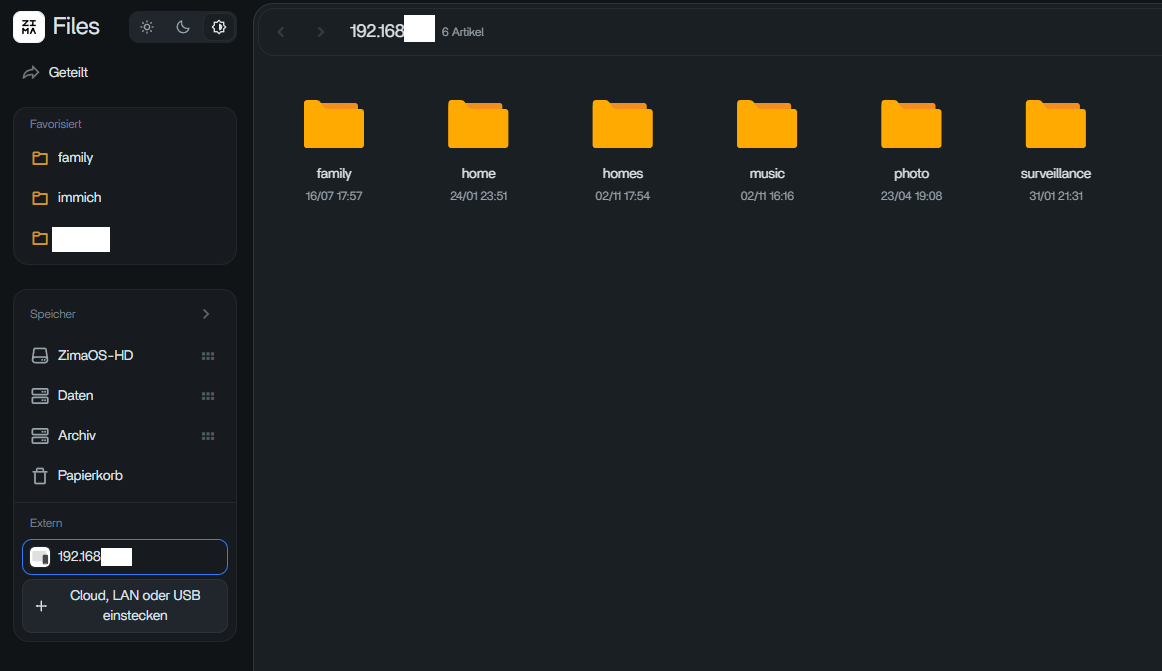
Even when I enter a path such as smb://myip/family, ZimaOS successfully connects to the SMB server and shows all available shares. In my case everything works as expected and I can access the shares without any problems.
I also tested this with older ZimaOS versions. As far as I can remember, the behavior has been the same since at least version 1.5 , and I have never experienced any issues connecting to SMB shares this way.
Are you perhaps using a different SMB or Synology configuration? Could you share some details about your setup and the exact steps you’re taking?
I’d like to compare our configurations to understand what might be causing the difference.
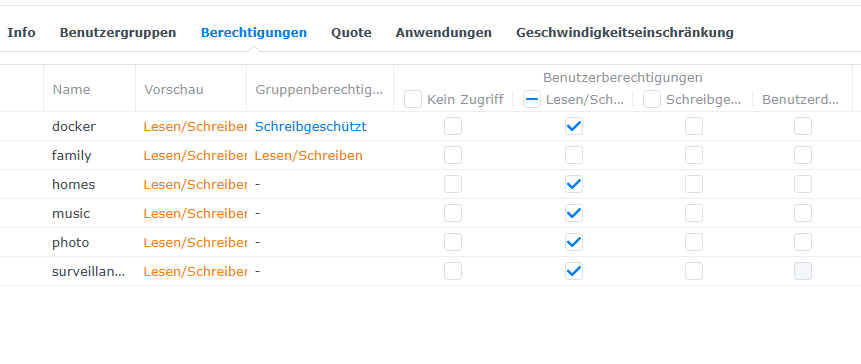
Could it be that the user account does not have the necessary permissions to access the share?
ok so I found my issue, but its still a bug in Zima/Casa.
On my Share Folder, under Synology settings I removed ‘admin’ and only gave my account access. I also hid it from network places.
but AGAIN this is a Zima issue 100% as all my other devices can see my share no problem.