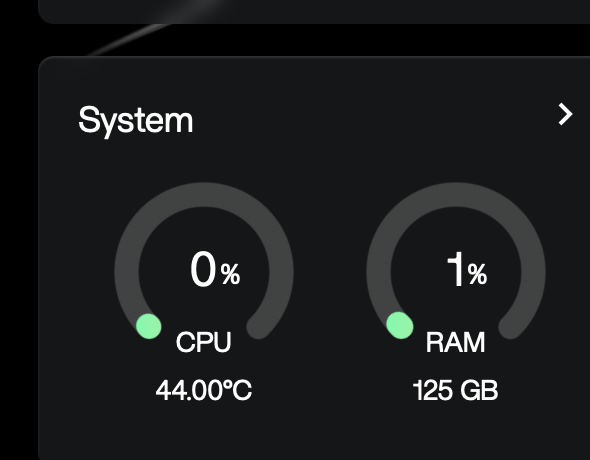
Hello,
i want to create folder that I share with certain users with fixed size. is this possible?
example: i have 16tb raid 1, i want to create a folder with 4tb size and share it
Hello,
i want to create folder that I share with certain users with fixed size. is this possible?
example: i have 16tb raid 1, i want to create a folder with 4tb size and share it
Hi,
Could you please share a bit more about your use case or the reason behind needing a fixed-size shared folder?
For example, is this for quota control, billing, performance isolation, or multi-tenant management? The more detailed the better
Understanding the scenario may help others provide a more accurate or practical solution.
Thanks.
i actually need to assign each folder to my employee. so i guess it is quota control & multi tenant. so each users can only access that specific folder with specific size treshold.
OS: zimaOS+
For the “fixed size folder” request: I believe ZimaOS currently does not support per folder size limits (folder quotas) in the UI. A shared folder will normally consume storage from the full pool until the pool is full.
If the goal is quota control for employees, I suggest these options:
About the long sync time: I believe your screenshot shows RAID1 resyncing. During RAID resync, performance will be reduced and file sync or transfers will take much longer. I suggest waiting until resync reaches 100 percent, then test again.
If you share what you mean by sync (SMB transfer, Google Drive mount, Nextcloud sync, Syncthing), I suggest we can narrow it down quickly.
oh no no. it’s just slow since nothing is in there… is it normal? since the drive for the raid is empty
Yes, it can still be normal even if the RAID is empty.
I believe the RAID resync is still rebuilding and verifying the full disk at block level, which can make the system feel slow.
I suggest running these checks to confirm status and disk health:
cat /proc/mdstat
mdadm --detail /dev/md0
iostat -xz 1 5
(if iostat is missing)
apt-get update && apt-get install -y sysstat
smartctl -a /dev/sda | egrep -i "model|serial|health|reallocated|pending|uncorrect|error"
smartctl -a /dev/sdb | egrep -i "model|serial|health|reallocated|pending|uncorrect|error"
(if smartctl is missing)
apt-get update && apt-get install -y smartmontools
If you paste the output of cat /proc/mdstat and mdadm --detail /dev/md0, I believe we can confirm immediately whether the slow speed is simply the resync process.
alright, confirmed it’s just rebuilding.
i will check nextcloud for this.
thanks
Perfect, glad it’s confirmed it was just the rebuild.
Quick setup (ZimaOS):
I suggest giving each employee their own Nextcloud user account and quota. That is the cleanest way to enforce storage limits.