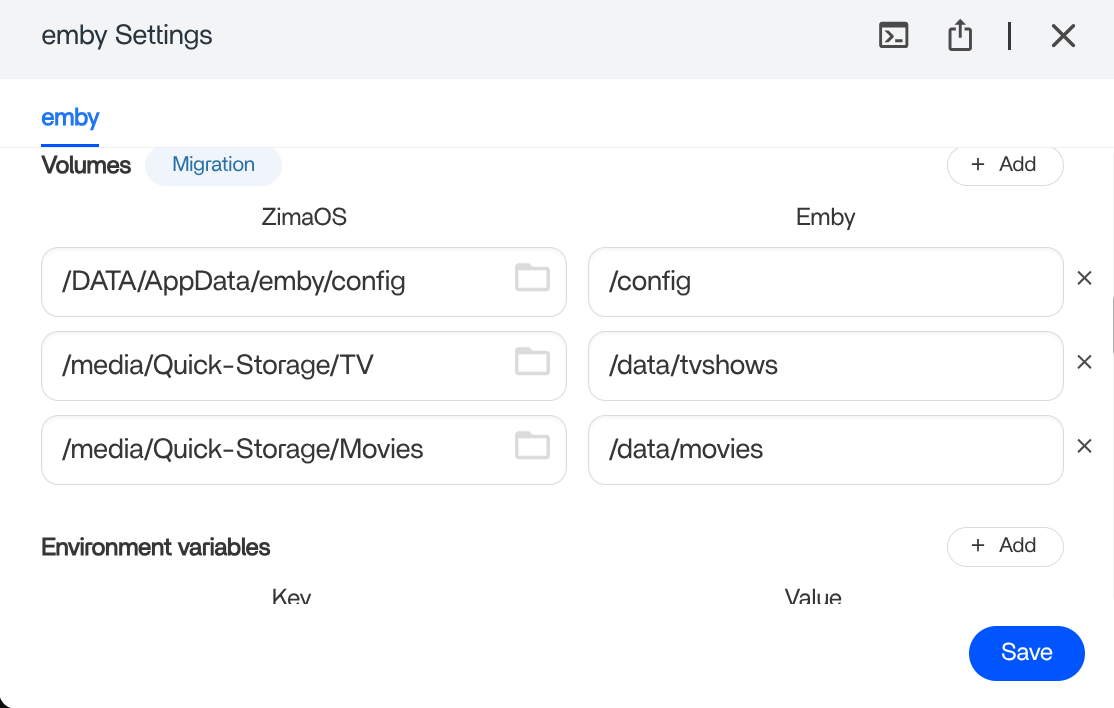
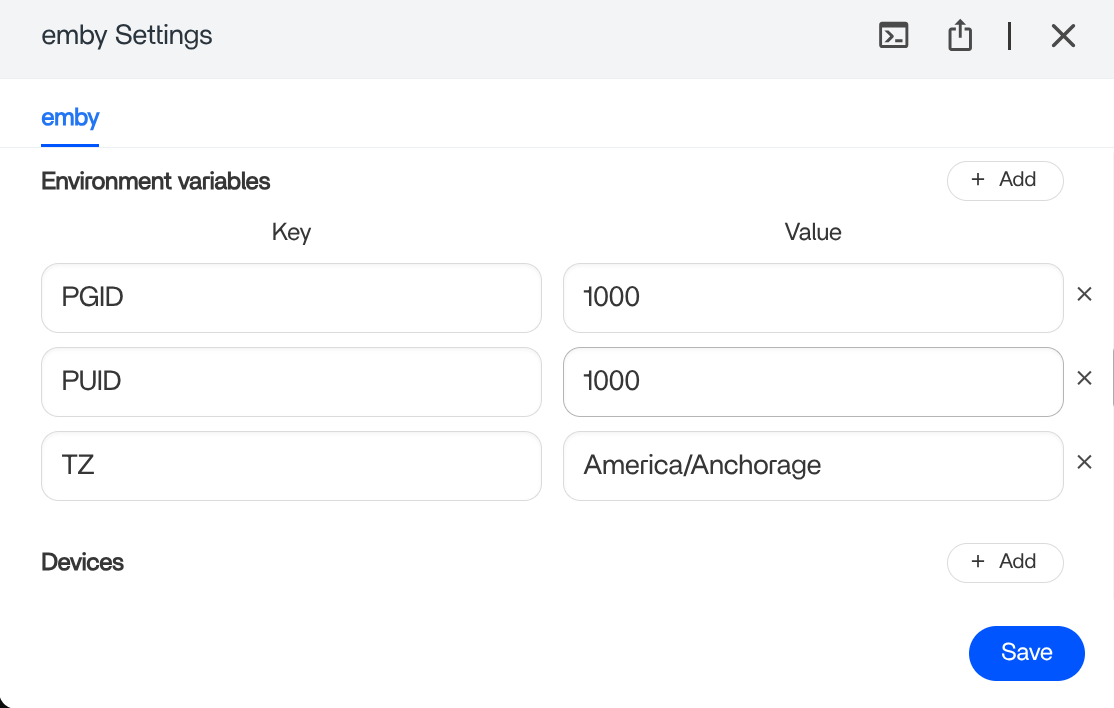
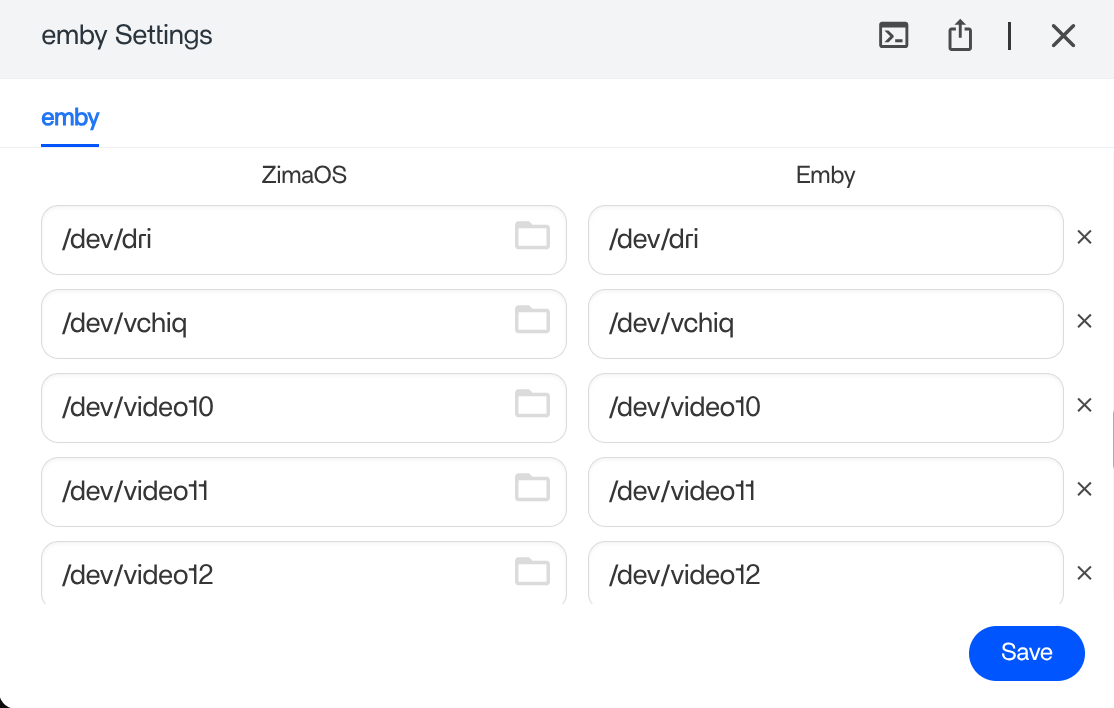
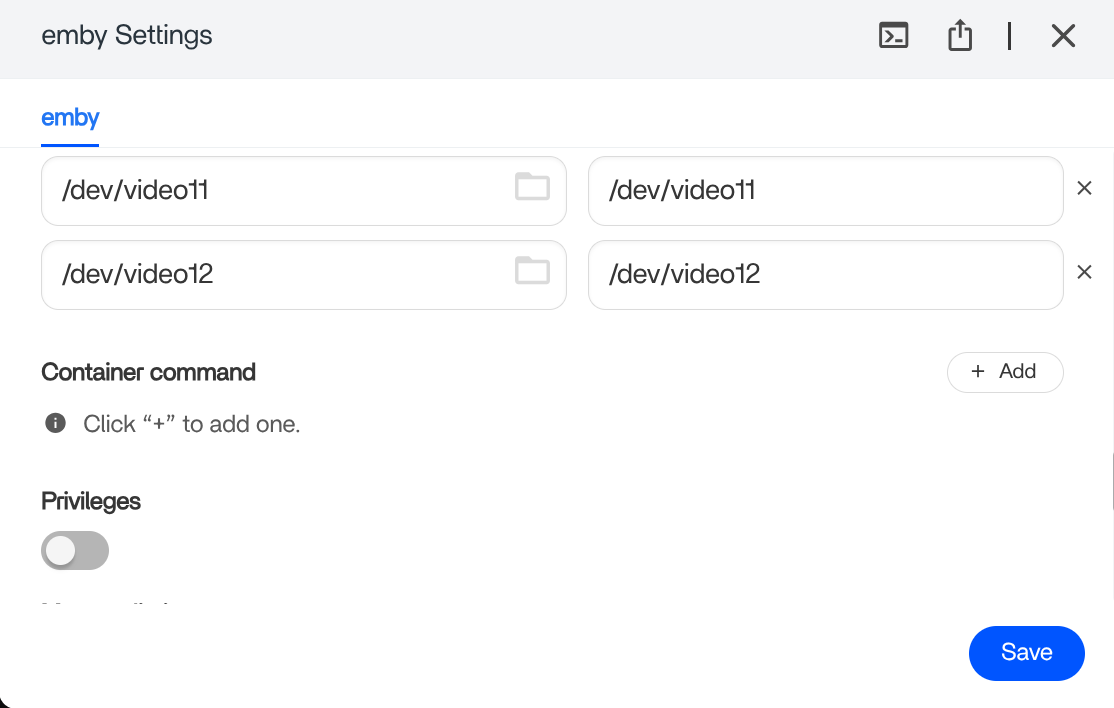
I get this when I try to delete items through the EMBY device interface
“Access to the path ‘/data/movies/A Christmas Story 1983’ is denied.”
I did review the post reference PLEX and that confused me further.
My user profile in the EMBY app does allow me to delete files but I am unclear where to tell the EMBY SETTINGS to allow.
I read about PGID and PUID and that is not making sense to me.
Any shove in the correct direction is appreciated,
ZimaOS v1 5 3 Pluse
This is not an Emby UI setting issue.
The error means the Emby container does not have write permission to the folder on ZimaOS.
Even if your Emby user profile allows deleting media, Emby can only delete files if the container user matches the file ownership on the host.
Why this happens
On ZimaOS, media folders under /DATA are owned by a specific user and group.
If Emby is running as a different UID/GID, it can read files but cannot delete them, which results in:
Access to the path is denied
What PGID and PUID mean (simple version)
PUID = the user ID Emby runs as
PGID = the group ID Emby runs as
These must match the ownership of your media folders on ZimaOS.
The correct fix on ZimaOS
In the Emby App settings (container settings):
• Set PUID to 1000
• Set PGID to 1000
This matches the default ZimaOS data user and gives Emby proper write access.
After saving the settings, restart the Emby app.
Important notes
• Do not change permissions inside Emby
• Do not edit files inside the container
• This is the same root cause as Plex, but the app UI wording is different
Once PUID and PGID are correct, deleting media from any Emby client will work immediately.
If it still fails after that, let us know:
• Where your media is stored (exact folder path under /DATA)
• Whether the files were copied from another NAS or OS
Files were moved onto device from an external harddrive
3 ssds in a raid0 called quick storage
The PUID and PGID were already correct
they are mkv and mp4
Your Emby configuration is correct. Since PUID and PGID are already set to 1000, this is not a container or Emby setting issue.
Because the media was copied in from an external drive, the files kept their original ownership. ZimaOS does not automatically convert ownership when importing files, so Emby can read and play them but cannot delete them.
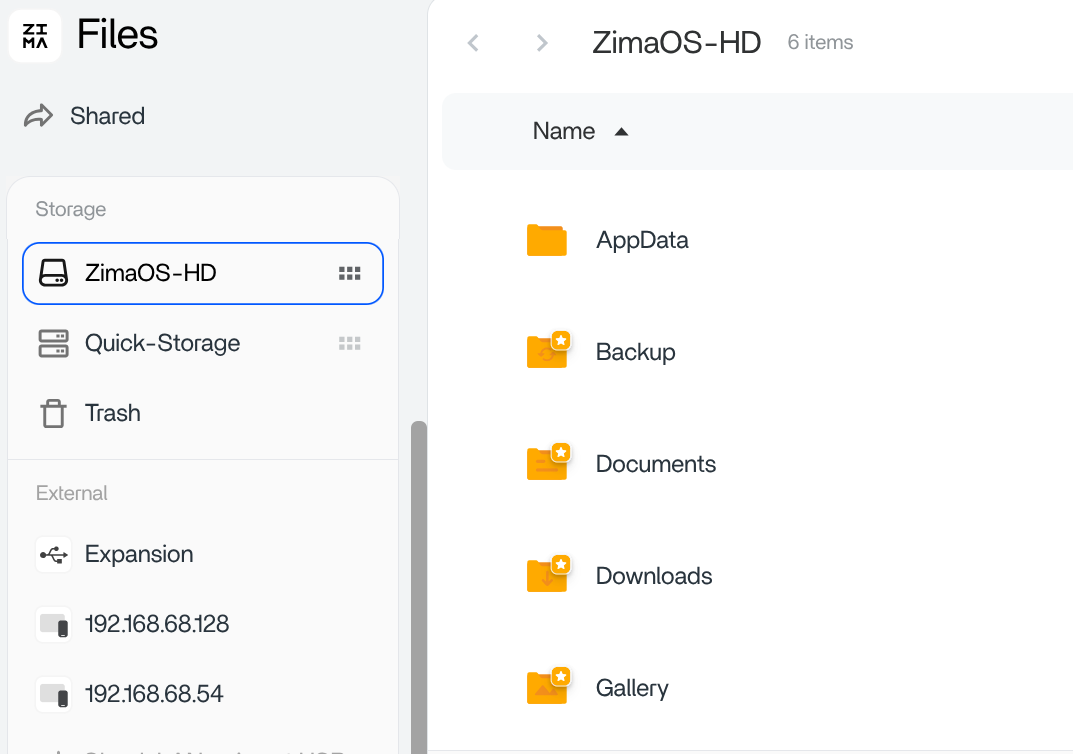
The easiest fix is to use the ZimaOS Files app:
Open Files
Go to Quick-Storage
Move the affected Movies or TV folders to another folder on Quick-Storage
Move them back to their original location
This forces ZimaOS to reapply the correct ownership. After that, deleting media from any Emby client will work immediately.
No changes to Emby, PUID, PGID, or privileges are required.
That did not work.
I made a the new folder, cut the movie and TV folders and pasted to the new folder
I cut and pasted them back.
I did that 2x.
I even restarted ZimoOs on the second try while the files were in the new folder.
I then grabbed another folder from the ext HDD and put them in the new folder and then moved that folder in TV.
Still did not delete when tested.
This isn’t a big deal.
ZimaOs is still the best value for a NAS server.
I have to add that I am using a BeeLink me mini and ZimaOs is installed on the onboard emmc and not the SSDs where the raid0 is installed.
Thanks for taking the time to test this properly and report back, that’s genuinely helpful.
I want to clarify one point from earlier so there’s no confusion. The suggestion to move folders out and back within Quick-Storage does work on some systems, but in this case it does not apply, and your testing confirmed that clearly.
On ZimaOS, moving files inside the same storage pool does not rewrite them or change ownership. The files keep the metadata they had when they were first imported, which is why moving them around, rebooting, or re-adding folders did not change the behaviour.
To summarise clearly:
• Your Emby configuration is correct
• PUID and PGID are already correct
• Nothing is misconfigured
• This is expected behaviour for files originally copied from an external drive
If you want Emby to be able to delete the media, the files need to be written fresh by ZimaOS so they pick up the correct internal ownership. The reliable way to do that without touching containers is to re-copy the media into Quick-Storage, rather than moving it.
Examples that work:
• Copy the media into Quick-Storage over SMB from another computer
• Copy the media from the external drive into a new folder on Quick-Storage (copy, not move), then remove the old folder
These methods create new files with the correct ownership, after which deleting from Emby works as expected.
Thanks again for working through this and sharing the outcome. That feedback is valuable for others who may hit the same situation. Glad to hear you’re otherwise happy with ZimaOS, it remains excellent value for a NAS setup.