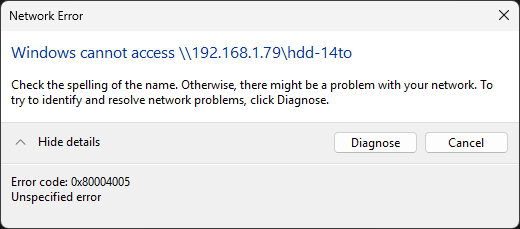
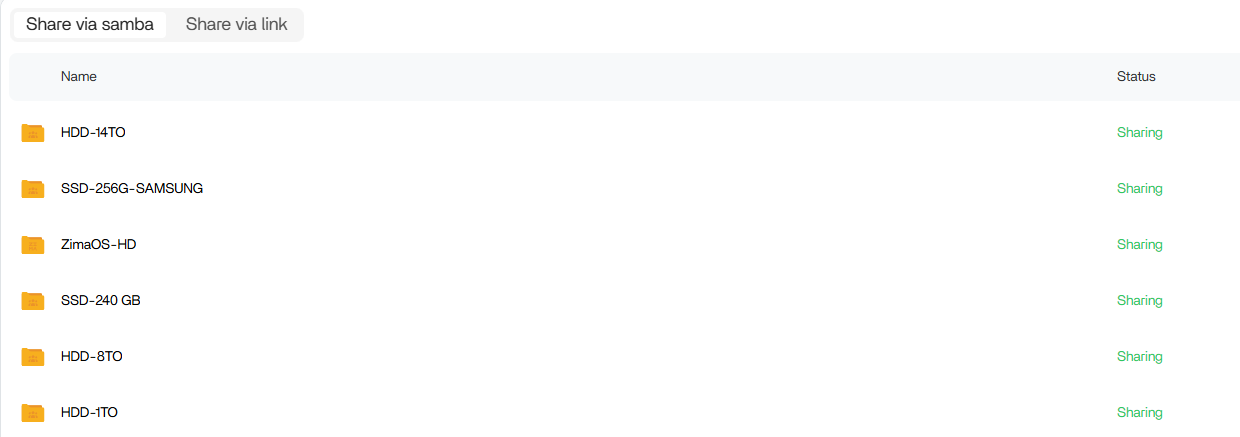
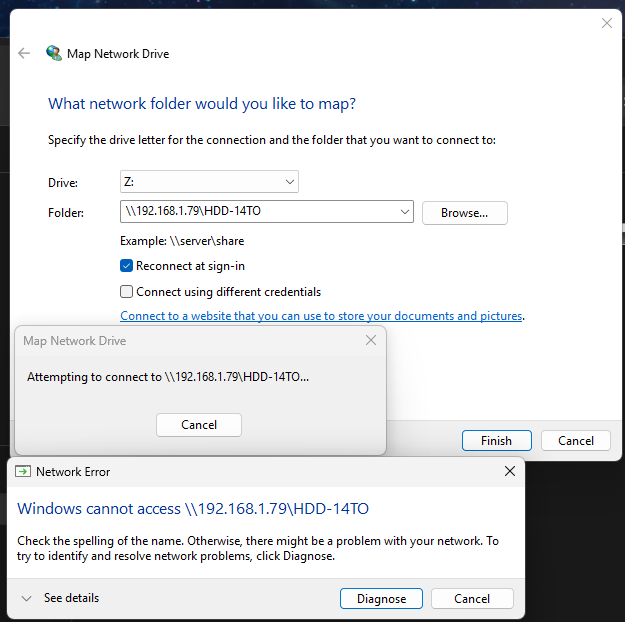
SAMBA - Network drive not working anymore on windows

SMB shares not visible despite Samba service running (ZimaOS)

Issue

SMB service was running correctly, but no shared folders were visible or accessible from the network.

Only the default IPC$ share was shown.


Symptoms

  • systemctl restart smbd fails:
    Unit smbd.service not found

  • Correct service is running:
    smb.service is active and running

  • Share listing shows only:
    IPC$

  • With smbclient:
    Only IPC$ appears, no user shares


Investigation

testparm shows Samba config loads correctly:
Loaded services file OK
Server role: ROLE_STANDALONE

However, no actual shares are listed in the final config output.

A suspicious include line was found in smb.conf:
include = /etc/samba/casa..conf


Root cause

The issue was caused by a missing or incorrect included configuration file (/etc/samba/casa..conf).

Because of this:

  • Samba started normally

  • Global config was valid

  • BUT no share definitions were loaded

Result: SMB worked, but no shares were exposed.

Hi @Mickkl

Had this happen to me and I followed these instructions to get my drives to appear again in Windows.

Be sure not to skip the final step…

Hope this helps.
Let us know how it goes.

Hello !

yeah I actually did try this and I did run the .bat file and followed all the steps.

I still get issues. I rebooted the server and my pc and the issue is still there. I also tried on another pc with fresh windows install and still can’t reach my drives. not sure what is the issu, but it seems to be in zimaos. Even with my phone, when I use smb:\\myzimaip, nothing work anymore.

No idea what I did to make that happend either.

I just tested with another ZimaOS account I created named “test,” and I shared only one drive. I managed to get it working, so I think my configuration for the “admin account” I use by default, named “michael,” might be corrupted for some reason. I also ran net use * /delete and deleted all the credentials in the Windows Control Panel to reset everything.